Google · Image model
Nano Banana 2.1
Generate and edit images with Nano Banana 2.1 across a wide range of shapes.
From 40 points per image
Pricing on Fiddl
40 points per image at base settings
Price breakdown
- Base per output
- 40 points
- Per output total
- 40 points
- Total for 1
- 40 points
The quote includes selected size, audio, and privacy charges. Points are purchased separately; pack discounts affect their cash cost. View point packs.
Made with Nano Banana 2.1
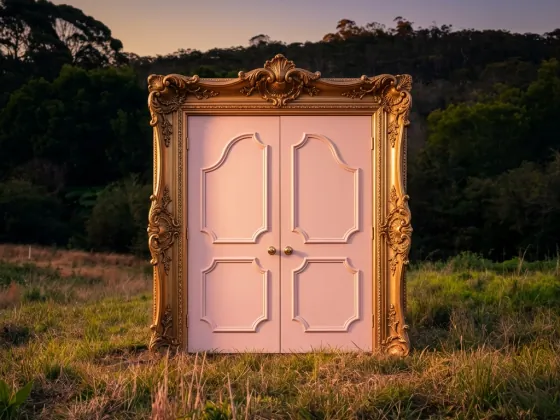
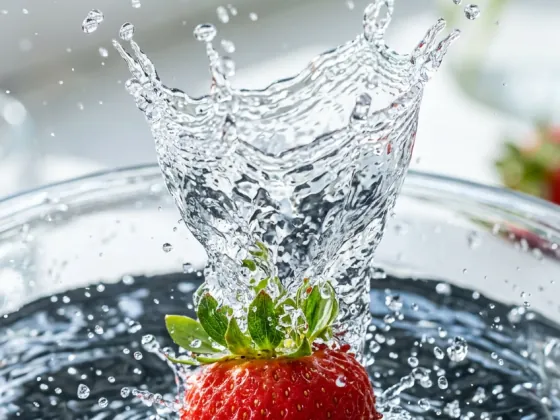
Selected examples
Details
This stable Nano Banana 2 URL currently runs Nano Banana 2.1. Google describes 2.1 as an update to Nano Banana 2 with improvements in image quality, lettering, and editing consistency. Its reference support and expanded aspect ratios suit layouts that need an unusually wide or tall canvas.
Useful for: Wide visual layouts · Multi-reference edits.
Google Search grounding and other upstream tools are not enabled by this page. Carefully inspect text and preserved subjects.
- Input
- Text and images
- Reference images
- Up to 14
- Aspect ratios
- 1:1, 2:3, 3:2, 3:4, 4:3, 4:5, 5:4, 9:16, 16:9, 21:9, 1:4, 4:1, 1:8, 8:1
- Output sizes
- 1K · 2K · 4K
Prompt guide
Assign references by number, specify the intended canvas shape, and identify the subject details that should survive the edit.
Choose the settings above, open the creator, and add a prompt and any supported references. Review the estimate before generating.
Use image 1 for the person and image 2 for the bicycle; create a wide sunrise scene while preserving both subjects’ defining details.Use this prompt
Consider another model
Questions
Was the starter prompt used for the examples above?
The starter prompt is an independent writing example. Gallery images are curated public examples; their exact prompts, settings, and historical costs are not implied by this guide.
Why does the page say Nano Banana 2.1?
The existing Nano Banana 2 URL now selects Nano Banana 2.1. Keeping the URL stable preserves saved links and selections.
Does choosing private output change the price?
Yes. Select Private output in the calculator to see the current surcharge and total. This option changes the visibility of your creation; it does not select a private model.