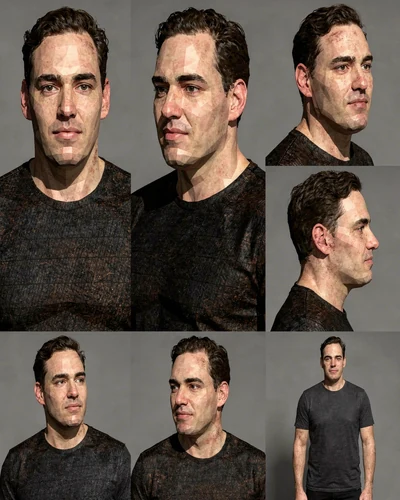
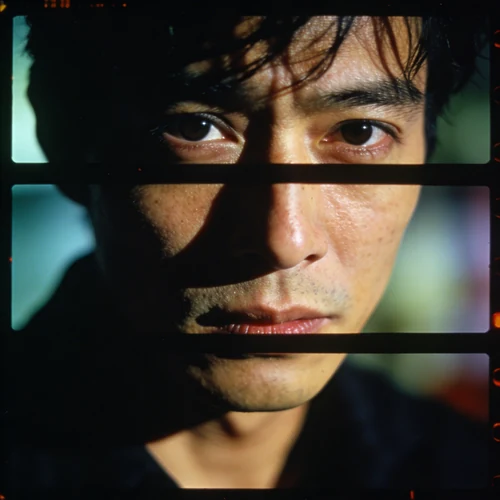
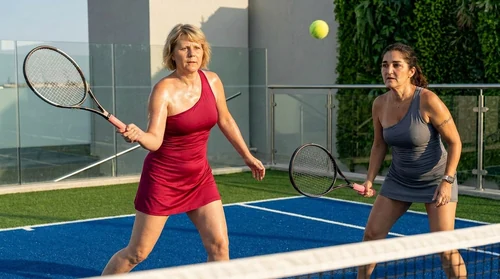
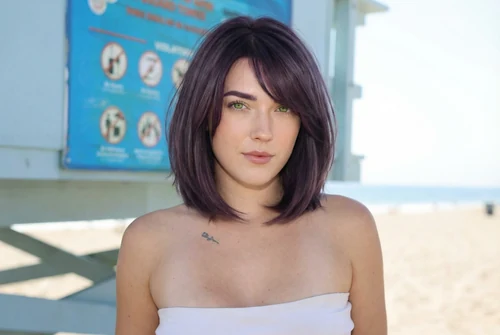
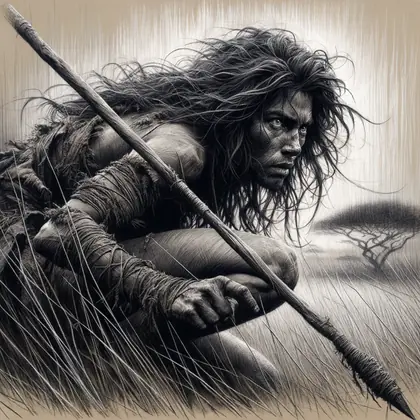
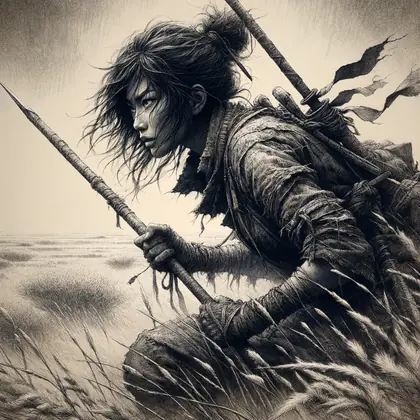
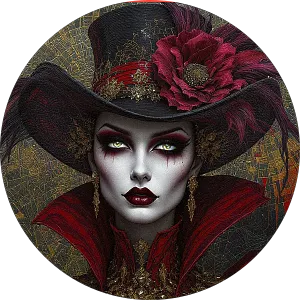
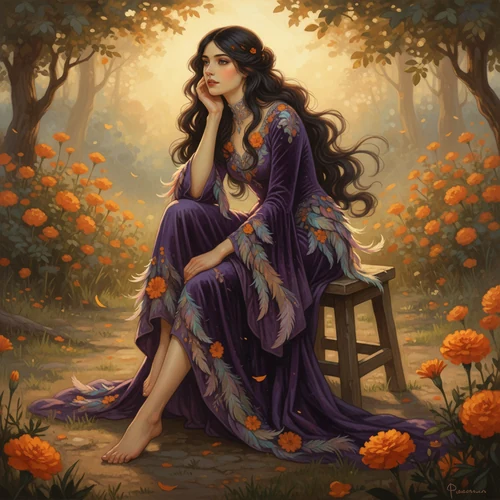
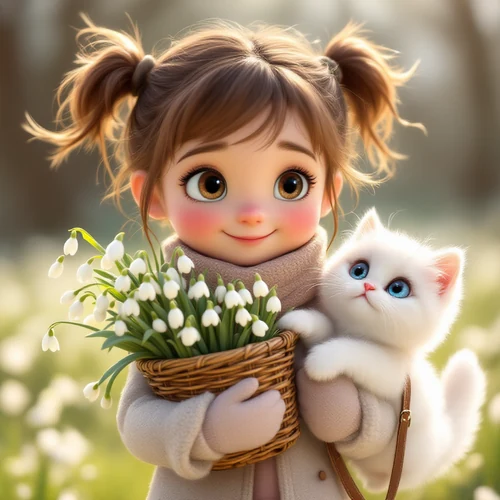
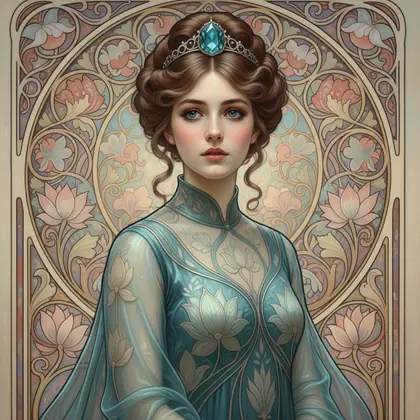
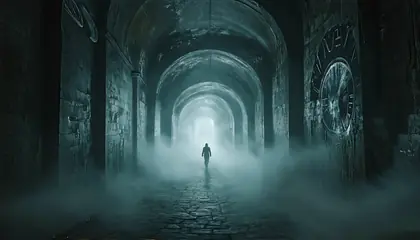
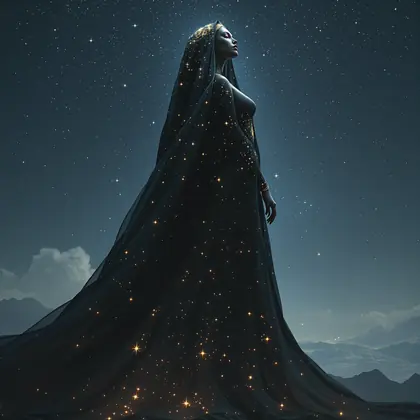
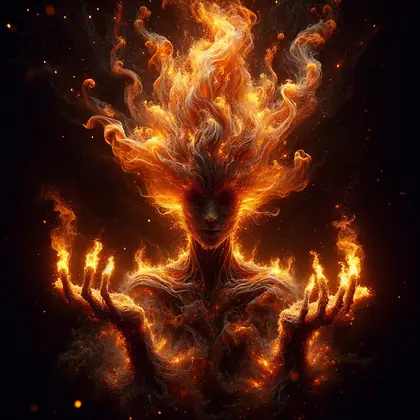
Talk through an idea in your own words. Your agent helps shape the direction, finds suitable models, and writes the prompts. Keep the conversation going as you refine what you make.
Review the plan and cost before you create.
Explore what you can make
Imagine a world
Start with words and find the look.
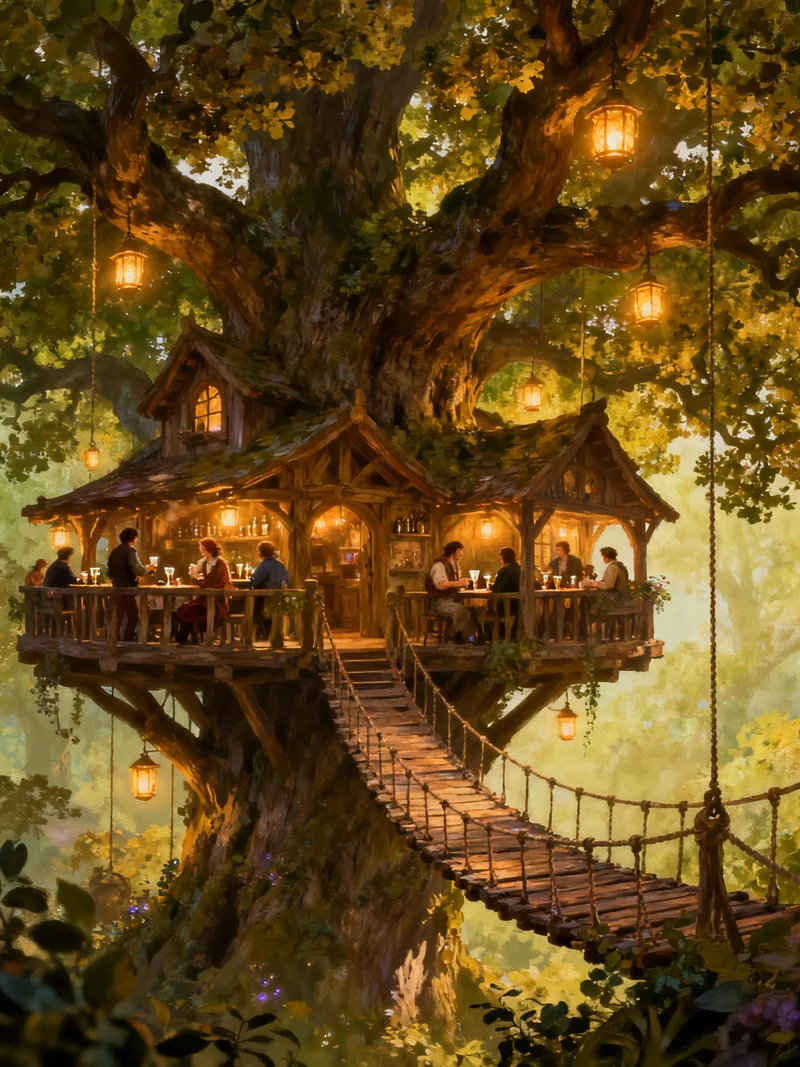
You: Build me a little inn inside an ancient oak tree, with warm windows and a rope bridge.
Creation agent: Let’s work out the look. A storybook illustration, a realistic forest hideaway, or something else?
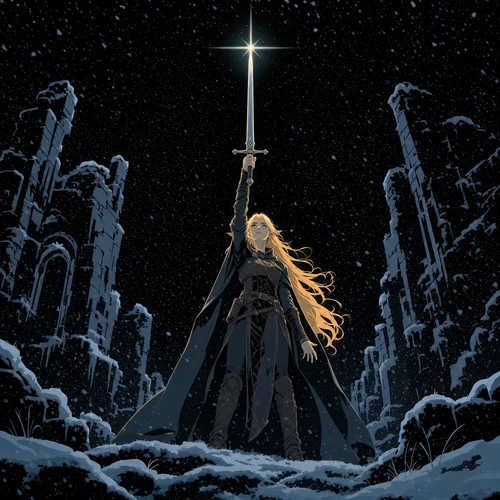
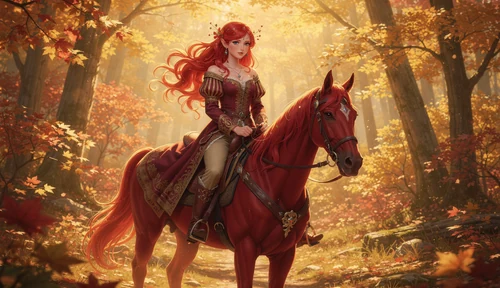
Example artwork · @rowanlewgalon
You: A storybook illustration. Warm lanterns, tiny balconies, just before dusk.
Creation agent: I’ll write the prompt around those details and suggest suitable image models. You can review the options and cost before we create.
Give a photo a new look
Bring a reference. Say what to keep.
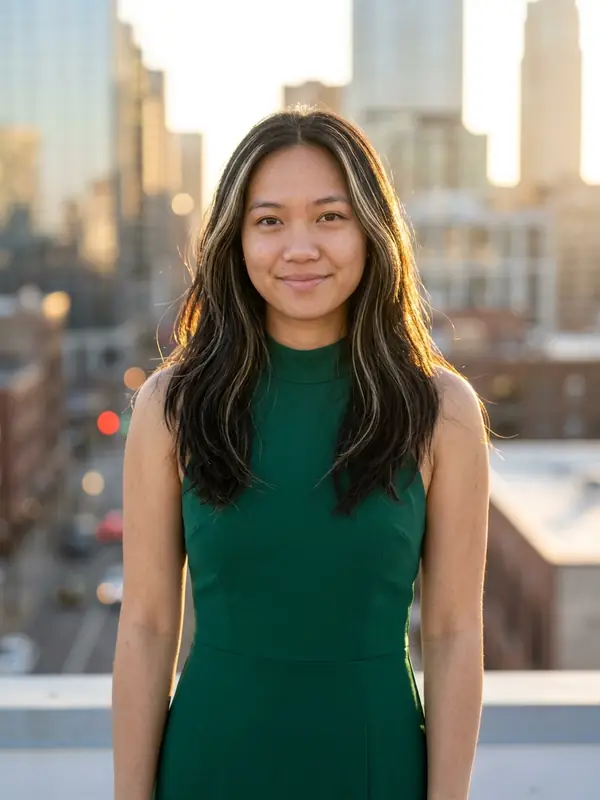
You: Give my photo a golden-hour rooftop look. An emerald dress, city lights, still me.
Creation agent: I’ll use your photo as the reference and recommend a model for the edit. We’ll ask it to preserve your face while changing the outfit and setting.
Example artwork
You: Keep my expression too, and make the light softer.
Creation agent: I’ll add that to the edit prompt. Check the plan and cost, then approve when you’re ready.
First-job headshot
No prompts to learn, no models to compare. Send a selfie and say what the headshot is for. Your agent writes the prompt, picks the model and refines the result with you.
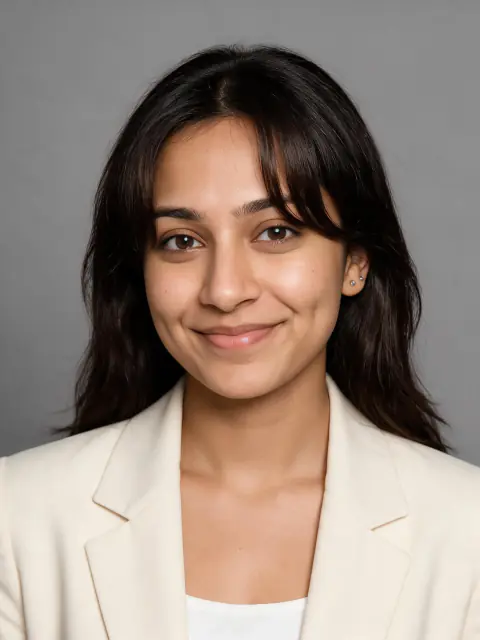
You: I need a headshot for my first job applications. This selfie is all I have.
Creation agent: That's enough to start. I'll pick a model that works from your face and write the prompt for a studio look with a cream blazer. You'll see the plan and cost before I create it.
Example artwork
You: Love it. Can I get an outdoor one too?
Creation agent: Same you, golden hour on a rooftop. I adapted the prompt and kept your selfie as the reference.
White remodel
No editing skills needed. Send the photo and say what you want to see. Your agent works out the edit, picks the model and writes the prompt.
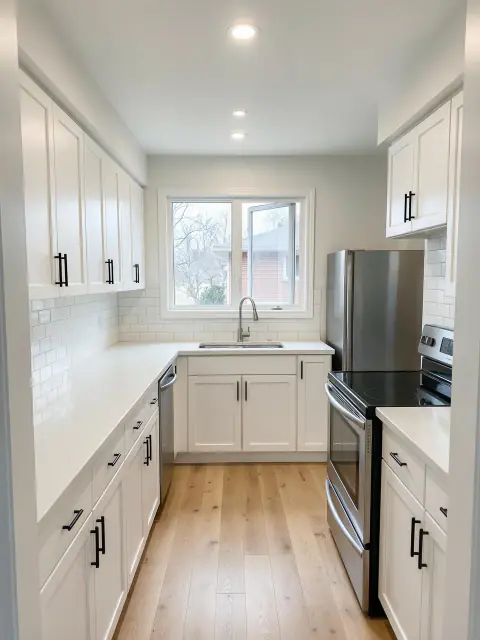
You: We're redoing this kitchen. Can you show me what a white remodel would look like?
Creation agent: Yes. White shaker cabinets, quartz counters and a light oak floor, keeping your layout, window and camera angle. You'll see the plan and cost before I create it.
Example artwork
You: That helps. What about dark green cabinets with wood counters?
Creation agent: Same kitchen, deep green cabinets with butcher-block counters and a terracotta floor. I changed only that part of the prompt.
Golden hour portrait
No prompts to learn, no models to compare. Send a selfie of the two of you and describe the mood. Your agent writes the prompt, picks the model and refines the result with you.
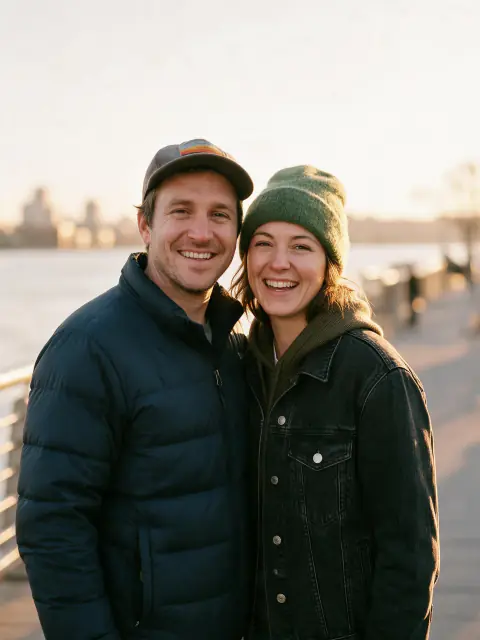
You: Here's a selfie of us. I want something nice enough to frame for our anniversary.
Creation agent: A lovely photo to work from. I'll pick a model that works from both faces and write the prompt for a golden-hour riverside portrait. You'll see the plan and cost before I create it.
Example artwork
You: We love it. Could you do an illustrated one too?
Creation agent: Here's a storybook version in warm gouache with autumn leaves. Same two people, from the same selfie.
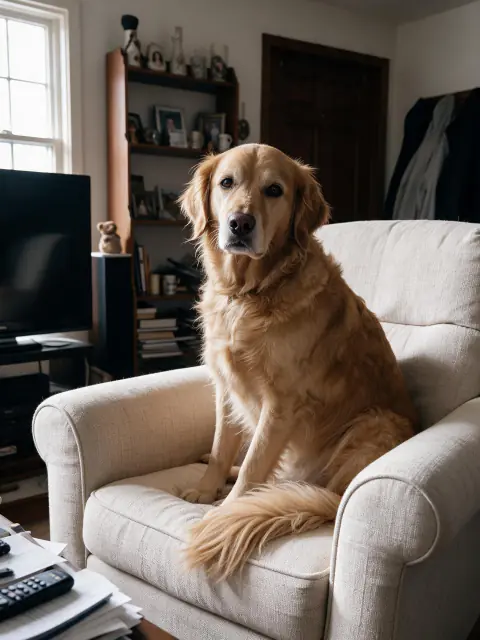
Armchair studio
No prompts to learn, no models to compare. Send a photo of your pet and say what you'd like. Your agent writes the prompt, picks the model and refines the result with you.
You: This blurry photo is the best one I have of my dog. Can you make it good enough to print?
Creation agent: Yes. I'll use it as the reference, pick a model that's strong on fur, and write the prompt for a studio portrait on an armchair. You'll see the plan and cost before I create it.
Example artwork
You: That's exactly my dog! Can I get an action shot?
Creation agent: Mid-stride through autumn grass, same dog. I kept your photo as the reference and changed the scene.
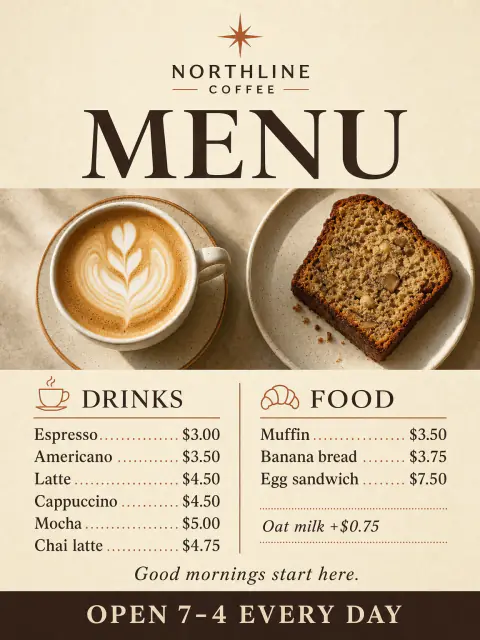
Designed menu
No design skills needed. Send the facts, a rough list or a logo. Your agent lays out the poster, picks a model that handles lettering and fixes what you point out.
You: I run a small cafe and this is our handwritten menu. Can you turn it into a real poster?
Creation agent: Yes. I'll keep every item and price, pick a model that's good at readable lettering, and write the prompt for an espresso-brown and cream design. You'll see the plan and cost before I create it.
Example artwork
You: That looks professional. How would it look in our window?
Creation agent: Here's the same poster in a coffee-shop window. If a word ever slips, tell me and I'll fix it.
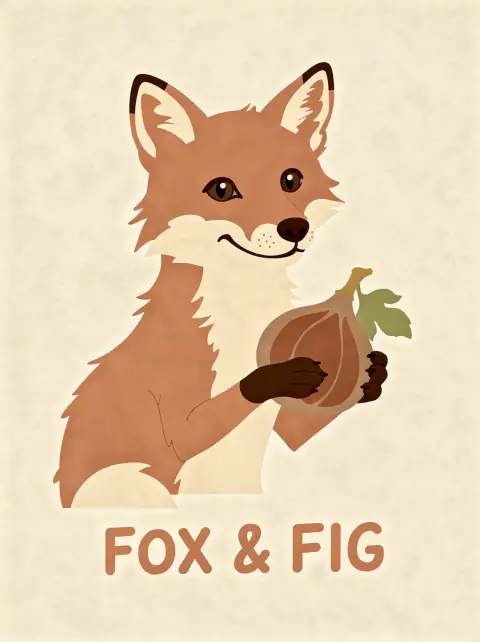
Bakery mascot
No design skills needed. Send a name, a doodle or an idea. Your agent writes the prompt, picks the model and refines the mark with you.
You: I'm opening a bakery called Fox & Fig. All I have is this pencil sketch.
Creation agent: That's a good start. I'll keep the fox, the fig and the name, pick a model suited to mascots, and write the prompt for a polished logo. You'll see the plan and cost before I create it.
Example artwork
You: I love the fox. What would it look like on a box?
Creation agent: Here it is printed on a kraft bakery box lid, with the mark kept exactly as it is.
Put your idea in motion
Turn a favorite image into a short clip.
You: Turn this treehouse image into a short video. A slow camera push toward the lanterns, leaves moving in a breeze.
Creation agent: I’ll use the image as the starting frame and look for a suitable image-to-video model.
Starting image for a video · @rowanlewgalon
You: Keep the building still. Gentle movement, no sound.
Creation agent: I’ll keep the motion prompt focused on the camera and leaves. You’ll review the available duration, settings, and cost before it runs.
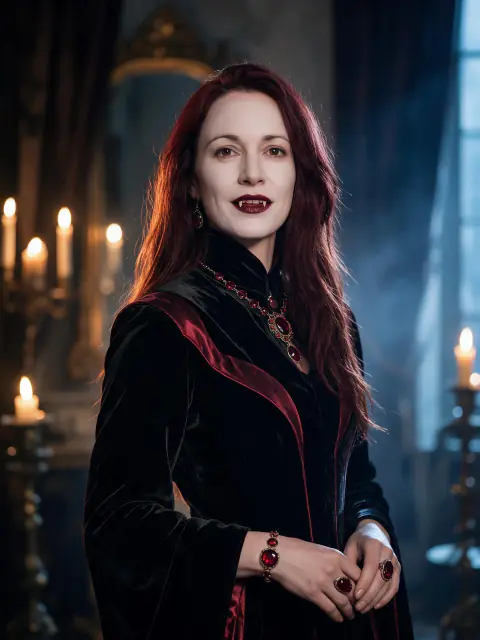
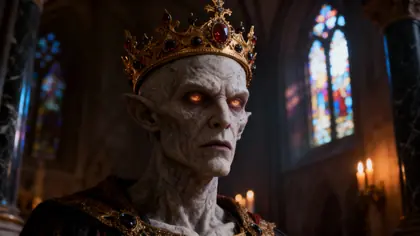
Vampire countess
No prompts to learn, no models to compare. Send a selfie and say what you want to be. Your agent writes the prompt, picks the model and refines the costume with you.
You: I want a Halloween costume photo that actually looks cinematic. This selfie is all I have.
Creation agent: That's enough to start. I'll pick a model that holds your face, and write the prompt for a vampire countess in a candlelit manor hall. You'll see the plan and cost before I create it.
Example artwork
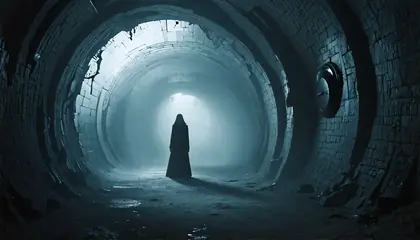
You: Perfect. Can you do a scarier one?
Creation agent: A Victorian ghost bride in a fog-filled garden, same face, same hair. I kept your selfie as the reference and changed the scene.
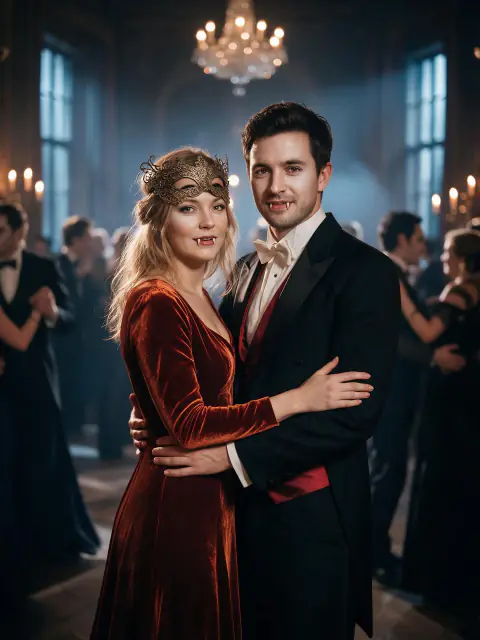
Vampire ball
No prompts to learn, no models to compare. Send one selfie of the two of you and say what you want to be. Your agent writes the prompt, picks a model that holds both faces, and refines it with you.
You: We want a couples costume photo for Halloween. This selfie of us is the only good one.
Creation agent: That works. I'll pick a model that holds both faces, and write the prompt for a vampire lord and countess at a masked ball. You'll see the plan and cost before I create it.
Example artwork
You: Both of us actually look right. Can we try something sadder?
Creation agent: Victorian ghosts in a ruined manor, same two faces. I kept your selfie as the reference and changed the scene.
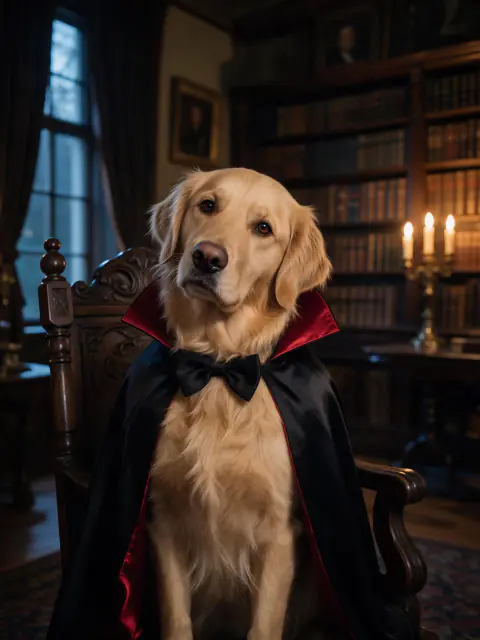
Vampire count
No prompts to learn, no models to compare. Send a photo of your pet and say what you'd like them to be. Your agent writes the prompt, picks the model and refines the result with you.
You: My dog will not keep a costume on for more than four seconds. Can you do it in a photo instead?
Creation agent: Yes. I'll use this photo as the reference, pick a model that's strong on fur, and write the prompt for a caped vampire count in a candlelit library. You'll see the plan and cost before I create it.
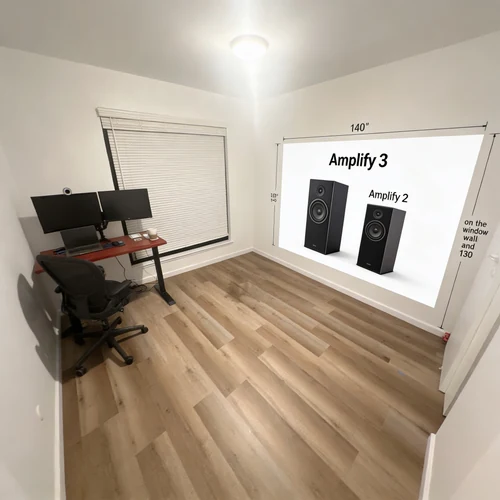
Example artwork
You: That's absolutely him. Something funnier?
Creation agent: A sheet ghost with his face still showing, on a porch under fairy lights. Same dog, new scene.
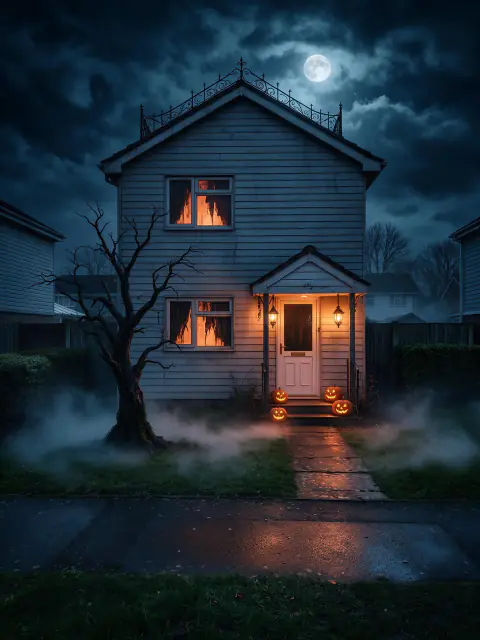
Haunted manor
No prompts to learn, no models to compare. Send a photo of your house and say how far you want to go. Your agent writes the prompt, picks the model and refines the decoration with you.
You: I want to decorate for Halloween but I'd like to see it before I spend anything. Here's the front of our house.
Creation agent: Good photo to work from. I'll keep the building and the camera angle and change only the decoration and the light — first a full haunted manor. You'll see the plan and cost before I create it.
Example artwork
You: That's our house! Something the neighbours won't call about?
Creation agent: Pumpkins banked up the steps, straw bales and warm string lights. Same house, same angle, far friendlier.
Illustrative conversation with artwork made on Fiddl. Your results will vary.
An idea is enough to get started.
Describe what you have in mind
Start with a sentence, a detailed brief, or a reference image. If the direction is open, the agent helps you narrow it down.
Find the right approach
The agent writes a prompt and recommends suitable models. When it makes sense, compare a few models before choosing a direction.
Review, then create
Check the proposed creation, settings, visibility, and cost in Fiddl Points. Generation starts after you approve.
Keep what works. Change the rest.
Ask for a different light, outfit, composition, or mood. Refer to an earlier image in the chat, or turn a favorite into a short video.
A little more about how it works.
You set the direction and decide what to run.
Do I need to know prompts or models?
No. Describe the result you want and the agent writes the model prompt for you. It recommends models based on the task and what your account can use. You can also request a specific model or switch to the manual creator for direct control.
Can I use my own photos?
Yes. Attach a still image and say what should change and what should stay. The agent can use it for an edit, a visual reference, or the starting frame of a video. Results depend on the model; likeness and small details can vary. Existing video uploads are not supported in the chat.
How do costs and comparisons work?
The confirmation shows the current cost before generation. It depends on the model and settings; a model comparison includes several outputs. Each new generation or edit needs approval. Available models, free previews, and video access depend on your account.
Are my creations shared publicly?
Agent creations are private by default. Review visibility in the confirmation before you create. Tell the agent if you want to publish to the community; models that only support private creation stay private.
Start creating
Pick a model
Choose from {count} models on the Models page.
Grab a prompt
Dreamy moonlit street photography
Storybook robot gardener concept art
Hyperreal macro shot of a crystal jellyfish
Nocturnal neon-lit rainforest temple concept art
Vintage alpine train slicing through aurora canyons
One-click workflows
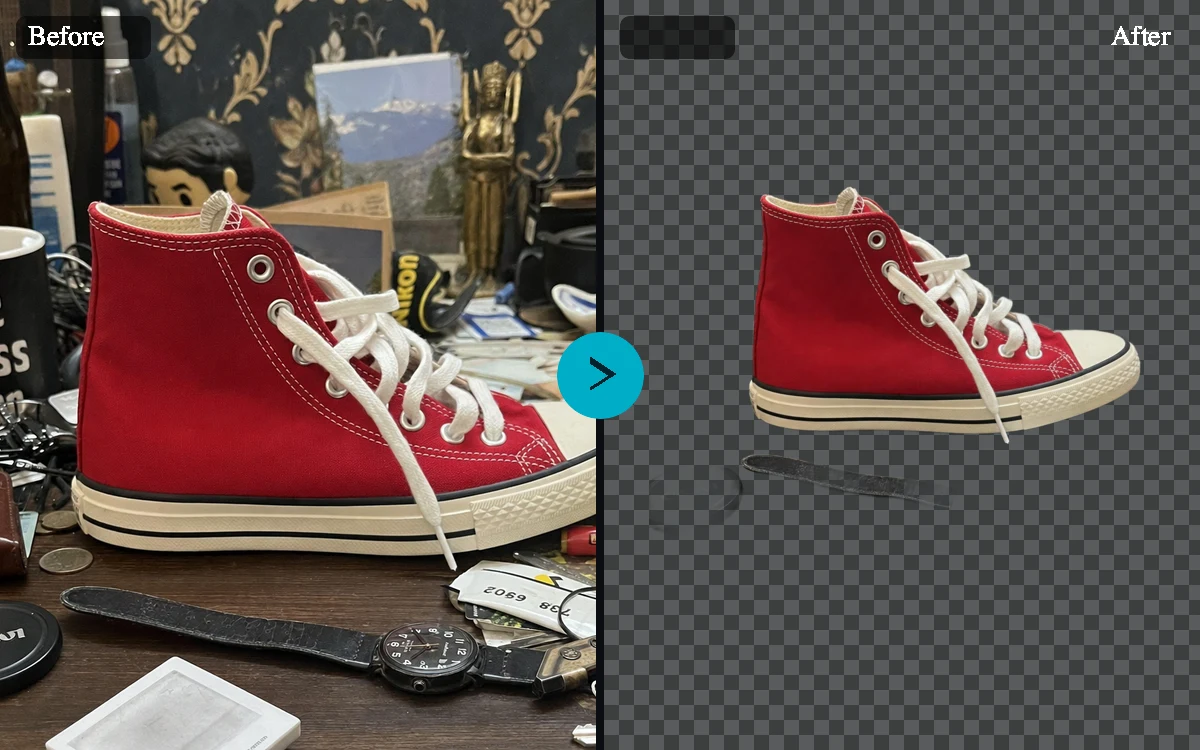
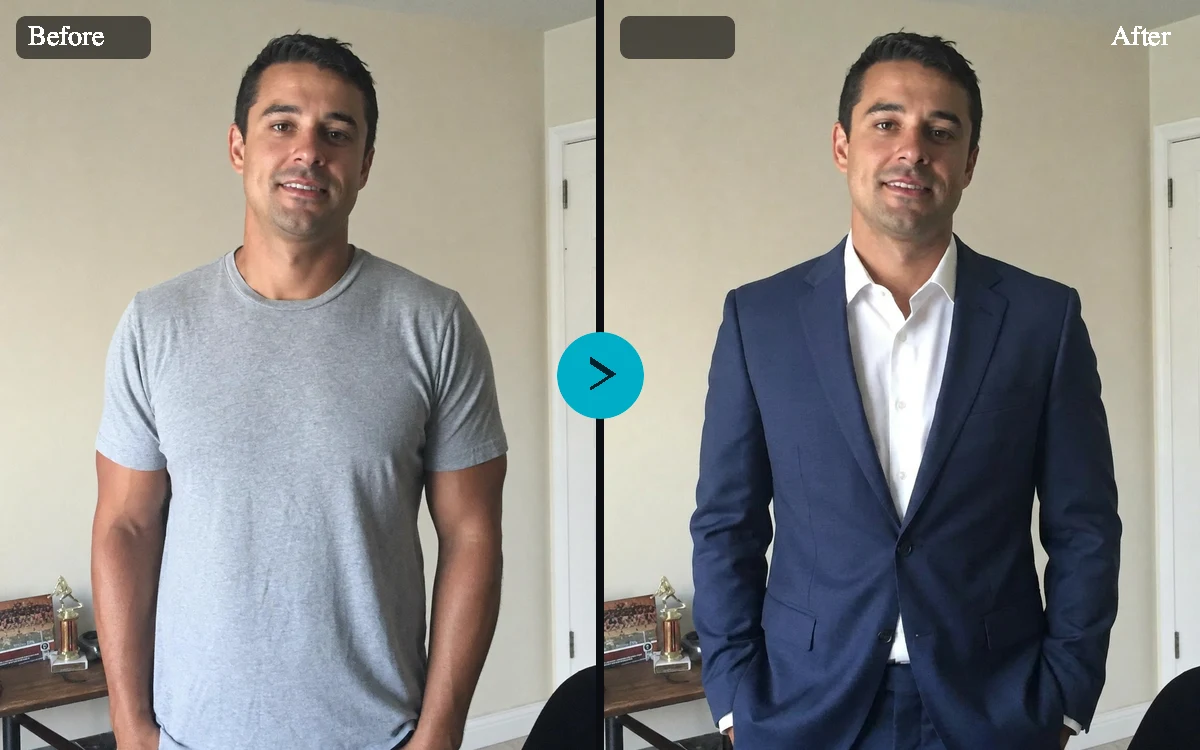
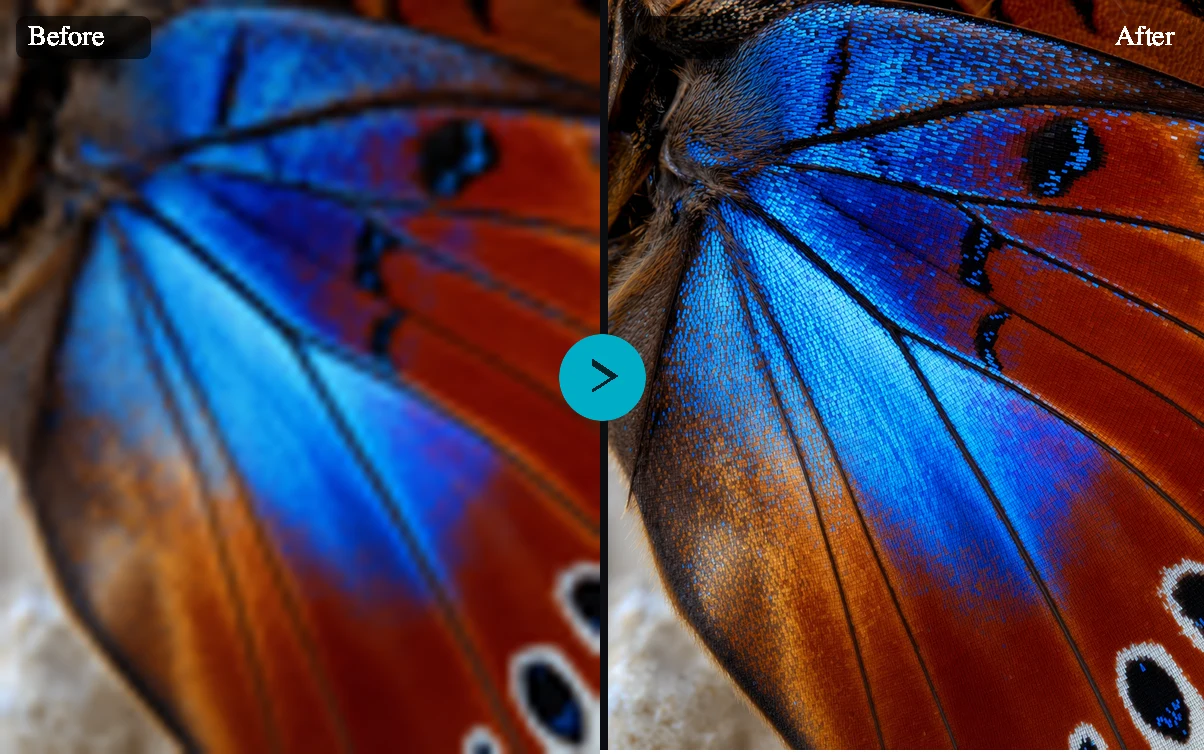
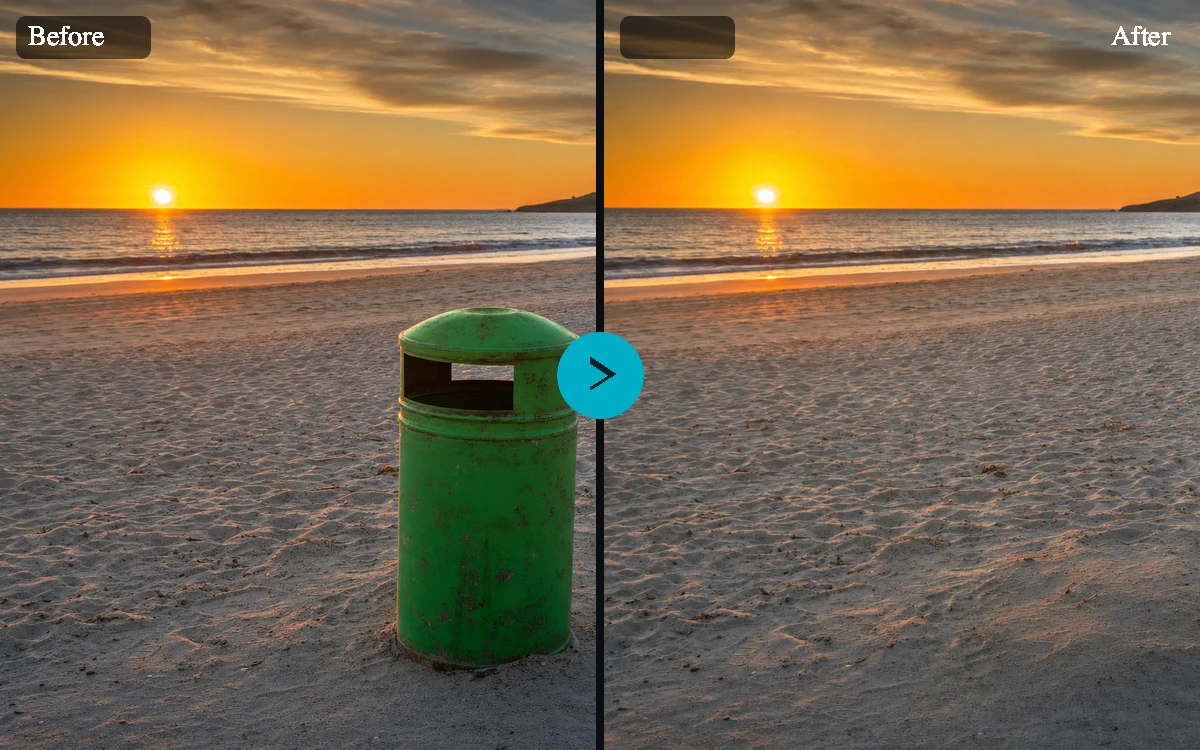
A tool for every finishing touch
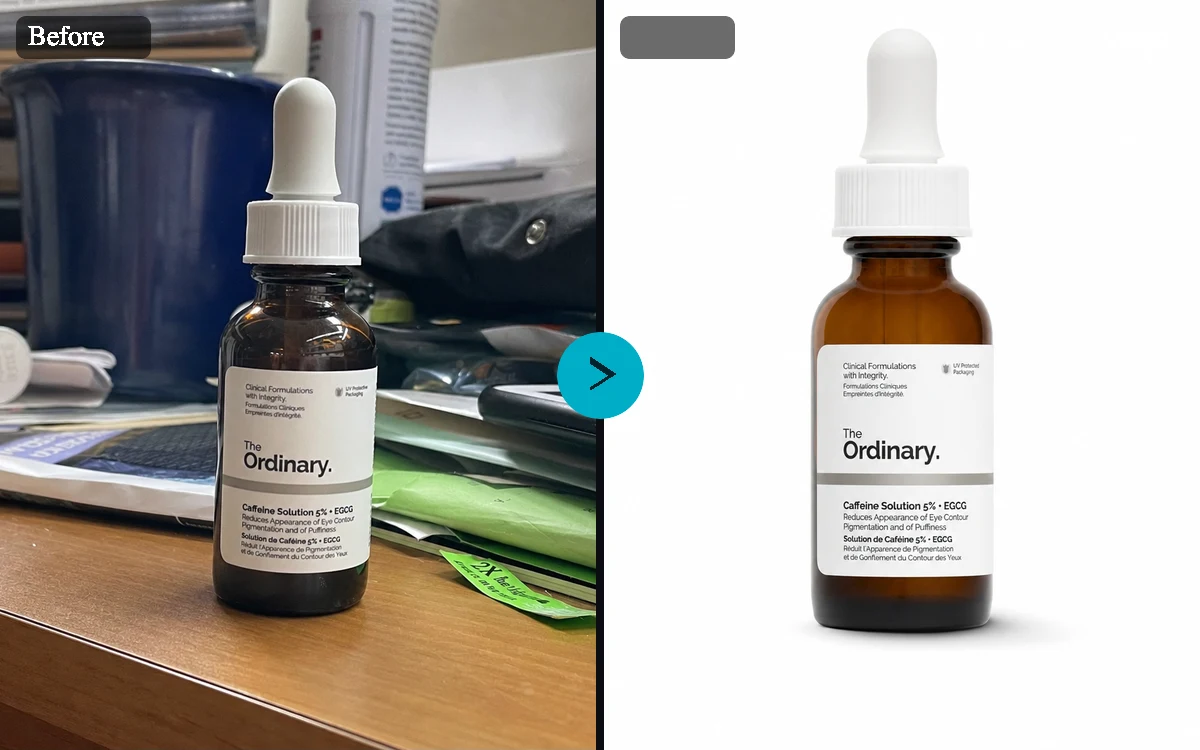
Remove backgrounds, clean up a shot, restyle a look, or sharpen images and video—without starting over.
Build a personalized model with your own dataset, then share it with the community.
Public custom models will appear here soon.
Earn as you create
The easiest way to earn Fiddl Points — finish daily and weekly goals, then spend them on your next creation.
They guide you to explore tools, try new features, and stay active on the platform. Each mission gives you points you can spend on anything — creating images, unlocking templates, upgrading renders, or training models.
Simple tasks, real rewards. Finish a daily mission, keep your streak alive, complete a challenge, or join limited-time events. Every action brings you closer to your next creation.
Grow by doing. The more you participate, the more you earn. Missions make the Fiddl.art economy circular: every bit of effort funnels back into more creative power.
Spend points on
Create more imagesUnlock templatesUpgrade rendersTrain models
Daily streaks
Clear quick missions, stack streak multipliers, and bank reliable point drops.
+25 — +100 pts
Weekly boosts
Complete deeper challenges for premium bonuses that refill your creative budget.
+250 pts
Limited events
Join seasonal drops or collabs to unlock jackpots, badges, and double-point windows.
x2 multipliers
Fiddl Points
Build, upgrade, and share whenever inspiration hits. No subscriptions, no waiting.
Where points go
Spend points anywhere creation happens. Unlock HD tiers, premium templates, and experimental tools the moment inspiration strikes.
Create and upgrade
Boost HD renders, rerolls, and premium models the moment you need them.
Unlock new workflows
Pop open pro templates, custom styles, and labs instantly.
Explore without friction
Experiment with tools and remixes freely. One balance powers it all.
Earn when others unlock you
Favorites send points home, so every drop keeps your queue funded.
Circular economy for artists
Daily missions and ranks reward consistent creative rituals.
Top up or earn in-app
Reload instantly or grab more points without leaving the app.
Trusted by everyday creatives
Fiddl is pure joy—it's like a sketchbook that keeps up with my thoughts. Shot blocking our motion work takes minutes instead of days.
Joanna R.
Design Director, Drift Labs
With Fiddl I can create a full photoshoot in one second. The tool is artistic intuition in motion for our narrative explorations.
Neo Tony Lee
Visual Artist, Storyteller
We use Fiddl in pitch decks every week. Versioning multiple styles, lighting directions, and props is so fast we now promise same-day explorations.
Browse the launch directories showcasing the Fiddl community.
Frequently Asked
Questions
Have questions? Find answers to the most common questions and learn how our platform can enhance your creative process.
What is Fiddl.art?
Fiddl.art is a creative platform where you can generate AI art, remix prompts, and publish your work for others to explore, unlock, and reward with points.
Create high-quality images and videos with leading models.
Train custom models on your own datasets using Forge.
Share creations publicly to earn points when others engage.
How do missions work?
Missions are daily and weekly tasks that reward you with Fiddl Points when you complete them.
Finish streaks, challenges, and limited events to earn points.
Spend points immediately on renders, templates, or model training.
Stay active to keep bonuses flowing and grow your creative momentum.
How do I earn Fiddl Points?
You can earn points in several ways:
Complete missions and streaks.
Publish creations and earn when others unlock or favorite them.
Train and share custom models so others can create with your styles.
What is Forge?
Forge is our model training flow that lets you build custom models with your own images.
Upload curated datasets to train unique styles or characters.
Track training progress, then publish for others to use.
Earn points whenever your shared model is used to create.