ai background remover
AI Background Remover
Turn your photo into a clean, transparent cutout.
How it works
Upload one image
Choose a PNG, JPEG, or WebP with a clear foreground subject.
Remove the background
Bria isolates the foreground and returns a transparent PNG. Processing time varies with the source image.
Inspect and download
Check the edge against a transparency grid, white, or dark preview, then download the unchanged PNG.
Before you start
- Files to upload
- Upload a JPG, PNG, or WebP up to 20 MB. Animated GIFs are not supported. Image dimensions and output limits are checked before processing.
- Access and cost
- Sign in to upload and process your file. Available free runs or trial images depend on the tool and your account. Review the points estimate before starting; choosing a style does not start processing.
- Check and download
- Download the PNG to retain transparency. Inspect hair, handles, and translucent edges against both light and dark backgrounds before placing the cutout in a design.
Tool summary
- Input
- Image upload required, up to 1 input image
- Model
- Bria
- Output
- Remove background
Controls and settings
- Result preview (does not change the file)Choose from Transparency grid, White, Dark.
Tips for a better result
Start with the clearest source available, keep the main subject easy to identify, and choose settings that match the intended final size. Review the first output at full size before generating another variation, especially when the original contains small text, fine product edges, faces, or compressed detail.
Use images you can edit
Only upload images you own or have permission to process. Review fine edges and identity-sensitive details before publishing the result.
Prefer to work with an agent?
Continue this task, explore variations, or ask for advice. Your current goal, choices, and saved image references go into a new chat. You decide what to create next.
Before and after
AI-created source photos, processed with the tool's configured model. Results vary with the input.
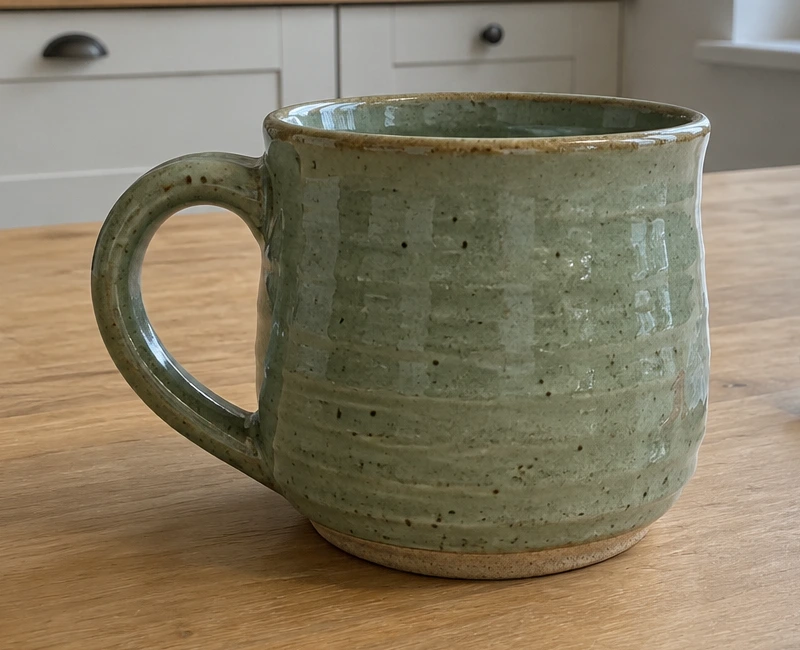 Before
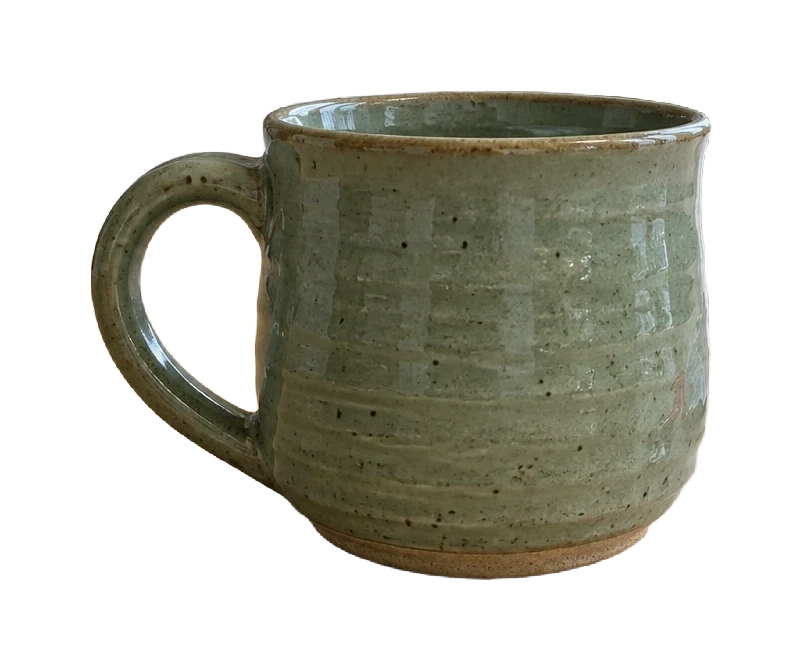 After
AfterModel and settings
bria/remove-background · PNG with transparency
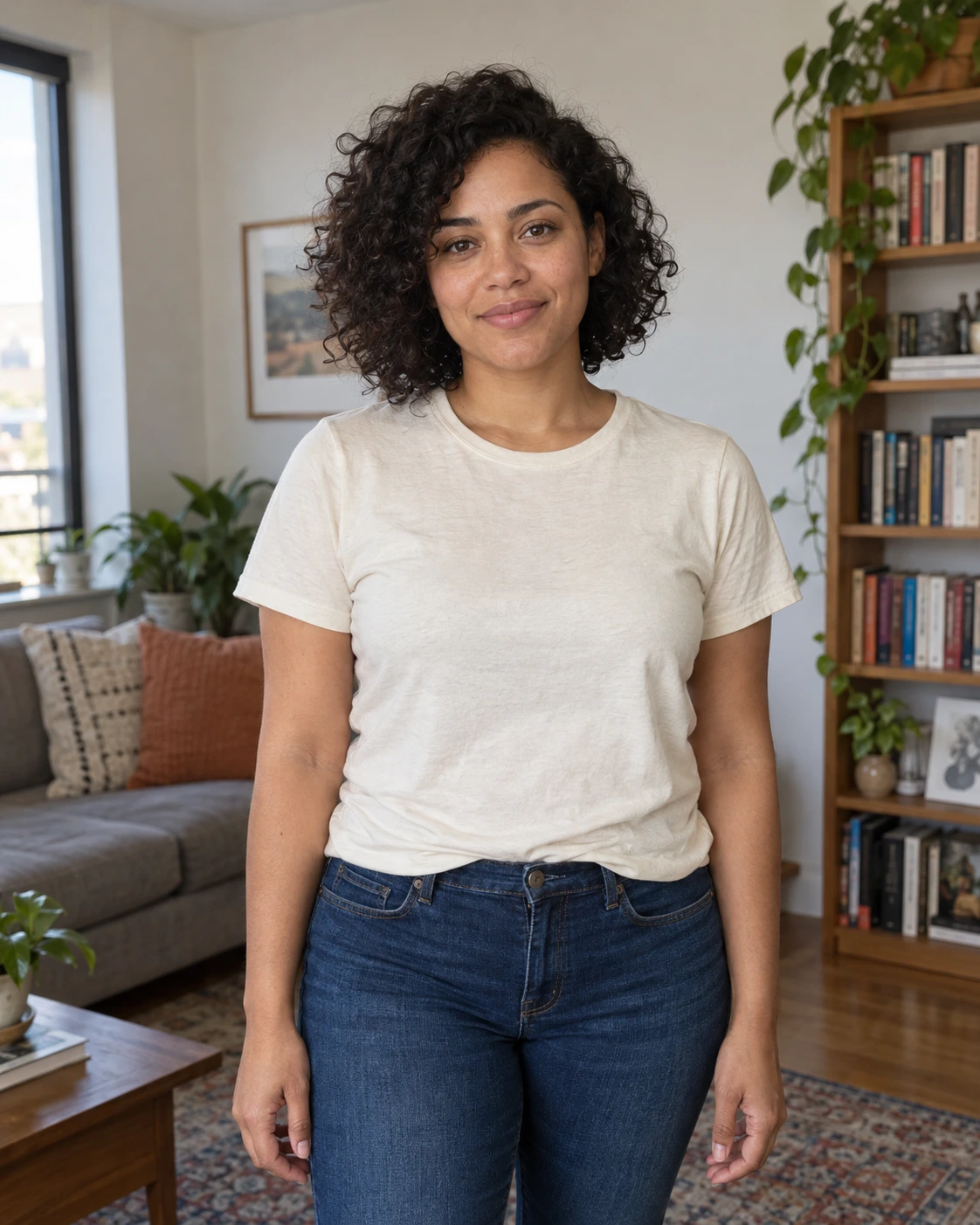 Before
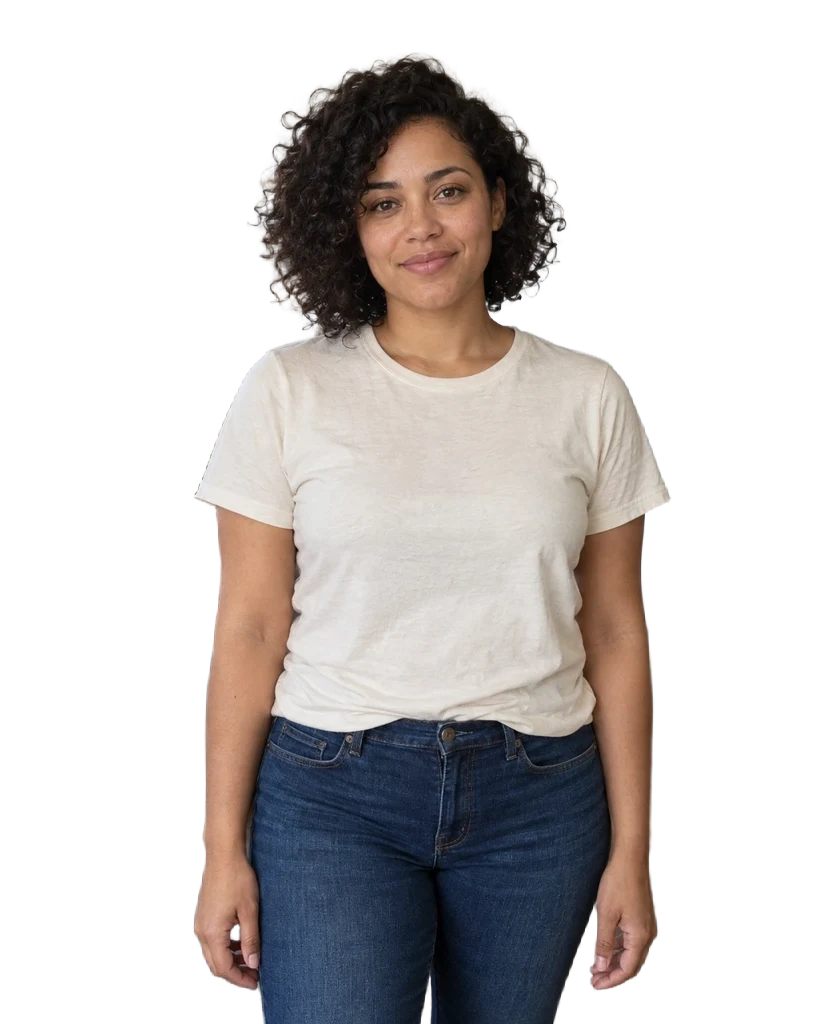 After
AfterModel and settings
bria/remove-background · PNG with transparency
Step-by-step guide: How to remove a photo background and save a transparent PNG
More about this tool
Background removal without generative restyling
This tool sends one source image to a dedicated Bria background-removal model. It removes the surrounding scene instead of asking an image generator to redraw your subject.
Preview transparent edges before downloading
The preview selector changes only the page canvas. Use light and dark backgrounds to spot halos or missed areas; it never flattens or recolors the downloaded result.
Frequently asked questions
What file does the background remover return?
The validated tool flow returns a transparent PNG. The result remains private and is delivered with a temporary download link.
Does changing the preview alter my image?
No. Transparency grid, white, and dark are browser-only previews. The PNG file itself stays unchanged.
What images work best?
Use a clear subject with visible edges. Hair, fur, glass, motion blur, and very similar foreground and background colors may need closer review.