ai product photo generator
AI Product Photo Generator
Upload one product image and create clean ecommerce photos, lifestyle scenes, ad variants, and storefront visuals while preserving the product details that matter.
Tool summary
- Input
- Image upload required, up to 1 input image
- Model
- gpt-image-2
- Default aspect ratio
- 1:1
- Output
- Generate product photos
Create ecommerce product photos from one upload
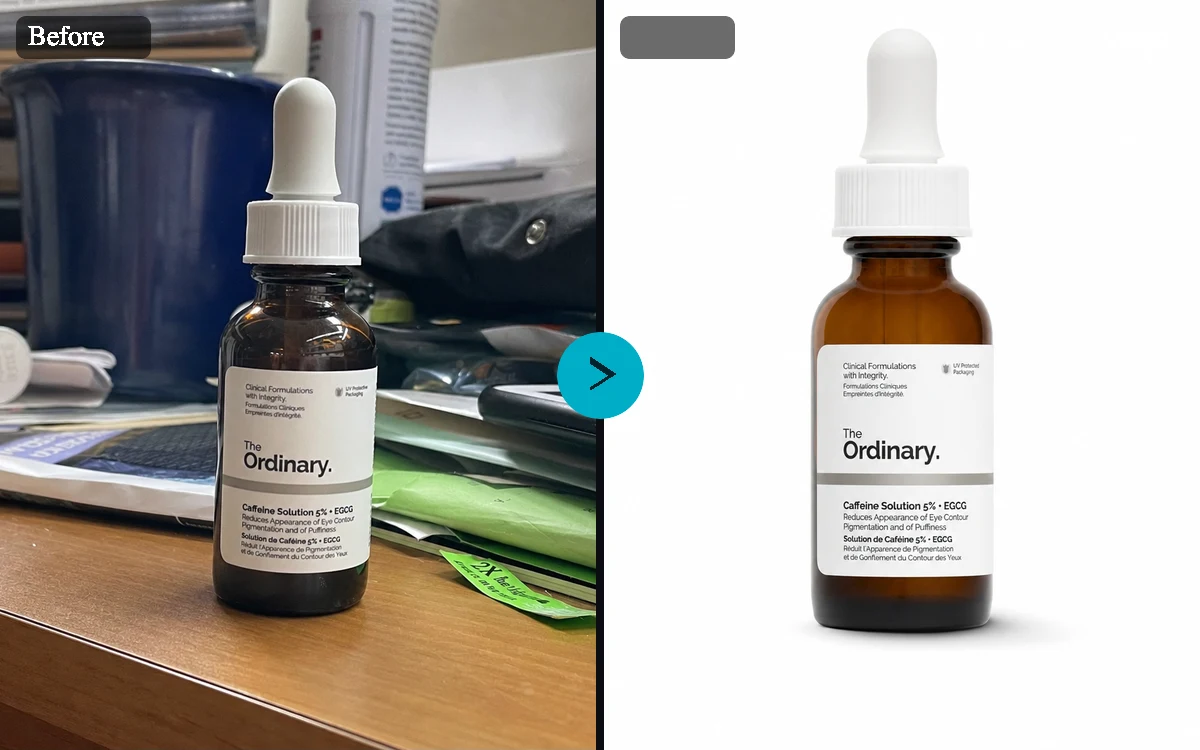
The AI Product Photo Generator is built for sellers, founders, and marketers who already have a product image but need stronger visual assets. Upload a product shot, choose a preset, and create studio-style listings, lifestyle scenes, seasonal campaigns, and ad-ready variations without setting up a full photoshoot.
Keep the product recognizable
Product images only work when the product still looks like itself. The tool works to maintain your product's identity, packaging, label, color, logo placement, geometry, and proportions while changing the surrounding scene.
Make product photos for listings, ads, and storefronts
Use square images for marketplace listings, portrait crops for feed placements, vertical crops for stories, and landscape crops for storefront modules. Presets help shape the creative direction while the optional prompt field lets teams add campaign details, audience context, materials, props, or seasonal direction.
Stage first, generate after login
Browse freely and get everything ready before you commit: you can upload an image, pick your options, and write a prompt without an account. When you're ready to generate, sign in and confirm your draft to create your images.
AI Product Photo Generator examples
Example presets
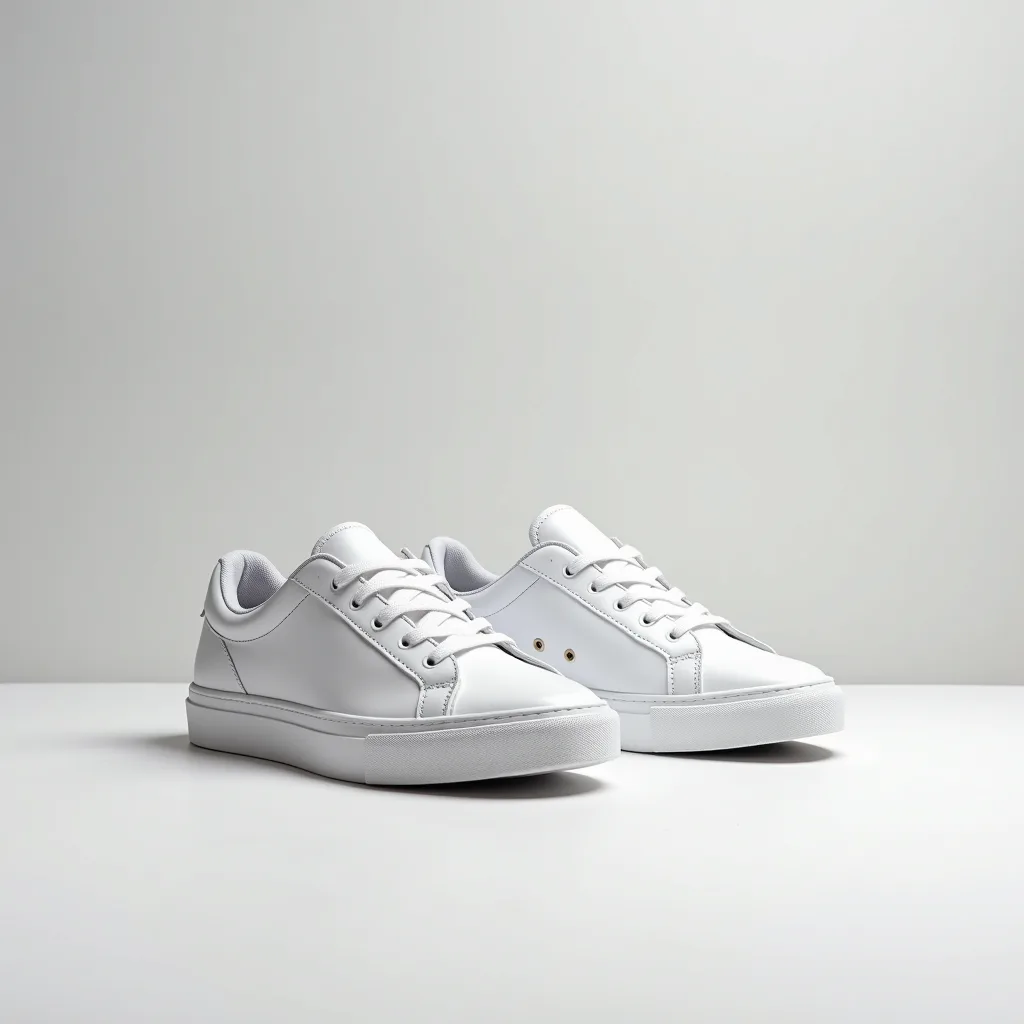
- White marketplace listingMake this look like a clean marketplace listing with white background, soft shadow, and accurate product color.
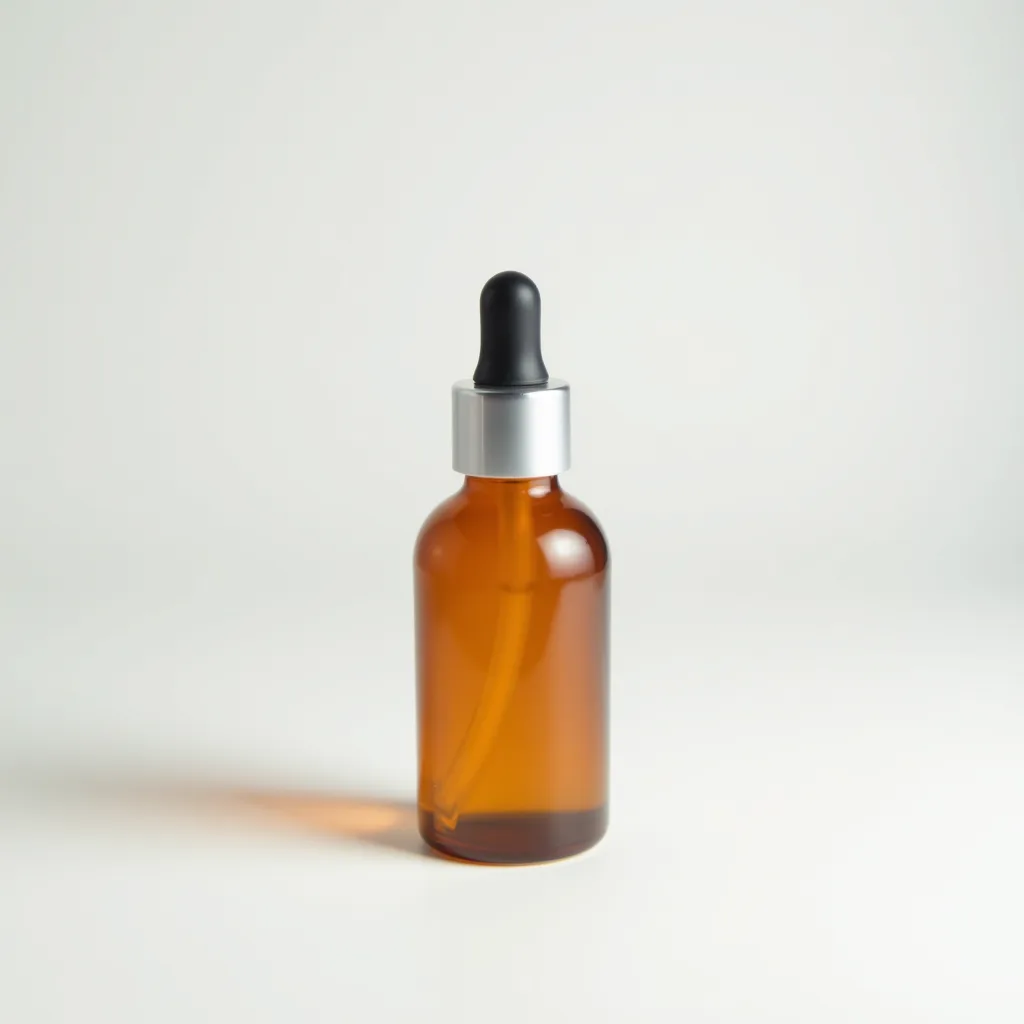
- Minimal studio shadowUse a minimal warm studio surface, controlled softbox lighting, and a refined product shadow.
- Lifestyle kitchenPlace the product in a bright modern kitchen lifestyle scene with tasteful supporting props.
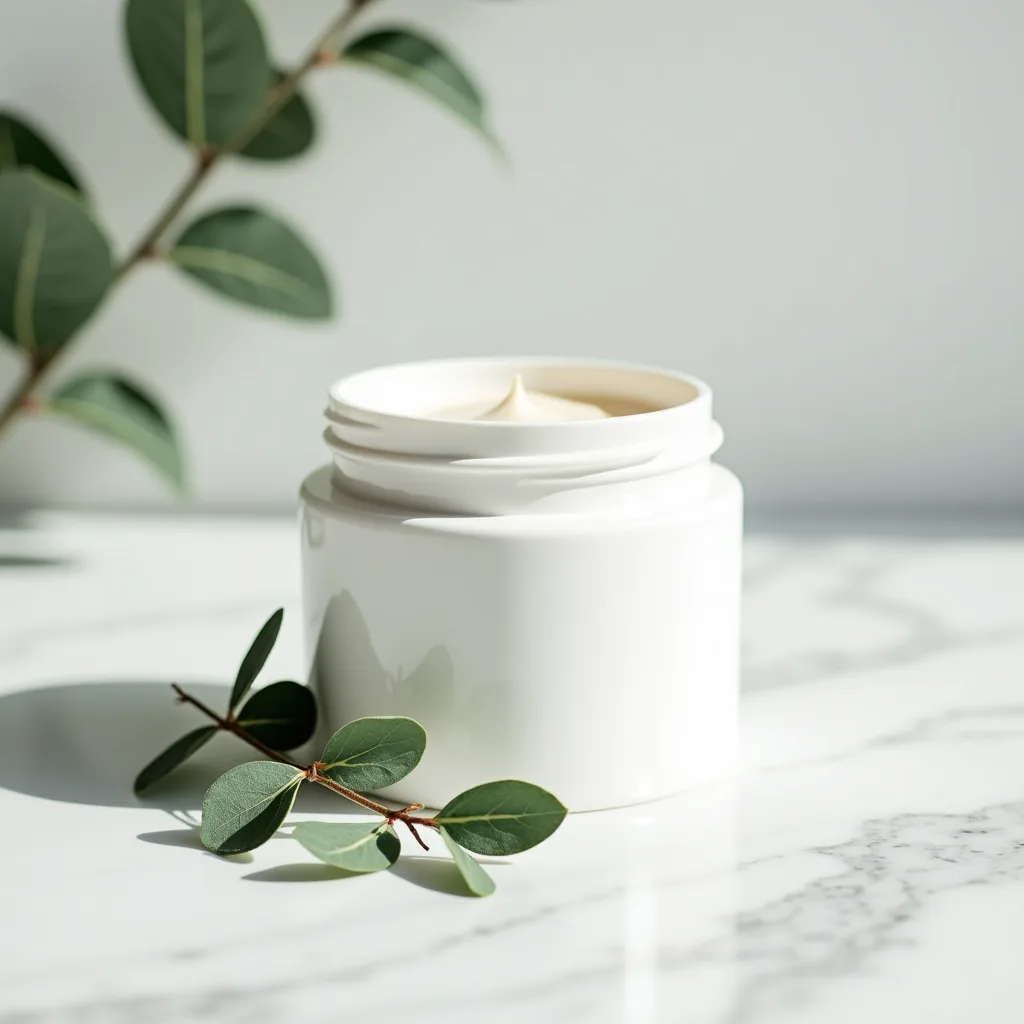
- Premium cosmeticsCreate a premium cosmetics campaign image with elegant surfaces, soft reflections, and gentle highlights.
- Outdoor adventurePlace the product in an authentic outdoor adventure setting with natural light and realistic textures.
- Holiday campaignStyle the product for a tasteful holiday campaign with warm light and uncluttered festive accents.
- Social ad squareCreate a bold square social ad image with high contrast, clean copy space, and product-first framing.
Controls and settings
- Scene presetChoose from White marketplace listing, Minimal studio shadow, Lifestyle kitchen, Premium cosmetics, Outdoor adventure, Holiday campaign, Social ad square.
- Aspect ratioSupports 1:1, 4:5, 9:16, 16:9 with 1:1 as the default.
- VariantsGenerate 1 to 4 variants. Default: 4.
- Keep product sizeKeep the product at a realistic size and do not make it look larger or smaller than the uploaded reference.
- Add realistic shadowAdd physically plausible contact shadows and lighting that anchor the product to the scene.
- Leave copy spaceLeave clean negative space for promotional copy without adding text to the image.
- Campaign directionExample: summer launch for sustainable skincare shoppers
Tips for a better result
Start with the clearest source available, keep the main subject easy to identify, and choose settings that match the intended final size. Review the first output at full size before generating another variation, especially when the original contains small text, fine product edges, faces, or compressed detail.
Commercial image review
Review generated product photos before publishing them. Confirm label accuracy, product claims, trademarks, regulated-product compliance, and marketplace policy requirements.
Frequently asked questions
What is an AI product photo generator?
An AI product photo generator turns an existing product image into new ecommerce visuals. You upload one product photo, choose a scene or preset, and generate polished variations while the tool works to preserve your product's identity.
Can I use it for marketplace and Shopify product photos?
Yes. You can choose square marketplace, portrait listing, vertical story, and landscape banner formats to cover common ecommerce and storefront needs.
Will the AI change my logo, label, or packaging?
The tool works to preserve your product's shape, color, label, logo, packaging, and proportions. Results still need review because AI edits can introduce mistakes, especially around small text and fine label details.
Do I need to write a long prompt?
No. Presets cover common product photography needs such as white marketplace listings, minimal studio shadows, lifestyle scenes, premium cosmetics, outdoor adventure, holiday campaigns, and social ads. The prompt field is optional for extra campaign direction.
Can anonymous visitors try the page?
You can upload an image, choose options, and write a prompt before signing in. You'll need a free account to generate images.
How many images should the page generate?
You can generate up to four product variations at a time, which keeps the tool focused and predictable for ecommerce workflows.
Are product generations public?
No. Product images created through this tool stay private because uploads may include commercial material, unreleased packaging, or brand assets.