ai product background generator
AI Product Background Generator
Give your product a better backdrop.
How it works
Upload one product photo
Start with a clear product image, packaging photo, or product cutout. The workflow expects one uploaded or selected product image.
Pick a background and marketplace
Choose a white listing, clean storefront, boutique backdrop, website banner, or holiday scene. Use Custom for another setting; framing controls are in Customize.
Generate private product variants
Create up to four product-background variants, review product accuracy, and open finished images in your Fiddl library.
Before you start
- Files to upload
- Start with a clear JPG, PNG, or WebP with the whole subject visible. A sharper original gives the model more useful detail.
- Access and cost
- Sign in to upload and process your file. Available free runs or trial images depend on the tool and your account. Review the points estimate before starting; choosing a style does not start processing.
- Check and download
- Compare the result with the original at full size before downloading. AI edits can change faces, lettering, product details, and textures; keep the version that represents your subject accurately.
Tool summary
- Input
- Image upload required, up to 1 input image
- Model
- gpt-image-2
- Default aspect ratio
- 9:16
- Output
- Generate product background
Example presets
Choose an example look, or describe your own. Custom: Describe exactly what you want.
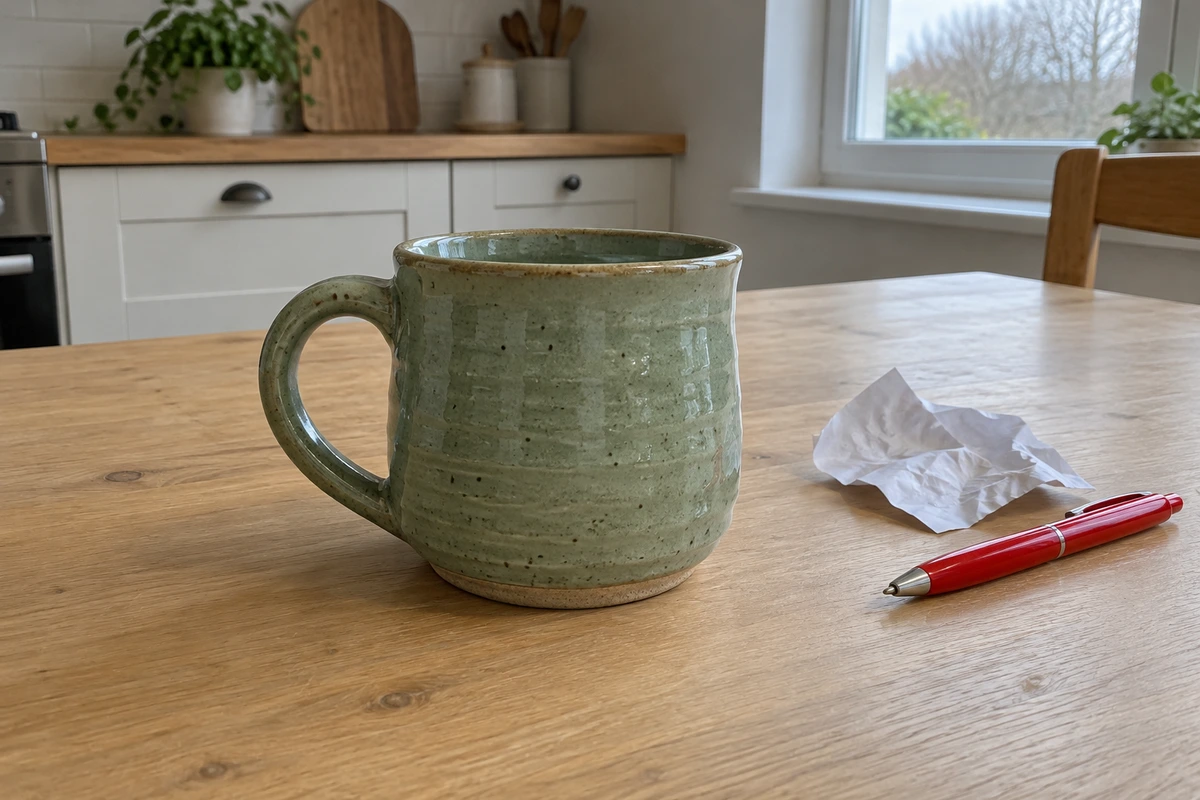
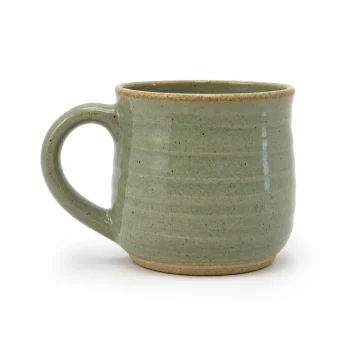 Amazon white listingCreate a crisp white product background, centered product, soft contact shadow, accurate product color, and no extra text or props.
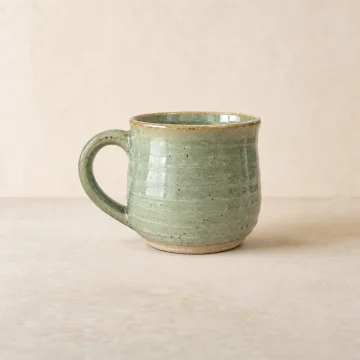 Shopify storefrontUse a neutral storefront backdrop with realistic studio lighting, clean surface, subtle product shadow, and flexible crop margin.
 Etsy boutique backdropCreate a boutique product backdrop with natural light, gentle texture, tasteful handmade styling, and the product fully visible.
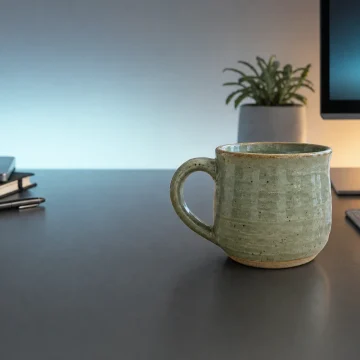 Website hero bannerCreate a wide website hero product background with premium scene depth, product focus, and clean copy space on one side.
 Holiday gift campaignCreate a tasteful holiday gift-set background with warm lighting, minimal seasonal props, product-centered composition, and room for campaign cropping.
Controls and settings
- Background presetChoose from Amazon white, Shopify clean, Studio gradient, Tech desk, Holiday gift set.
- MarketplaceChoose from Amazon, Shopify, Etsy, Instagram, Website hero.
- Aspect ratioSupports 1:1, 4:5, 16:9, 9:16 with 9:16 as the default.
- VariantsGenerate 1 to 4 variants. Default: 4.
- Add shadowAdd realistic contact shadows and matched lighting so the product feels physically grounded in the new background.
- Leave copy spaceLeave clean negative space around the product for external ad copy, headline text, price badges, or storefront UI. Do not add text to the image.
- Center productKeep the product centered and fully visible with comfortable margins unless the chosen marketplace preset requires a wider hero layout.
Tips for a better result
Start with the clearest source available, keep the main subject easy to identify, and choose settings that match the intended final size. Review the first output at full size before generating another variation, especially when the original contains small text, fine product edges, faces, or compressed detail.
Product publishing review
Review generated backgrounds before using them in ads or listings. Confirm product accuracy, label readability, trademark usage, regulated-product claims, marketplace rules, and any required commercial disclosures.
Prefer to work with an agent?
Continue this task, explore variations, or ask for advice. Your current goal, choices, and saved image references go into a new chat. You decide what to create next.
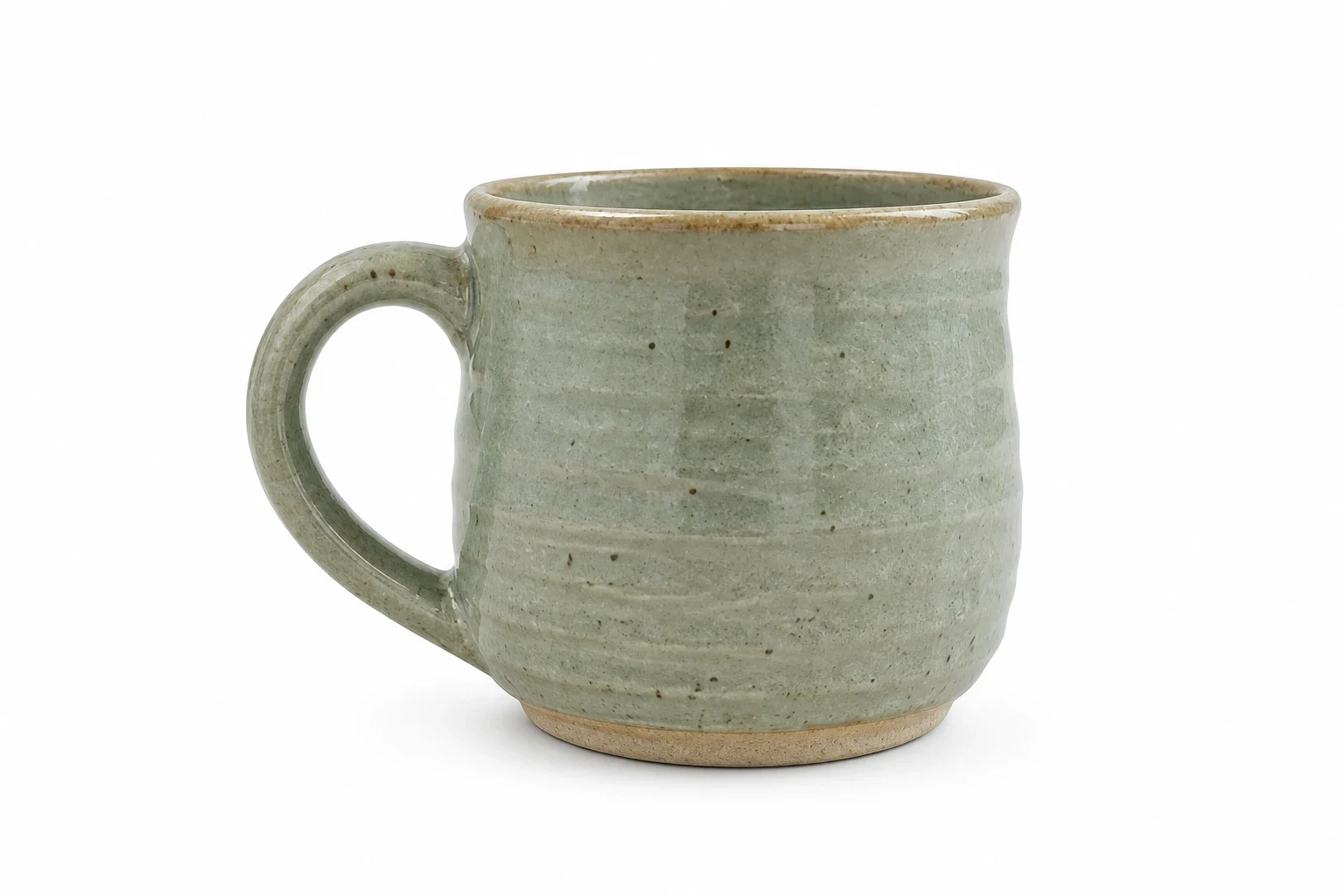
Before and after
AI-created source photos, processed with the tool's configured model. Results vary with the input.
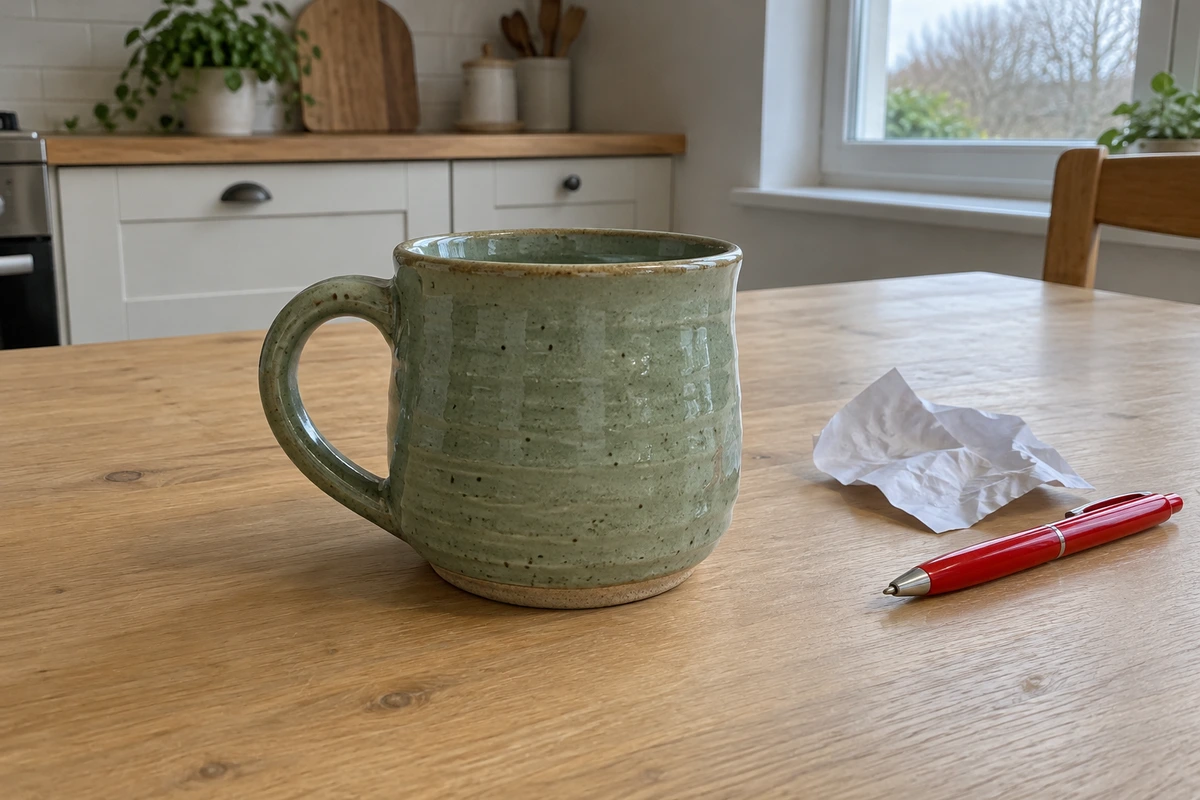 Before
 After
AfterModel and settings
openai/gpt-image-2 · Amazon white listing
 Before
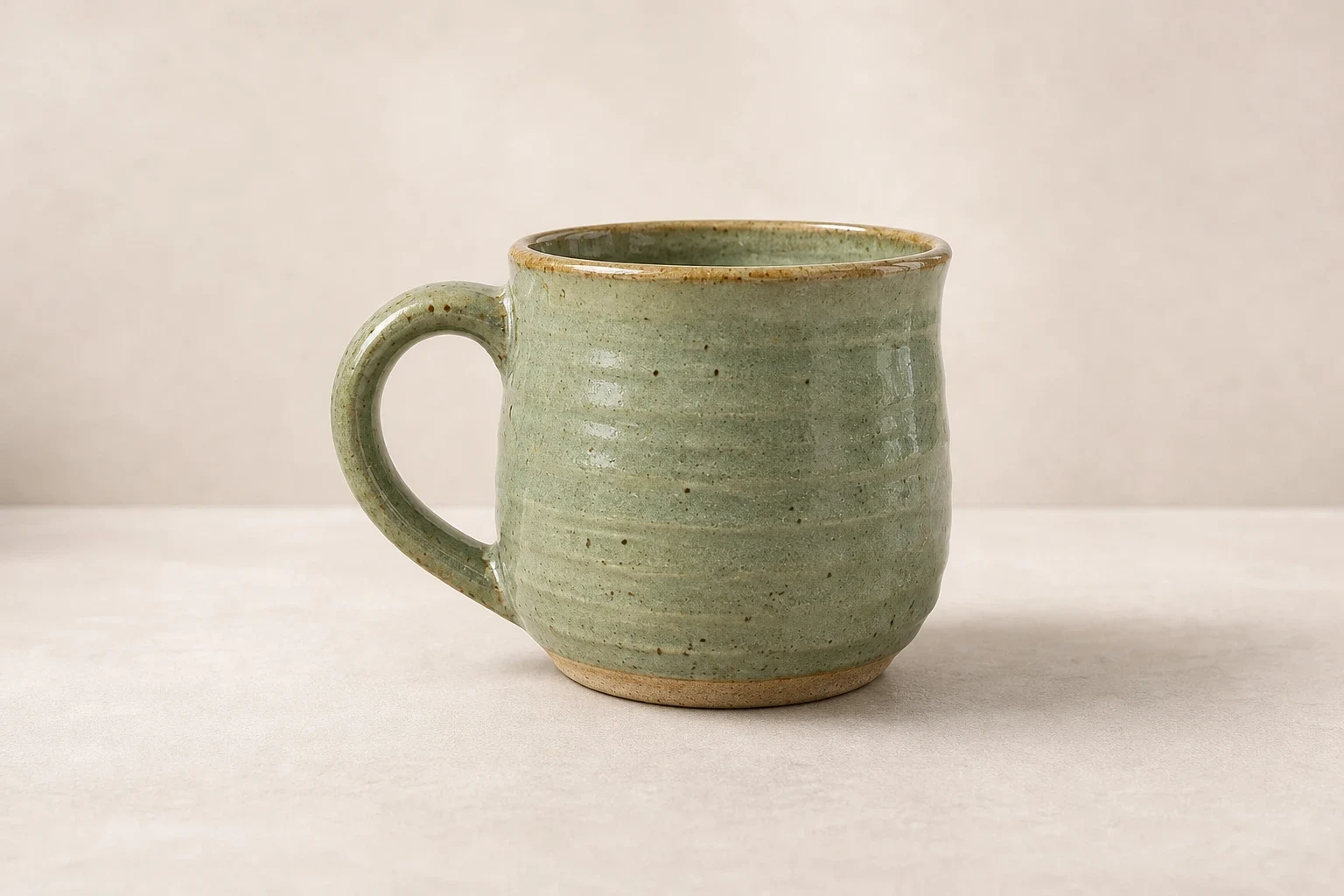 After
AfterModel and settings
openai/gpt-image-2 · Shopify storefront
Step-by-step guide: How to create a new background for a product photo
More about this tool
Create product backgrounds for ecommerce listings
The AI Product Background Generator is focused on one job: take a product photo and create a more useful commercial backdrop around it. Upload a product image, choose a marketplace or campaign use case, and generate square, portrait, or wide product-background variations for listings, ads, product pages, and storefront modules.
Generate Amazon, Shopify, Etsy, Instagram, and website backdrops
Marketplace context changes the creative direction. Amazon, Shopify, and Etsy lean toward square listing crops, Instagram suits a portrait ad-friendly crop, and website hero scenes favor wide layouts with optional copy space. Choose a marketplace preset to tune the background style for that platform.
Preserve the product while changing the backdrop
This tool doesn't behave like a generic image generator. It works hard to preserve your product's packaging, logos, text, color, shape, material, scale, and proportions while it builds the new scene. Review generated images before publishing, since small labels and fine packaging details can still vary in AI edits.
Use presets for fast creative testing
Five visual presets cover white listings, clean storefronts, boutique backdrops, website banners, and holiday campaigns. Choose Custom to describe other surfaces, materials, props, or brand direction.
Set up your product image before signing in
You can do all the setup before signing in: upload a product image, choose a backdrop, select marketplace settings, and write a prompt. When you're ready to generate, you'll sign in and confirm before any backgrounds are created.
Use case
Create clean square product backdrops with centered framing, soft shadows, and product-first composition for catalog-style listings.
Use case
Make storefront-ready product backgrounds for product pages, collections, homepage modules, and launch pages without setting up a studio shoot.
Use case
Give handmade, vintage, craft, and boutique products warmer contextual backgrounds while keeping the product itself recognizable.
Use case
Create portrait product visuals with clean negative space for external ad copy, seasonal creative, and paid social testing.
Use case
Turn a product upload into wider commercial backdrops that leave room for page headlines, CTA buttons, and responsive storefront layouts.
Frequently asked questions
What is an AI product background generator?
An AI product background generator takes an uploaded product image and creates a new commercial backdrop around it. This page is configured for ecommerce backgrounds such as white listings, studio scenes, lifestyle surfaces, seasonal setups, social ads, and website hero images.
How is this different from an AI background changer?
A general background changer can work on portraits, pets, objects, vehicles, and products. This tool is narrower: it expects one product image, uses marketplace-focused presets, keeps your product details intact, and covers Amazon, Shopify, Etsy, Instagram, and website hero use cases.
Can I make Amazon product backgrounds?
Yes. The Amazon preset is designed for a simple square marketplace composition with centered product framing, a clean background, no embedded promotional text, and realistic shadow. Users should still confirm final images meet their current marketplace rules before publishing.
Can I make Shopify and Etsy product backgrounds?
Yes. Shopify and Etsy presets are included for storefront product grids, collection images, boutique listings, and small-brand merchandising. The generated prompt keeps the uploaded product as the main subject while changing the surrounding scene.
Will the AI change my product label, logo, or packaging?
The tool works to preserve product identity, packaging, logos, text, colors, shape, materials, and proportions. AI edits can still introduce errors, so review product labels, claims, trademarks, and regulated details before use.
What aspect ratio should I use?
Amazon, Shopify, and Etsy work well at 1:1, Instagram at 4:5, and website hero images at 16:9. You can pick any supported aspect ratio you like for your product backgrounds.
Can I leave space for ad copy or a website headline?
Yes. Turn on the copy-space option for social ads, promotional images, and website hero layouts. You'll get negative space for your headline without any text baked into the generated image.
Do product background generations publish publicly?
No. Product backgrounds created through this tool stay private because uploads may include unreleased packaging, brand assets, or commercial material.
Can anonymous visitors use the page?
You can upload an image, pick a background, choose marketplace settings, and write a prompt before signing in. You'll need to sign in to generate backgrounds.