ai image upscaler
AI Image Upscaler
Make small images sharper at 2× or 4×.
How it works
Upload one image
Choose a PNG, JPEG, or WebP. Small and compressed sources can work, but better inputs usually produce cleaner detail.
Choose size and model
Pick 2× or 4×, then match the Topaz model to the source. Enable face enhancement only when useful.
Upscale and inspect
Compare the output dimensions and inspect text, faces, edges, and fine texture before downloading.
Before you start
- Files to upload
- Upload a JPG, PNG, or WebP up to 20 MB. Animated GIFs are not supported. Image dimensions and output limits are checked before processing.
- Access and cost
- Sign in to upload and process your file. Available free runs or trial images depend on the tool and your account. Review the points estimate before starting; choosing a style does not start processing.
- Check and download
- Download the result and compare it with the original at the same display size. Check fine edges, lettering, and faces for invented detail or processing artifacts.
Tool summary
- Input
- Image upload required, up to 1 input image
- Model
- Topaz
- Output
- Upscale image
Example presets
- Detailed photoFaithful 2× enlargement for a good-quality photo.
- Small compressed image4× processing tuned for a tiny or compressed source.
- Portrait2× high-fidelity upscale with face enhancement.
- Illustration or render4× processing for digital art, graphics, or CGI.
- Text or logo2× processing focused on lettering and signs.
Controls and settings
- Output sizeChoose from 2× width and height, 4× width and height.
- Topaz modelChoose from High fidelity, Standard photo, Low-resolution image, Digital art / CGI, Text and lettering.
- Enhance visible facesDefault: disabled.
Tips for a better result
Start with the clearest source available, keep the main subject easy to identify, and choose settings that match the intended final size. Review the first output at full size before generating another variation, especially when the original contains small text, fine product edges, faces, or compressed detail.
Private processing
Tool outputs stay private. Only upload images you own or have permission to process.
Prefer to work with an agent?
Continue this task, explore variations, or ask for advice. Your current goal, choices, and saved image references go into a new chat. You decide what to create next.
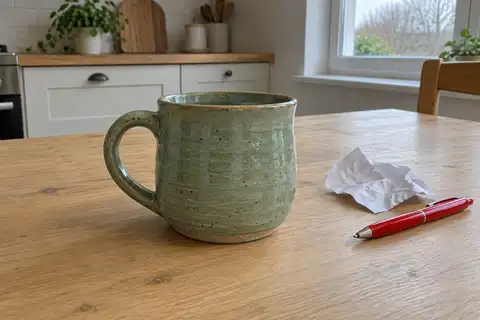
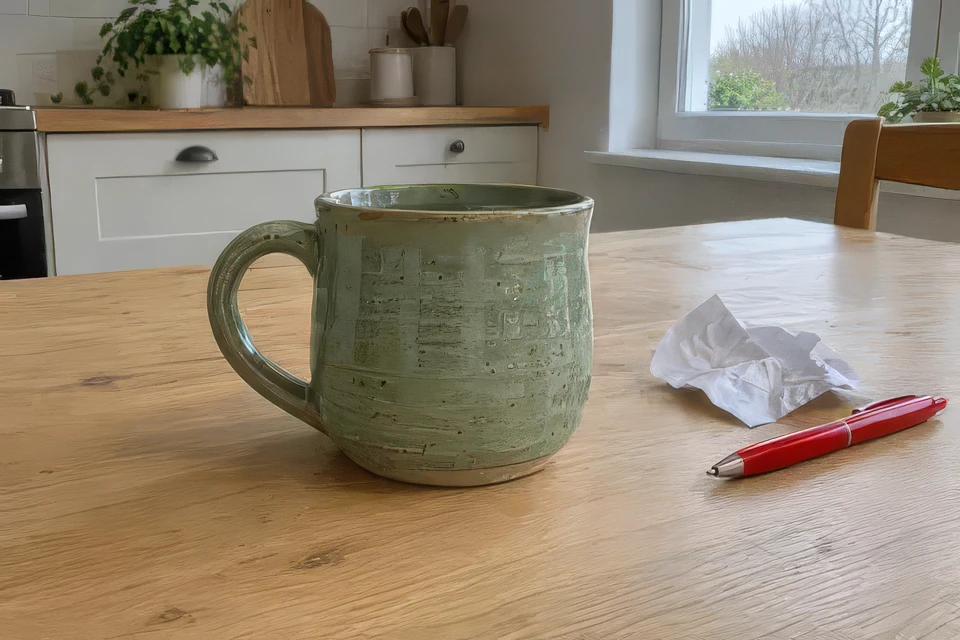
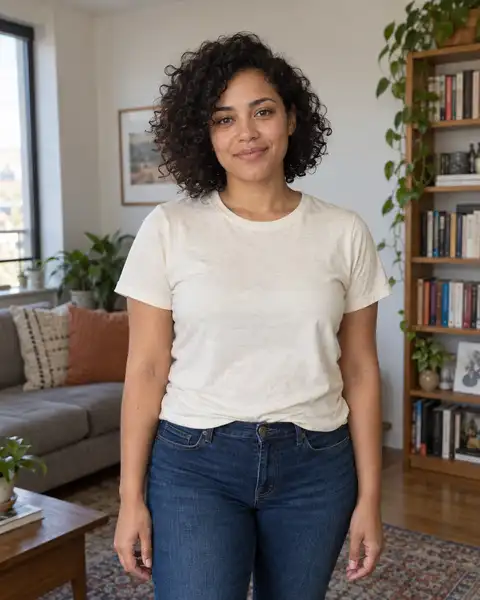
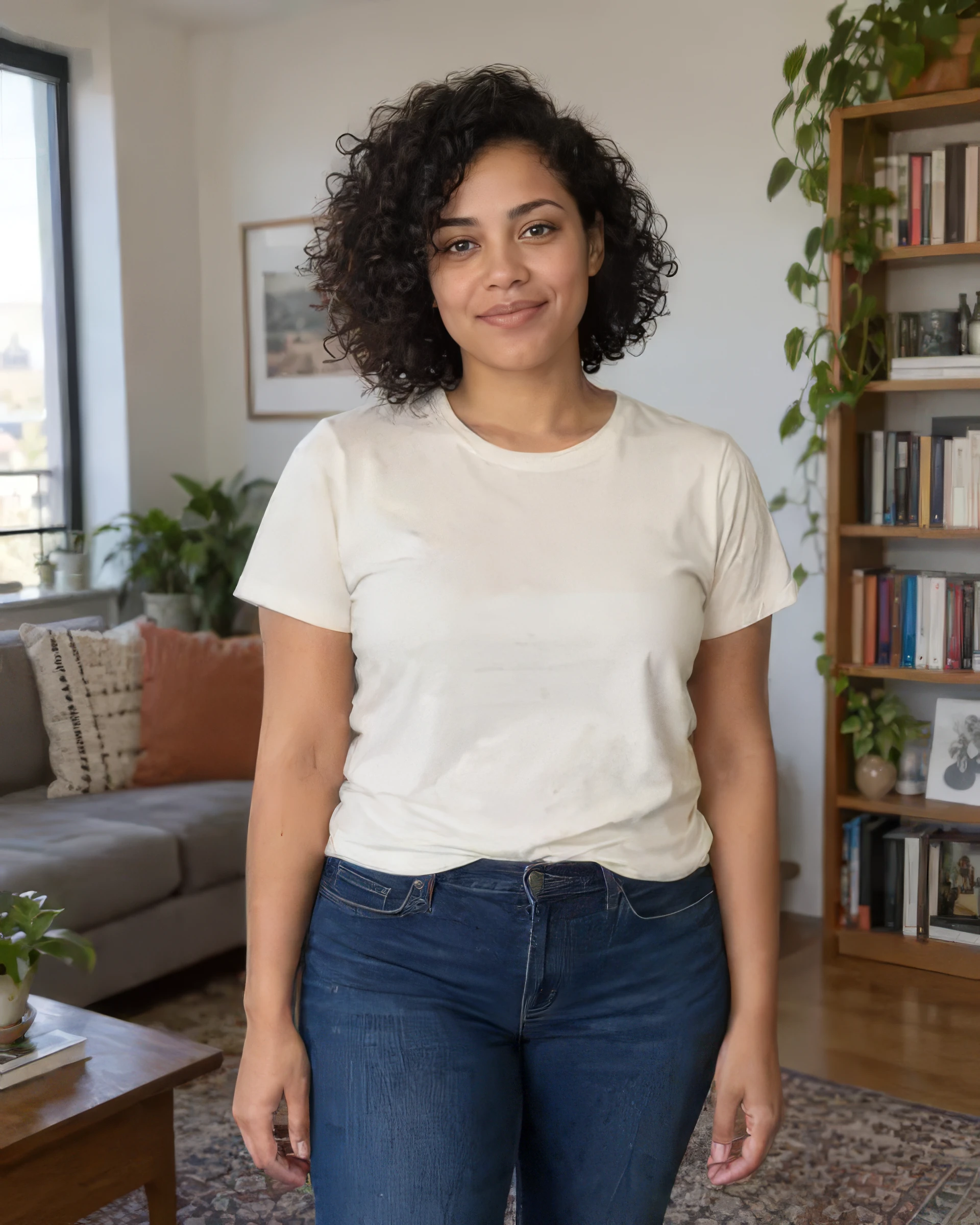
Before and after
AI-created source photos, processed with the tool's configured model. Results vary with the input.
 Before
 After
AfterModel and settings
topazlabs/image-upscale · High Fidelity V2 · 480 × 320 → 960 × 640
 Before
 After
AfterModel and settings
topazlabs/image-upscale · Low Resolution V2 · 480 × 600 → 1920 × 2400 · Face enhancement
Step-by-step guide: How to upscale an image by 2× or 4×
More about this tool
Real 2× and 4× image enlargement
The selected scale changes both pixel dimensions. A 600 × 400 image targets 1200 × 800 at 2× or 2400 × 1600 at 4×, subject to provider limits.
Topaz models for different source images
Use High Fidelity for detailed sources, Low Resolution for small or compressed images, CGI for digital artwork, and Text Refine when lettering is the priority.
Frequently asked questions
Should I choose 2× or 4×?
Use 2× for a moderate enlargement and 4× when you need substantially larger dimensions. Four-times processing can expose artifacts in very small or damaged sources.
When should I enable face enhancement?
Enable it for photos with visible faces that need extra detail. Leave it off when identity preservation is more important or the image contains no face.
Will upscaling recover every missing detail?
No. AI can improve perceived detail, but it cannot guarantee accurate recovery of information that is absent from the source. Check text, logos, and faces closely.