fotos de productos con ia
Generador de fotos de productos con IA
Sube una imagen de tu producto y crea fotos limpias para ecommerce, escenas lifestyle, variantes para anuncios y visuales para tu tienda, sin perder los detalles que importan.
Resumen de la herramienta
- Entrada
- Requiere subir una imagen, hasta 1 imagen de entrada
- Modelo
- gpt-image-2
- Relación de aspecto predeterminada
- 1:1
- Resultado
- Generar fotos de producto
Crea fotos de producto para ecommerce con una sola imagen
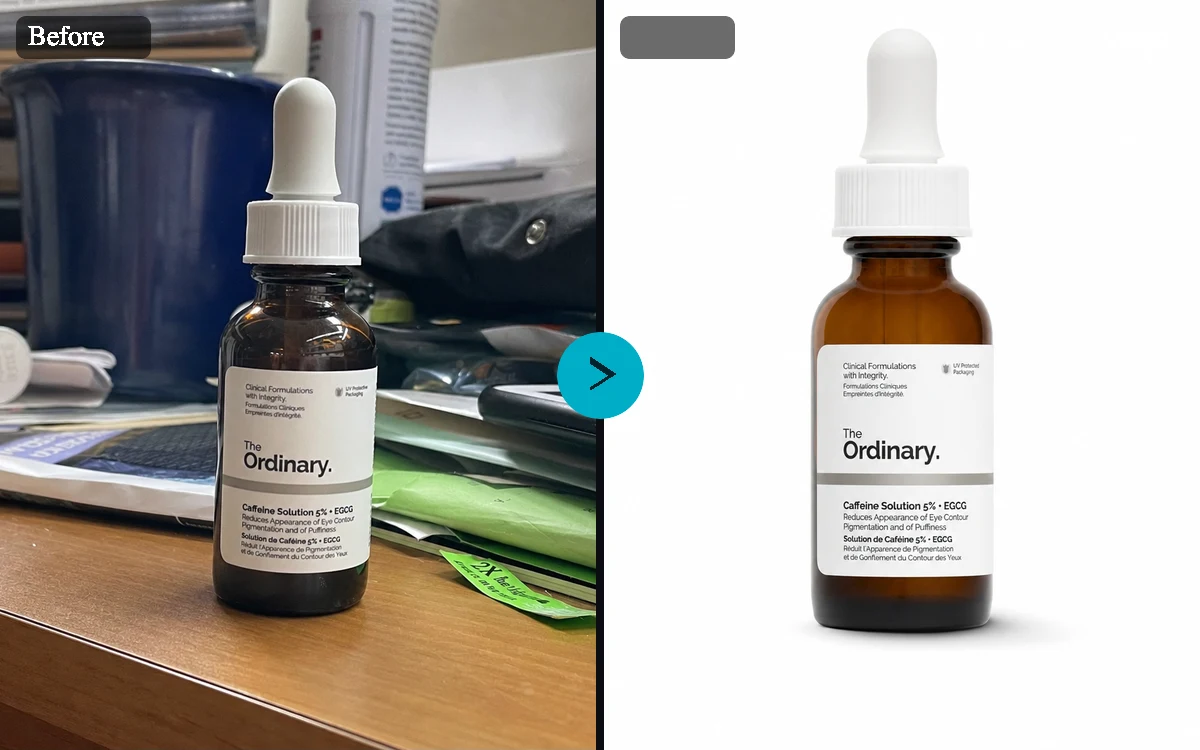
El generador de fotos de productos con IA está pensado para vendedores, fundadores y equipos de marketing que ya tienen una imagen del producto, pero necesitan recursos visuales más potentes. Sube una foto, elige un estilo y crea fichas con estética de estudio, escenas lifestyle, campañas de temporada y variantes listas para anuncios, sin montar una sesión de fotos completa.
Que tu producto siga siendo reconocible
Una foto de producto solo funciona si el producto sigue pareciéndose a sí mismo. La herramienta procura mantener la identidad, el envase, la etiqueta, el color, la posición del logo, la forma y las proporciones de tu producto mientras cambia la escena que lo rodea.
Fotos de producto para fichas, anuncios y tiendas online
Usa imágenes cuadradas para fichas de marketplace, formato retrato para el feed, formato vertical para historias y horizontal para los bloques de tu tienda. Los estilos predefinidos marcan la dirección creativa, y el prompt opcional permite añadir detalles de campaña, público, materiales, accesorios o temporada.
Prepáralo todo y genera al iniciar sesión
Explora libremente y deja todo listo antes de decidirte: puedes subir una imagen, elegir opciones y escribir un prompt sin cuenta. Cuando quieras generar, inicia sesión y confirma tu borrador para crear tus imágenes.
Generador de fotos de productos con IA: ejemplos
Estilos de ejemplo
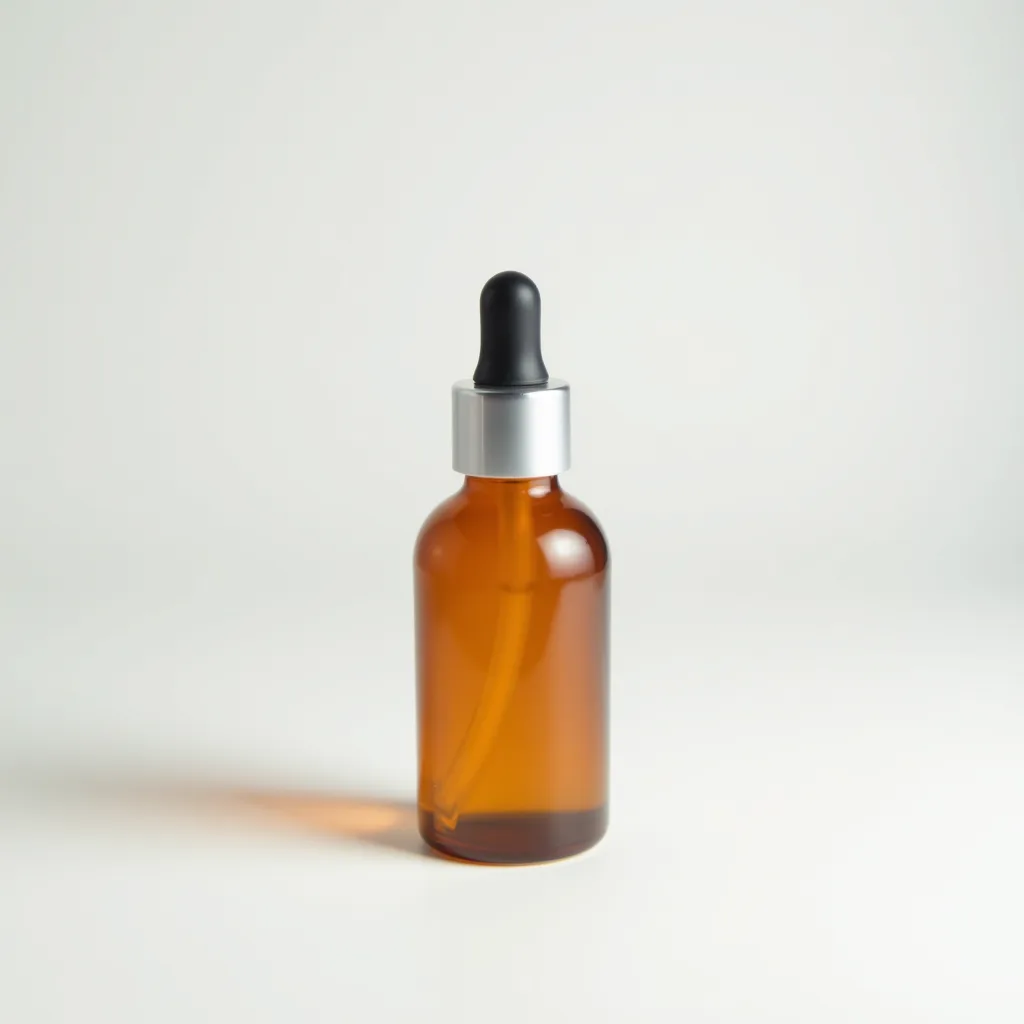
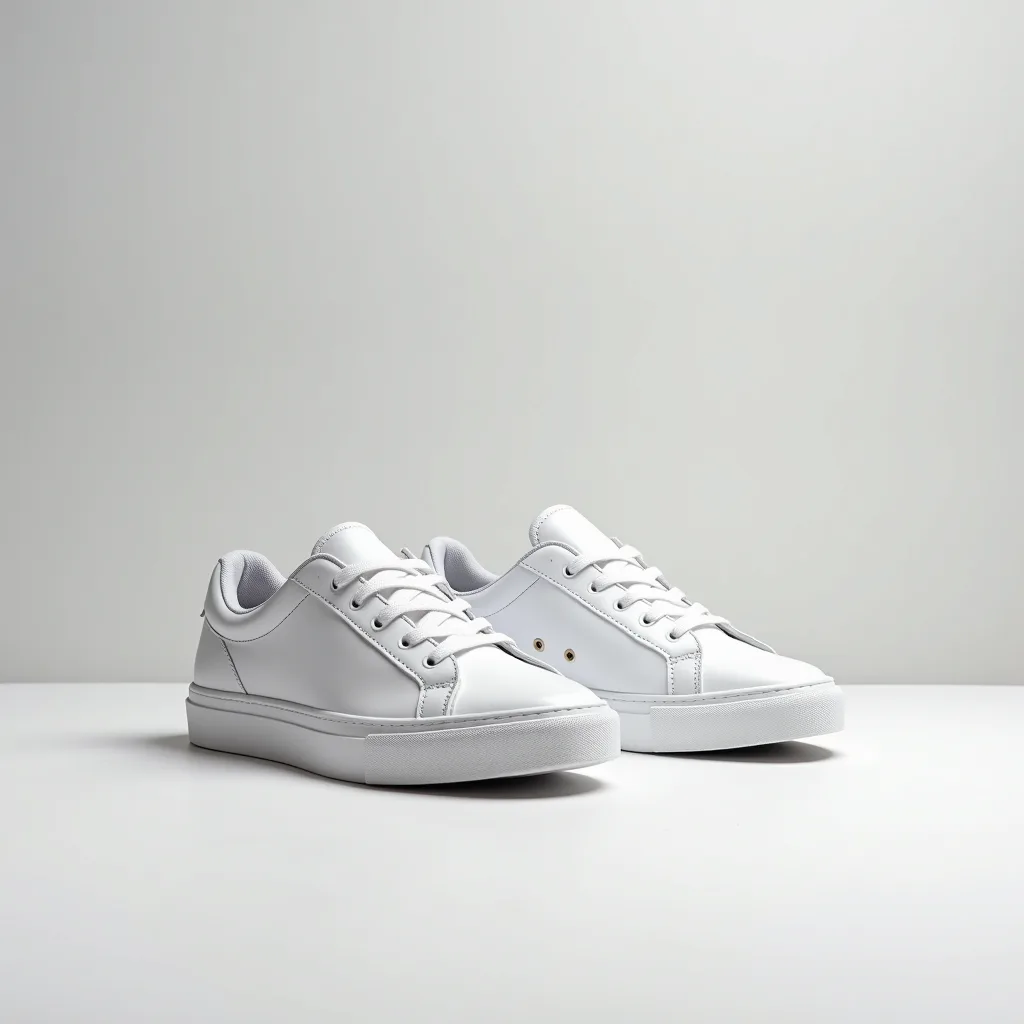
- Fondo blanco para marketplaceFotos limpias de catálogo para fichas de producto, comparativas y miniaturas de tienda.
- Estudio minimalista con sombraEstilo de estudio sobrio para páginas de producto de marcas premium y bloques destacados.
- Escena de cocinaFotografía de producto en contexto para alimentación, hogar, bienestar y cocina.
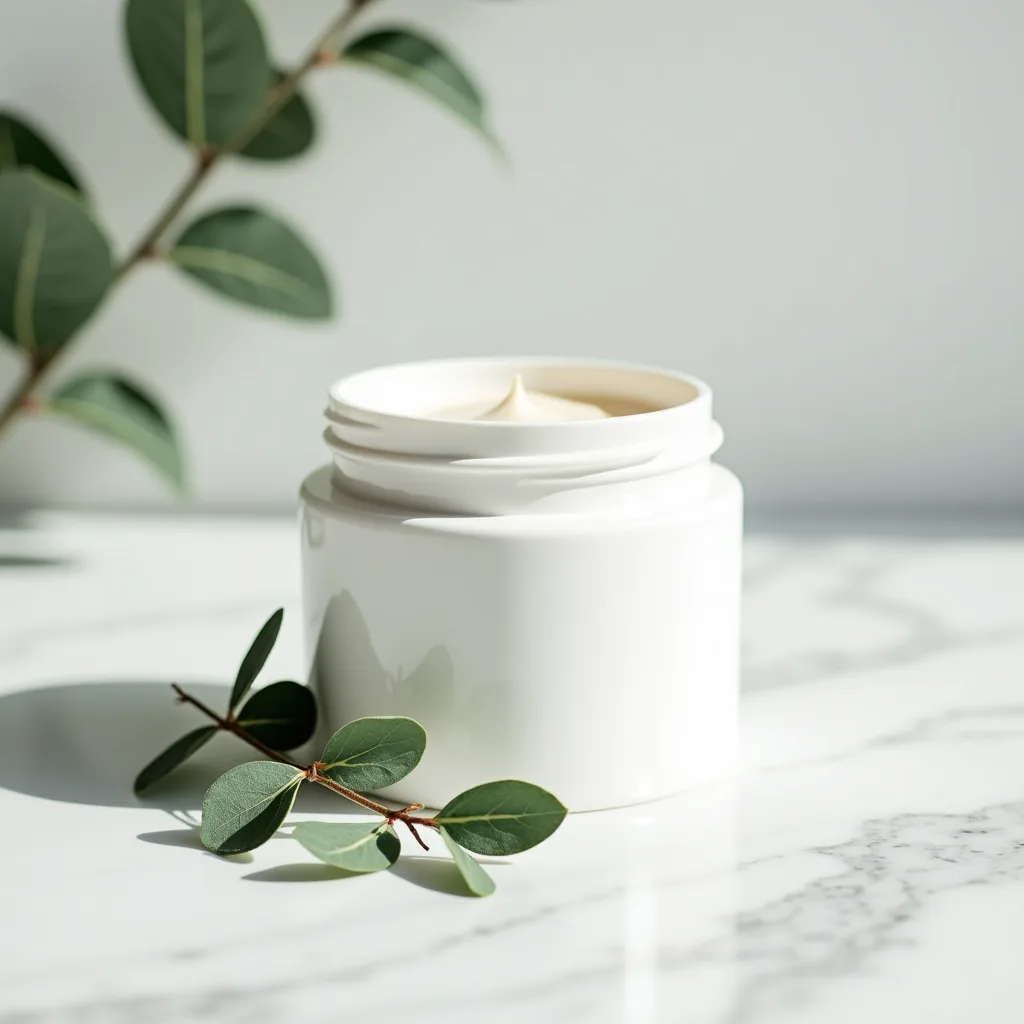
- Cosmética premiumVisuales de belleza y cuidado de la piel con reflejos, materiales limpios y acabado editorial.
- Aventura al aire libreProducto en situaciones reales para equipamiento, botellas, ropa, viajes y artículos outdoor.
- Campaña festivaFotografía de temporada para promociones, guías de regalos y campañas de email.
- Anuncio cuadrado para redesCreatividades para redes con un punto focal claro y espacio para el texto del anuncio.
Controles y ajustes
- Estilo de escenaElige entre Fondo blanco para marketplace, Estudio minimalista con sombra, Escena de cocina, Cosmética premium, Aventura al aire libre, Campaña festiva, Anuncio cuadrado para redes.
- Relación de aspectoAdmite 1:1, 4:5, 9:16, 16:9; 1:1 por defecto.
- VariantesGenera de 1 a 4 variantes. Por defecto: 4.
- Mantener el tamaño del productoPor defecto: activado.
- Añadir sombra realistaPor defecto: activado.
- Dejar espacio para textoPor defecto: desactivado.
- Enfoque de la campañaEjemplo: lanzamiento de verano para clientes de cosmética sostenible
Consejos para un mejor resultado
Empieza con la imagen original más clara que tengas, haz que el sujeto principal sea fácil de identificar y elige ajustes acordes con el tamaño final que buscas. Revisa el primer resultado a tamaño completo antes de generar otra variante, sobre todo si el original tiene texto pequeño, bordes finos de producto, caras o detalles comprimidos.
Revisión de imágenes comerciales
Revisa las fotos de producto generadas antes de publicarlas. Comprueba que la etiqueta sea correcta, así como las afirmaciones sobre el producto, las marcas registradas, la normativa de productos regulados y las políticas del marketplace.
Preguntas frecuentes
¿Qué es un generador de fotos de productos con IA?
Un generador de fotos de productos con IA convierte una imagen de producto que ya tienes en nuevos visuales para ecommerce. Subes una foto, eliges una escena o un estilo y generas variantes cuidadas mientras la herramienta procura conservar la identidad de tu producto.
¿Puedo usarlo para fotos de marketplaces y Shopify?
Sí. Puedes elegir formato cuadrado para marketplace, retrato para fichas, vertical para historias y banner horizontal, que cubren las necesidades habituales de ecommerce y tiendas online.
¿La IA cambiará mi logo, etiqueta o envase?
La herramienta procura conservar la forma, el color, la etiqueta, el logo, el envase y las proporciones de tu producto. Aun así, revisa los resultados: las ediciones con IA pueden introducir errores, sobre todo en textos pequeños y detalles finos de la etiqueta.
¿Tengo que escribir un prompt largo?
No. Los estilos predefinidos cubren las necesidades más comunes de fotografía de producto: fondo blanco para marketplace, estudio minimalista con sombra, escenas lifestyle, cosmética premium, aventura al aire libre, campañas festivas y anuncios para redes. El prompt es opcional y sirve para dar más contexto de campaña.
¿Puedo probar la página sin cuenta?
Puedes subir una imagen, elegir opciones y escribir un prompt antes de iniciar sesión. Para generar imágenes necesitarás una cuenta gratis.
¿Cuántas imágenes genera la página?
Puedes generar hasta cuatro variantes de producto a la vez, lo que mantiene la herramienta enfocada y predecible en flujos de ecommerce.
¿Las fotos de producto son públicas?
No. Las imágenes de producto creadas con esta herramienta son privadas, porque lo que subes puede incluir material comercial, envases aún no lanzados o recursos de marca.