ai background remover
AI Background Remover
Upload one image, isolate the foreground subject, inspect the result against preview backgrounds, and download a reusable cutout for Fiddl editing.
Tool summary
- Input
- Image upload required, up to 1 input image
- Model
- gpt-image-2
- Default aspect ratio
- 1:1
- Output
- Remove background
Remove image backgrounds in a few clicks
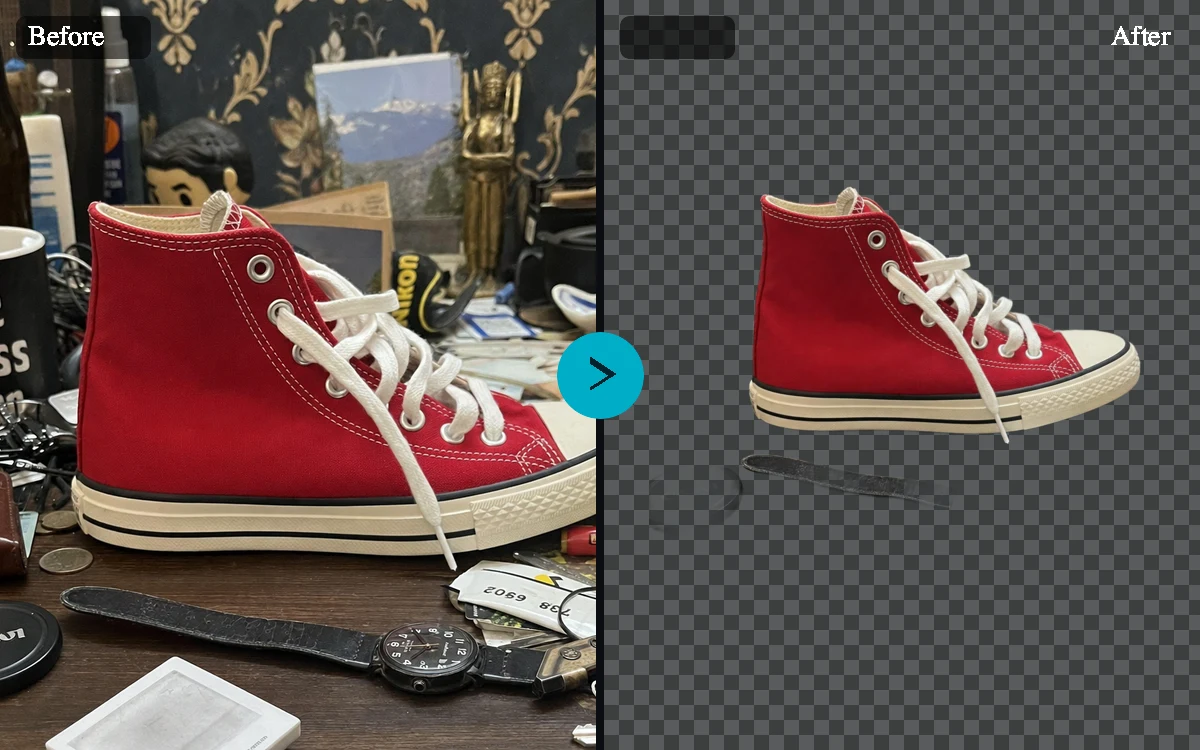
The AI Background Remover is built to do one thing well: take your photo and give you back the same subject with the background gone. You get the exact subject you uploaded, predictable dimensions, helpful preview mattes to check the edges, and clear options for what to do next.
Built for products, portraits, pets, and reusable design assets
Different foreground subjects need different edge priorities. Product cutouts need crisp packaging corners and label preservation, portraits need natural hair and clothing edges, pets need fur detail, and design objects need a clean outline that can be reused in other Fiddl workflows.
Preview the result before using it elsewhere
View your processed subject on multiple preview backgrounds so you can inspect halos, missed pixels, soft edges, and product detail. These previews are there to help you check your cutout before you put it to use.
Download a processed result after upload
Upload your image and the tool isolates the subject for you, then gives you a result you can inspect, open, and download whenever you're ready.
Product photos for ecommerce
Prepare cleaner product assets from supplier photos, desk snapshots, or social images before placing them on marketplace backgrounds, ad layouts, or generated scenes.
Portraits and creator assets
Separate people from distracting rooms, event spaces, or casual backgrounds while preserving identity, hair, clothing, and pose for profile or campaign use.
Design cutouts and mockups
Extract objects for moodboards, mockups, presentation comps, social graphics, and prompt-based scene generation without manually masking every edge.
Pet and detail-heavy images
Use fine-detail edge handling for fur, whiskers, fabric, soft focus, and other subjects where a hard cutout would look unnatural.
AI Background Remover examples
Example presets
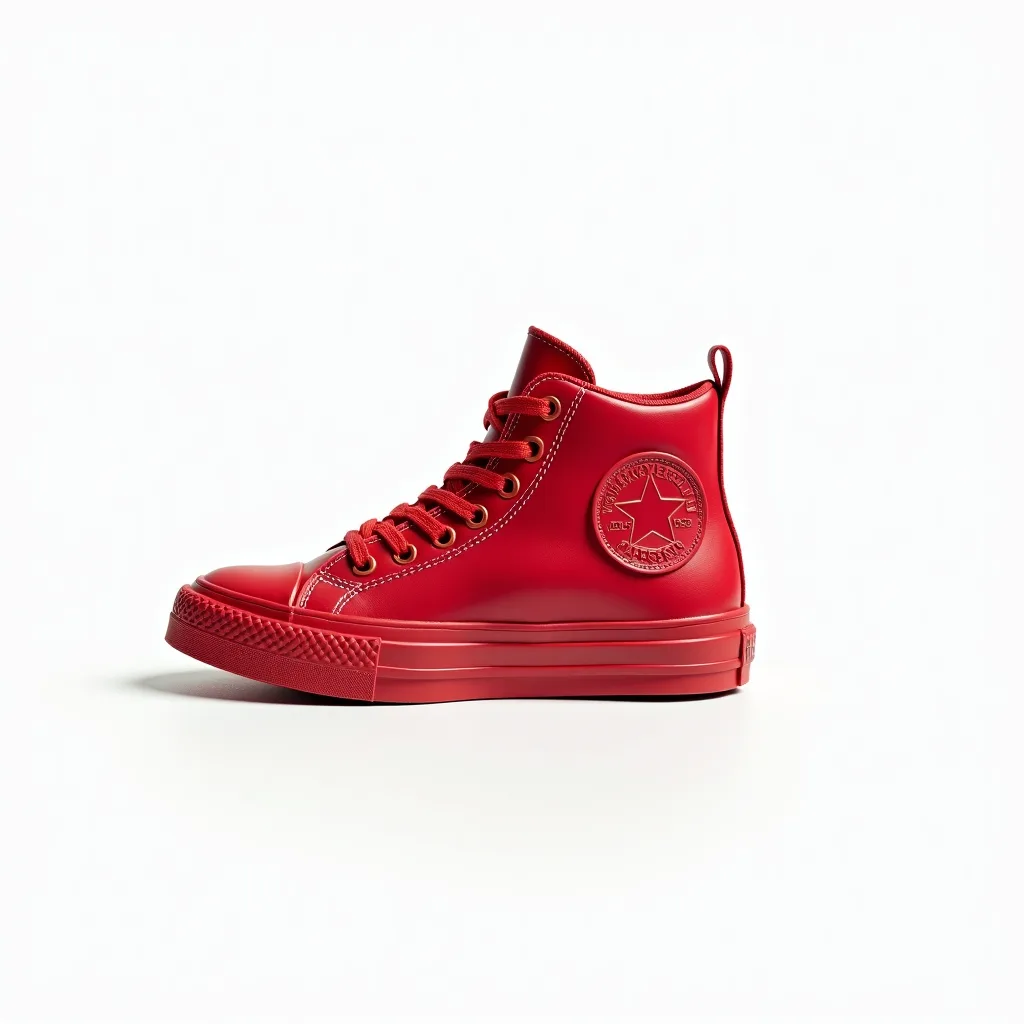
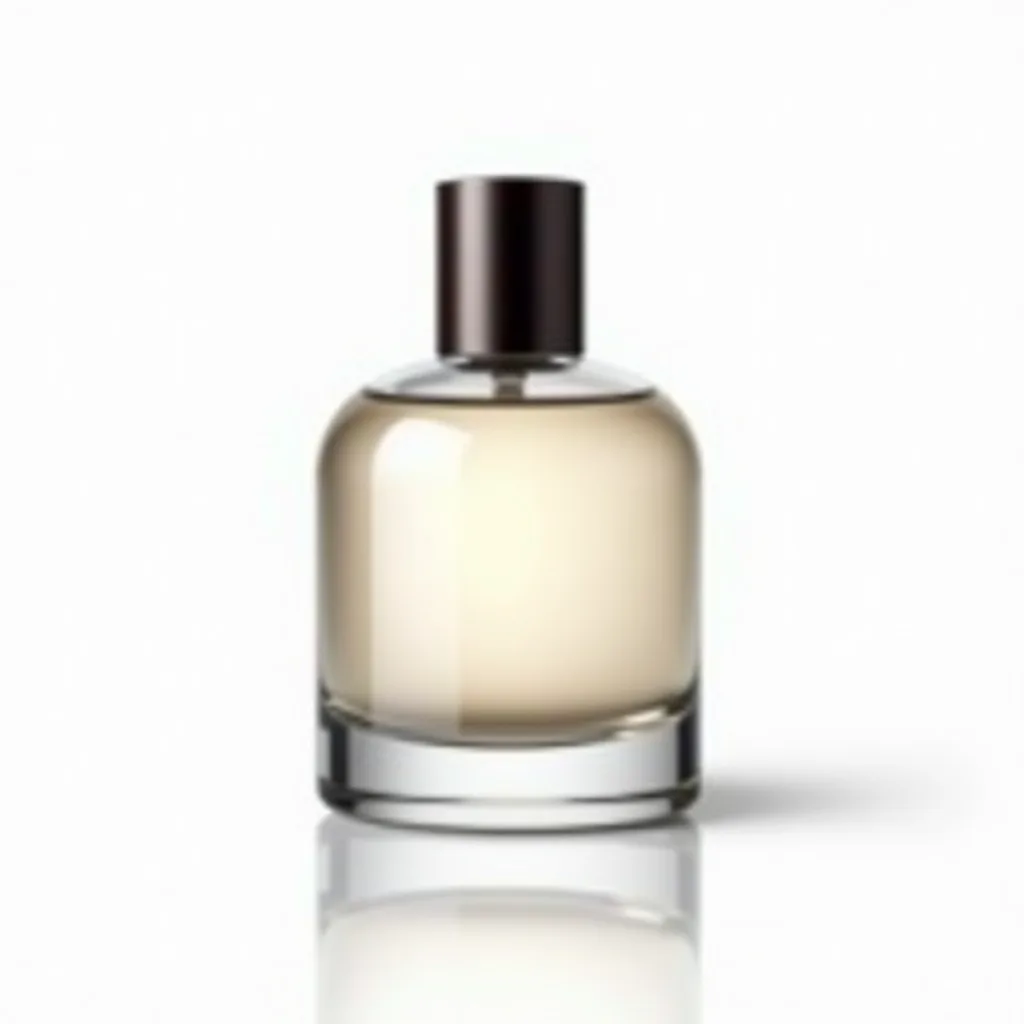
- Product listing cutoutRemove the background around the product while preserving packaging text, logo placement, reflections, and crisp product edges.
- Portrait profile cutoutIsolate the person from the background while keeping hair, shoulders, clothing texture, skin tone, and face identity intact.
- Pet photo cutoutRemove the background while preserving fur, whiskers, ears, collar detail, and the natural shape of the pet.
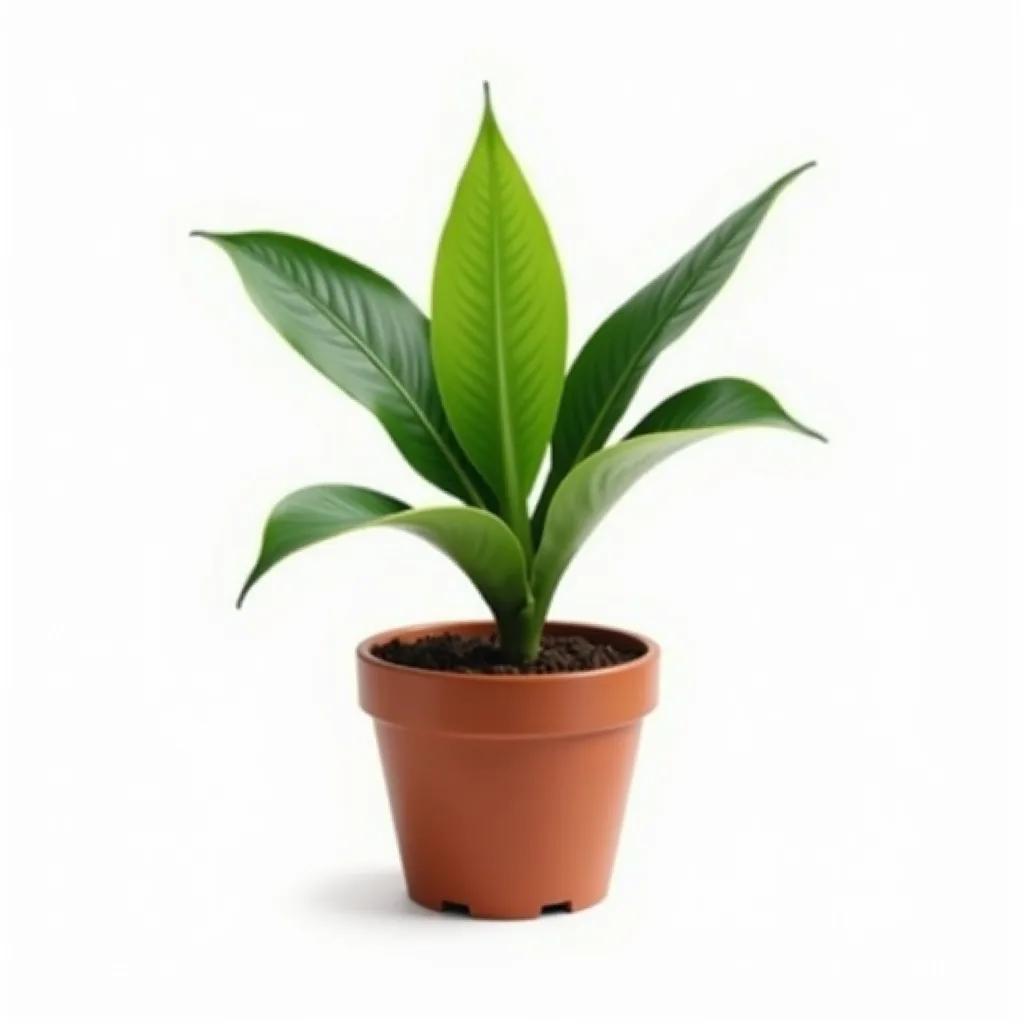
- Object for design mockupCut out the object cleanly so it can be reused in a design, moodboard, product mockup, or generated background scene.
Controls and settings
- Subject typeChoose from Auto detect, Product, Person, Pet, Object.
- Edge handlingChoose from Balanced, Fine hair and fabric, Crisp product edge, Soft subject edge.
- Preview backgroundChoose from Checkerboard, White matte, Dark matte, Brand color matte.
- Preserve source sizeReturn output dimensions that match the uploaded image unless the backend explicitly reports a different processed size.
- Offer create handoffAfter processing, offer an action that opens the cutout result in the main Fiddl create workflow.
Use background removal responsibly
Use images you own or have permission to edit. Review outputs before publishing product, identity-sensitive, regulated, or commercial images, especially when edge detail, text, logos, or face identity matters.
Frequently asked questions
What is an AI Background Remover?
An AI Background Remover takes an uploaded image, identifies the foreground subject, removes the surrounding background, and returns a processed result that can be previewed, opened, or downloaded.
Is this the same as the AI Background Changer?
No. A background changer replaces the scene with another generated background. This background remover focuses on isolating your subject and clearing away whatever is behind it.
Do I need to upload an image?
Yes. Background removal requires a source image, so this page is configured as a required-upload workflow with one input image.
Can I use it for product photos?
Yes. The product preset tells the processing workflow to preserve packaging shape, label details, logos, reflections, and crisp commercial edges for ecommerce use.
Will it return a transparent PNG?
When transparent output is available, you can check your result against the preview backgrounds to confirm the edges look clean before you download it.
Can visitors use it without signing in?
You can browse the page freely, but you'll need to sign in to process an image.
What photos work best?
Use images where the subject is visible and reasonably separated from the background. Fine hair, fur, glass, reflective products, and low-contrast edges may need closer review against the preview mattes.