ai clothes changer
AI Clothes Changer
Upload a person photo, choose an outfit style, and create realistic virtual try-on images while preserving face, pose, body shape, and background.
Tool summary
- Input
- Image upload required, up to 2 input images
- Model
- nano-banana-pro
- Default aspect ratio
- 3:4
- Output
- Change Outfit
AI outfit changer for realistic virtual try-on
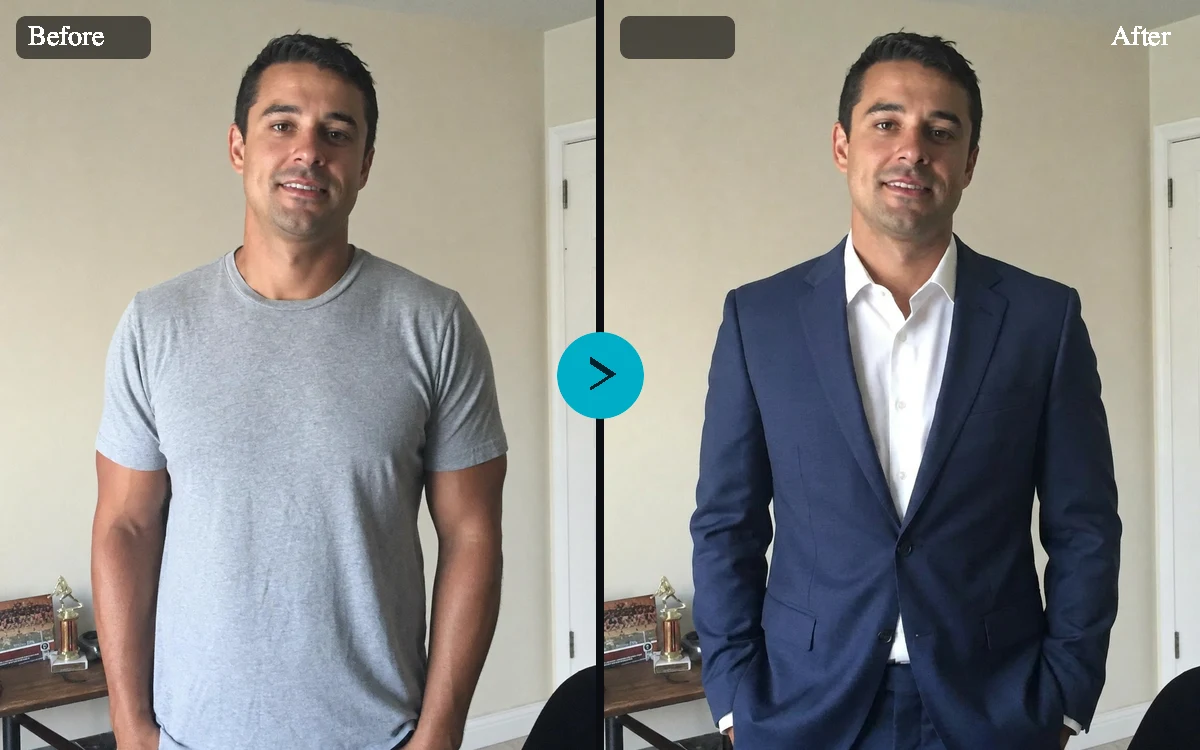
The AI Clothes Changer is designed for people who want to change clothes in a photo without changing the person. Upload a portrait or full-body image, choose an outfit style, and generate a realistic virtual try-on that keeps identity, pose, skin tone, hair, camera angle, and background intact.
Use a prompt or an outfit reference image
Describe the exact outfit you want, from a navy blazer to a linen summer look, or upload a second image as a garment reference. The two-image flow gives the model a stronger signal for color, material, pattern, and silhouette while the prompt explains how the final image should feel.
Built for headshots, ecommerce, and creator workflows
Try professional profile clothing, ecommerce model looks, creator streetwear, formal event styling, or fitness campaign outfits. Presets help users move quickly, while advanced options let them preserve the background, lock the face and pose, choose an aspect ratio, and generate several variations.
Consent-first clothing edits
Outfit edits can be personal, commercial, or identity-sensitive. You'll need permission to edit the image, and the tool is for adult subjects only. It declines sexualized requests, keeps results private, and is never meant for undressing, clothes removal, or deceptive edits.
Professional profiles
Preview business attire for LinkedIn, resumes, team pages, and speaker bios without scheduling a separate headshot session.
Fashion ecommerce
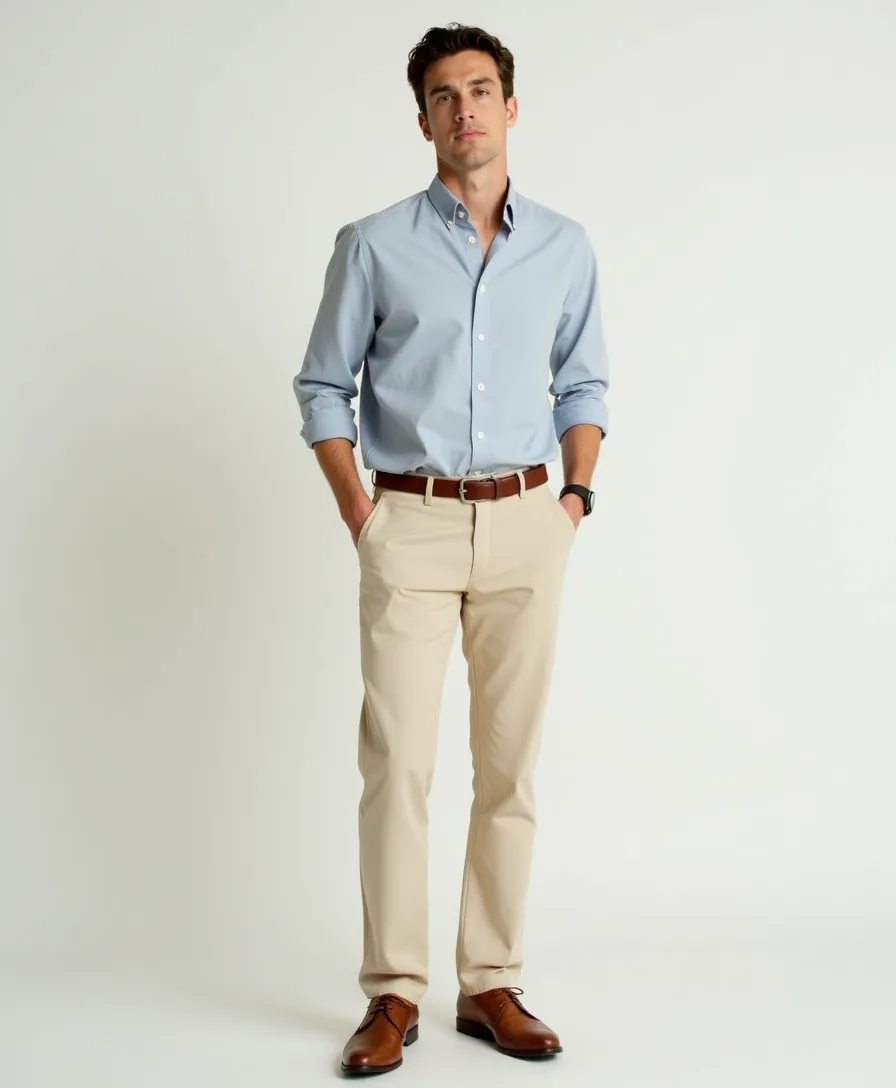
Create catalog-style try-on concepts that show garment fit, silhouette, fabric, and styling direction before a full production shoot.
Creator content
Test casual, seasonal, or campaign outfits for thumbnails, social posts, and brand collaborations while keeping the original person recognizable.
Wardrobe planning
Compare colors, layers, formalwear, and seasonal outfit ideas before buying, packing, or styling a real-world look.
AI Clothes Changer examples
Example presets
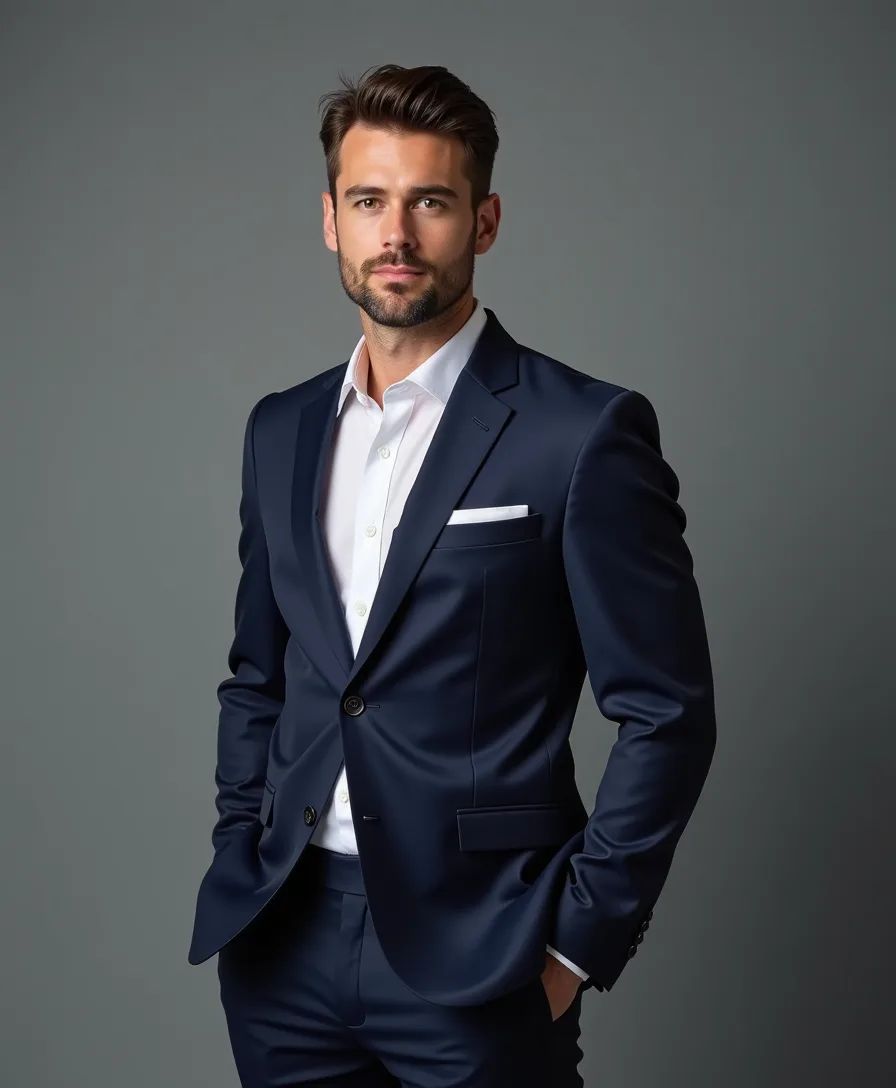
- Business headshottailored charcoal blazer, crisp white shirt, subtle professional styling, realistic fabric, suitable for a profile photo
- Casual creatorclean streetwear jacket, neutral t-shirt, modern denim, simple accessories, relaxed social media styling
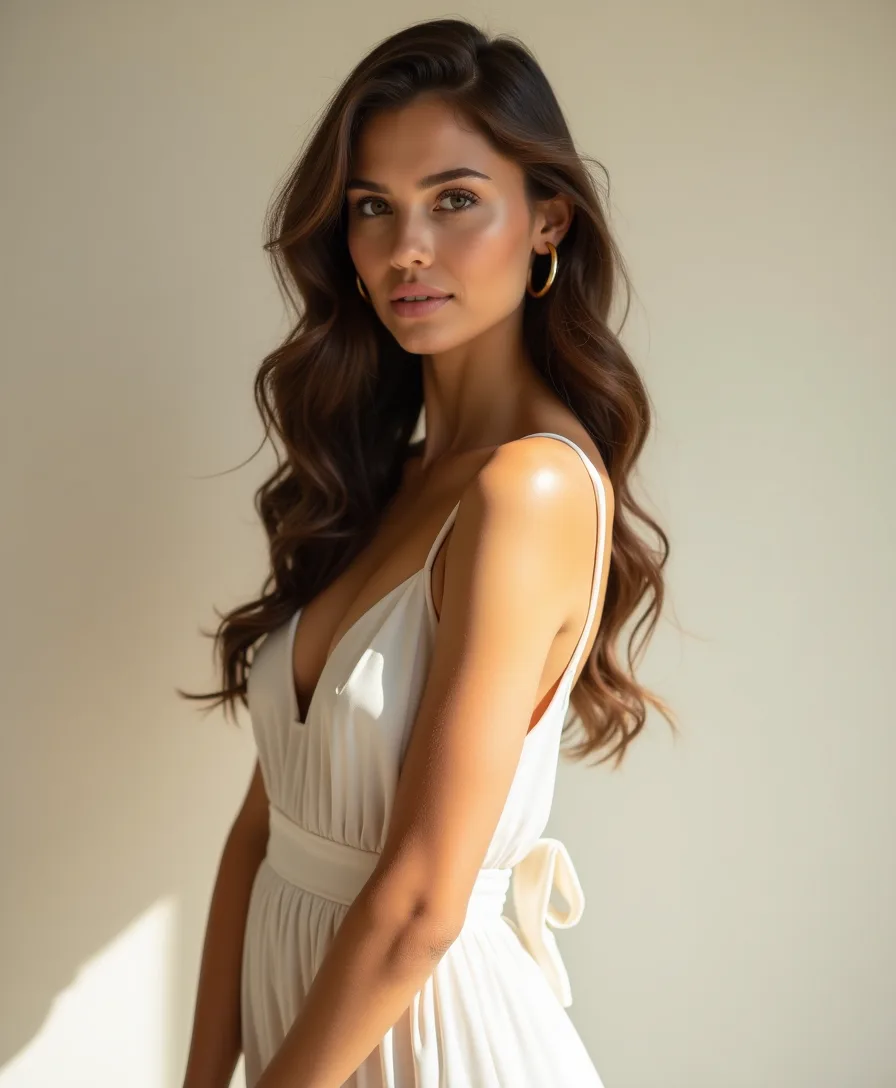
- Summer looktasteful summer outfit with light fabric, warm colors, comfortable daytime styling, natural folds and shadows
- Formal eventformal evening outfit with refined tailoring, polished fabric texture, subtle accessories, elegant event styling
- Fitness campaignappropriate athletic outfit with breathable fabric, realistic stretch, activewear seams, and clean fitness brand styling
- Catalog try-onecommerce model look with clear garment silhouette, visible seams, true fabric color, and clean catalog-ready presentation
Controls and settings
- Outfit styleChoose from Business headshot, Casual streetwear, Summer dress, Formal suit, Fitness outfit, Ecommerce model look, Custom outfit.
- Custom outfitExample: navy linen blazer, white t-shirt, straight-leg denim, minimal silver accessories
- FitChoose from Natural, Tailored, Relaxed, Catalog clear.
- Aspect ratioSupports 3:4, 4:5, 1:1, 9:16 with 3:4 as the default.
- ResultsGenerate 1 to 4 variants. Default: 4.
- Preserve face and poseKeep the face, identity, pose, expression, body shape, and camera angle as close to the original as possible.
- Preserve backgroundKeep the original background, lighting direction, camera perspective, and scene context unless the user explicitly asks for a simple compatible adjustment.
Tips for a better result
Start with the clearest source available, keep the main subject easy to identify, and choose settings that match the intended final size. Review the first output at full size before generating another variation, especially when the original contains small text, fine product edges, faces, or compressed detail.
Allowed use and safety
Use adult images you own or have permission to edit. Do not use this tool on minors, for nudity, sexualized transformations, harassment, impersonation, or deceptive identity edits. Outfit previews should preserve the person and stay appropriate.
Frequently asked questions
What is an AI clothes changer?
An AI clothes changer edits a person photo so the clothing looks different while the person, pose, camera angle, and scene stay recognizable. On Fiddl.art, the tool is meant for outfit previews, fashion planning, ecommerce concepts, and creator visuals.
Can I upload a reference outfit or garment image?
Yes. You can add one required person photo and one optional outfit reference image. Add the person photo first and the garment or outfit reference second so the look is applied to the right image.
Will it preserve the face and pose?
The default prompt tells the model to preserve the person's face, identity, body shape, pose, skin tone, hair, background, and camera angle. Results can vary by image quality and model behavior, so clear adult photos with visible clothing usually work best.
Can I use the AI Clothes Changer for ecommerce photos?
Yes, use the ecommerce model look preset or upload a garment reference to create catalog-style concepts. For final commercial assets, review the output carefully for garment accuracy, fabric details, logos, seams, and fit.
Are AI clothes changer results public?
No. Outfit previews created through this tool stay private. You can download and share a result yourself when you choose.
What prompts are not allowed?
Do not request nudity, clothing removal, transparent clothing, sexualized transformations, minors, harassment, impersonation, or deceptive edits. The tool blocks unsafe prompts before generating.
Do I need permission to edit a person photo?
Yes. Use photos you own or have permission to edit, and only use adult subjects. Consent and rights are especially important for identity-based tools such as outfit changing and virtual try-on.