ai linkedin photo generator
AI LinkedIn Photo & Headshot Generator
Turn a selfie into a professional headshot.
How it works
Upload a clear selfie
Choose one adult photo where the face is visible, the expression is natural, and the source image has enough detail for identity-preserving edits.
Pick a professional direction
Select a LinkedIn, corporate, founder, medical, real estate, creative, or creator preset, then adjust the background, outfit, expression, retouching, aspect ratio, and quantity.
Review private headshot results
Compare the private variations, open or download the strongest result, and continue refining it from your Fiddl media history when needed.
Before you start
- Files to upload
- Start with a clear JPG, PNG, or WebP with the whole subject visible. A sharper original gives the model more useful detail.
- Access and cost
- Sign in to upload and process your file. Available free runs or trial images depend on the tool and your account. Review the points estimate before starting; choosing a style does not start processing.
- Check and download
- Compare the result with the original at full size before downloading. AI edits can change faces, lettering, product details, and textures; keep the version that represents your subject accurately.
Tool summary
- Input
- Image upload required, up to 1 input image
- Model
- nano-banana-pro
- Default aspect ratio
- 9:16
- Output
- Generate Headshots
Example presets
Choose an example look, or describe your own. Custom: Describe exactly what you want.
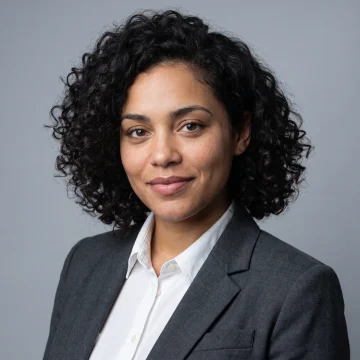 LinkedIn professionalA polished profile photo for LinkedIn, resumes, job searches, and professional networking.
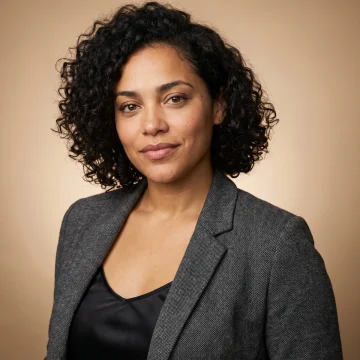 Startup founderA modern business portrait for founder bios, pitch decks, press pages, and investor updates.
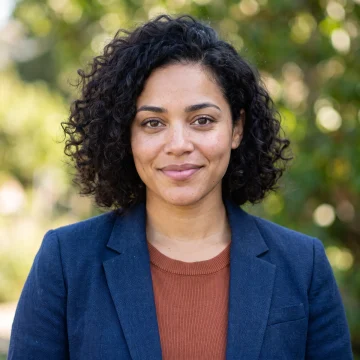 Creative profileA professional but expressive portrait for portfolio sites, creator bios, newsletters, and social profiles.
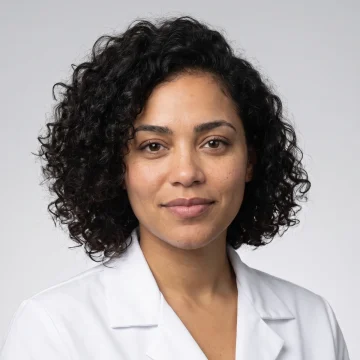 Healthcare profileA calm and trustworthy profile image for clinicians, wellness providers, and professional directories.
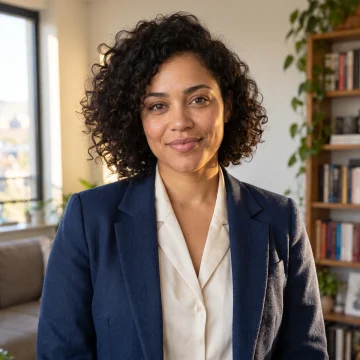 Real estate agentA warm client-facing profile photo for property listings, agent pages, flyers, and email signatures.
Controls and settings
- Headshot styleChoose from LinkedIn professional, Startup founder, Creative portfolio, Medical professional, Real estate agent.
- BackgroundChoose from Studio gray, Office, Outdoor soft blur, Clean white, Warm neutral, Custom.
- Custom backgroundExample: modern coworking space with warm window light and soft background blur
- OutfitChoose from Keep original, Suit or blazer, Business casual, Creative casual, Medical coat.
- RetouchingChoose from Natural, Light polish, Studio clean.
- ExpressionChoose from Natural confident, Warm approachable, Calm executive.
- Aspect ratioSupports 1:1, 4:5 with 9:16 as the default.
- ResultsGenerate 1 to 4 variants. Default: 4.
- Preserve identityPreserve the person's identity, face structure, age, skin tone, hair, facial hair, expression, distinctive features, and natural likeness.
- Keep privateDefault: enabled.
Tips for a better result
Start with the clearest source available, keep the main subject easy to identify, and choose settings that match the intended final size. Review the first output at full size before generating another variation, especially when the original contains small text, fine product edges, faces, or compressed detail.
Identity and privacy
Use adult photos you own or have permission to edit. Tool results stay private. Avoid deceptive credentials or impersonation, and review each result for accurate likeness before professional use.
Prefer to work with an agent?
Continue this task, explore variations, or ask for advice. Your current goal, choices, and saved image references go into a new chat. You decide what to create next.
Before and after
AI-created source photos, processed with the tool's configured model. Results vary with the input.
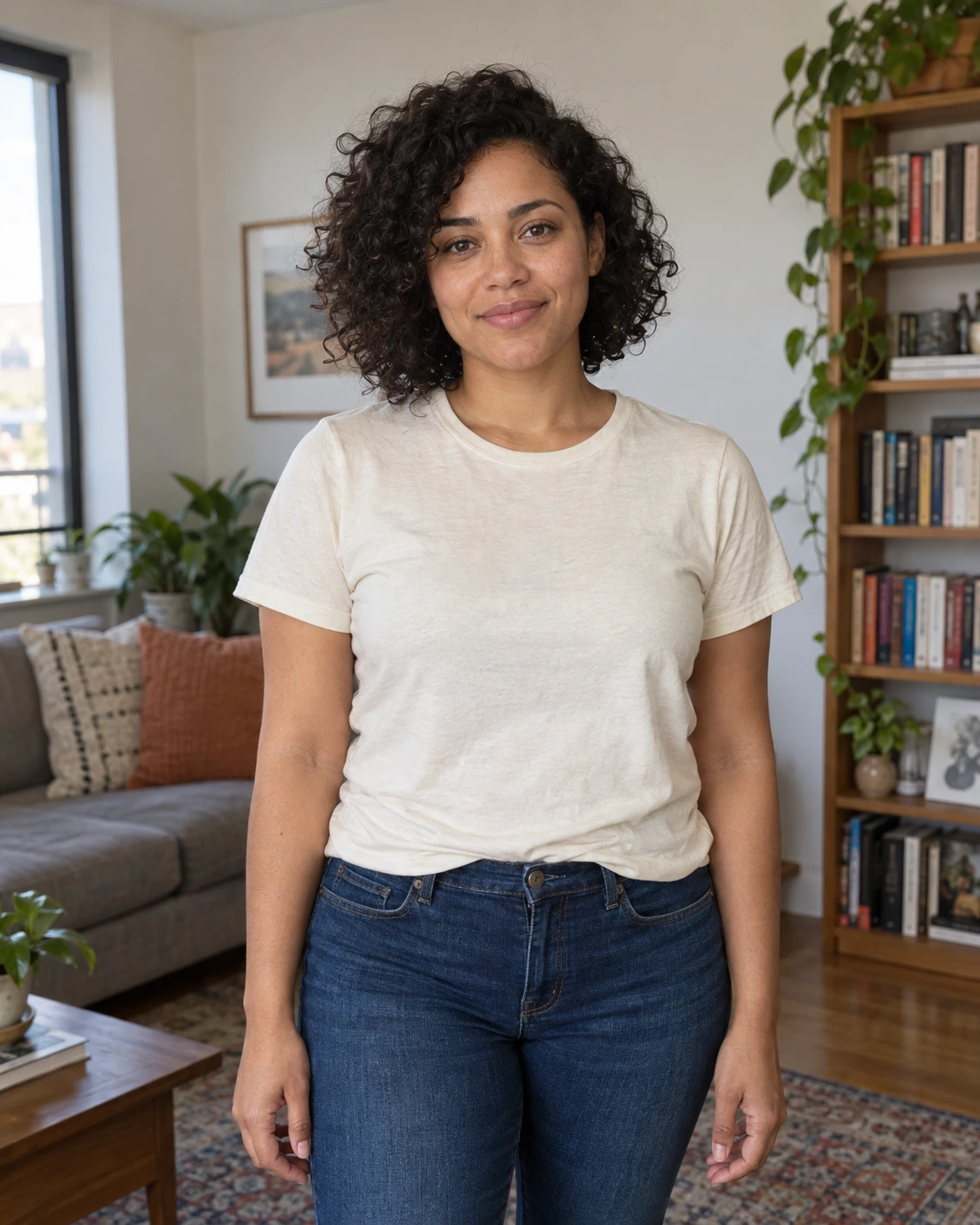 Before
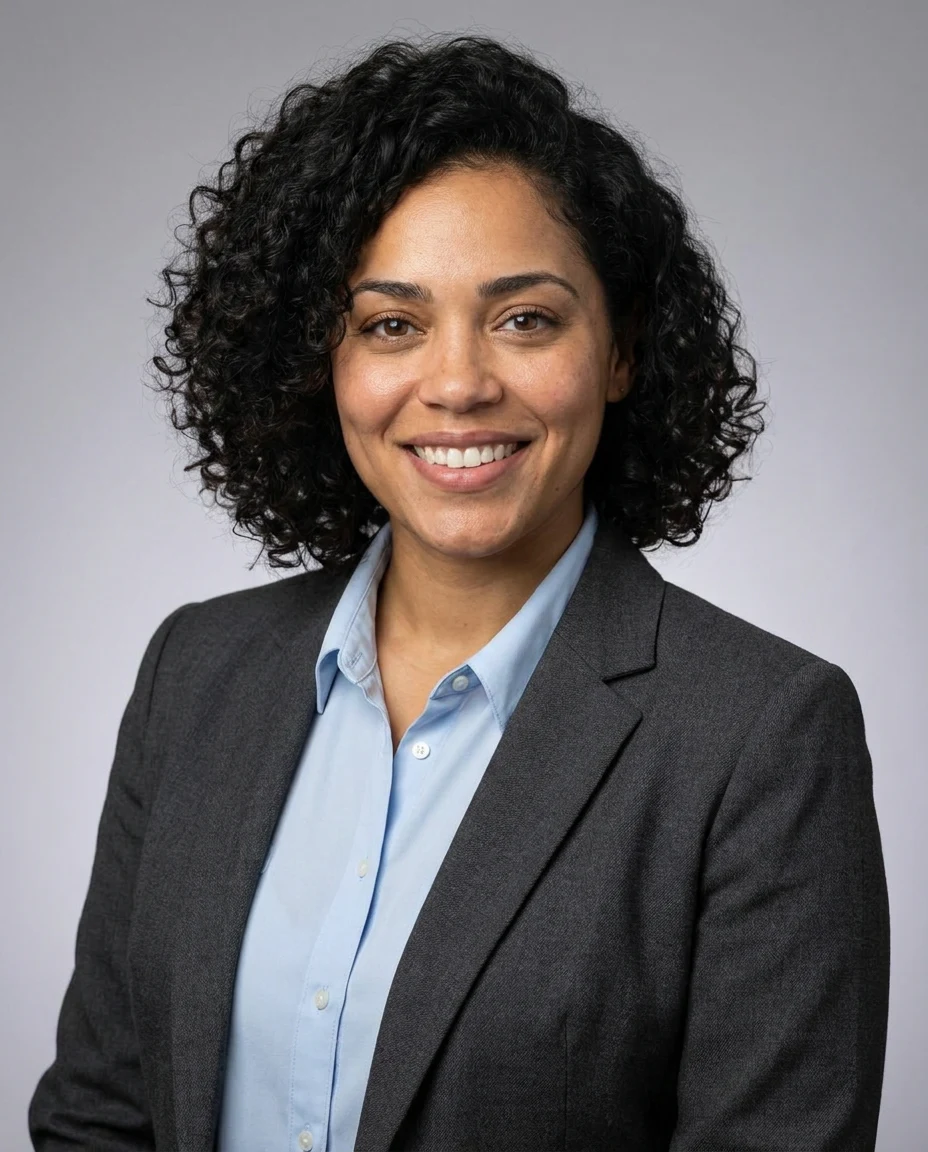 After
AfterModel and settings
google/nano-banana-pro · LinkedIn professional
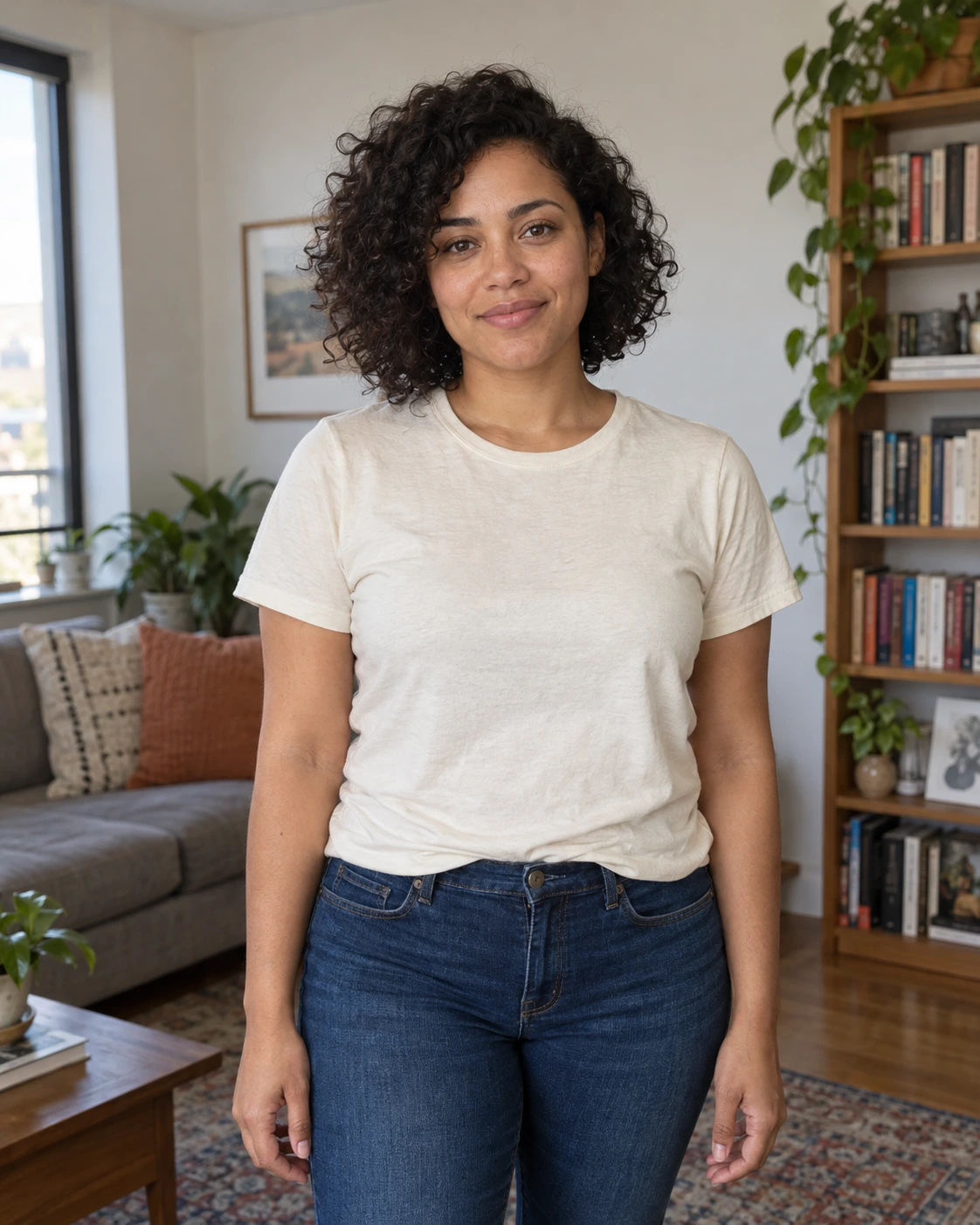 Before
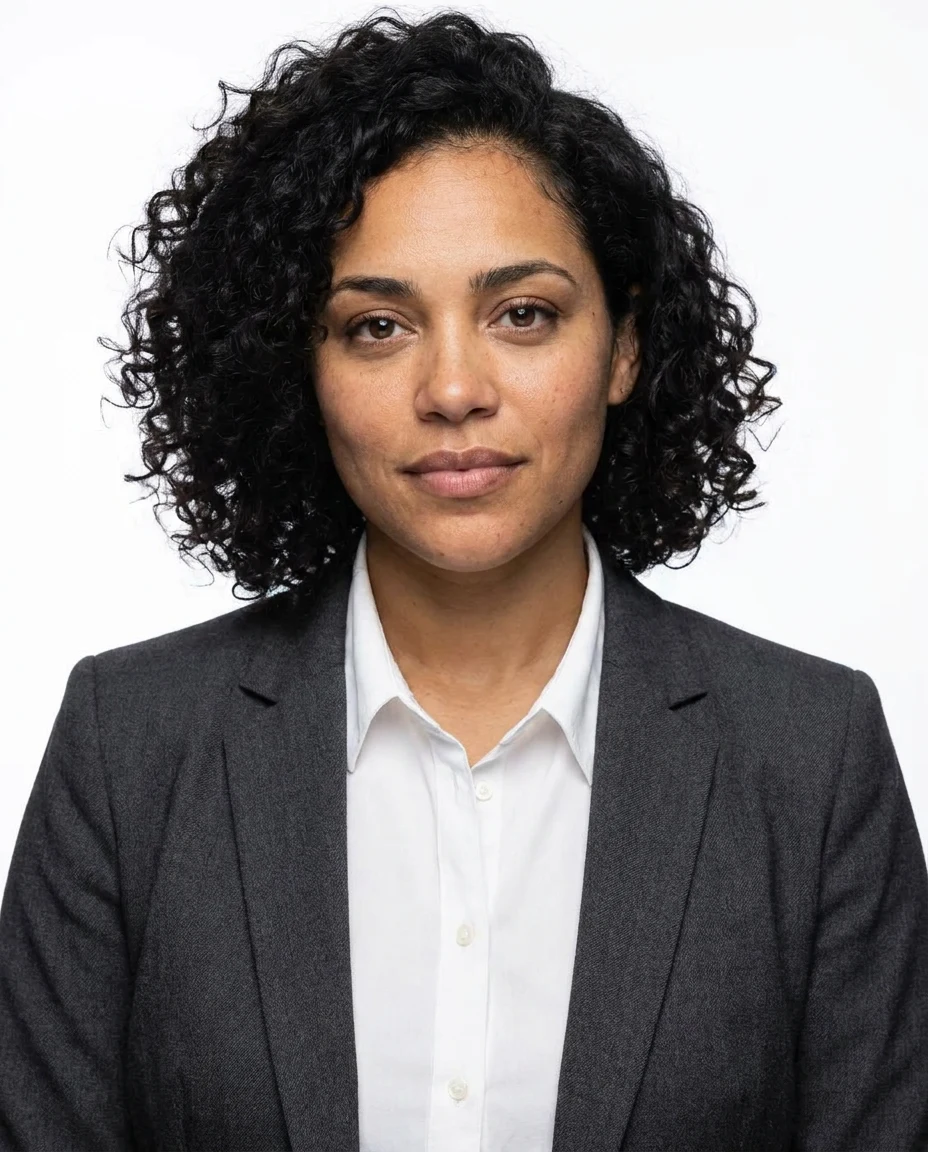 After
AfterModel and settings
google/nano-banana-pro · Company profile portrait
Step-by-step guide: How to make a LinkedIn headshot from a selfie
More about this tool
Create a LinkedIn-ready headshot from a selfie
The AI Headshot Generator is designed for people who need a stronger professional profile photo without arranging a full photo shoot. Upload a clear selfie, choose the LinkedIn professional preset, and generate polished variations with business-ready lighting, a clean crop, and identity-preserving prompts.
Professional headshots for resumes, teams, and business pages
Use the corporate studio, startup founder, medical professional, and real estate presets to match different career contexts. Each preset keeps the result grounded in a realistic profile-photo style instead of generic avatar art, making it useful for resumes, company bios, directories, client proposals, and press pages.
Preserve identity while improving presentation
Headshot edits are sensitive because the person still needs to look like themselves. The default prompt asks the model to preserve face structure, age, skin tone, hair, expression, distinctive features, and natural likeness while improving lighting, background, outfit presentation, and camera polish.
Choose background and outfit direction
Select a studio gray, clean white, office, outdoor soft blur, warm neutral, or custom background. Outfit options can keep the original clothing or guide the output toward a blazer, business casual, creative casual, or appropriate professional attire while avoiding fake credentials, logos, or deceptive claims.
Private output for real faces
Headshots are personal identity images, so results created through this tool stay private. You can set up your selfie and options on the page, and you'll be asked to sign in and confirm before generation.
LinkedIn profile photo
Create a sharper, more professional profile image for networking, job searches, consulting, recruiting, and sales outreach.
Resume and portfolio
Generate a clean headshot direction for resumes, personal sites, speaker bios, author pages, and creator portfolios.
Company team pages
Explore consistent team-page styles when individual photos were taken in different lighting, backgrounds, or clothing.
Industry-specific profiles
Use medical professional, real estate agent, corporate studio, and founder presets to match the tone of a specific field.
Frequently asked questions
What is an AI headshot generator?
An AI headshot generator uses an uploaded photo as a reference and creates professional profile-photo variations with updated lighting, background, crop, outfit direction, and polish. This Fiddl.art config focuses on realistic headshots, not cartoon avatars.
Can I use it as a LinkedIn headshot generator?
Yes. The LinkedIn professional preset is designed for a clean, approachable business profile photo with neutral styling and realistic lighting. Review the result before uploading it anywhere professional.
Will the generated headshot still look like me?
The default prompt emphasizes identity preservation, including face structure, age, skin tone, hair, facial hair, expression, distinctive features, and natural likeness. Generative models can still vary, so compare results carefully and regenerate if the likeness drifts.
What kind of selfie works best?
Use a clear adult selfie or portrait with the face visible, minimal blur, natural expression, and enough image detail. Avoid heavy filters, sunglasses, extreme angles, strong shadows, or photos where the face is partially covered.
Are AI headshot results public?
No. Headshots created through this tool stay private. You can download and share a result yourself when you choose.
Can I choose the background and outfit?
Yes. The page includes studio gray, office, outdoor soft blur, clean white, warm neutral, and custom backgrounds, plus outfit options such as keeping the original clothing, suit or blazer, business casual, creative casual, and medical coat.
Can I make official ID, passport, or credential photos?
No. This tool is for professional profile photos, team pages, resumes, and creator profiles. It does not meet government ID, passport, access badge, licensing, or credential photo requirements.
Do I need permission to generate a headshot?
Yes. Use your own adult photo or a photo you have permission to edit. Consent matters for any identity-based image tool, especially when the result might be used professionally.