AI 프로필 사진
AI LinkedIn 프로필 사진·헤드샷 생성기
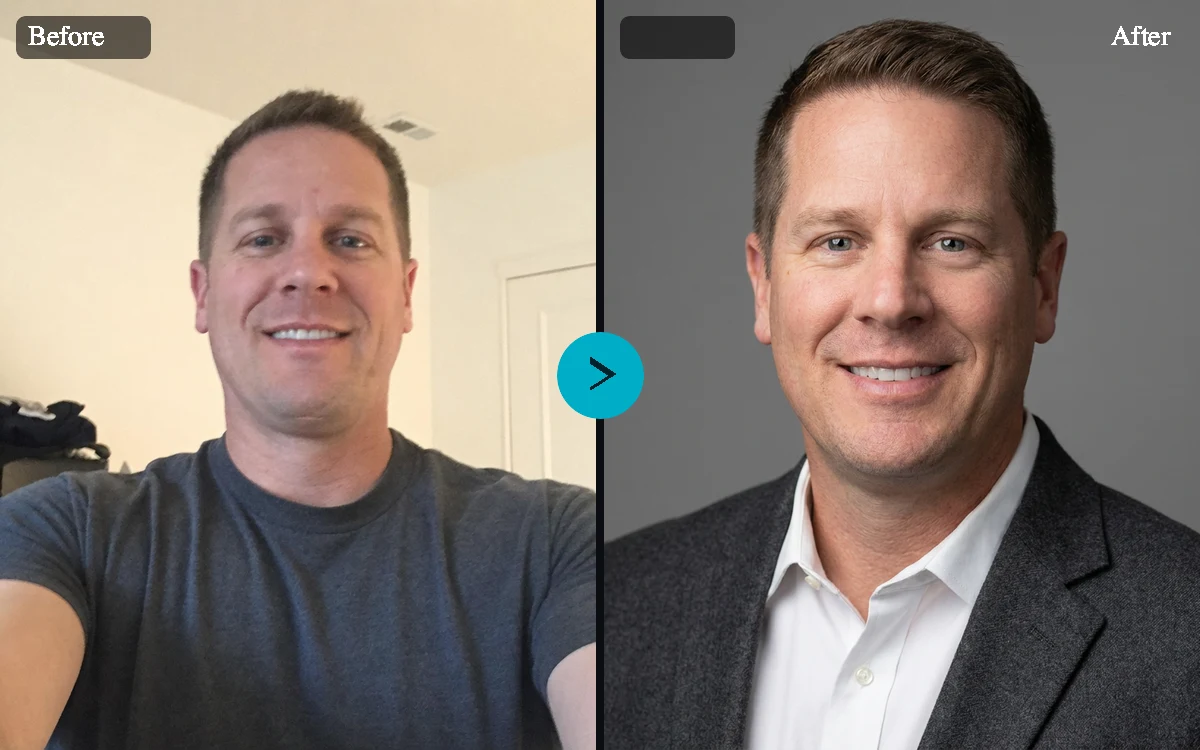
셀카 한 장을 올리고 전문적인 스타일을 고르면, 이력서, 팀 소개 페이지, 비즈니스 프로필에 쓸 자연스러운 LinkedIn 사진과 헤드샷을 만들어요.
도구 요약
- 입력
- 이미지 업로드 필수, 입력 이미지 최대 1장
- 모델
- nano-banana-pro
- 기본 화면 비율
- 1:1
- 출력
- 프로필 사진 생성
셀카로 LinkedIn용 헤드샷 만들기
AI 헤드샷 생성기는 따로 촬영을 잡지 않고도 더 전문적인 프로필 사진이 필요한 분을 위해 설계됐어요. 선명한 셀카를 올리고 LinkedIn 프로페셔널 프리셋을 고르면, 비즈니스에 맞는 조명, 깔끔한 크롭, 본인다움을 지키는 프롬프트로 세련된 결과물을 생성해요.
이력서, 팀, 비즈니스 페이지를 위한 전문 헤드샷
기업 스튜디오, 스타트업 창업자, 의료 전문가, 부동산 프리셋으로 다양한 직업 상황에 맞추세요. 각 프리셋은 흔한 아바타 그림이 아닌 사실적인 프로필 사진 스타일을 유지해서 이력서, 회사 소개, 디렉터리, 고객 제안서, 보도 페이지에 활용하기 좋아요.
본인다움은 지키고 인상은 더 좋게
헤드샷 편집은 결과물이 여전히 본인처럼 보여야 하기 때문에 민감해요. 기본 프롬프트는 모델에 얼굴 구조, 나이, 피부톤, 헤어, 표정, 고유한 특징, 자연스러운 닮음을 보존하면서 조명, 배경, 옷차림, 촬영 완성도를 개선하도록 요청해요.
배경과 옷차림 방향 선택
스튜디오 그레이, 깔끔한 화이트, 사무실, 흐릿한 야외, 따뜻한 뉴트럴, 직접 입력 배경 중에서 고르세요. 옷차림 옵션으로 원래 옷을 유지하거나 블레이저, 비즈니스 캐주얼, 크리에이티브 캐주얼, 적절한 전문가 복장으로 바꿀 수 있으며, 가짜 자격 표시, 로고, 기만적인 표현은 피해요.
실제 얼굴을 위한 비공개 결과물
헤드샷은 개인의 신원이 담긴 이미지라서 이 도구로 만든 결과물은 비공개로 유지돼요. 페이지에서 셀카와 옵션을 준비할 수 있으며, 생성 전에 로그인과 확인을 요청해요.
LinkedIn 프로필 사진
네트워킹, 구직, 컨설팅, 채용, 영업 활동에 쓸 더 선명하고 전문적인 프로필 이미지를 만드세요.
이력서와 포트폴리오
이력서, 개인 사이트, 연사 소개, 저자 페이지, 크리에이터 포트폴리오에 쓸 깔끔한 헤드샷 스타일을 만드세요.
회사 팀 소개 페이지
개인 사진의 조명, 배경, 옷차림이 제각각일 때 일관된 팀 소개 페이지 스타일을 찾아보세요.
업종별 프로필
의료 전문가, 부동산 중개인, 기업 스튜디오, 창업자 프리셋으로 특정 분야의 분위기에 맞추세요.
AI LinkedIn 프로필 사진·헤드샷 생성기 예시
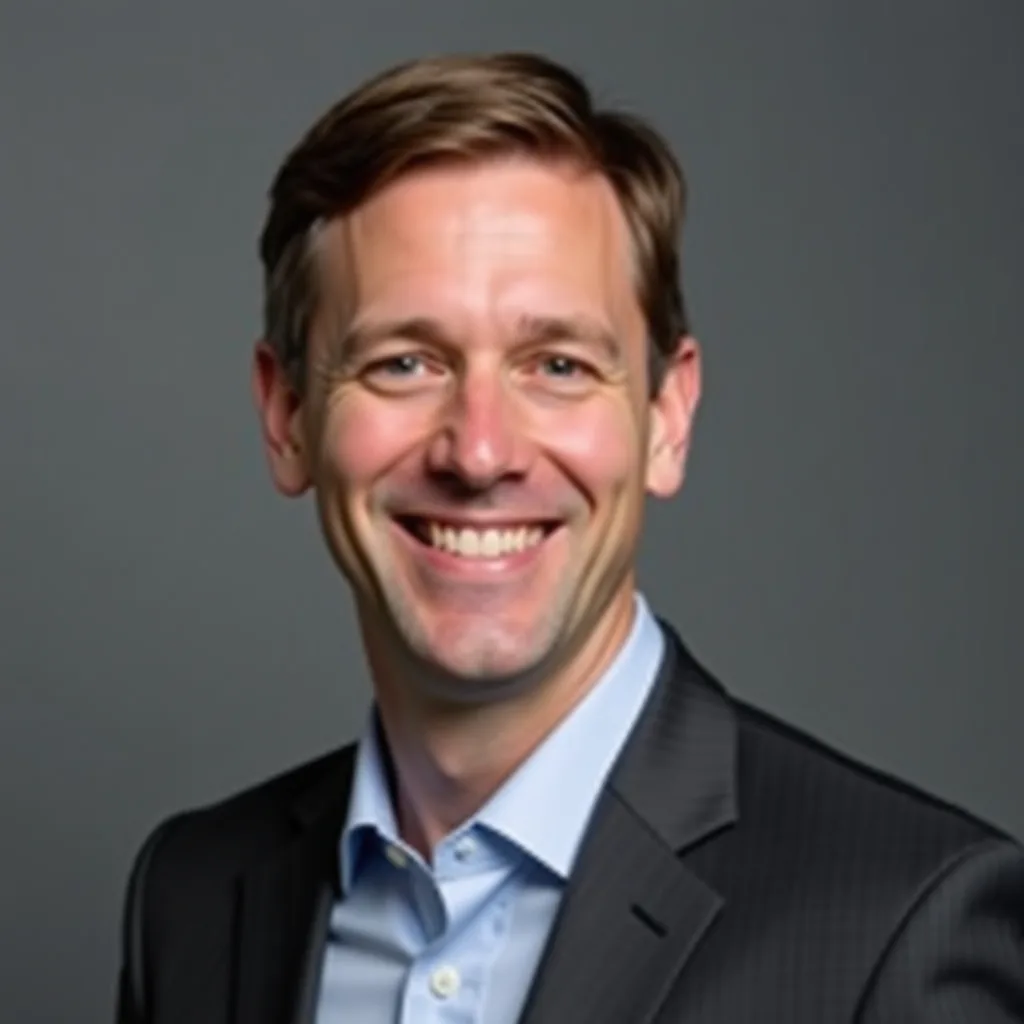
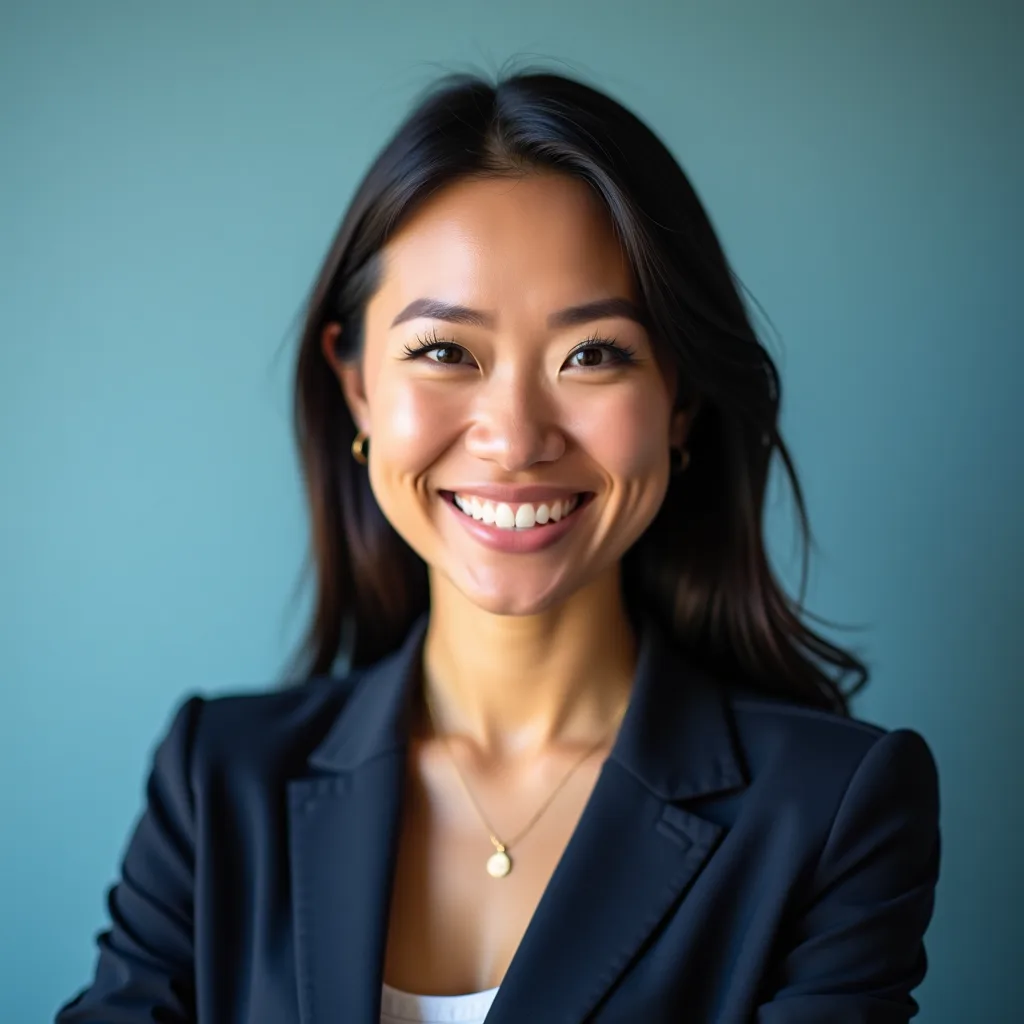
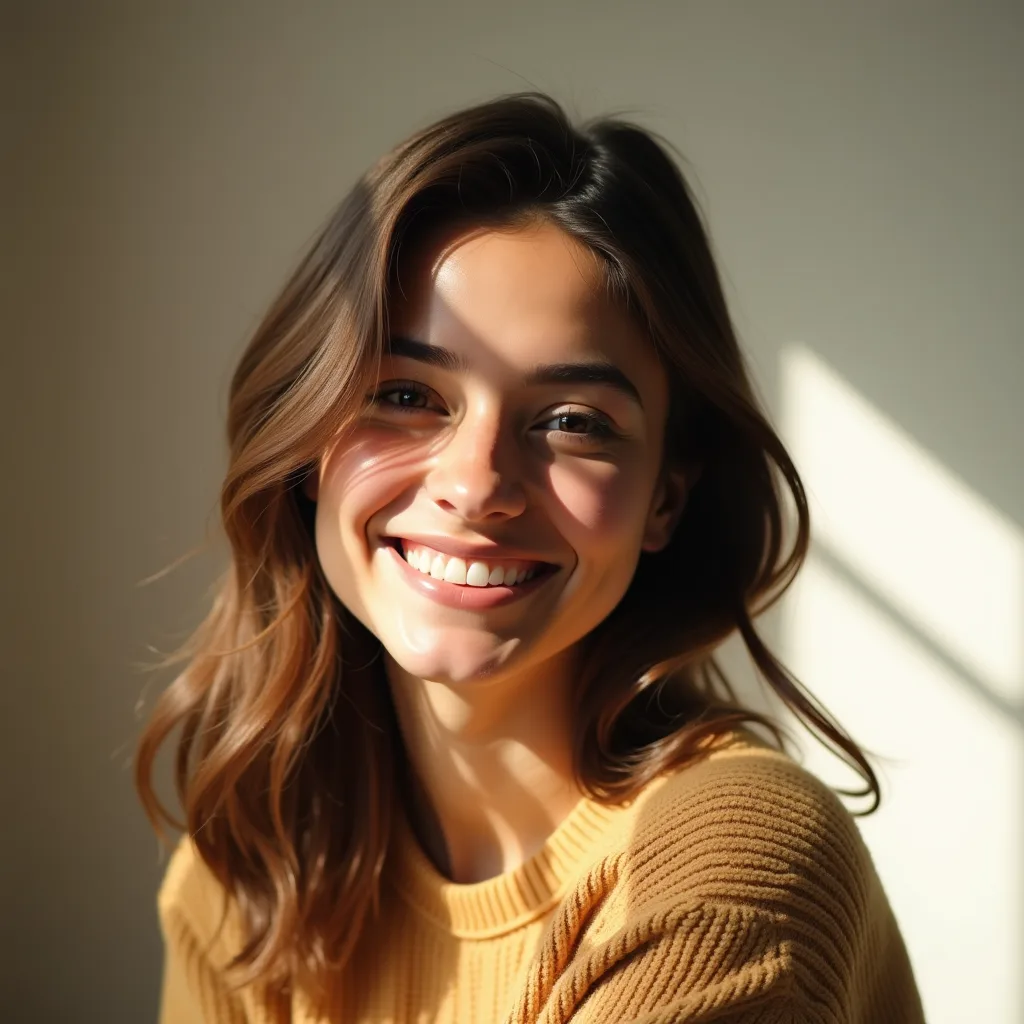
프리셋 예시
- LinkedIn 프로페셔널LinkedIn, 이력서, 구직 활동, 비즈니스 네트워킹에 쓸 세련된 프로필 사진.
- 기업 팀 소개 페이지회사 소개, 영업 페이지, 경영진 프로필에 쓸 일관되고 신뢰감 있는 헤드샷 스타일.
- 스타트업 창업자창업자 소개, 피치덱, 보도 페이지, 투자자 업데이트에 쓸 모던한 비즈니스 인물 사진.
- 크리에이티브 프로필포트폴리오 사이트, 크리에이터 소개, 뉴스레터, SNS 프로필에 쓸 전문적이면서도 개성 있는 인물 사진.
- 의료인 프로필의료진, 웰니스 전문가, 전문가 디렉터리에 쓸 차분하고 신뢰감 있는 프로필 이미지.
- 부동산 중개인매물 정보, 중개인 페이지, 전단지, 이메일 서명에 쓸 따뜻하고 고객 친화적인 프로필 사진.
- 크리에이터 아바타사람을 만화 아바타로 바꾸지 않고, 크리에이터 페이지에 쓸 알아보기 쉽고 세련된 프로필 이미지.
컨트롤과 설정
- 헤드샷 스타일LinkedIn 프로페셔널, 스타트업 창업자, 기업 스튜디오, 크리에이티브 포트폴리오, 의료 전문가, 부동산 중개인, 크리에이터 프로필 중에서 선택하세요.
- 배경스튜디오 그레이, 사무실, 흐릿한 야외, 깔끔한 화이트, 따뜻한 뉴트럴, 직접 입력 중에서 선택하세요.
- 원하는 배경예: 따뜻한 창가 햇살과 부드러운 배경 흐림이 있는 모던한 공유 오피스
- 옷차림원래 옷 유지, 정장 또는 블레이저, 비즈니스 캐주얼, 크리에이티브 캐주얼, 의사 가운 중에서 선택하세요.
- 보정자연스럽게, 가볍게 다듬기, 스튜디오처럼 깔끔하게 중에서 선택하세요.
- 표정자연스럽고 자신감 있게, 따뜻하고 친근하게, 차분한 임원 느낌 중에서 선택하세요.
- 화면 비율지원 비율: 1:1, 4:5. 기본값: 1:1.
- 결과 수1~4개 생성할 수 있어요. 기본값: 4.
- 본인 얼굴 유지기본값: 사용
- 비공개 유지기본값: 사용
더 좋은 결과를 위한 팁
가장 선명한 원본으로 시작하고, 주요 피사체가 쉽게 구분되도록 하며, 최종 용도의 크기에 맞는 설정을 고르세요. 다른 버전을 생성하기 전에 첫 결과물을 원본 크기로 확인하세요. 특히 원본에 작은 글자, 섬세한 제품 가장자리, 얼굴, 압축된 디테일이 있다면 더욱 그래요.
신원과 개인정보
직접 소유했거나 편집 권한을 받은 성인 사진을 사용하세요. 도구 결과물은 비공개로 유지돼요. 가짜 자격 표시나 사칭은 피하고, 업무용으로 쓰기 전에 결과물이 실제 모습과 닮았는지 하나하나 확인하세요.
자주 묻는 질문
AI 헤드샷 생성기란 무엇인가요?
AI 헤드샷 생성기는 업로드한 사진을 참고해 조명, 배경, 크롭, 옷차림, 완성도를 새롭게 한 전문 프로필 사진을 여러 버전으로 만드는 도구예요. 이 Fiddl.art 설정은 만화 아바타가 아닌 사실적인 헤드샷에 집중해요.
LinkedIn 헤드샷 생성기로 쓸 수 있나요?
네. LinkedIn 프로페셔널 프리셋은 절제된 스타일과 사실적인 조명으로 깔끔하고 친근한 비즈니스 프로필 사진을 만들도록 설계됐어요. 업무용으로 어디에든 올리기 전에 결과물을 검토하세요.
생성된 헤드샷이 여전히 저처럼 보이나요?
기본 프롬프트는 얼굴 구조, 나이, 피부톤, 헤어, 수염, 표정, 고유한 특징, 자연스러운 닮음을 포함한 본인다움 보존을 중시해요. 그래도 생성형 모델은 결과가 달라질 수 있으니 결과물을 꼼꼼히 비교하고, 닮지 않았다면 다시 생성하세요.
어떤 셀카가 가장 잘 되나요?
얼굴이 잘 보이고, 흔들림이 적고, 표정이 자연스럽고, 디테일이 충분한 선명한 성인 셀카나 인물 사진을 사용하세요. 강한 필터, 선글라스, 극단적인 각도, 짙은 그림자, 얼굴이 일부 가려진 사진은 피하세요.
AI 헤드샷 결과가 공개되나요?
아니요. 이 도구로 만든 헤드샷은 비공개로 유지돼요. 원할 때 직접 결과물을 다운로드해 공유할 수 있어요.
배경과 옷차림을 고를 수 있나요?
네. 스튜디오 그레이, 사무실, 흐릿한 야외, 깔끔한 화이트, 따뜻한 뉴트럴, 직접 입력 배경과 함께 원래 옷 유지, 정장 또는 블레이저, 비즈니스 캐주얼, 크리에이티브 캐주얼, 의사 가운 같은 옷차림 옵션이 있어요.
공식 신분증, 여권, 자격증 사진도 만들 수 있나요?
아니요. 이 도구는 전문 프로필 사진, 팀 소개 페이지, 이력서, 크리에이터 프로필용이에요. 신분증, 여권, 출입증, 면허, 자격증 사진 요건은 충족하지 않아요.
헤드샷을 생성하려면 허락이 필요한가요?
네. 본인의 성인 사진이나 편집 권한을 받은 사진을 사용하세요. 신원을 다루는 이미지 도구에서는 동의가 중요하며, 특히 결과물을 업무용으로 쓸 때는 더욱 그래요.