OpenAI · Image model
GPT Image 2
Generate detailed images and precise reference-guided edits with GPT Image 2.
From 40 points per image
Pricing on Fiddl
40 points per image at base settings
Price breakdown
- Base per output
- 40 points
- Per output total
- 40 points
- Total for 1
- 40 points
The quote includes selected size, audio, and privacy charges. Points are purchased separately; pack discounts affect their cash cost. View point packs.
Made with GPT Image 2
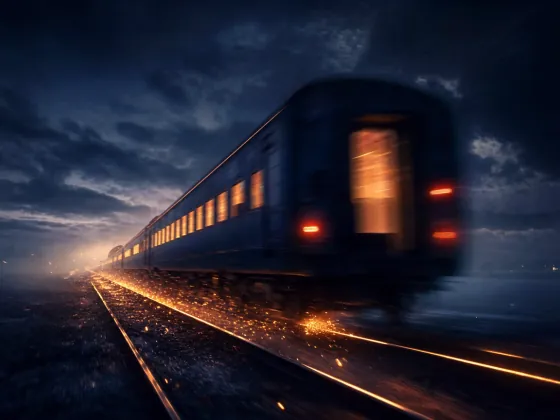
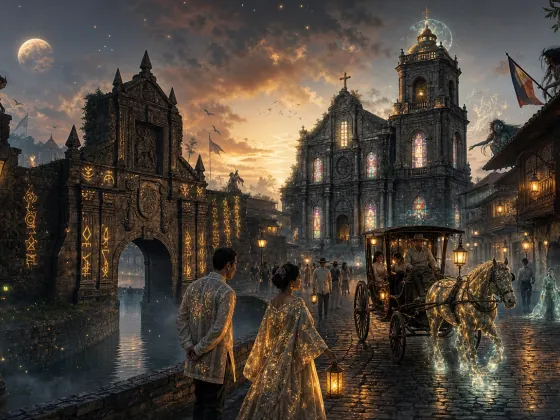
Selected examples
Details
GPT Image 2 accepts text and image inputs for composed scenes, visual instructions, and editing. A structured brief helps when the result contains several subjects or text elements. This page keeps version 2 distinct from the speed-focused Flare and quality-focused Sunburst variants.
Useful for: Visual instructions · Detailed image edits.
Fiddl uses a fixed high-quality generation setting. Results containing text, faces, or geometric details still need inspection.
- Input
- Text and images
- Reference images
- Up to 10
- Aspect ratios
- 1:1, 16:9, 21:9, 2:3, 3:2, 4:5, 5:4, 9:16, 9:21, 3:4, 4:3
- Output sizes
- Standard · 2K long edge · Up to 3840px
Prompt guide
Use short sections for scene, composition, exact text, and constraints. Repeat preservation instructions when editing.
Choose the settings above, open the creator, and add a prompt and any supported references. Review the estimate before generating.
Create a clean three-panel instruction card for planting basil; exact labels "Fill", "Plant", and "Water", consistent line illustrations.Use this prompt
Consider another model
Questions
Was the starter prompt used for the examples above?
The starter prompt is an independent writing example. Gallery images are curated public examples; their exact prompts, settings, and historical costs are not implied by this guide.
Does choosing private output change the price?
Yes. Select Private output in the calculator to see the current surcharge and total. This option changes the visibility of your creation; it does not select a private model.