TL;DR
This update brings Sora-2 video generation to Fiddl.art with simpler setup and fewer interruptions. New starter Missions help you learn platform features while earning points, with flexible email or Telegram reminders. Media galleries load faster, Magic Mirror delivers more natural headshots, and Forge simplifies custom model training. Telegram Mini App integration enables seamless sharing and Stars payments, alongside numerous performance and stability improvements.
Make videos with Sora-2
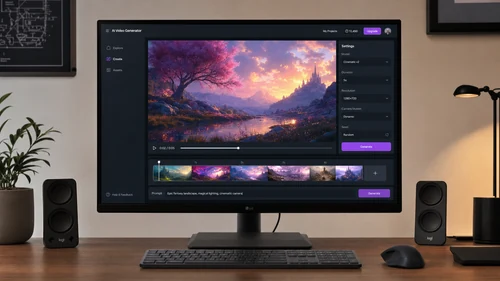
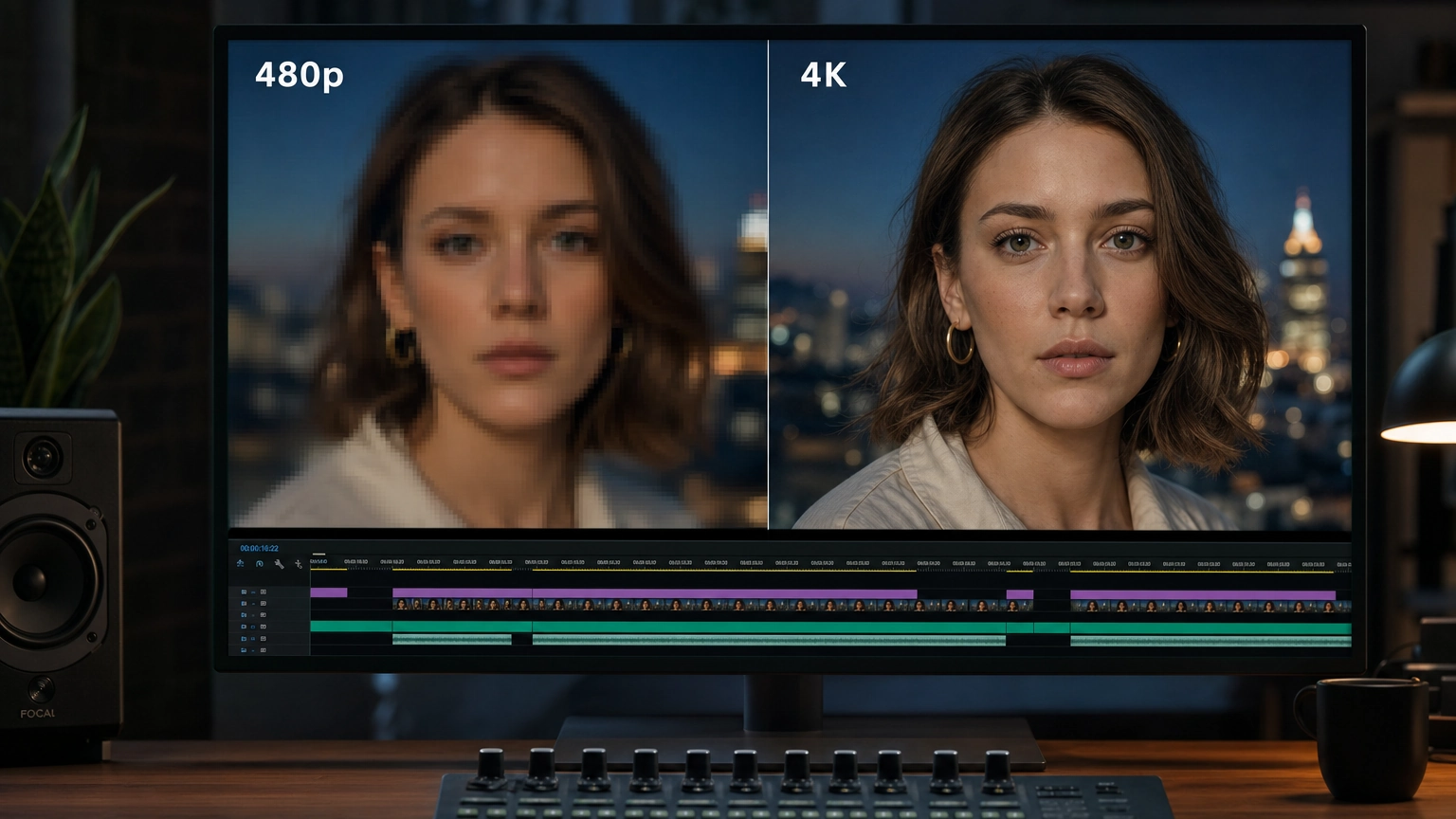
Sora-2 enables high-quality video generation from text or images, ideal for promos, social clips, or artistic projects. The updated workflow auto-fits start images and aspect ratios, reducing manual adjustments. Cached inputs and clearer error messages minimize wasted time and credits. For advanced control, Sora-2-Pro offers finer directional tweaks. These refinements help you iterate faster and achieve better results with fewer dead ends.
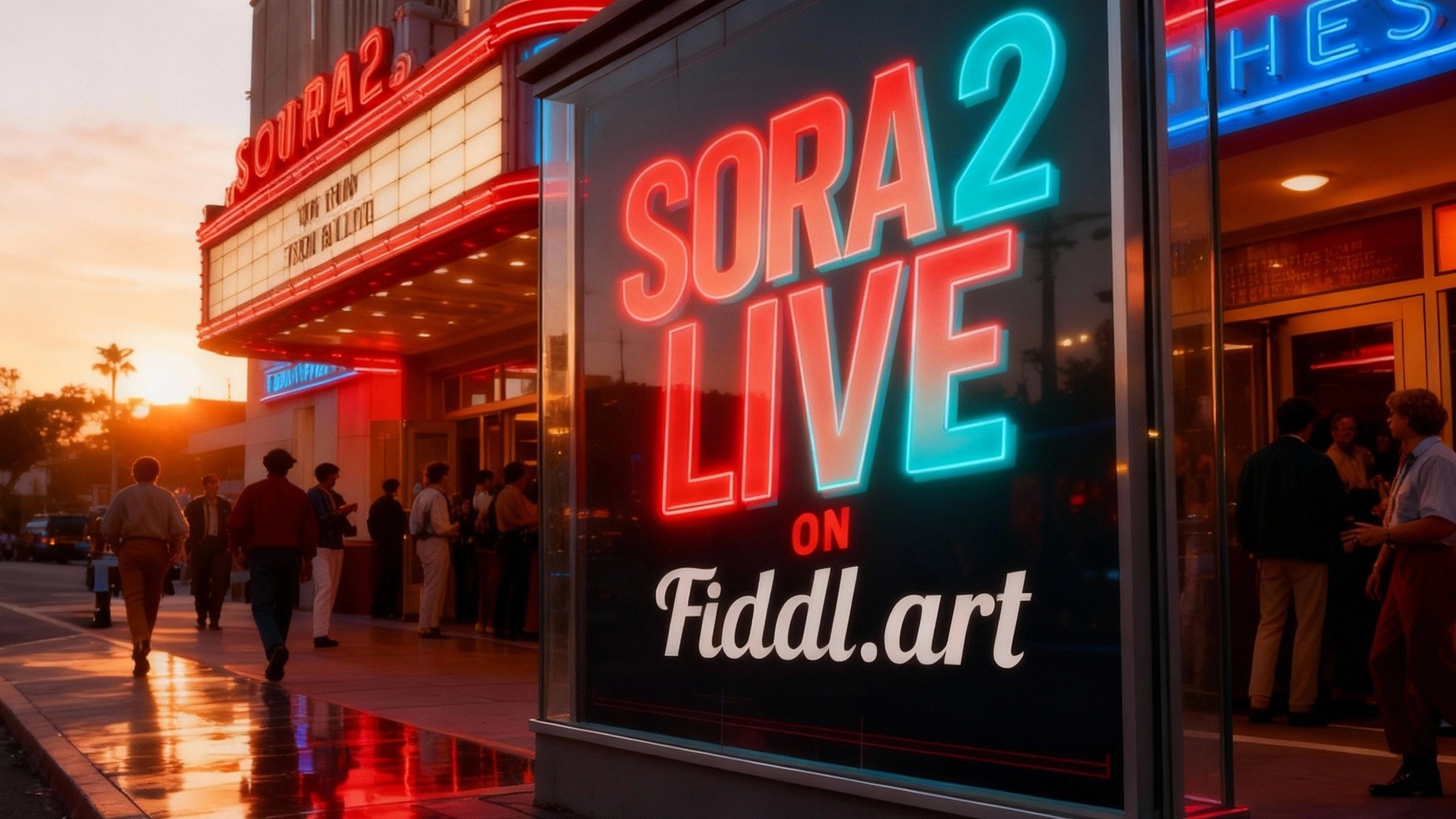
Explore our Sora is live! post for deeper insights into video generation capabilities.
Missions that teach and pay
Starter Missions guide you through key Fiddl.art features and workflows, rewarding points for first-time completions. Set reminder frequency—instant, daily, weekly, or monthly—via email or Telegram. Mission cards display community completion rates and point values, helping you prioritize tasks. Telegram notifications highlight "ready to claim" rewards, keeping your progress on track.
Learn more about our rewards system in Upvotes, Missions, and Points.

Magic Mirror looks better
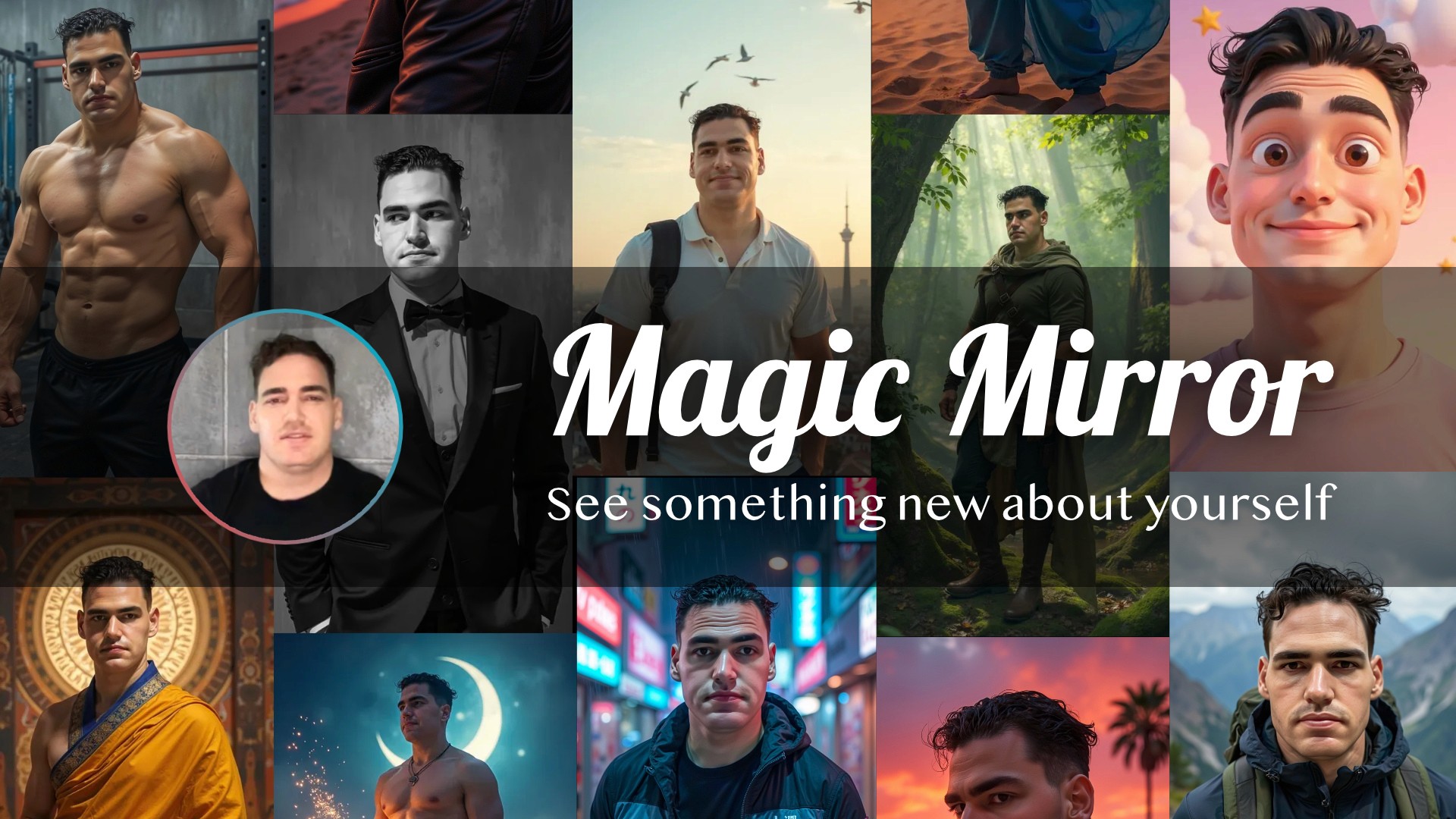
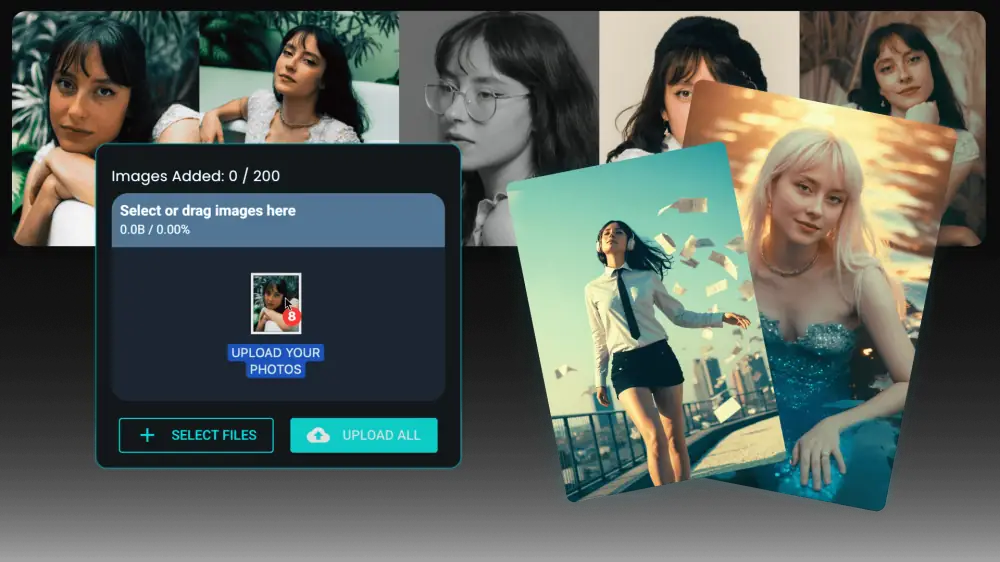
Refined prompts and rendering improvements deliver more natural lighting and subtle enhancements in Magic Mirror headshots. Smoother session handling ensures consistent results across batches. This update builds on earlier advancements covered in Introducing Magic Mirror.
More models, more control
New additions like Seedream 4K, Seedream 4, and Flux Kontext expand your creative options. Seedream auto-normalizes aspect ratios, while model mixing or randomization diversifies outputs. Browse all available options on our Models page.
Build your own style
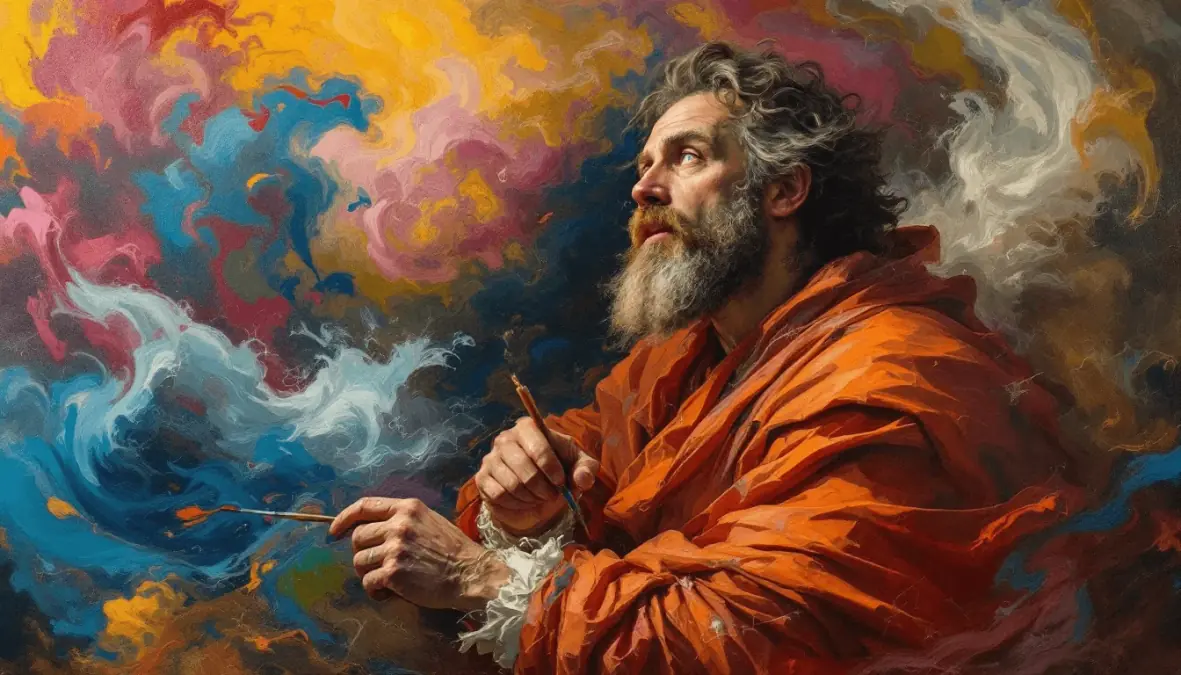
Forge now streamlines custom model training and management using your uploaded photos. Event tracking for model and training-set creation provides actionable insights for iteration. For a detailed guide, see Train Custom AI Models with Control & Clarity.

Comments, mentions, privacy
Enhanced comment previews and @mention support improve community engagement. Private or deleted media cannot be commented on, and NSFW content requires viewer consent before display.
Telegram Mini App
Share creations directly to Telegram chats and Stories where supported. Download media with native prompts and purchase points using inline Stars invoices for faster checkout.
Other improvements
Media galleries render faster with server-side optimizations, near-viewport loading, and steadier previews. Performance boosts include cached scripts, reduced backdrop blur, and slimmer UI elements. Clearer error messages, aspect-ratio tips, and consistent reward claims enhance user feedback.
Stability improvements cover auto-reloads for stale chunks, smoother preview transitions, and better mobile zoom handling. Discount codes now validate clearly, and payment stats offer better filtering. Downloads reliably support SVGs and a new HD JPG option.
SEO gains come from larger sitemaps and media naming conventions. The User Attributions tab and activity feeds with search/sort improve insights. A short referral survey helps refine growth channels, while avatars and notifications see reliability upgrades.
Get started
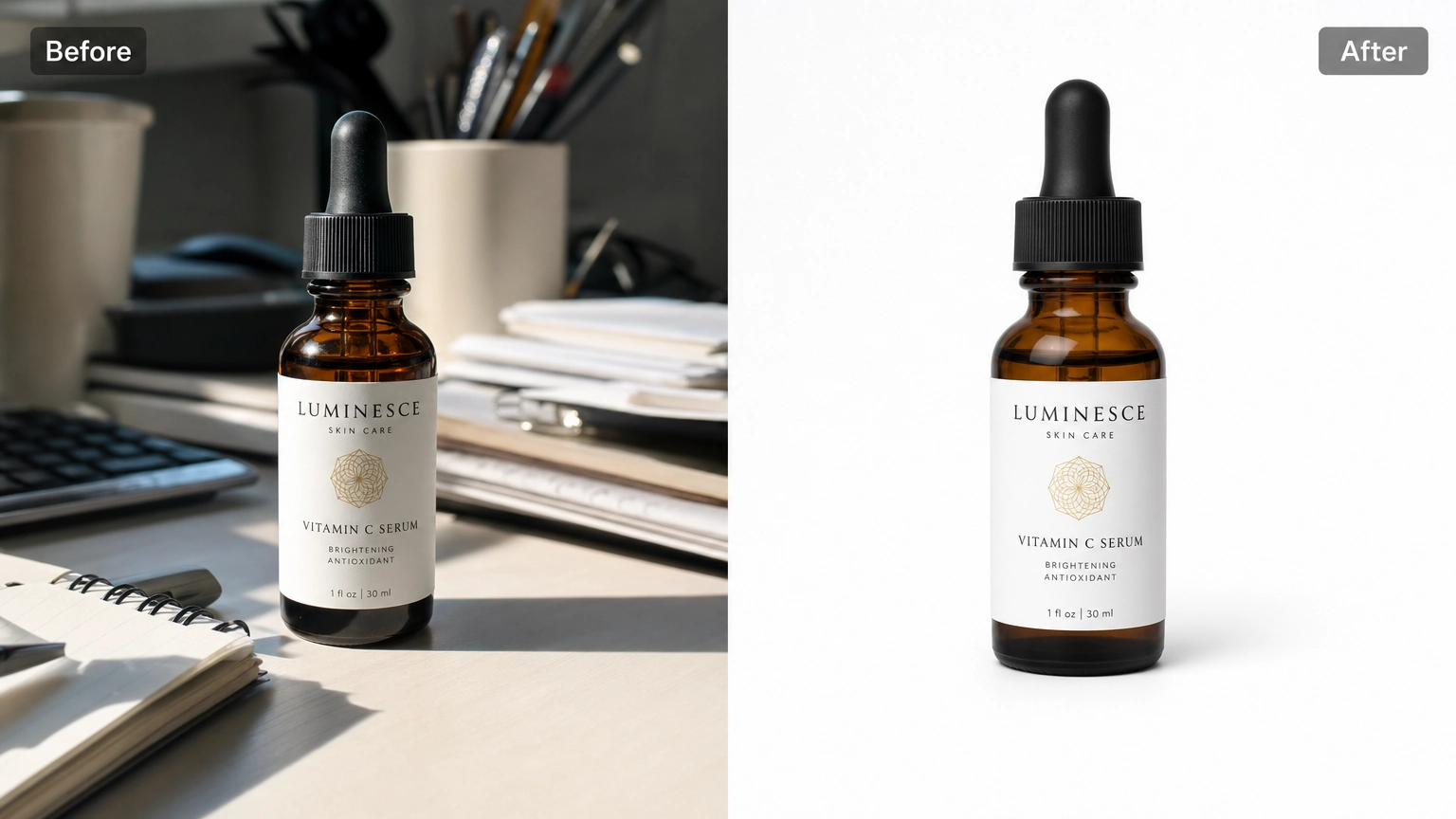
Generate a 5–10 second clip with Sora-2 using a product photo or scene prompt. Complete the first three Starter Missions to earn points while learning core tools. Refresh your profile photo with the updated Magic Mirror.
Frequently Asked Questions
What is Sora-2 best used for?
Sora-2 excels at creating short, high-quality videos from text or images—perfect for promotional content, social media clips, and artistic projects without editing expertise.
How do I earn points with Missions?
Starter Missions guide you through platform features like creating images or training models, rewarding points upon completion. Set reminders via email or Telegram to stay on track.
Can I train a custom model with my own photos?
Yes, Forge simplifies custom model training using your uploaded images. Track events to refine your approach, as detailed in our custom models guide.
What improvements does Magic Mirror have?
Refined prompts and rendering deliver more natural lighting and subtle enhancements, with smoother batch processing for consistent headshots.
How does Telegram integration work?
The Telegram Mini App lets you share creations to chats/Stories, download media natively, and purchase points via Stars invoices for streamlined payments.