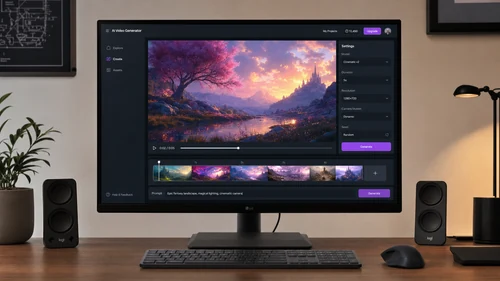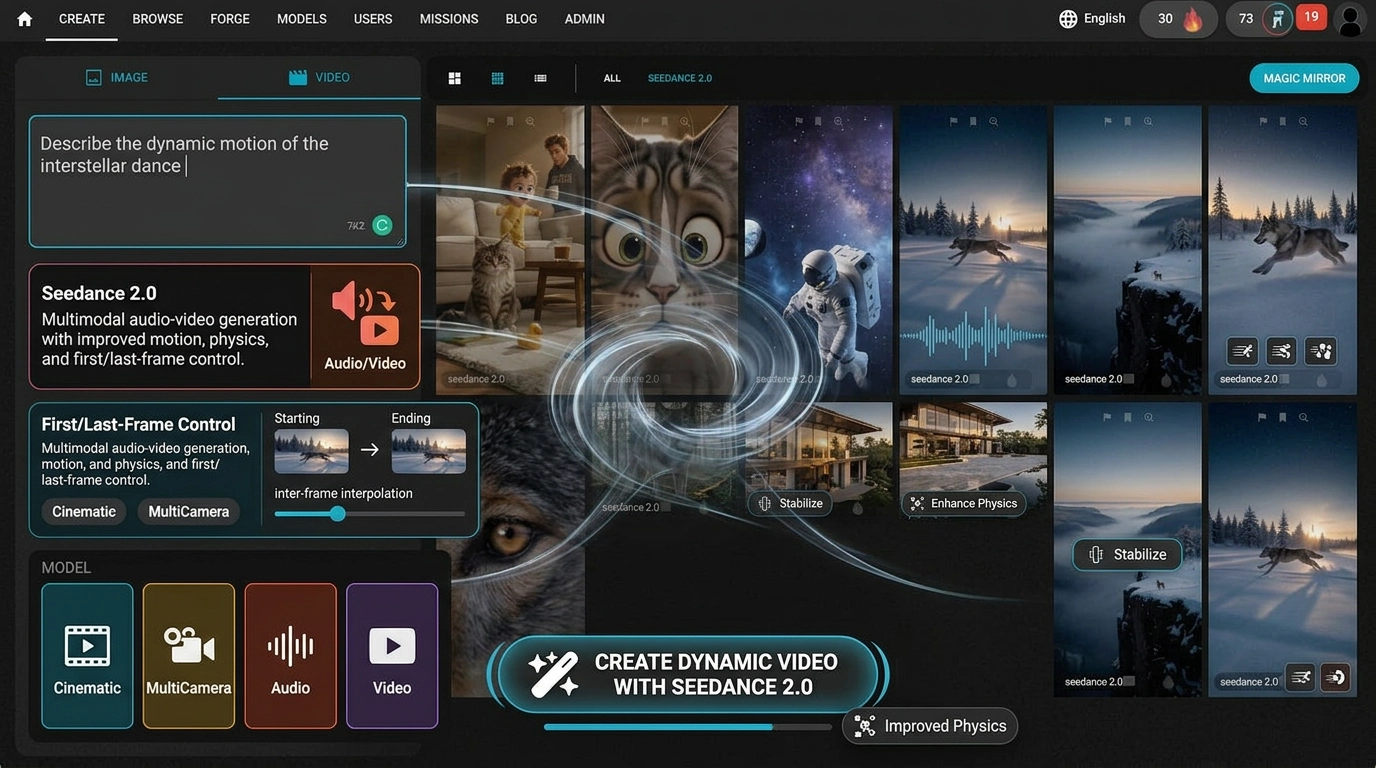
If you've been hunting for an AI video creator that actually delivers cinematic results without locking you into a pricey subscription, Seedance 2.0 is worth your full attention. Developed by ByteDance's Seed research lab, Seedance 2.0 is one of the most capable and cost-efficient video generation models available right now — and it's accessible directly on Fiddl.art. Whether you're building social content, testing a creative concept, or producing short-form video at scale, this model changes what's possible with a single prompt.
What Is Seedance 2.0 and Why Does It Matter?
Seedance 2.0 is ByteDance's latest multimodal AI video generation model. It builds on the Seedance model family — already one of the strongest in the space — and upgrades nearly every dimension that matters to working creators.
The model accepts text, images, video clips, and audio as inputs, combining up to 12 reference assets in a single generation. That level of multimodal control means you're not limited to typing a prompt and hoping for the best. You can upload a character reference image, describe the scene in natural language, and let Seedance 2.0 hold visual consistency across every frame.
What Makes It Different from Earlier Versions
Compared to Seedance 1.5 Pro, the 2.0 upgrade delivers stronger motion coherence, more natural physics (think: clothing, hair, and object movement that actually looks right), and sharper instruction-following. Generation speed is up to 30% faster than Seedance 1.0. For creators who iterate a lot — running multiple drafts before committing to a final render — that speed difference adds up fast.
Key Capabilities at a Glance
- Text-to-video generation — describe your scene in natural language and generate up to 10–15 seconds of footage
- Image-to-video — animate a still image or use it as the first frame of your clip
- Native audio-visual sync — video and sound are generated together, not stitched in after the fact
- Multi-shot storytelling — create sequences with consistent characters and smooth camera transitions
- Up to 1080p output — production-ready resolution for social media, ads, and content campaigns
- Multi-language lip sync — supports English, Chinese, Japanese, Korean, Spanish, French, German, and Portuguese
Seedance 2.0 as an AI Video Generator from Text
For creators who work primarily with prompts, Seedance 2.0 as an AI video generator from text is genuinely impressive. You describe the subject, action, camera style, and mood in plain language — and the model executes it with precision, no timeline or keyframes required.
The key to getting strong results is treating your prompt like a director's note. Specificity helps: name the shot type (tracking shot, POV, dolly-in), describe the lighting, and note what you don't want. Prompts under 200 words tend to perform better than long, complex descriptions.
Tips for Better Text Prompts
Structure your prompt in layers:
- Subject — who or what is in the scene
- Action — what they're doing and how
- Environment — setting, lighting, time of day
- Camera — shot type, movement, angle
- Mood — tone, atmosphere, pacing
For example: "A lone astronaut walks across a red desert at golden hour, slow tracking shot from behind, dust rising with each step, cinematic and quiet."
Starting with a short draft generation before committing to full 1080p output is the smartest way to keep credit usage efficient. Validate the motion and composition first, then render at higher quality once the scene is confirmed.
Seedance 2.0 on Fiddl.art: Why Use It Here?
On Fiddl.art, you work on a credit system — with the flexibility to go pay-as-you-go or opt into a subscription if you're generating regularly. With pay-as-you-go, credits never expire, so there's no pressure to burn through your balance. You buy or earn credits at your own pace and keep any unused amount indefinitely.
Other Fiddl.art Features That Complement Seedance 2.0
Beyond Seedance 2.0 itself, Fiddl.art's platform offers tools that make it a stronger creative environment:
- Improve Prompt — Fiddl.art's built-in prompt enhancement tool helps you get better output before you spend a single credit on generation
- Prompt Unlock — browse public generations from other creators and reveal the exact prompt behind any image or video
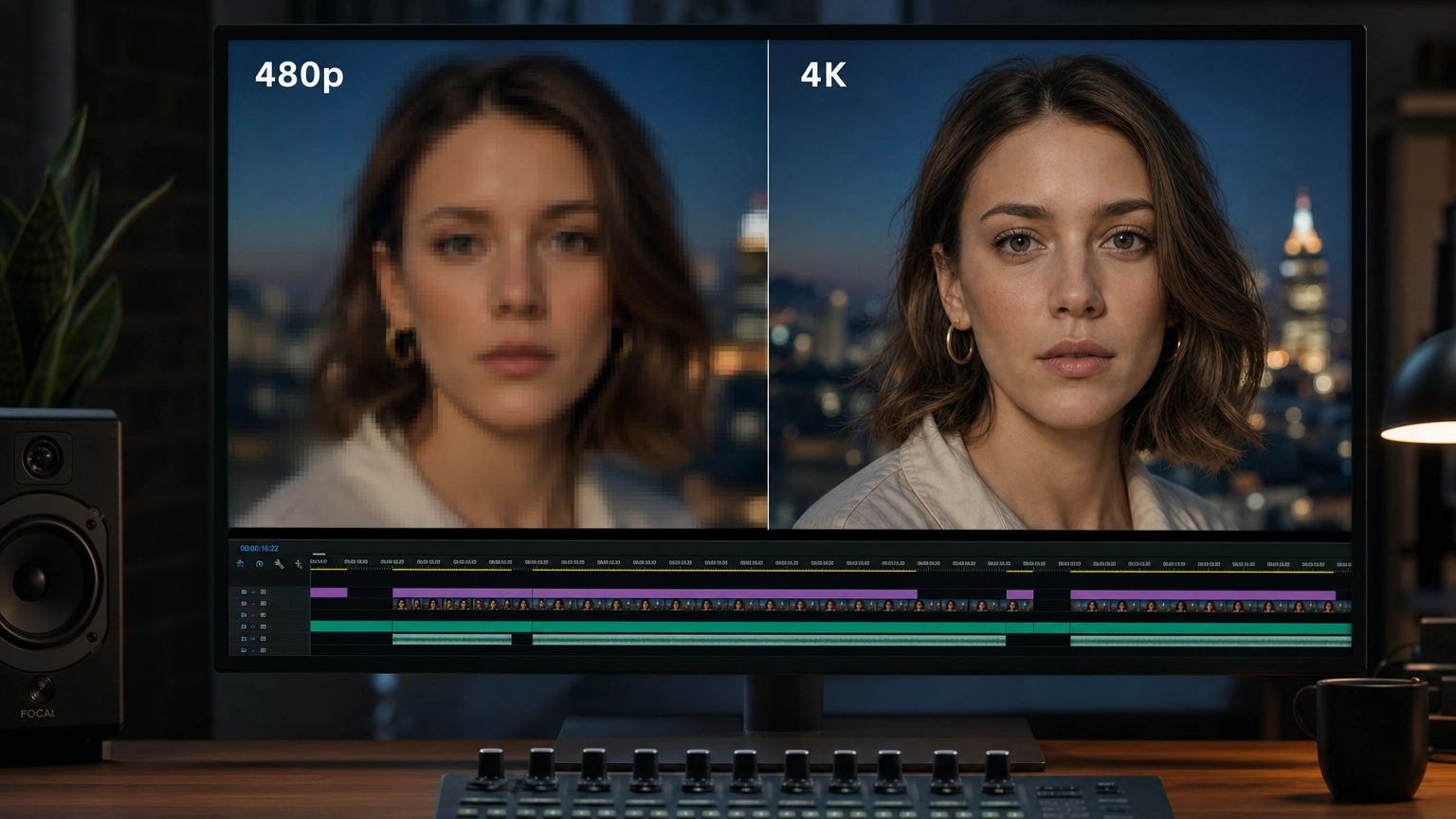
- Free 4K Upscaling — if your Seedance output needs a resolution bump, upscale to 4K at no additional credit cost
- Public sharing — share your generations publicly to earn points when other users engage with your work
- Forge — train custom models from your own reference images if you need a look that no existing model delivers
For AI video creators producing content across multiple formats and styles, having Seedance 2.0, FLUX, Veo 3, and other top models accessible under one login is a genuine workflow improvement over managing multiple platform accounts.
Want a broader breakdown of AI video tools and workflows? Check out Master Your AI Video Generator: Create Stunning Social Media Content (2026) on the Fiddl.art blog.
Seedance 2.0 Pricing: What You're Actually Paying
Understanding Seedance 2.0 pricing on Fiddl.art comes down to a few variables: video duration, output resolution, and the model variant you choose. The credit-based model means your costs scale with your actual usage — there's no flat monthly fee eating into your budget during slow weeks.
The main cost drivers for any generation are:
- Duration — longer clips use more credits
- Resolution — higher quality outputs cost more per generation
- References — using video clips as reference material factors in the combined input/output duration
The most efficient workflow is a draft-first approach. Generate a short, lower-quality clip to validate your concept, then render the final version at full resolution once you're satisfied with the motion and composition. This avoids spending full-quality credits on exploratory iterations.
Credit Tips to Maximize Value
- Start with short drafts (4–6 seconds) before committing to longer generations
- Lock your prompt before switching to higher quality settings — increasing resolution won't fix a broken concept
- Batch similar prompts once you've confirmed a prompt pattern works well
- Reuse reference bundles rather than re-uploading assets for every generation
Since Fiddl.art credits never expire, there's no urgency to rush through your balance. Take the time to iterate deliberately, and your credit efficiency will improve naturally over time.
FAQ
What is Seedance 2.0 and who made it?
Seedance 2.0 is an AI video generation model developed by ByteDance's Seed research lab. It supports text, image, video, and audio inputs and produces cinematic multi-shot video with native audio sync and character consistency. It's one of the most capable models available for AI video creators in 2026.
How do I use Seedance 2.0 on Fiddl.art?
Sign in to your Fiddl.art account, navigate to the video generation section, and select Seedance 2.0 from the available models. Enter a text prompt or upload a reference image, choose your settings, and generate. Fiddl.art's Improve Prompt tool can help strengthen your input before you generate.
How does Seedance 2.0 pricing work on Fiddl.art?
Fiddl.art uses a credit-based system with flexible options — you can go pay-as-you-go or choose a subscription plan if you generate frequently. With pay-as-you-go, credits never expire and cost scales with video duration and output resolution.
Is Seedance 2.0 good for generating AI video from text prompts only?
Yes. Seedance 2.0 handles text-to-video well on its own. That said, combining a text prompt with a reference image or character visual typically produces stronger character consistency and more predictable scene composition, especially for multi-shot content.
What's the difference between Seedance 2.0 and Seedance 1.5 Pro?
Seedance 2.0 adds native audio-visual generation (sound and video generated simultaneously), improved multi-shot character consistency, stronger physics realism, and up to 30% faster generation speeds compared to earlier versions. For production-quality output, 2.0 is the recommended choice.
Get Started with Seedance 2.0 on Fiddl.art
Seedance 2.0 is one of the most capable AI video creator tools available right now — and on Fiddl.art, you get access without a subscription, without expiring credits, and alongside the rest of the platform's growing model library.
If you've been waiting for an AI video generator that combines genuine cinematic quality, multi-modal input control, and flexible pay-as-you-go pricing, this is a strong place to start.