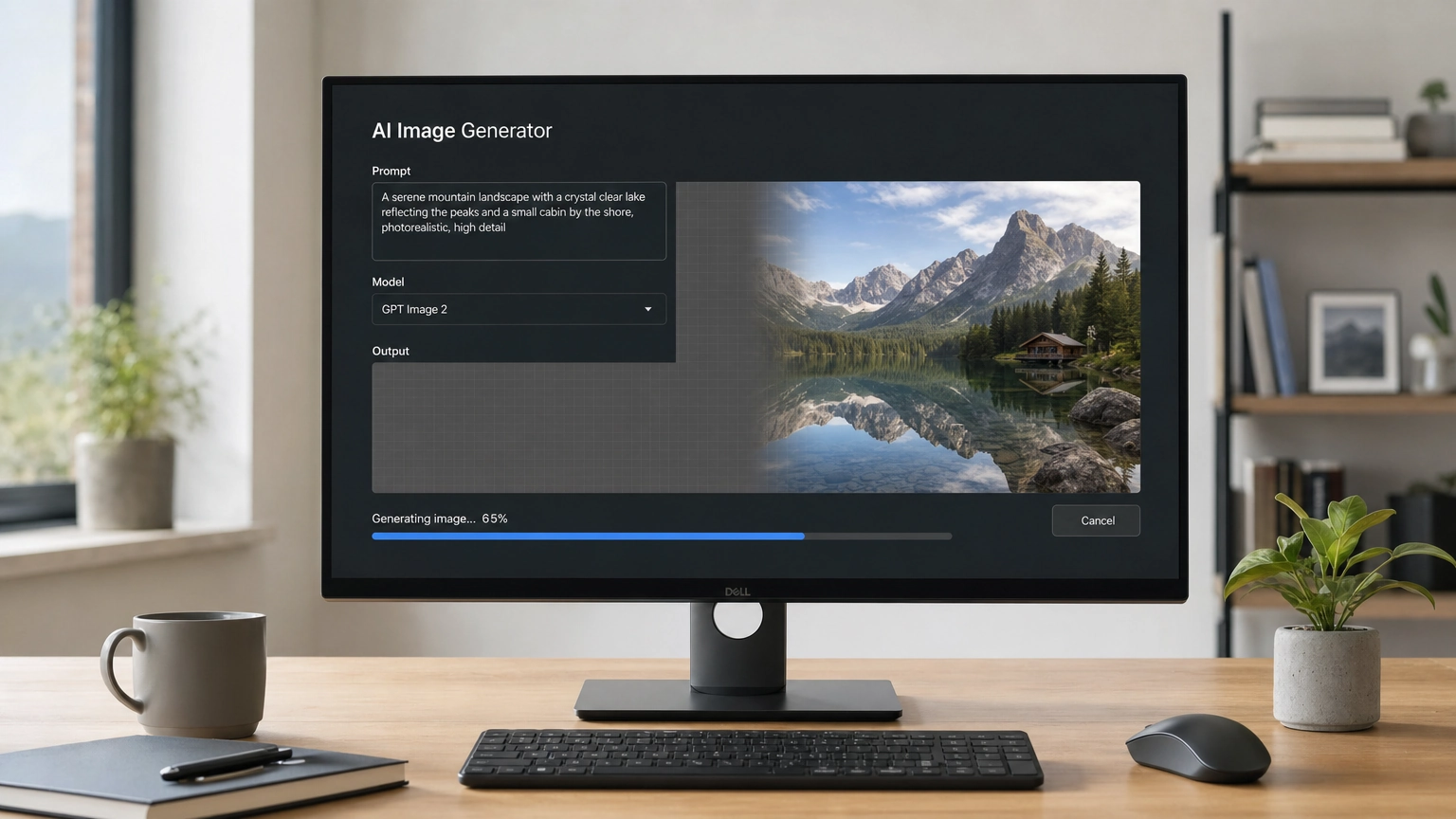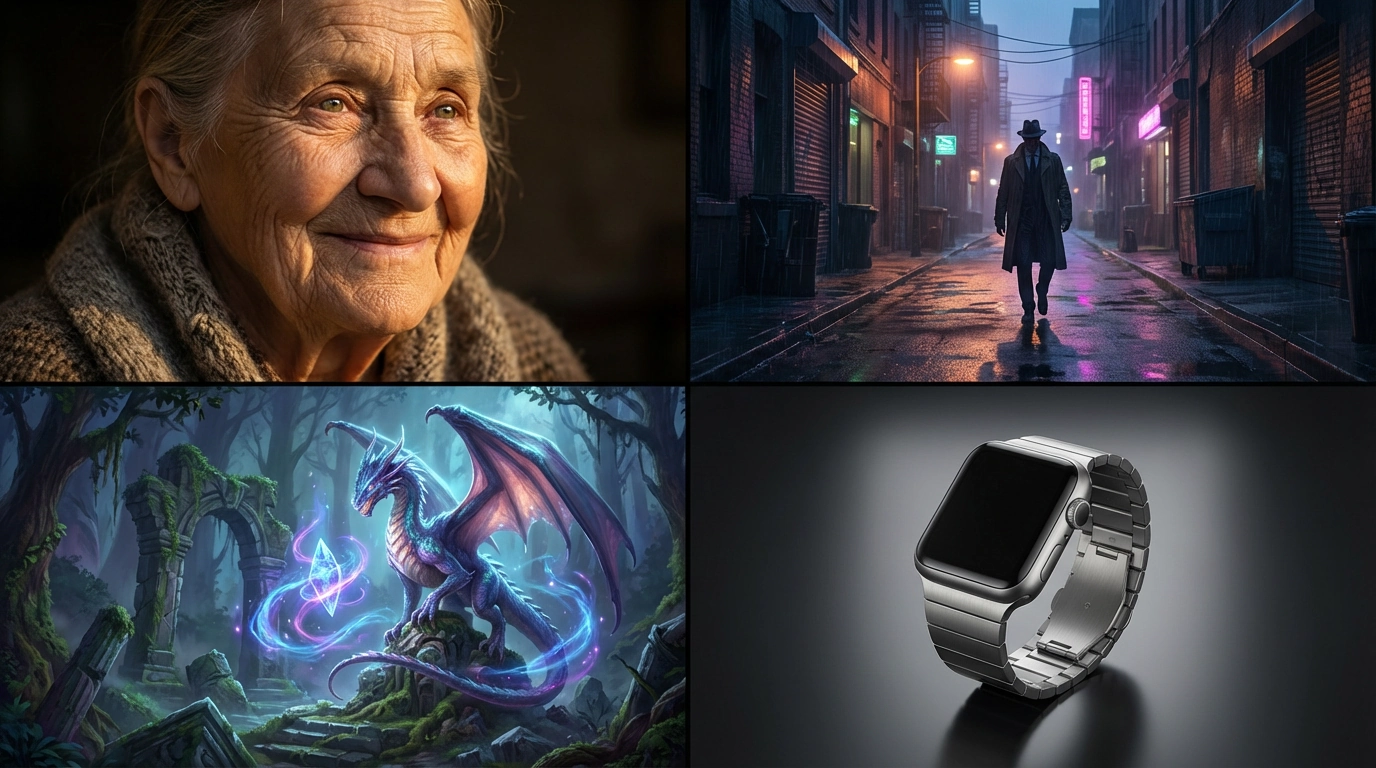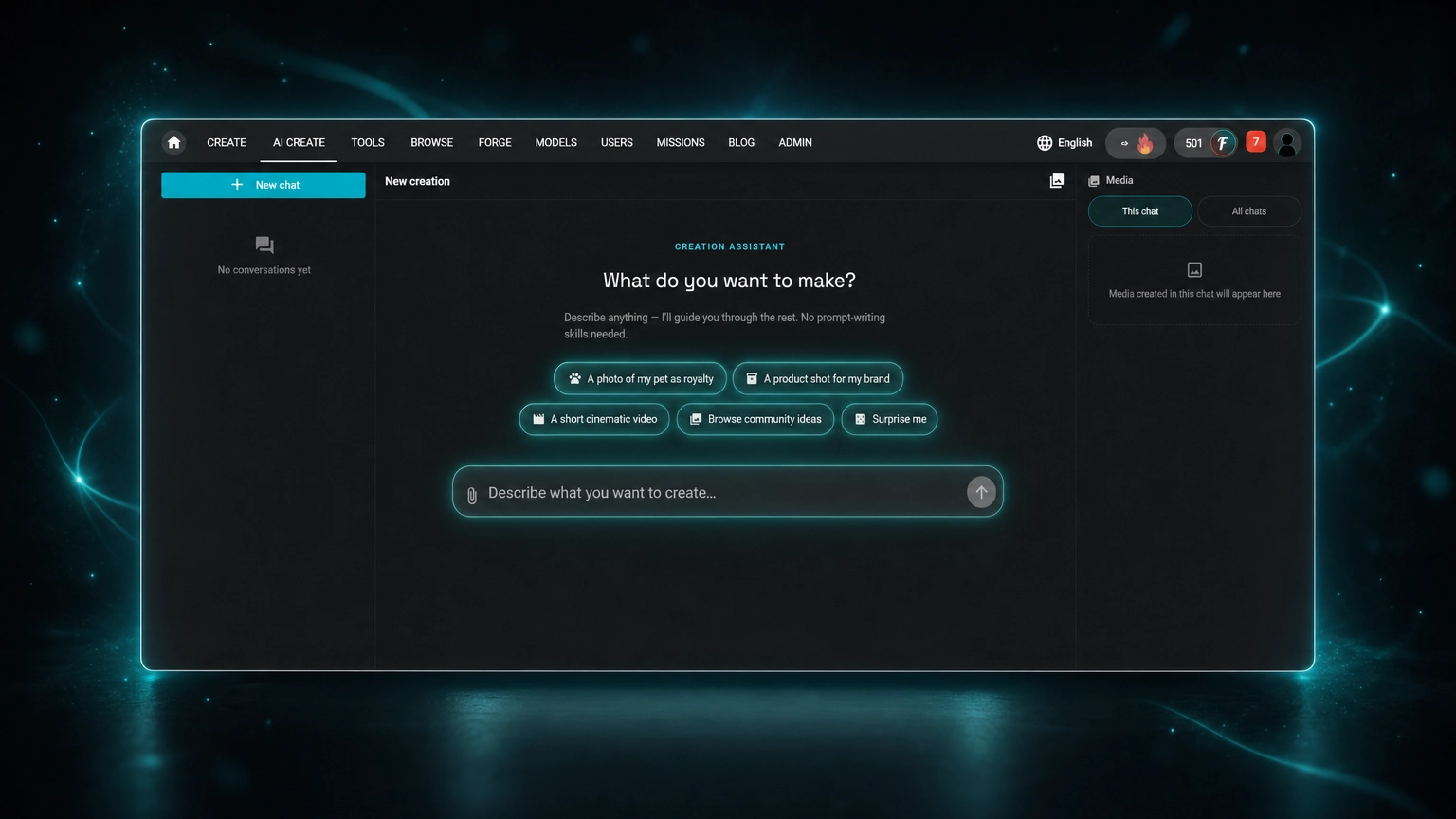
Fiddl.art's AI Assistant can turn your idea into a detailed prompt, but it's not like the average AI image prompt generator. Most tools in that category stop once they've handed you a block of prompt text. The AI Assistant treats the prompt as one step in a larger flow: it also recommends the model and settings to use with that prompt, shows you the live price, and creates the actual image or video, all in the same conversation.
Search for "AI image prompt generator" and you'll find a mix of tools. Some require an uploaded photo and reverse-engineer a prompt from it. Others, closer to what AI Create does at the start, let you type a plain-language idea and get a prompt back, no image needed. Here's exactly where Fiddl.art's AI Assistant fits, and where it goes further.
Here's how it actually works, including where it can (and can't) work from an existing image.
What "AI Image Prompt Generator" Usually Means
Whether you're searching for an ai prompt creator, a prompt generator for ai, or an ai image prompt generator specifically, you'll mostly find three kinds of tools:
- Image-to-prompt tools: upload a photo, get back a text prompt that attempts to recreate it. Good for reverse-engineering a specific look you found somewhere else.
- Standalone idea-to-prompt tools: type a description, get a prompt back as text, which you then copy and paste into whichever image generator you use. No image required, but the prompt is the end product; you still have to take it somewhere else to actually create anything.
- Prompt listicles: long lists of copy-paste prompts organized by style or subject, like our own list of AI image prompts. Good for inspiration, but you're stuck editing someone else's wording by hand.
Fiddl.art's AI Assistant works like the second kind at the start (describe your idea, get a detailed prompt), but doesn't hand you off anywhere else to use it. It also recommends the model and settings for that prompt, shows you the price, and creates the piece right there.
| Type | Starting point | What you get | Best for |
|---|---|---|---|
| Image-to-prompt tools | An uploaded photo | A prompt describing that photo | Recreating a specific existing image |
| Standalone idea-to-prompt tools | A plain-language idea, often via a form | Prompt text to copy elsewhere | Writing a prompt to use in another tool |
| Prompt listicles | A category or style | Pre-written prompts to copy and edit | Browsing for inspiration |
| Fiddl.art's AI Assistant | A plain-language idea, via conversation | A custom prompt, model/settings picked for you, and the finished image or video | Going from idea to finished result in one place |
How Fiddl.art's AI Assistant Is Different
A few things separate it from the other tools in that comparison, specifically:
It's conversational, not a form. Some idea-to-prompt tools ask you to fill in required fields (style, shot type, camera angle, mood/lighting) before they'll generate anything. The AI Assistant works the other way: you describe your idea in a sentence, and it only asks follow-up questions when the answer would meaningfully change the result. No required dropdowns to complete first.
It doesn't stop at text. Most prompt generators consider their job done once they've handed you a block of prompt text; what you do with it next is on you. The AI Assistant treats the prompt as one step in a single flow: it also picks the model and settings, shows you the price, and creates the piece, all in the same conversation.
It can work from a reference image, without pretending to extract one. Rather than claiming to reverse-engineer an uploaded photo into a portable prompt, it's upfront that a reference image guides a new creation. See the next section for exactly how that works.
Nothing runs without your approval. The full prompt, the model, the settings, and the exact points price are all shown before anything is created, not after.
You're not locked into its model pick. Before committing, you can ask the Agent to generate private preview comparisons across multiple models for the same prompt, so you can see how each one interprets it before choosing. You can also override the recommendation entirely just by typing a model name, and the Agent updates the plan to match.
From Idea to Prompt, No Prompt-Writing Required
Open the AI Agent and it asks one simple question: what do you want to make?
We tested it with a handful of quick, plain descriptions: no prompt-engineering language, no keywords stacked together, just how you'd actually phrase an idea out loud.
It doesn't just hand you a prompt and walk away. It asked a couple of focused follow-up questions each time, but only the ones that would actually change the result, not a long form to fill out. From the answers, it built a full, detailed prompt: subject, composition, lighting, mood, and style all spelled out, phrased the way an experienced prompt writer would write it, not just our original sentence dressed up.
Along with the prompt, it recommended:
- Which of Fiddl.art's models fit the request best
- Aspect ratio, quantity, and resolution
- For video: duration, audio, and visibility settings
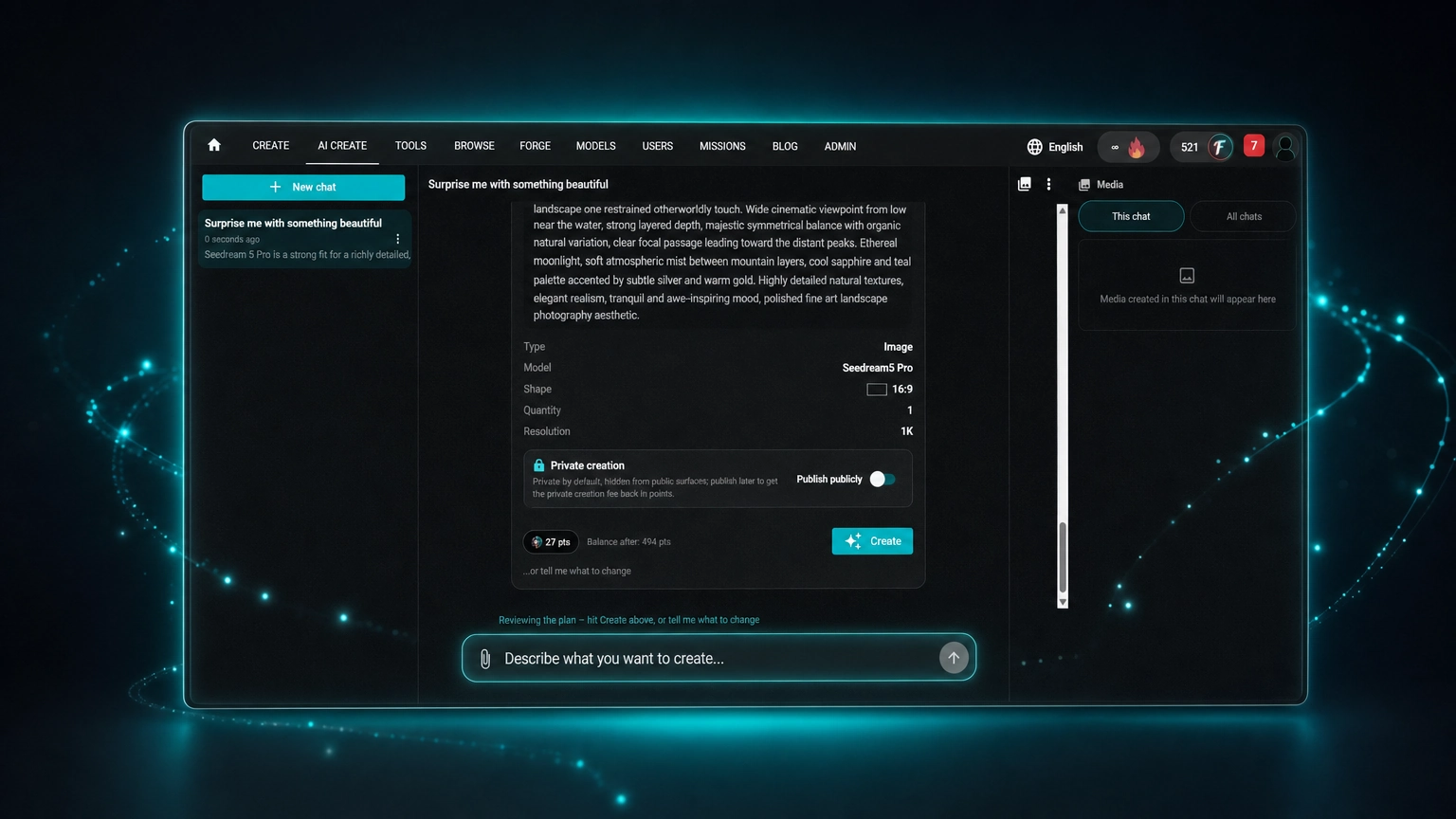
We could see the complete prompt before committing to anything; there's a "Show full prompt" option that expands the whole thing, not just a summary.
Guide the Result with a Reference Image
You can also upload an image as part of your request. This is where it's worth being precise about what the Agent does and doesn't do, because it's a genuinely different mechanic from a typical image-to-prompt tool.
We tried this ourselves: uploaded a photo of a pastoral landscape and asked the Agent to "surprise me with something beautiful." It didn't describe our photo back to us. It used it as a visual and identity reference and built a prompt for a new creation guided by it; the plan panel logged it plainly as "Start references (uploaded): 1 chat upload." Here's the full prompt it generated:
"Transform Image 1 into a breathtaking dreamlike pastoral landscape while preserving the recognizable composition: the winding dirt road leading toward the rustic stone chapel and dark wooden barn, rolling green meadows, wildflowers, distant blue mountains, and towering summer clouds. Enrich the scene with subtle magical realism: warm late-afternoon sunlight pouring through breaks in the clouds, softly glowing gold and white wildflowers along the road, delicate airborne seeds catching the light, and a faint luminous atmosphere around the chapel. Keep the architecture, terrain, road placement, and natural scale coherent and believable. Create refined painterly photorealism with exquisite natural textures, deep atmospheric perspective, saturated yet elegant greens and blues, gentle cinematic contrast, and a serene sense of wonder. Change only the atmosphere, light, color richness, and subtle magical details; retain the original scene's identity and inviting composition. No text or border."
That's the key distinction, confirmed by our own test, not just by the product description: it builds something new that borrows the reference's qualities (composition, palette, mood) rather than reconstructing the original image itself. If you're specifically looking to extract a portable prompt from a photo you own, this isn't that tool. If you want a new creation that captures the feel of a photo you already have, it's exactly that.
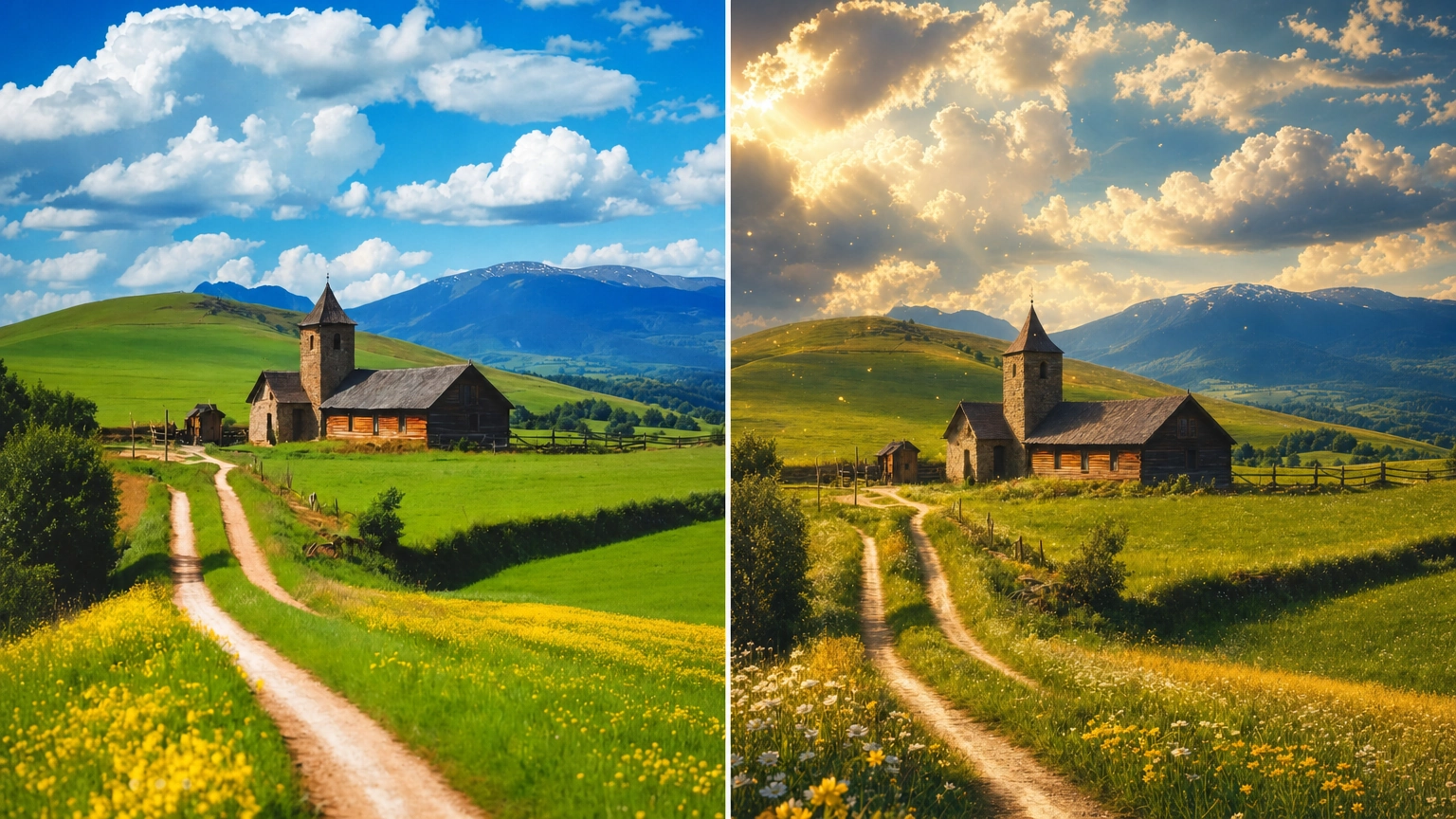
You can also use Iterate on any image the Agent creates, binding it as the reference for your next request: a way to keep refining a look across multiple creations without starting from scratch each time.
Looking for a Prompt Generator From an Image?
If what you're actually after is an AI image to prompt generator, something that hands you the prompt behind an image you didn't make yourself, Fiddl.art has a more direct answer: browse the community.
Inside the AI Assistant chat, you can page through public creations other Fiddl.art users have made, preview them full-screen, and unlock the actual prompt (plus the HD image) behind any one you like, at the normal creation price. From there, you can tell the Agent what to change, and it'll remix from that starting point.
It's scoped to Fiddl's own creation library rather than any photo you upload, but it's the closest thing to "get a prompt from an image" the platform offers, and it comes with a real prompt you can immediately build on.
Prefer to skip the chat entirely and just copy a ready-made prompt? Our Gemini AI photo prompt list has dozens of copy-paste options organized by category.
You Approve Every Step, Nothing Happens Automatically
The AI Assistant never creates anything or spends your points on its own. Every plan (prompt, model, settings, and price) is shown for your approval first. If a reference image is part of the request, its points cost is shown before it's even uploaded. Nothing runs until you hit Create.
If the first plan isn't quite right, you don't have to start over. The conversation keeps its context, so you can just ask for warmer lighting, a different aspect ratio, a more precise edit, or a video version instead, and the AI Assistant the existing plan rather than starting from zero.
How to Use Fiddl.art's AI Assistant
- Open Fiddl.art's AI Assistant and describe what you want to make. A sentence is enough.
- Answer the Assistant's follow-up questions, if it has any.
- Optionally attach a reference image to guide the style, mood, or subject.
- Review the prompt it generates, along with the recommended model and settings, and the points price.
- Hit Create, or ask for changes first, as many times as you want.
FAQ
Do I need to know how to write prompts to use Fiddl.art's AI Assistant
No. That's the point of it: you describe your idea in plain language, and the Assistant handles turning it into a detailed, model-ready prompt.
Can I upload a photo and get the prompt that would recreate it?
Not directly. Uploaded images are used as a visual reference to guide a new creation, not reverse-engineered into a standalone prompt describing that exact photo. If you want a prompt tied to a specific existing image, browsing and unlocking prompts from Fiddl's community creations is the closer option.
Will it spend my points automatically?
No. The Assistant shows you the full prompt, the model and settings it recommends, and the points price before anything is created. Nothing runs until you approve it.
Can I change the prompt after I see it?
Yes. The conversation keeps its context, so you can ask for changes (different lighting, a new aspect ratio, a video version instead of an image), and the Assistant updates the plan rather than starting over.
What if I don't like the questions the Assistant asks?
It only asks questions that would meaningfully change the outcome. If you'd rather skip ahead, you can describe your idea in more detail up front and it will ask fewer follow-ups.
The Bottom Line
An AI image prompt generator doesn't have to start with a photo; plenty don't. What sets Fiddl.art's AI Assistant apart is what happens after the prompt: instead of handing you text to paste into another tool, it recommends the model and settings to go with it, shows you the price, and creates the actual image or video, with a reference-image option and a community prompt library for the times you do want to start from an existing image.