GPT Image 2 is OpenAI's latest AI image generation model, released on April 21, 2026, and it's the first image model from OpenAI to feature built-in reasoning. It generates images by planning layouts, referencing the web, and checking its own outputs before producing a final result.
Key Takeaways
- The model uses a "thinking mode" that lets it plan, search, and self-check before generating, making it far more precise than earlier models.
- Text rendering is dramatically improved, with mixed-script and multilingual layouts now producing usable, professional results.
- It works best as a design asset tool, not a creative exploration engine. Vague prompts produce weaker results.
- Thinking mode adds noticeable latency, which makes it less practical for high-volume or batch generation workflows.
- Portrait orientation dominated early user outputs at 53.5%, suggesting strong adoption for social media and vertical content formats.
- It's available natively in ChatGPT, through the API, and is expanding to Microsoft Copilot and Apple Intelligence.
Why This Model Works Differently
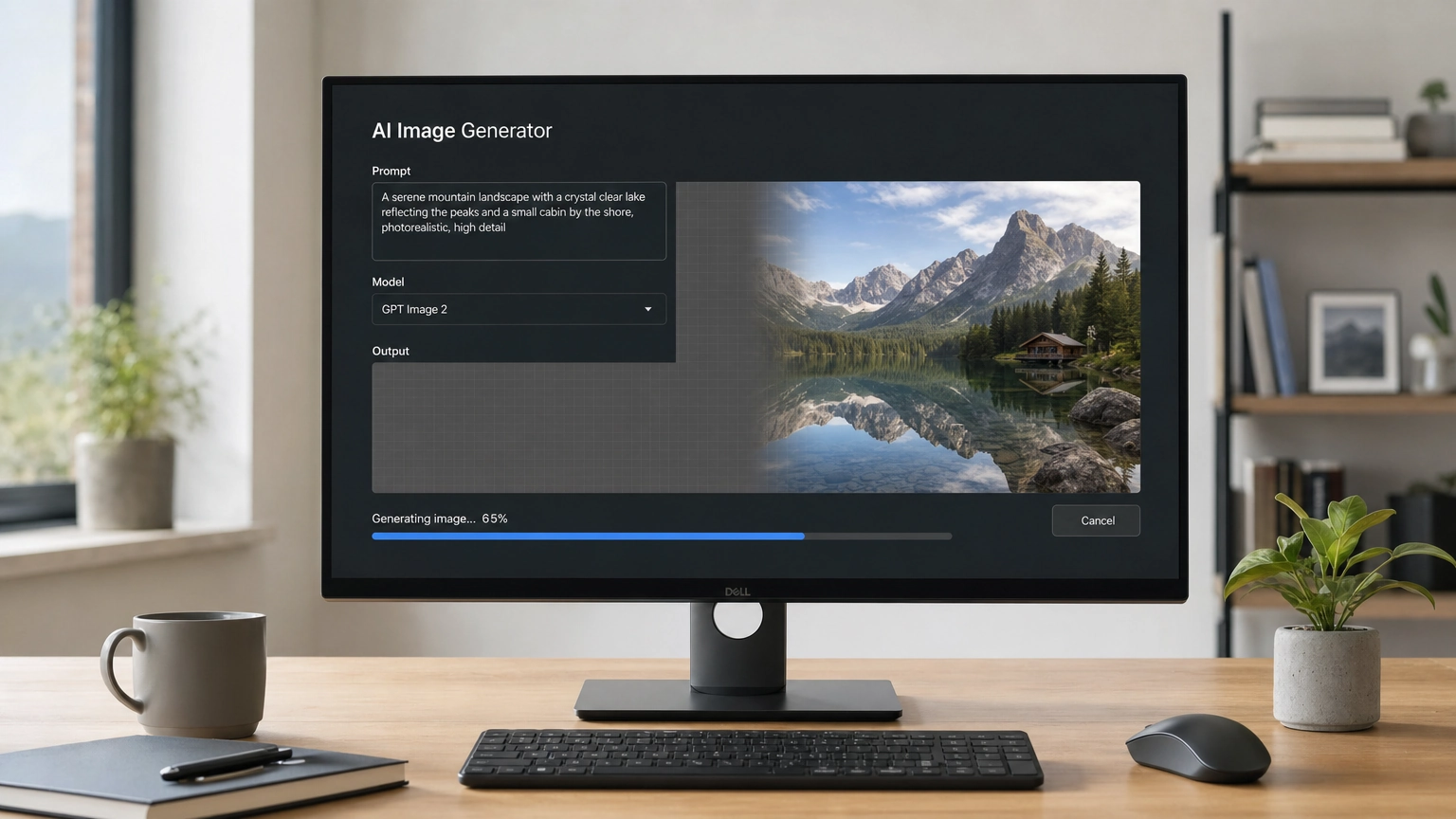
Most AI image models work by taking your text prompt and immediately translating it into pixels. This one does something different. It uses an autoregressive architecture with a built-in reasoning layer, which means it thinks before it generates. It can plan the layout, pull web references for visual accuracy, and run a self-check on the output before you ever see it.
This "thinking mode" is a meaningful shift in how AI image generation works. Instead of just pattern-matching your words to visual outputs, the model treats your prompt as a design brief and tries to solve it. That makes it significantly stronger in structured, precision-focused use cases.
Early adoption numbers reflect real interest. A six-day data collection window captured 27,662 image records from Twitter/X within days of the release. Peak usage hit on April 22, the day after launch, as users across time zones got access. Portrait orientation made up 53.5% of outputs, followed by landscape at 38.0% and square at 8.6%. Faces appeared in 59.2% of images, which tells you people are using it heavily for portraits, marketing content, and human-centered designs.
Where It Performs Best
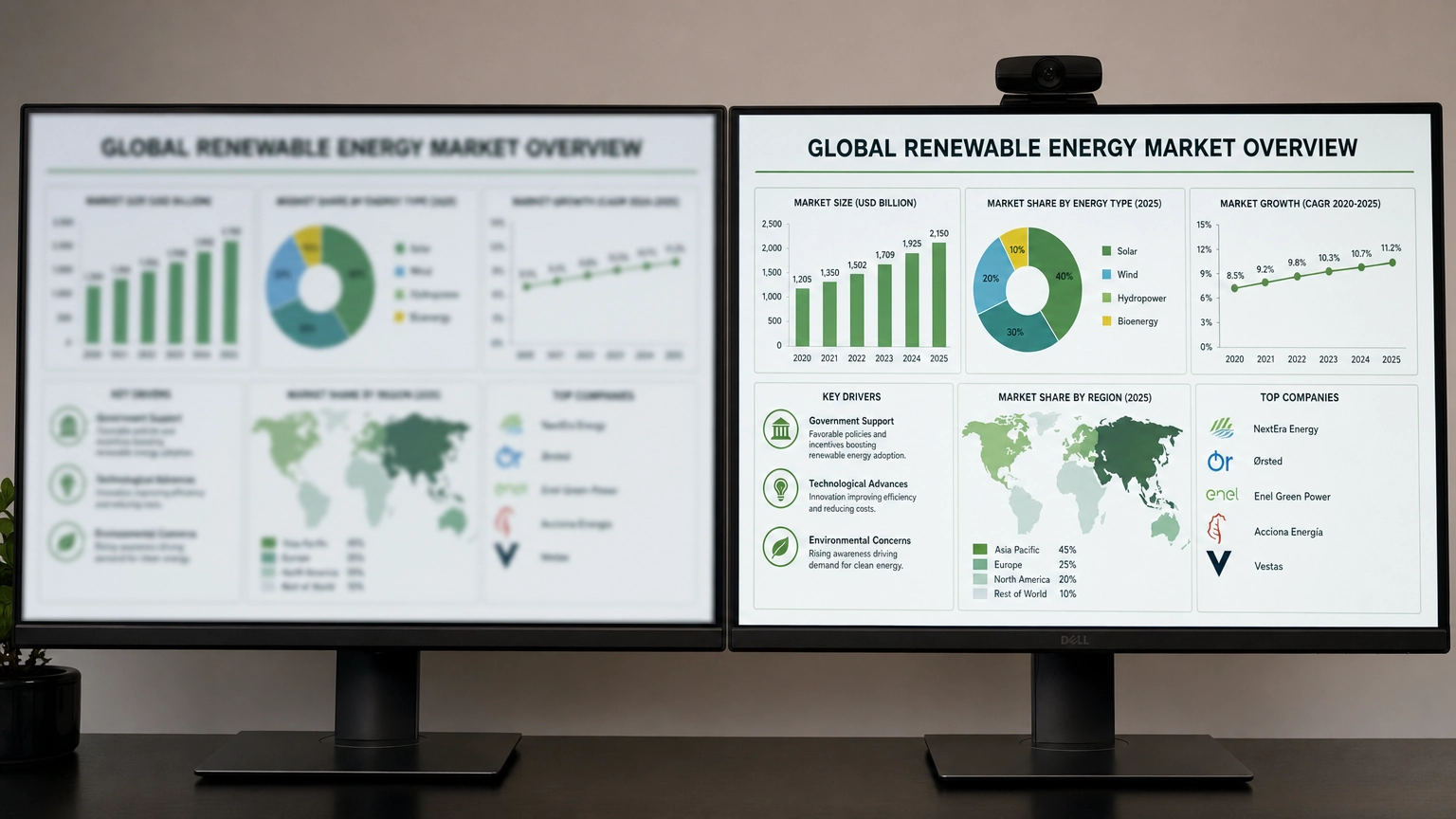
The clearest strength of this model is its ability to handle text inside images. Mixed-script layouts, meaning designs that combine multiple writing systems like Latin and Japanese or Arabic and English, used to break almost every commercial model on the market. This one produces usable results in these cases, which opens up real opportunities for multilingual content teams, international marketing, and global product design.
Beyond text, it excels when your image needs to function as a designed asset rather than just a pretty picture. Think about these specific use cases:
- Product compositions: Clean, well-lit product images where placement and background matter.
- UI mockups: App interface screenshots or wireframe visualizations with legible labels.
- Infographics: Data-driven visuals where numbers and labels have to be accurate and readable.
- Video-ready first frames: Thumbnails or opening frames designed for a specific aspect ratio.
- Marketing materials: Ad creatives with headlines, CTAs, and branded layout structures.
If you've already been experimenting with AI image editing tools to refine outputs from other generators, this model may reduce the amount of post-processing you need, especially for text correction and layout adjustments.
One thing experts consistently point out: it rewards precise briefs. When you define the job clearly, name the format, specify the purpose, and describe what success looks like, this model tends to nail the structure. Keyword chains and vague aesthetic descriptions produce weaker results compared to a well-written design brief.
The Trade-Offs You Should Know Before Committing to It
No model is perfect, and this one comes with real limitations worth understanding before you build a workflow around it.
Thinking mode adds latency. Because the model reasons through your prompt before generating, it takes longer than most competing tools. For a one-off marketing asset or a client presentation piece, that wait time is usually acceptable. For batch generation jobs where you need dozens or hundreds of images quickly, the delay becomes a genuine productivity problem.
No transparent background support. As of launch, the Responses image-generation tool option doesn't support transparent backgrounds. That's a significant gap for product photographers, UI designers, and anyone who needs to drop images into existing layouts without manual background removal.
It's built for precision, not exploration. If you're the kind of creator who generates 50 variations and picks the best one, you may find the slower output pace frustrating. Tools that prioritize speed and variety, like some of the alternatives we'll cover below, may still serve that workflow better.
Prompt dependency is high. The flip side of rewarding good briefs is that bad briefs produce disappointing results. You can't rely on the model to fill in creative gaps the way some more interpretive generators do. You need to come to it with a clear vision.

How It Compares to Other Leading Models
Here's a quick breakdown of how it stacks up against other popular AI image generation options:
| Feature | GPT Image 2 | Midjourney v7 | Stable Diffusion 3.5 | Nano Banana 2 |
|---|---|---|---|---|
| Text rendering | Excellent | Fair | Poor | Excellent |
| Reasoning/planning | Yes (built-in) | No | No | Yes (configurable thinking levels) |
| Transparent backgrounds | No | No | Yes (with tools) | No (third-party workaround only) |
| Generation speed | Slow (thinking mode) | Fast | Fast | Fast |
| API access | Yes | Limited | Yes | Yes |
| Best use case | Design assets, text-heavy content | Artistic, aesthetic work | Custom/technical workflows | Fast text-heavy content, subject consistency |
| Pricing model | ChatGPT subscription / API | Subscription | Free/open-source | API, pay-per-image |
DALL-E 3 has been removed from this comparison. OpenAI retired DALL-E 2 and DALL-E 3 on May 12, 2026. GPT Image 2 is its direct successor.
GPT Image 2 and Nano Banana 2 are the only two models here with a reasoning layer, but they made opposite trade-offs with it. GPT Image 2's thinking mode is always-on and slows generation down. Nano Banana 2's thinking levels are adjustable, so you can choose speed over precision when you don't need the extra reasoning step.
If you're looking for a midjourney alternative that prioritizes precision and text accuracy over stylistic variety, it's a strong candidate. However, if your work is more artistic and exploratory, Midjourney's aesthetic strengths may still hold an edge.
For users who want access to multiple models in one place, checking out a broader models library can help you compare outputs side by side before committing to a specific tool for your workflow.
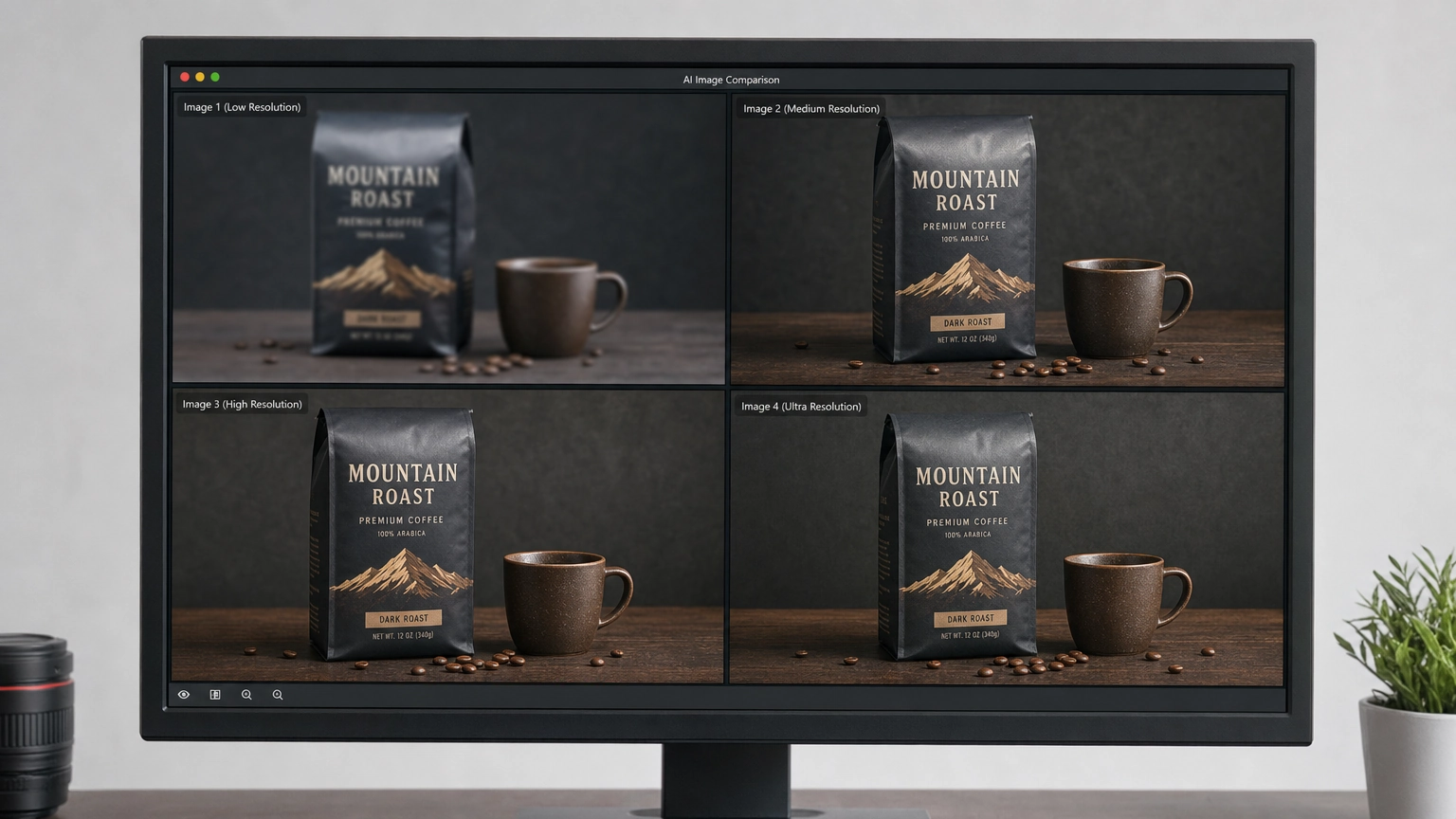
Getting the Most Out of This Model
If you decide to integrate this model into your creative or marketing workflow, there are a few practical habits that make a big difference in output quality.
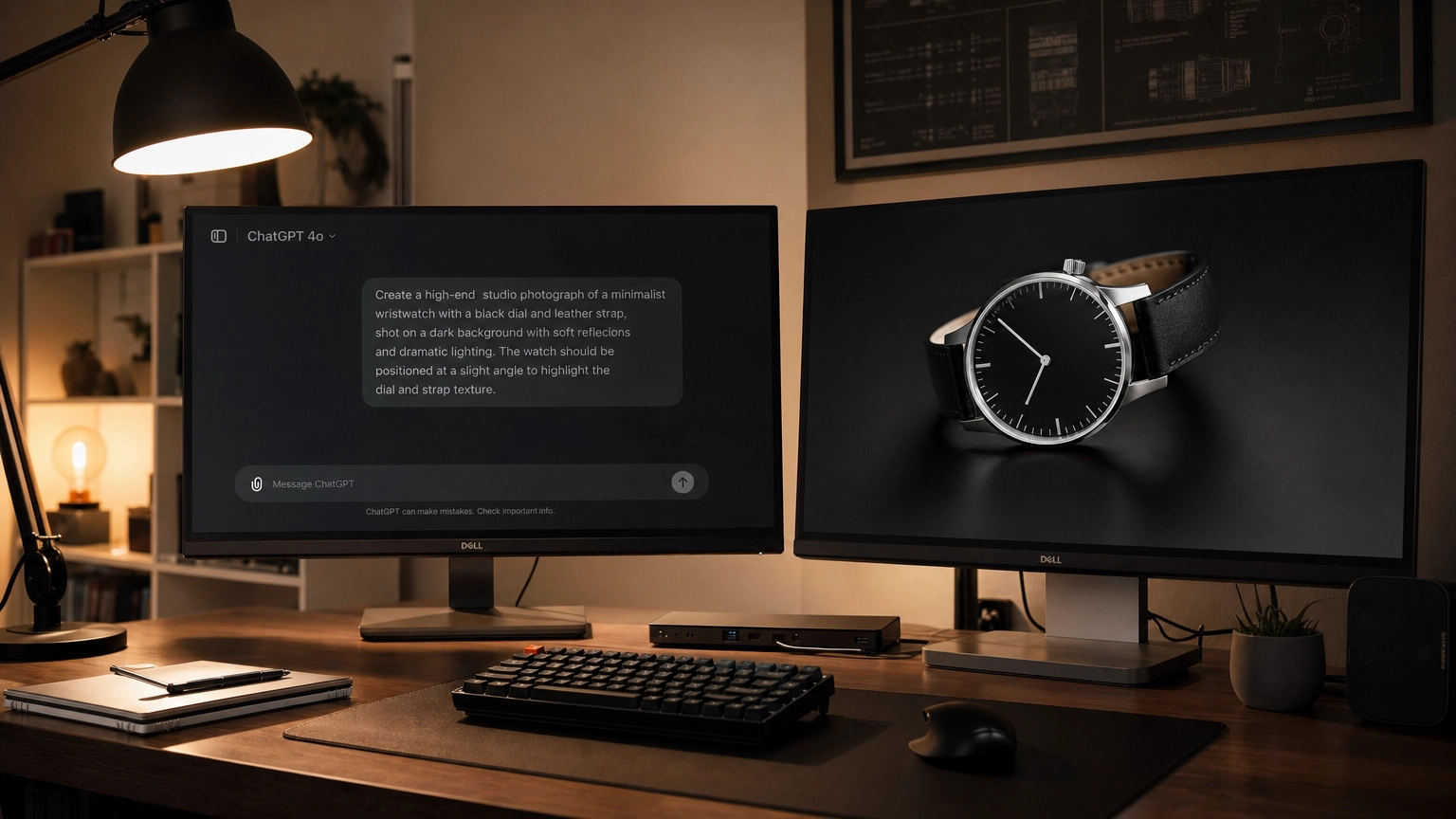
Write prompts like design briefs. Instead of "a bottle of water on a white background," try "a clear glass water bottle centered on a pure white background, product photography style, soft diffused lighting from the upper left, designed for an e-commerce listing at 1000x1000px." The second prompt gives the model a job, a format, and a success condition.
Use it for final-stage assets. Because of the latency, it works best at the end of a creative process, not the beginning. Sketch your concept, get client approval on the direction, and then bring it in to produce the polished, text-accurate final output.
Plan for background removal separately. Until transparent background support is added, budget time for manual removal using tools like Adobe Photoshop's Remove Background feature or a dedicated app.
Combine it with other generators for variety. Consider using a faster model for initial exploration and concept development, then bringing this one in when you need a version that gets the text and layout exactly right.
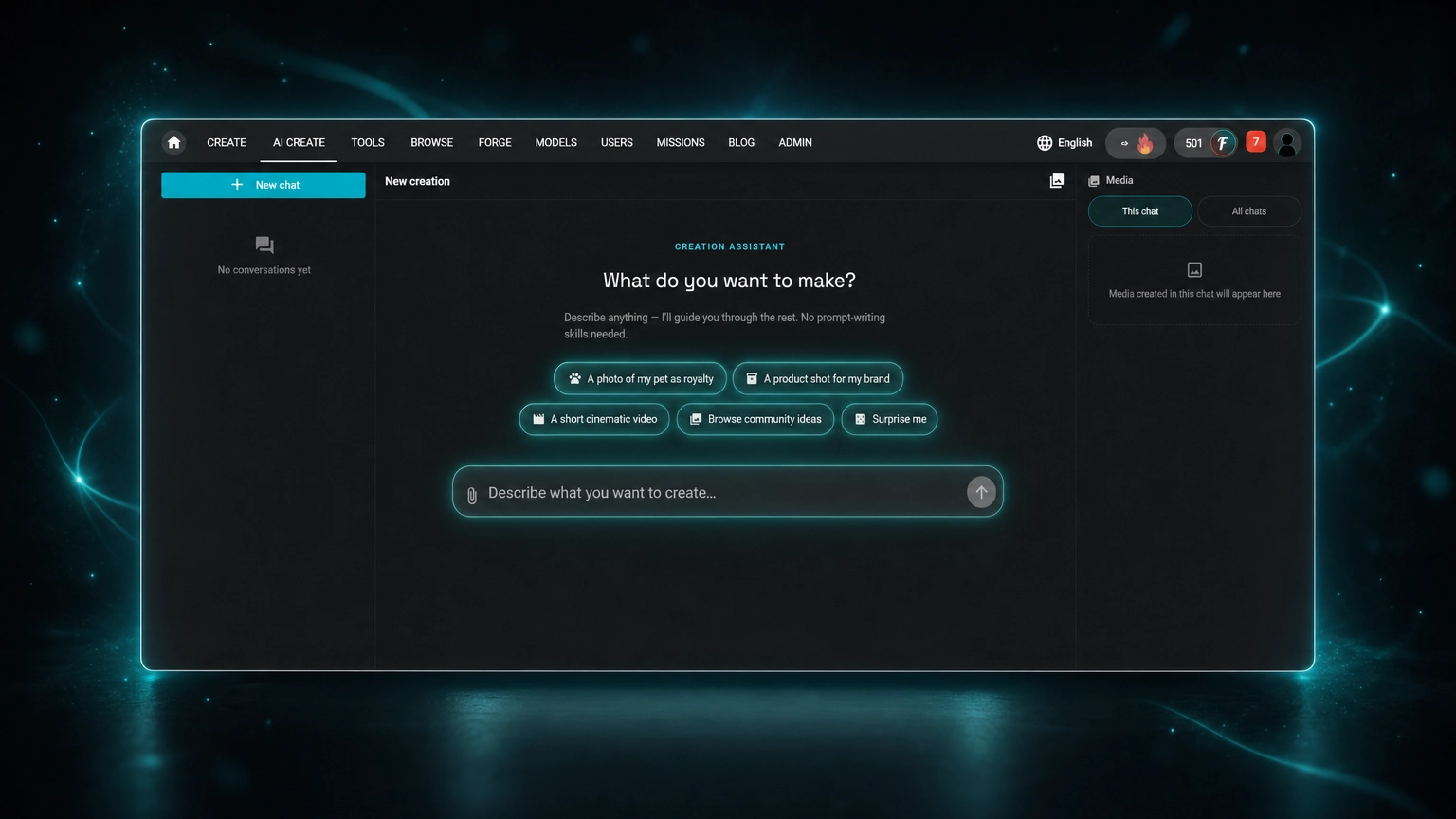
If you're testing this model before committing to a subscription, the real numbers help. ChatGPT's free tier caps you at 2 to 3 generations per day. Plus raises that to about 50 images every 3 hours for $20/month flat, whether you generate 5 images or 500. On Fiddl.art, GPT Image 2 runs 20 credits per image (about $0.20 at the standard rate), with no daily cap and no subscription required. Generate publicly and Fiddl.art's Missions system pays some of that back over time, bringing the effective cost closer to $0.16 to $0.175 per image once you've crossed a few generation milestones. That applies to public creations only, not private ones. For most people generating a handful of images a week rather than dozens a day, pay-as-you-go works out cheaper than a flat monthly plan, without the free tier's daily wall.
You might also want to look at newer challenger models like Nano Banana 2 and Seedream 4.5, which are worth benchmarking against it depending on your specific output requirements.
Things to Know
- It was released on April 21, 2026, and hit peak usage the very next day as global users gained access.
- The model is native to ChatGPT (branded as ChatGPT Images) and is also available via OpenAI's API, with rollout continuing to Microsoft Copilot and Apple Intelligence.
- Portrait orientation is by far the most common output format based on early usage data, accounting for more than half of all generated images.
- Thinking mode is what makes it distinctive, but it cannot be turned off to speed up generation as of launch.
- Transparent backgrounds are not supported through the standard Responses tool, a known limitation that affects product and UI designers.
- It's most effective when given structured, goal-oriented prompts rather than loose creative descriptions.
Ready to Test It Against Your Current Workflow?
The best way to evaluate whether this model fits your needs is to run it on a real project you're already working on. Take a design brief you've used before, something with text elements, a specific layout, and a defined output format, and generate the same asset alongside whatever tool you currently use. The side-by-side comparison will tell you more than any benchmark. If text accuracy and layout precision matter in your work, the results will likely surprise you, especially compared to techniques for how to make AI images look realistic that rely on prompting alone.
Frequently Asked Questions
Q: Is GPT Image 2 available for free?
Yes, with real limits, on both ChatGPT and Fiddl.art.
ChatGPT's free tier gives you 2 to 3 generations per day, on a rolling 24-hour window that resets from your first request, not at midnight. ChatGPT Plus ($20/month) raises that chatgpt image generator limit to roughly 50 images every 3 hours, but the cap doesn't disappear entirely, and you pay the flat fee whether you use it or not. Fiddl.art skips the subscription: 60 free credits at signup, then pay-as-you-go at $0.20 per image with no daily cap.
Q: How is it different from DALL-E 3?
It adds a built-in reasoning layer that DALL-E 3 does not have.
Where DALL-E 3 translates prompts directly into images, this model plans the output, searches for references, and self-checks before generating. This makes it significantly better at text rendering and structured layouts.
Q: Can it generate images with transparent backgrounds?
No, transparent background support is not currently available through the Responses image-generation tool.
This is a known limitation at launch. Designers who need transparent PNGs will need to use a separate background removal tool after generation.
Q: What kind of prompts work best?
Detailed, goal-oriented prompts that describe the purpose, format, and success criteria of the image produce the best results.
Think of it less like describing a scene and more like writing a design brief. Include the intended use, dimensions, text that must appear, and any stylistic requirements.
Q: How fast is it compared to other models?
It is slower than most competing models because of its thinking mode reasoning process.
For single high-quality outputs, the wait is manageable. For batch generation or rapid iteration workflows, the added latency can become a bottleneck compared to faster tools like Midjourney or standard Stable Diffusion pipelines.
The Bottom Line on GPT Image 2
It's not trying to be the fastest or most stylistically expressive image generator on the market. It's positioning itself as the most precise one, and for structured, text-heavy, professionally designed outputs, it delivers on that promise. The reasoning architecture genuinely changes what's possible with AI-generated design assets, especially for work that demands realistic photo prompts and consistent quality across multilingual content and layout-critical work.
If your workflow involves a lot of text in images, complex compositions, or deliverables that need to look like they came from a real designer rather than a random AI, this model belongs in your toolkit. Start with one real project, write a proper brief, and see what it produces. The results will show you exactly where it fits.