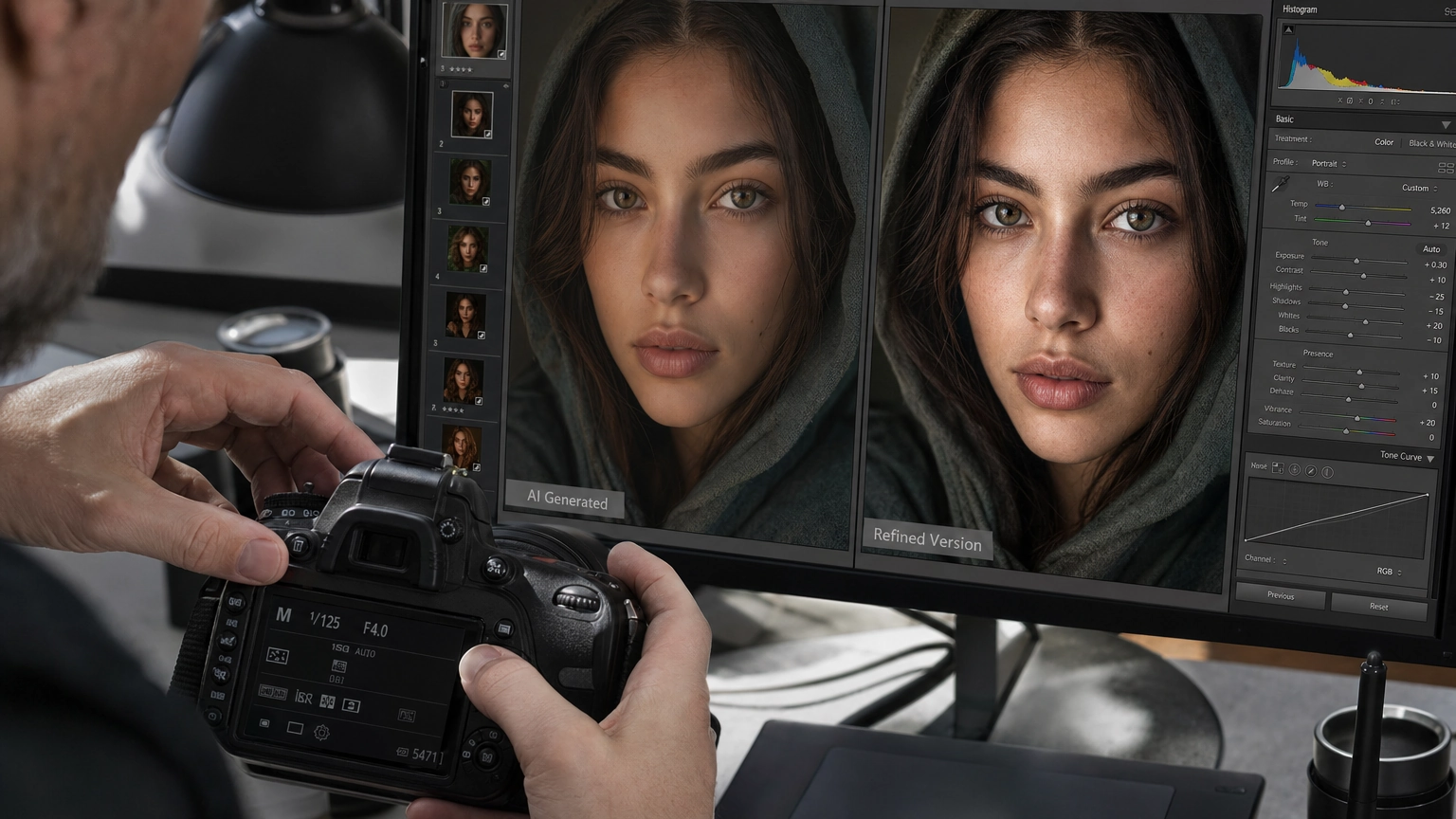
Most AI models struggle with portrait realism. Faces look plastic, lighting feels flat, and fine details like pores, hair, or eye reflections get lost. Nano Banana 2 is built to fix that.
Available on Fiddl.art, Nano Banana 2 is a Google Gemini-based AI model optimized for photorealistic image generation and editing. Whether you're generating portraits from scratch or transforming existing photos, it delivers natural skin texture, accurate lighting, and expressive detail that general-purpose models typically miss.
This guide walks you through everything you need to know—from your first generation to advanced prompting techniques.
What Is Nano Banana 2?
Nano Banana 2 is an AI image generation and editing model from Google's Gemini. It supports both text-to-image and image-to-image workflows, and it's particularly strong at following detailed instructions while producing high-quality, realistic results quickly.
On Fiddl.art, it's one of the top model choices for portrait work because of how well it handles:
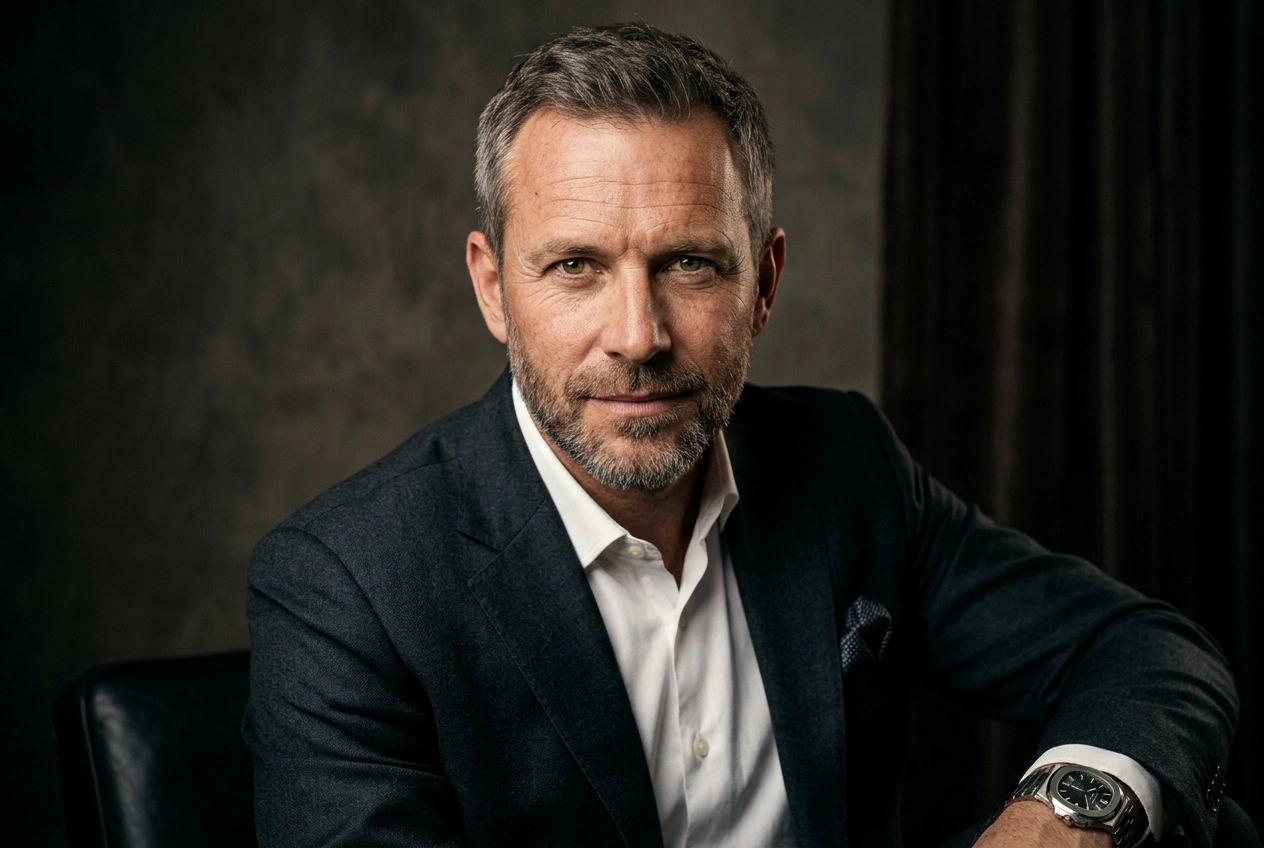
- Skin texture — renders pores, freckles, and subtle tonal variation without the over-smoothed look common in other models
- Lighting accuracy — replicates professional setups like Rembrandt, golden hour, and window light
- Expressive detail — captures realistic eye reflections, nuanced emotions, and natural hair
- Photographic language — responds to lens types, aperture descriptions, and film stock references
How to Use Nano Banana 2 on Fiddl.art
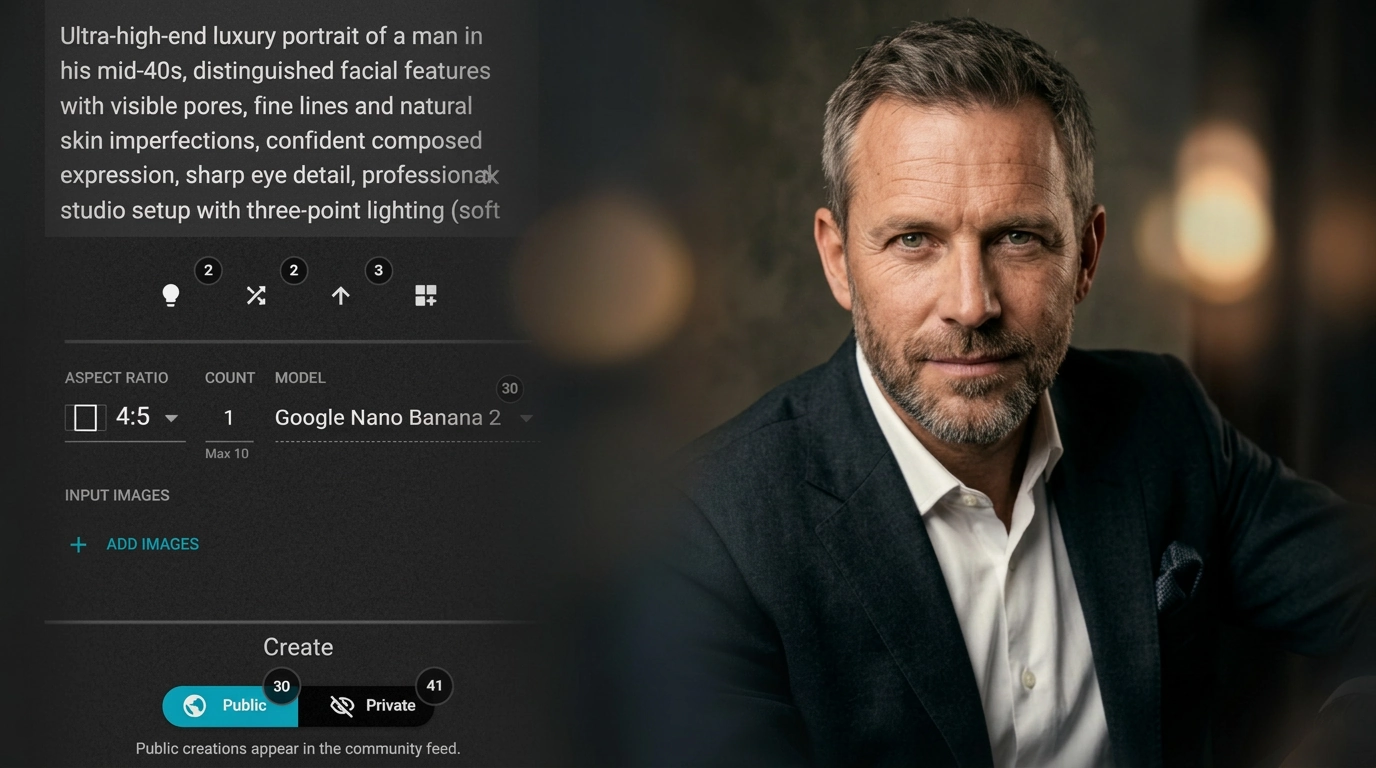
Getting started takes less than a minute:
-
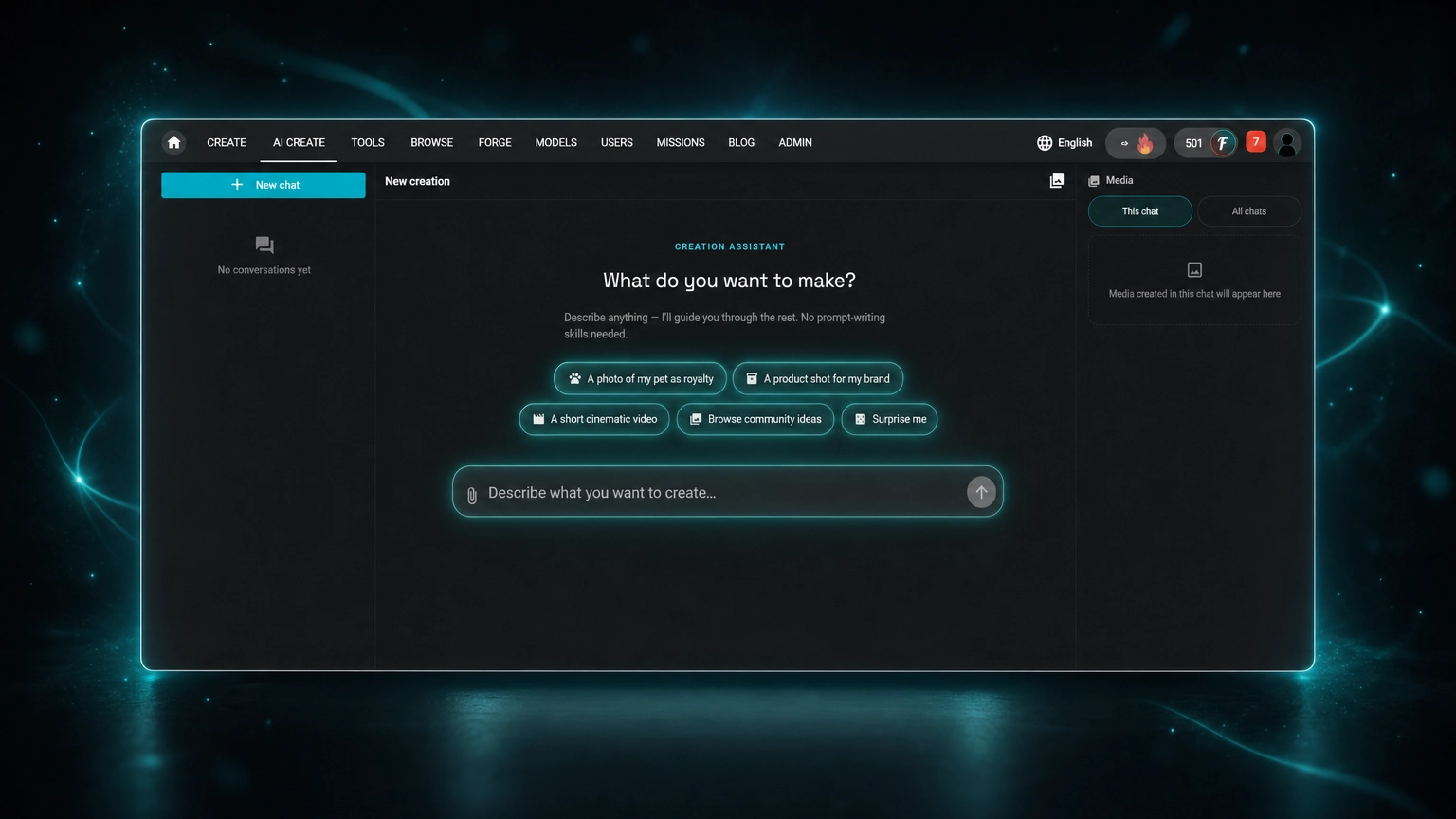
Go to the Create page on Fiddl.art.
-
Open the model dropdown and select Nano Banana 2. You can also browse it in the Models catalogue.
-
Enter a prompt. A simple starting point:
Close-up portrait of a woman with freckles, soft natural light, detailed skin -
Hit Create and review your result.
From there, refine your prompt or explore the advanced techniques below.
Advanced Prompting Techniques for Nano Banana 2
1. Use Photographic Terminology
Nano Banana 2 understands camera and lighting language. Adding technical terms gives you more control over the final look.
Useful terms to include:
- Lens:
85mm lens,50mm,telephoto - Depth of field:
shallow depth of field,bokeh background - Film stock:
Kodak Portra 400,Fuji Superia,Portra 800 - Lighting:
Rembrandt lighting,backlit,golden hour,studio softbox
Example prompt:
Cinematic portrait of a bearded man looking out a window, moody natural light, 85mm lens, shot on Portra 800, photorealistic
2. Add Negative Prompts
Negative prompts tell the model what to avoid. This helps eliminate common AI artifacts before they appear.
Recommended negative prompt:
3d, cartoon, anime, painting, blurry, deformed, extra fingers, unrealistic skin
For more on preventing common issues, see our guide on common AI art mistakes.
3. Lock Character Consistency
If you're creating a series of images with the same character, use detailed descriptors and seed locking to keep the look consistent across generations. Our guide on consistent AI fantasy characters covers this in depth.
4. Try Magic Mirror for Self-Portraits
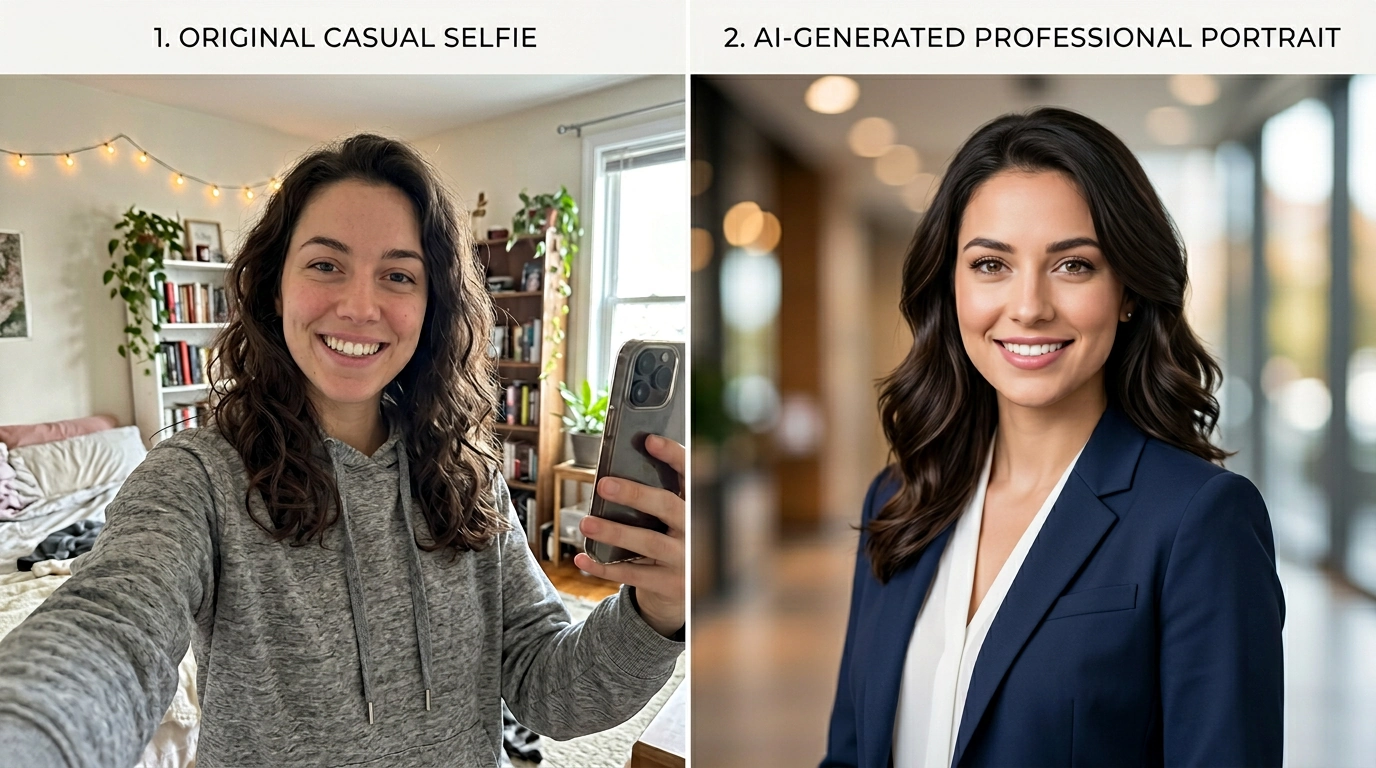
Want to use your own face? The Magic Mirror feature lets you upload a selfie and generate stylized or photorealistic portraits based on your own likeness—no training required.
Who Is Nano Banana 2 For?
- Artists and designers — generate reference images or polished character art
- Marketers — create brand mascots or virtual influencers without a photoshoot (AI influencer guide)
- Content creators — produce unique profile pictures or social assets
- Photographers — pre-visualize concepts, lighting, and composition before a shoot
Frequently Asked Questions
What is Nano Banana 2?
Nano Banana 2 is an AI image generation and editing model built on Google's Gemini. It creates and transforms images from text prompts or existing photos, with strong instruction-following, fast generation speed, and high-quality, realistic output.
Is Nano Banana 2 free to use?
Nano Banana 2 is not included in the free starting credits on Fiddl.art. You'll need to purchase a package—the lowest option starts at style=background:#1212120. You can also earn free credits through Missions.
Can I use my own photo with Nano Banana 2?
Yes. Upload a photo directly in the Create tool and run it through Nano Banana 2 for image-to-image editing. For more control over your likeness, you can also train a custom face model with Forge.
How does Nano Banana 2 handle different ethnicities and ages?
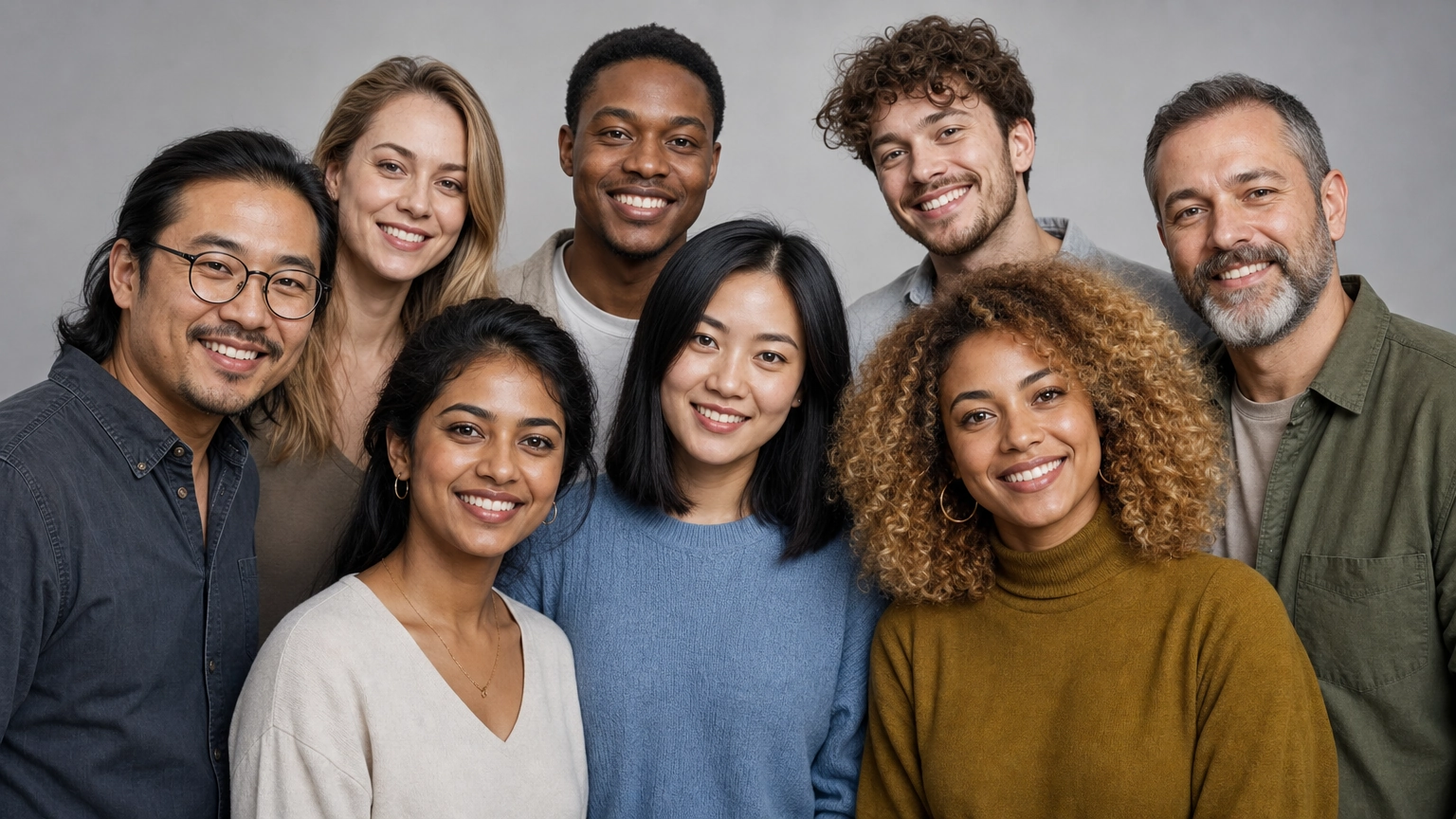
The model supports diverse ethnicities, ages, and genders. The more specific your prompt, the more accurately the output will reflect your intent.
What's the difference between Nano Banana 2 and Nano Banana Pro?
Nano Banana 2 is faster and more efficient—well-suited for everyday generation and editing tasks. Nano Banana Pro is optimized for maximum quality and precision, making it better for complex or highly detailed outputs.
Start Generating with Nano Banana 2
Nano Banana 2 delivers a level of portrait realism that most AI models don't match. With the right prompts and a few technique adjustments, you can generate professional-grade results in seconds.
Head to the Fiddl.art Create page, select Nano Banana 2, and start experimenting. For inspiration, browse what the community is making in the public gallery.