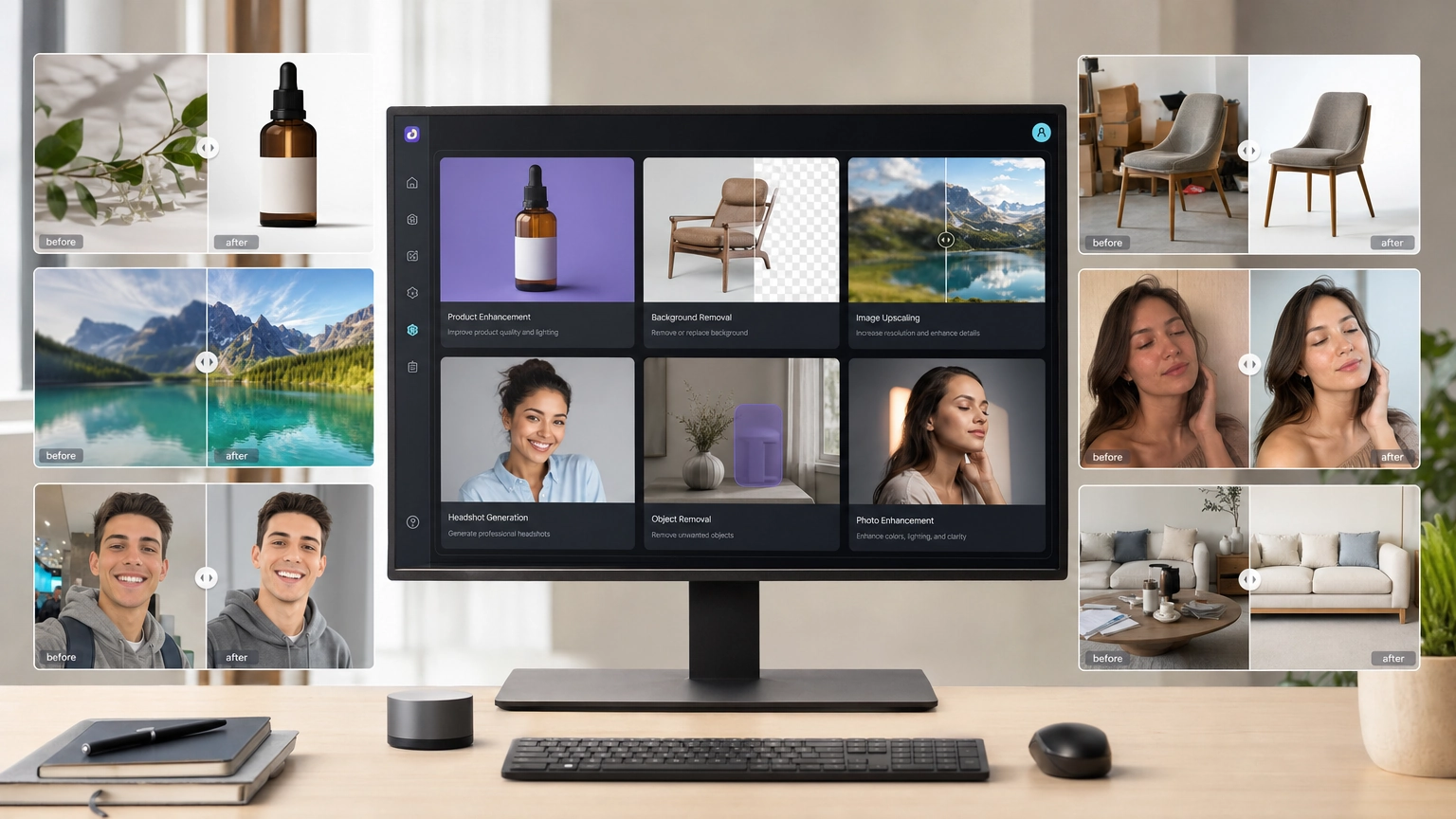
Have you ever looked at a favorite photo and wondered how it would look as a painting? With modern AI tools, you can turn a photo into a painting in minutes—no artistic skills required. Whether you want an oil painting, watercolor, or abstract style, AI makes photo-to-painting conversion fast, affordable, and accessible.
This step-by-step guide shows you exactly how to turn a photo into a painting with AI, using beginner-friendly tools like Fiddl.art.
Why Turn a Photo Into a Painting With AI?
In the past, converting photos into paintings required manual editing or hiring an artist. Today, photo to painting AI tools make it easy for anyone to create artistic images.
Benefits include:
- No experience needed – AI handles the painting style for you
- Fast and flexible – Generate multiple painted versions in minutes
- Free options available – some tools let you convert photos for free. Many creators use platforms like Fiddl.art to experiment with styles using a free AI image generation without subscriptions.
Don't Have a Photo to Start With? Generate a Painting From a Prompt
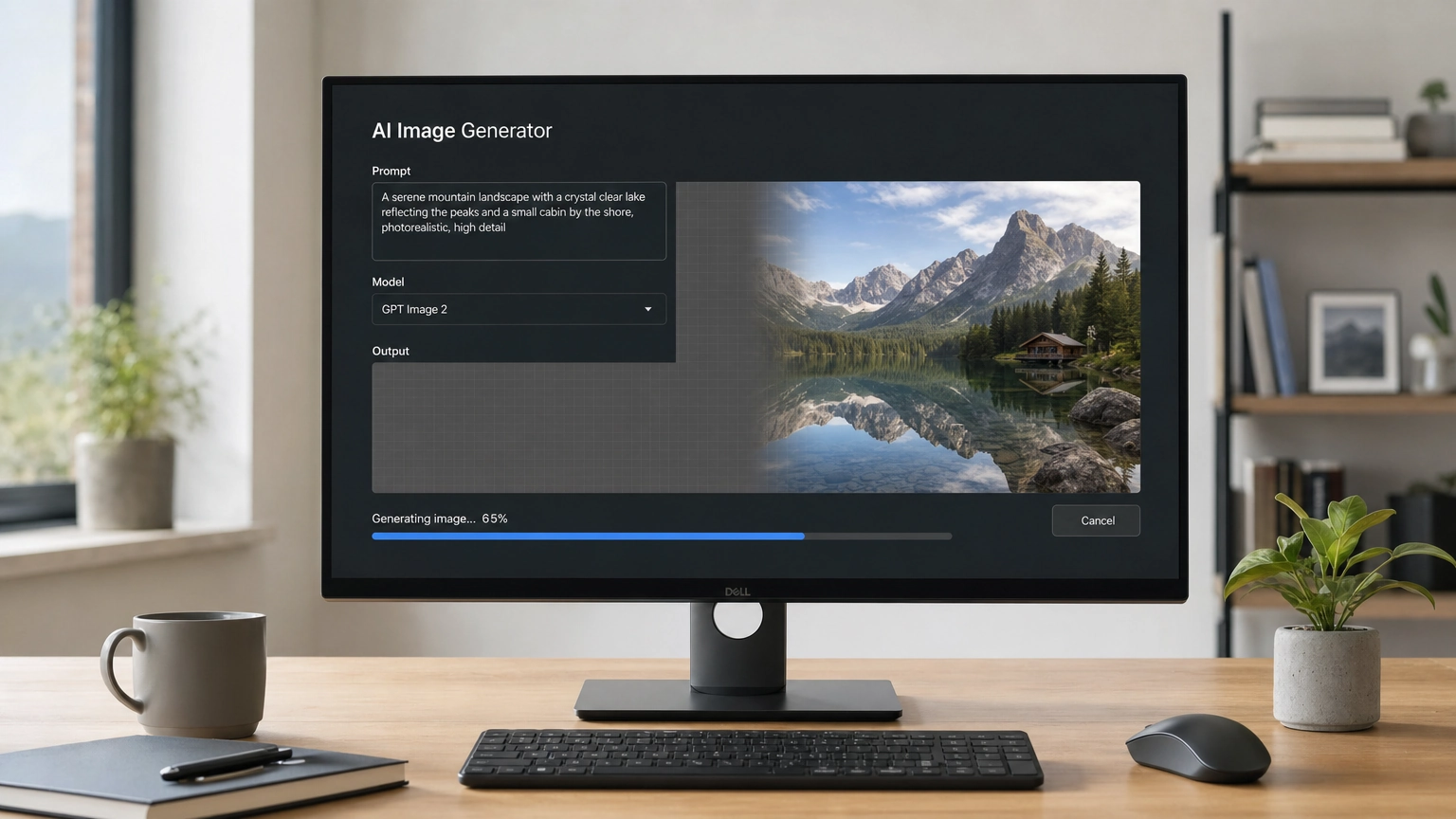
Everything above assumes you're starting with a photo. But you don't need one. AI image generators can also create a painting from a text description alone, no upload required.
This works differently under the hood. Instead of transforming an existing image, the AI builds the painting from scratch based on your written description, so you have full control over the subject, composition, and style from the start.
To try this on Fiddl.art:
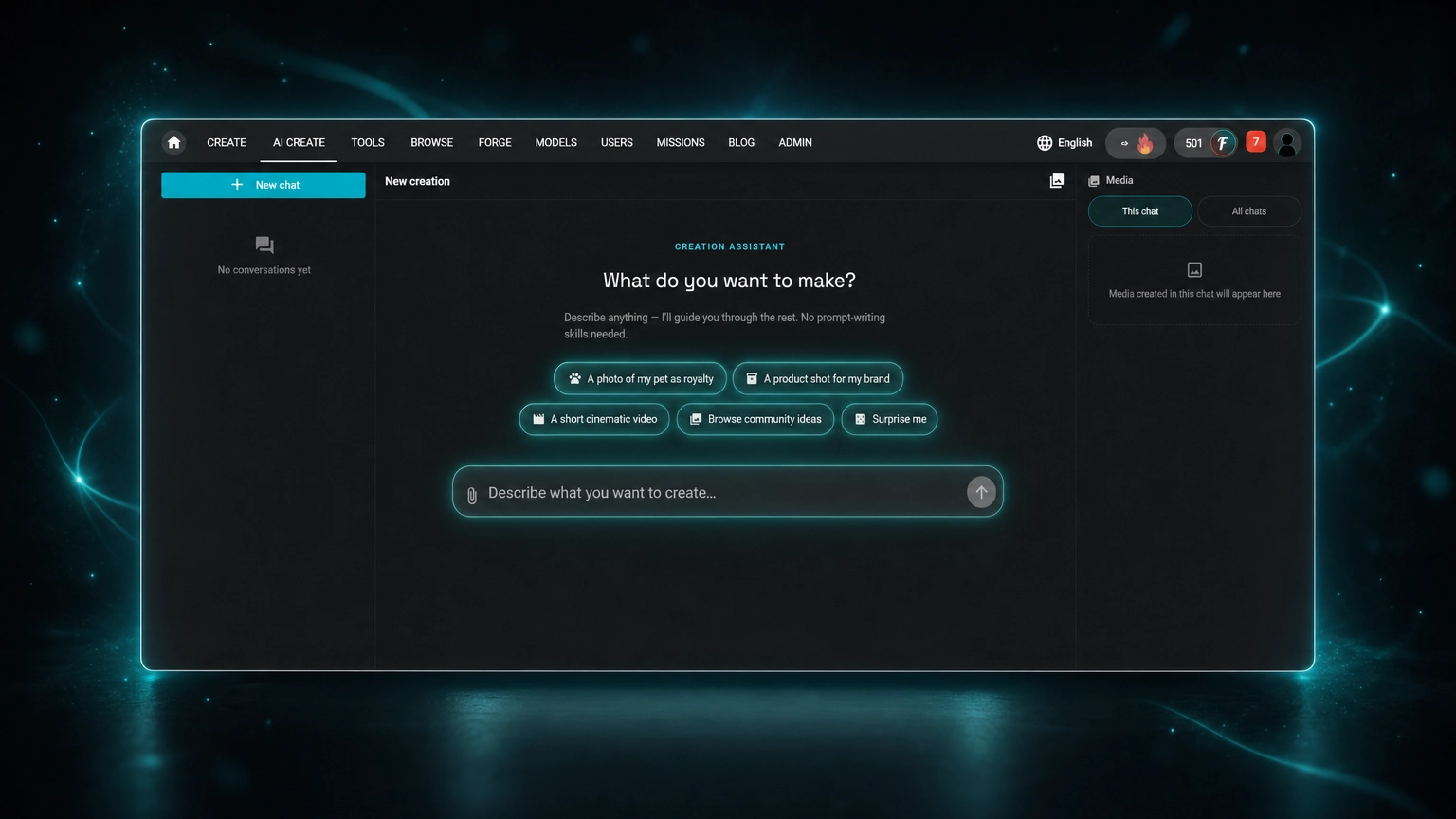
- Go to the Create page and select a text-to-image model instead of uploading a photo
- Describe the subject, painting style, and mood directly in your prompt (for example: watercolor painting of a lighthouse at sunset, soft pastel tones)
- Generate and refine the same way you would with a photo-based painting, adjusting wording until the result matches what you had in mind
This is a good option if you don't have a suitable photo on hand, or if you want a painting of something that doesn't exist as a photo at all.
How AI Turns a Photo Into a Painting
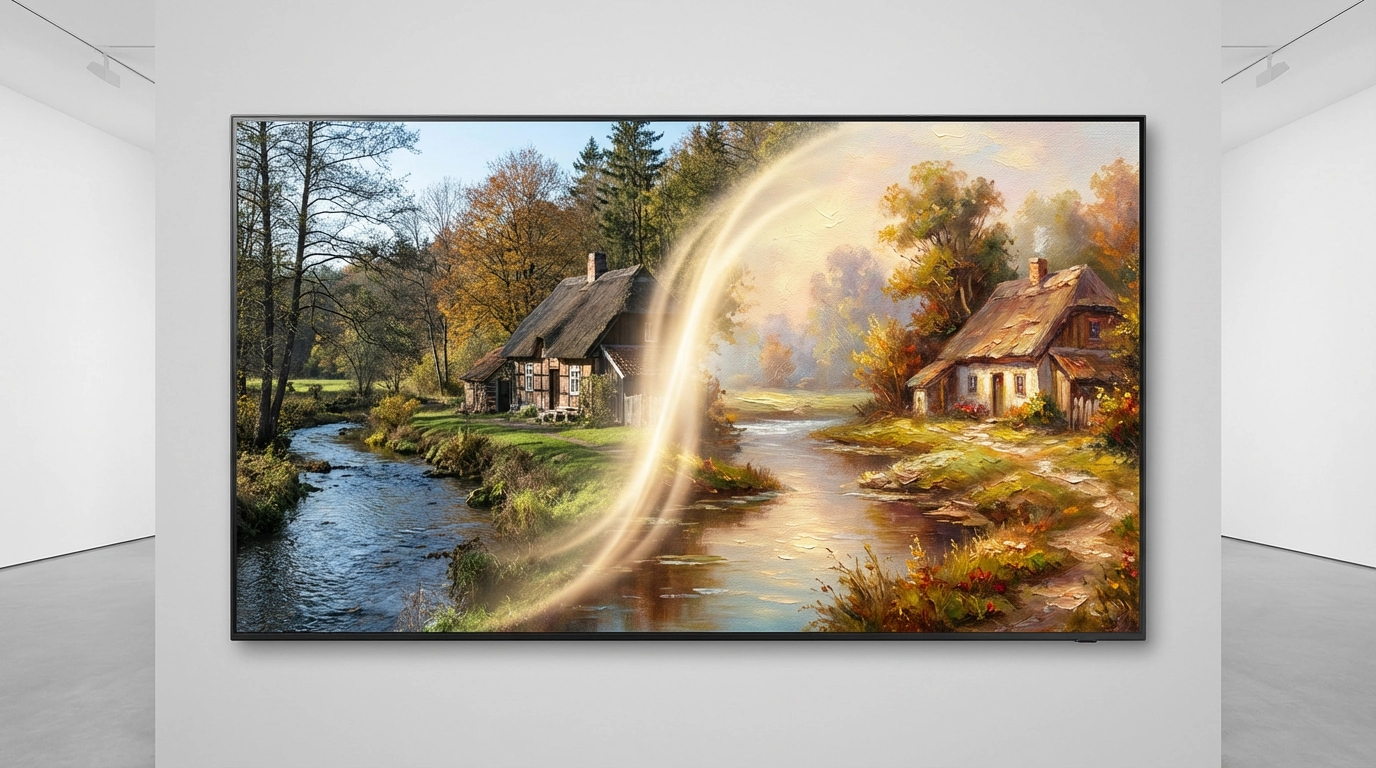
AI painting tools use image-to-image generation. You upload a photo, then guide the transformation with a text prompt describing the painting style.
The AI:
- Preserves the structure and composition of your photo
- Applies artistic styles like oil paint, watercolor, or sketching
- Blends realism and creativity into a single output
This approach offers far more control than traditional style-transfer methods.
Choosing the Best AI Tool for Photo to Painting
When selecting an AI painting generator, look for:
- Photo upload (image-to-image support)
- Style strength or transformation controls
- Multiple AI models for different art styles
- Negative prompts to remove unwanted elements
- A community gallery for inspiration
Fiddl.art includes all of these features, making it ideal if you want to convert a photo into a painting quickly and easily.
Step-by-Step: Turn a Photo Into a Painting on Fiddl.art
Step 1: Choose the Right Photo
Start with a clear, well-lit image. Portraits and landscapes work especially well when turning photos into paintings.
Step 2: Upload Your Photo and Select a Model
Visit the Fiddl.art Create page and upload your image. Then, select an AI model. For painted styles, models like Flux and Seedream deliver strong results. Browse additional options in the Models catalogue.
Step 3: Write a Painting-Style Prompt
Since the photo defines the subject, your prompt should focus on the painting style, medium, and mood.
Example prompts:
- Oil painting: oil painting portrait, thick brush strokes, rich colors
- Watercolor: soft watercolor painting, pastel tones, delicate brushwork
- Sketch: charcoal sketch, expressive lines, monochrome
If you’re new to prompts, this beginner's guide to AI art prompts is a great starting point.
Step 4: Generate Variations and Refine Your Prompt
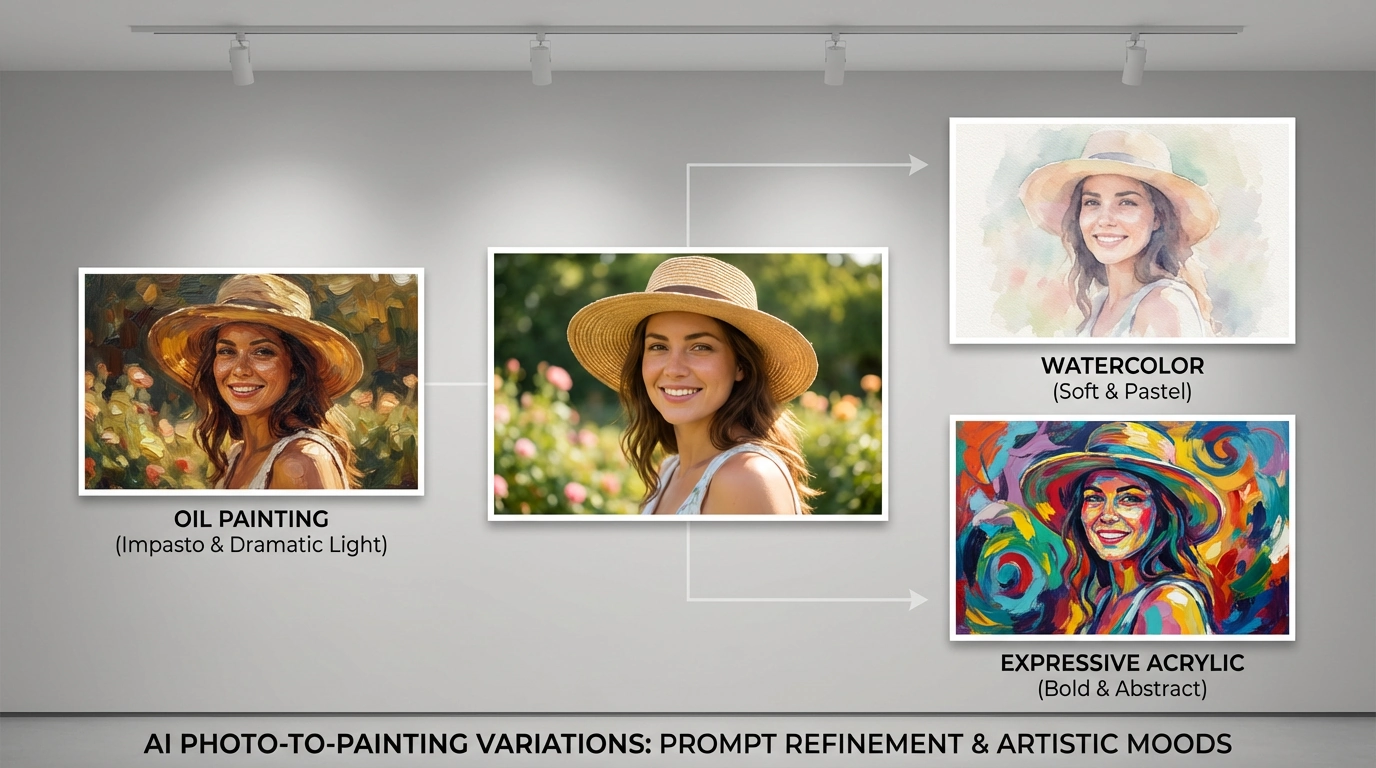
After uploading your photo and selecting a model, generate multiple versions of your image. To create a stronger painting effect:
- Emphasize the medium (oil painting, watercolor, acrylic)
- Add brushstroke and texture details
- Specify artistic mood or era (impressionist, abstract, realistic)
Example refinements:
- oil painting, thick impasto brush strokes, dramatic lighting
- watercolor painting, soft edges, paper texture, pastel palette
- expressive acrylic painting, bold colors, abstract background
Generate several variations and compare the results. Small changes in wording can dramatically affect how the AI turns your photo into a painting.
By experimenting with prompts and models, you can fine-tune how realistic or stylized your photo-to-painting result appears—without needing manual controls.
Step 5: Download and Share Your AI Painting
Once satisfied, download your high-resolution painting. Your images are saved on your Fiddl.art profile, where you can showcase or share them. For more inspiration, explore the Discover page.
Advanced Ways to Convert Photos Into Paintings
Use a Style Reference Image
Upload a second image to guide texture, color palette, or brush style. This is useful if you want your photo to resemble a specific painting aesthetic.
Train a Custom AI Painting Model
With Fiddl.art’s Forge Tool you can train a custom model on your own artwork, giving every photo a consistent signature style.
Creative Uses for AI Photo Paintings
- Personalized gifts (canvas prints, posters, mugs)
- Social media visuals and profile images
- Digital art portfolios
- Concept art for games, stories, or branding
FAQ
Can AI paint me a picture without a photo?
Yes. You can skip the photo upload entirely and generate a painting from a text prompt instead. Describe the subject and style you want, and the AI creates the image from scratch rather than transforming an existing photo.
Is it free to turn a photo into a painting?
Some tools like Fiddl.art offer free credits or pay-per-use pricing, allowing you to generate AI art without a subscription.
What photos work best?
High-quality images with good lighting and clear subjects produce the best painted results.
Can I sell AI paintings made from my photos?
In most cases, yes—if you own the original photo and the platform grants commercial rights. Always check the terms of service.
How do I make the painting look more realistic?
Use detailed prompts referencing specific painting techniques or textures. Advanced models can improve realism significantly.
Start Turning Photos Into Paintings Today
Learning how to turn a photo into a painting with AI opens up endless creative possibilities. With the right prompts and tools, you can transform everyday images into unique works of art in minutes.
Ready to try it yourself? Visit Fiddl.art, upload a photo, and create your first AI painting today.