Practical guide · Updated 2026-10-29
How to change a photo background while keeping the subject
A background change works best when the subject is already clear. Decide what should change before uploading: the room, the surface, or the whole setting. Keep the person, pet, or object as the reference, and give the model a short description of its new surroundings.
Open Replace Photo Backgrounds with AIBefore you start
Choose a photograph with the full subject inside the frame. Avoid sources where hair blends completely into a dark wall or important edges disappear behind another object. Think about the light: a subject lit from the left usually looks more natural in a scene with light coming from that side.
Step by step
Add the photograph
Open the background changer and upload one image. Sign in when prompted; nothing generates simply because you selected a file.
Pick a background preset
Choose a visual preset that matches your subject, such as Marketplace product or Creator portrait. Use Custom to describe a different scene; match its lighting and camera angle to the source.
Describe a custom scene if needed
Choose Custom and type your scene in the field that appears. A request such as 'a warm kitchen counter with soft window light from the left' is easier to assess than a long list of conflicting visual styles. Customize holds the framing and other controls.
Generate and compare
Check the estimate, generate, and compare the result with the source. Download only after the subject passes your review.
Before and after
AI-created source photos, processed with the tool's configured model. Results vary with the input.
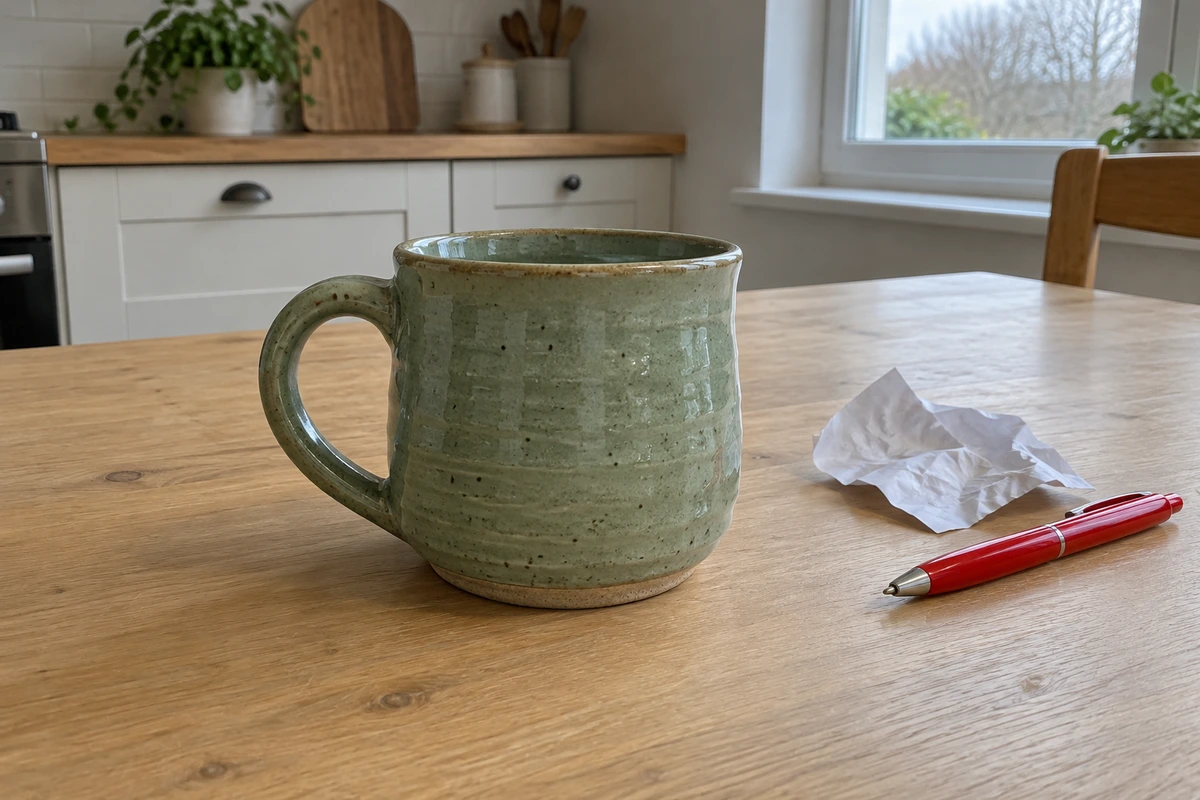 Before
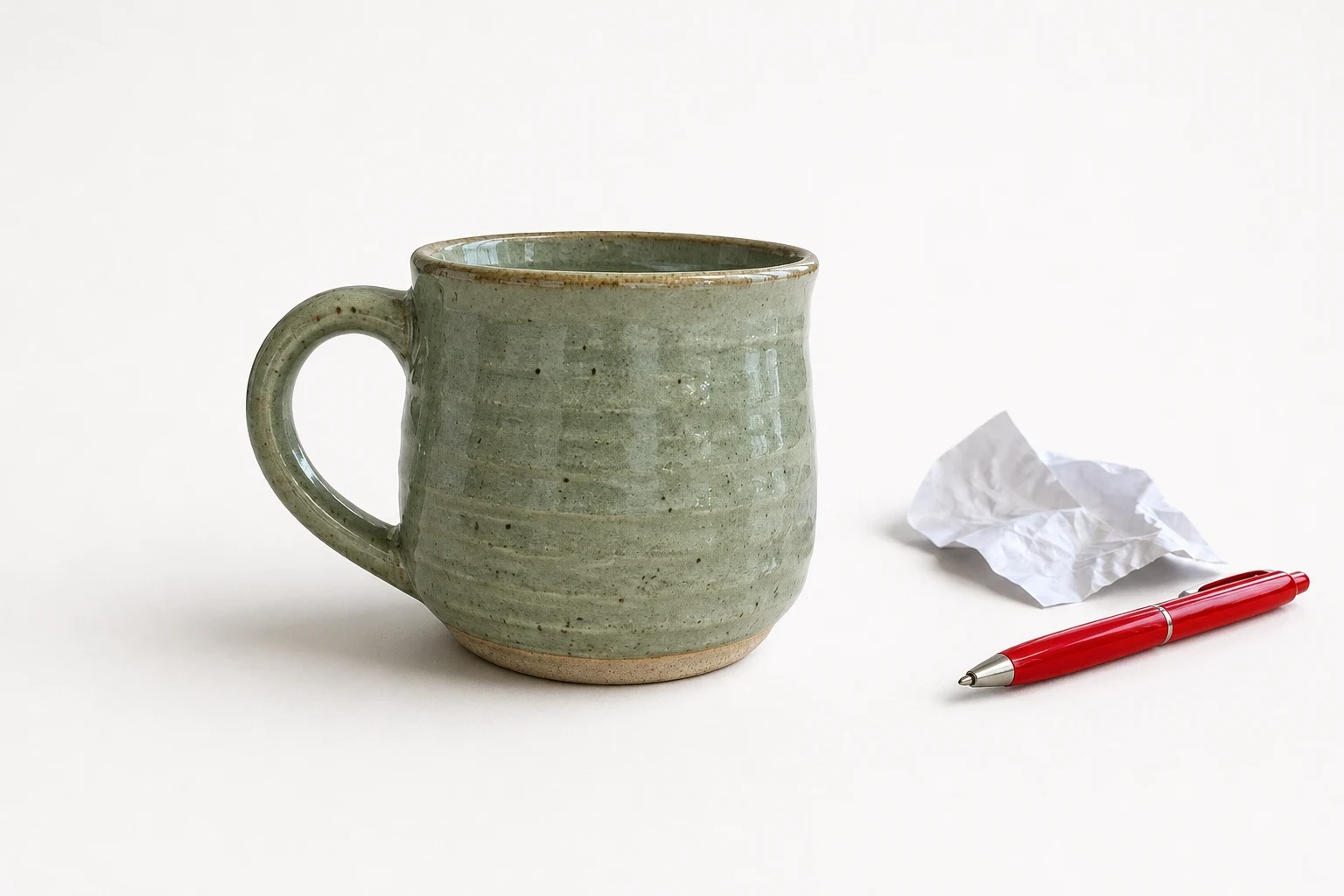 After
AfterModel and settings
openai/gpt-image-2 · Marketplace product
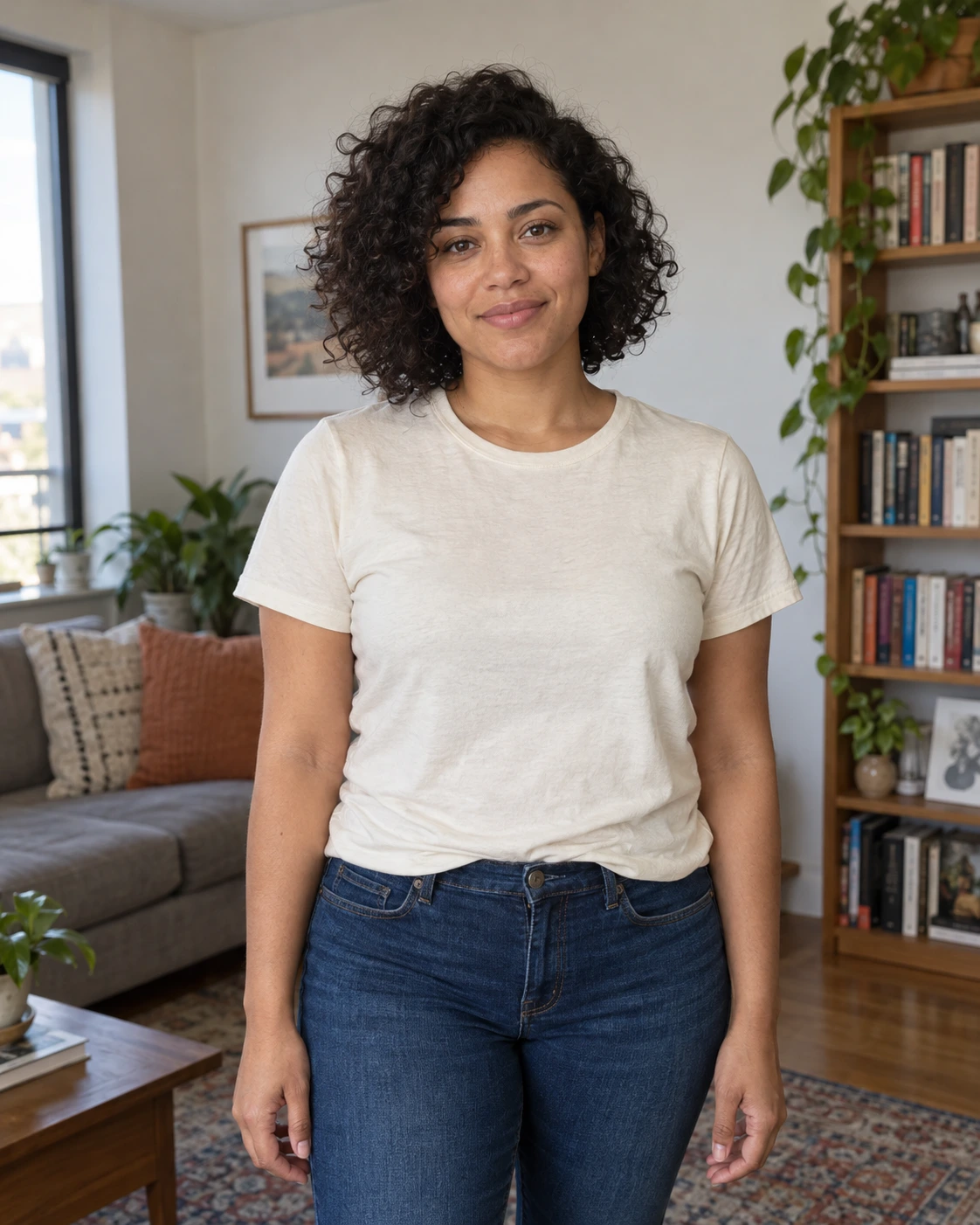 Before
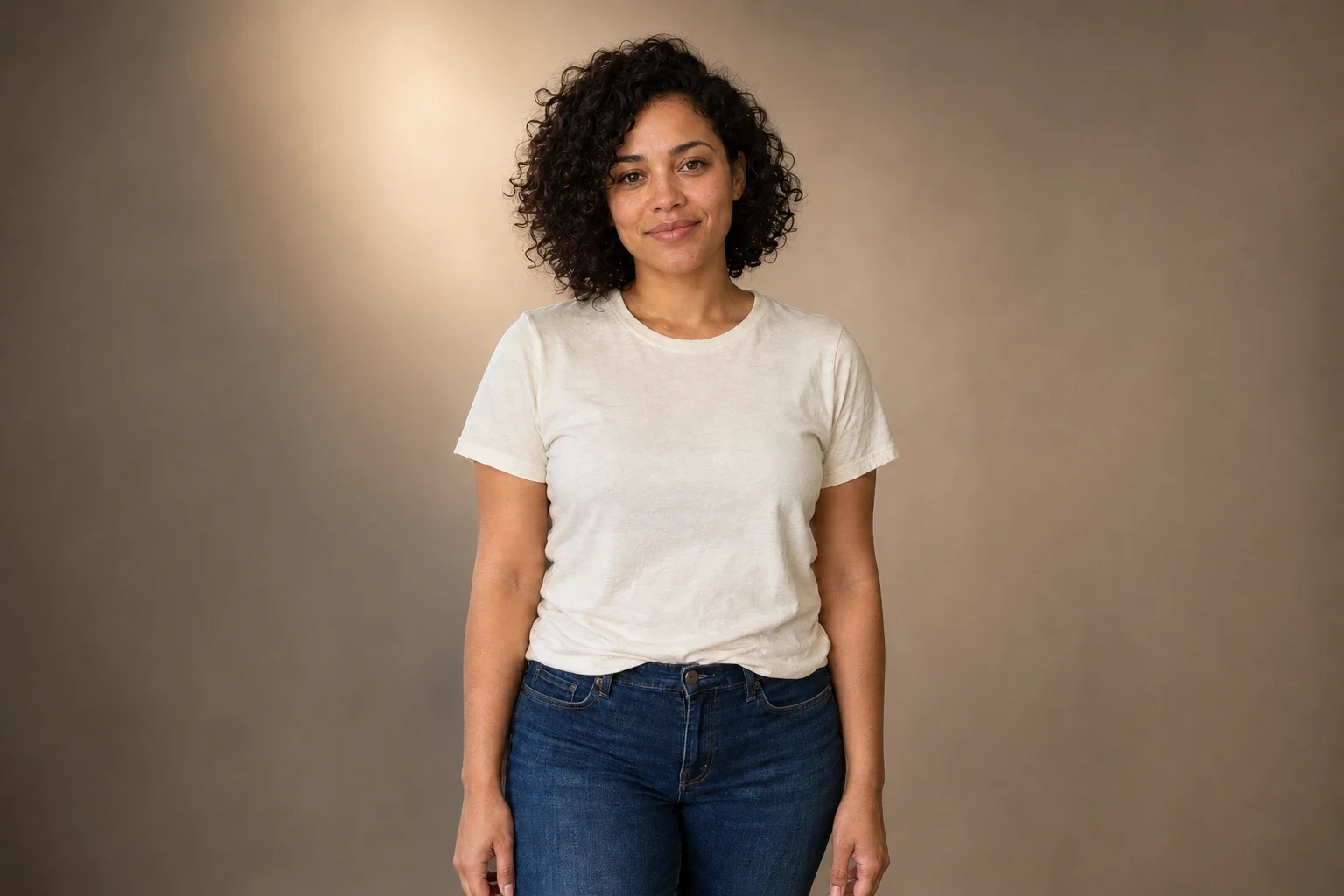 After
AfterModel and settings
openai/gpt-image-2 · Creator portrait
What to check in the result
For portraits, check the face, hairline, hands, and clothing. For products, compare shape, color, and printed text. Review the boundary against both light and dark surroundings; a halo that disappears against white may still show on another background.
If the result needs another attempt
A background edit can still redraw part of the subject. If identity or product accuracy drifts, use a less complicated scene and a sharper input. A background remover is the better choice when you need a transparent cutout with no new scene. For an ecommerce item, the product background tool offers more focused presets.
Generation does not start until you choose the tool's processing action. Availability, free allowances, and point estimates appear in the tool; review them before starting.
Try Replace Photo Backgrounds with AI