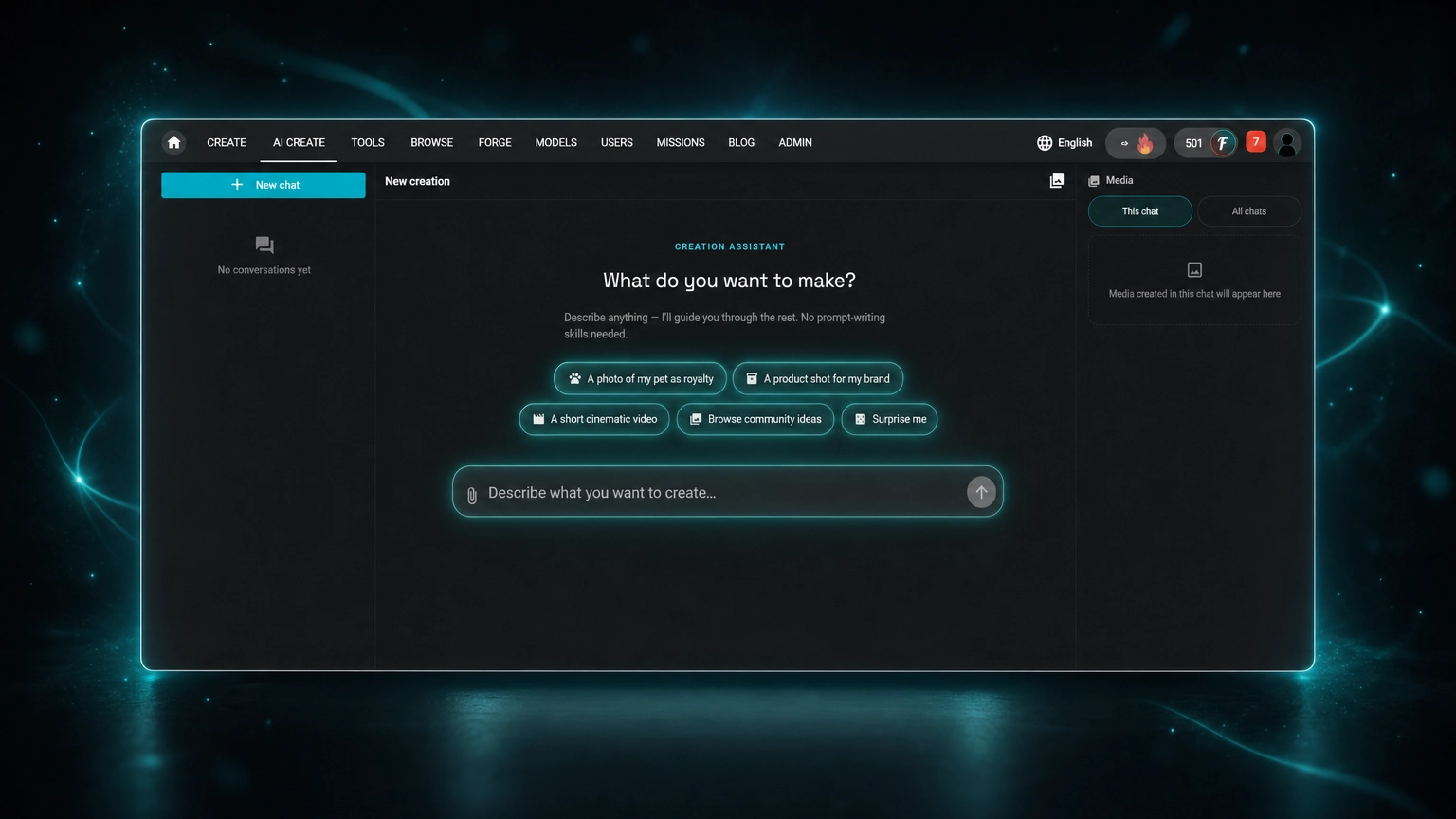
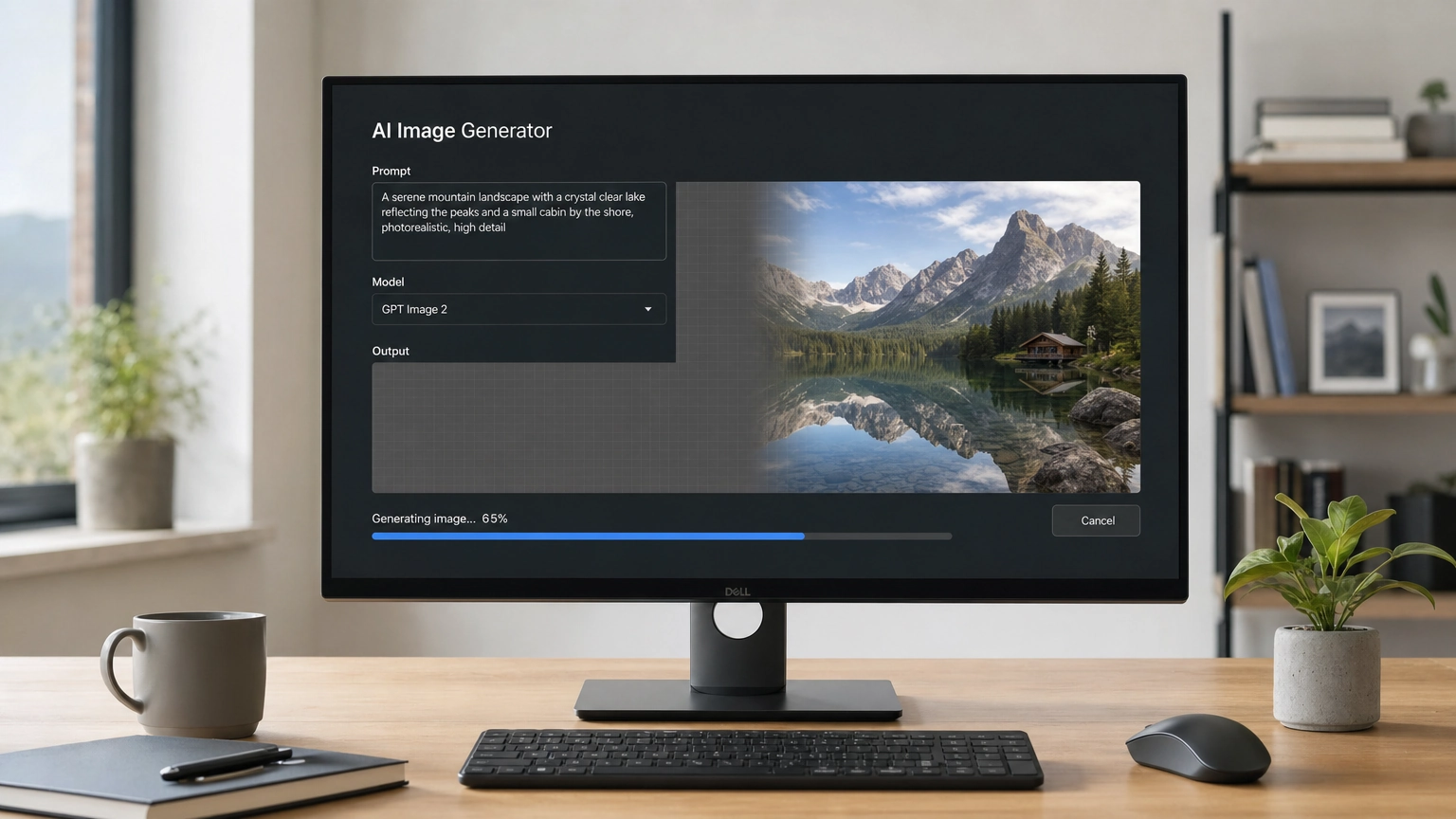
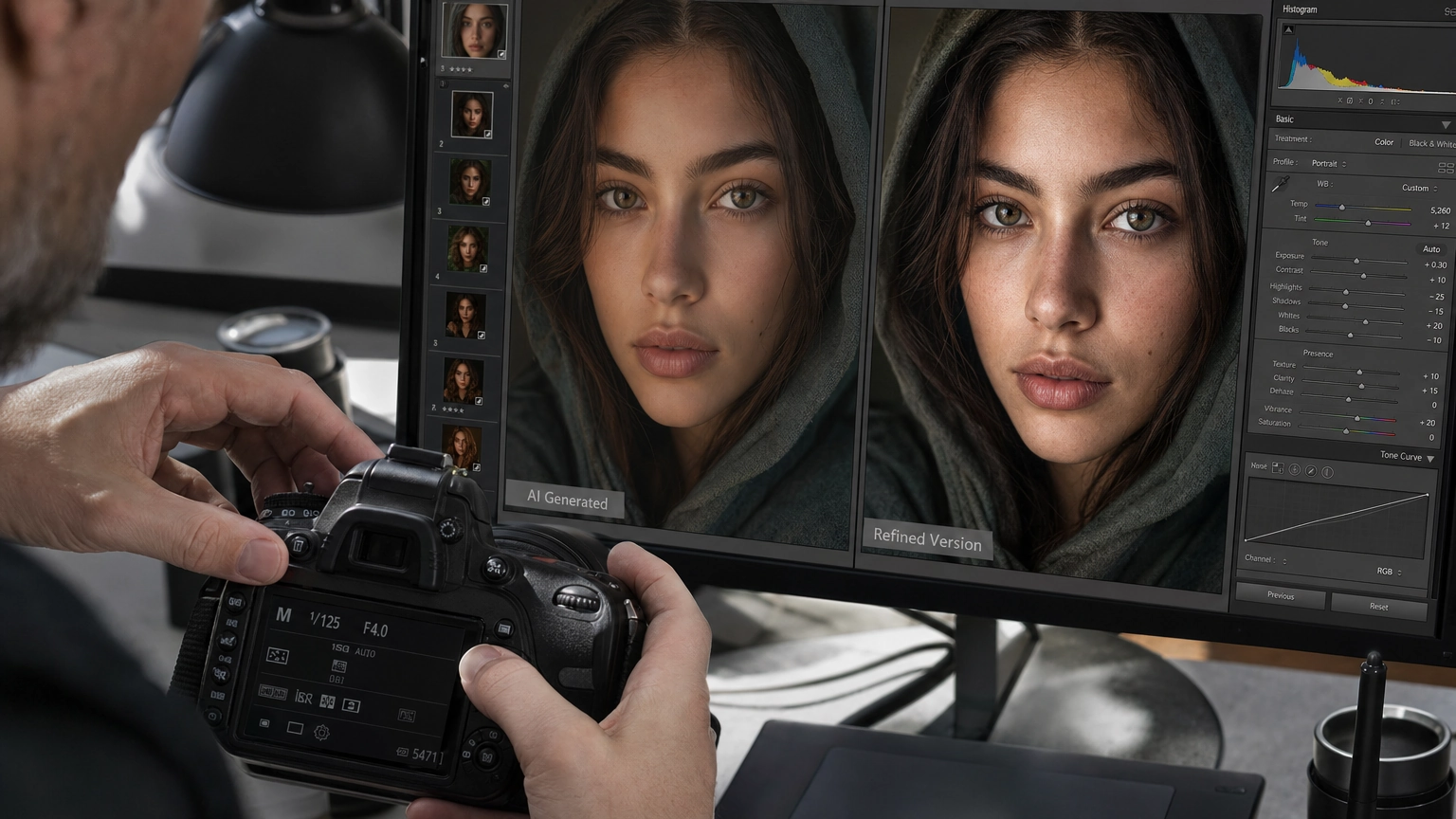
A great D&D character needs more than a class and a stat block. It needs a want, a flaw, a visual hook, a hidden truth, and a reason to stay with the party. AI can help you build all of that, and a DnD AI art generator can help you see it before session one even starts.
This guide covers both halves of the process: using AI as a brainstorm partner to build a character worth playing, and turning that character into art you can actually use at the table, on a character sheet, or as a token on your VTT.
1. Start With a Tension, Not a Class
Most players start with class first. That leads to the same shapes over and over. Start with an inner clash instead.
- A paladin who lies to protect others
- A necromancer who fears death
- A barbarian who wants to be a poet
- A warlock who regrets the pact
Prompt: Give me 10 D&D character ideas built around duty vs envy. Make each one playable, grounded, and fit for a long campaign.
An inner clash gives you a real engine for the character, and it gives an AI D&D character generator something specific to visualize later. "A paladin who lies" produces a much more interesting portrait than "a paladin."
2. Let AI Break Your First Idea
Your first idea is usually the most obvious one. Ask AI to name the cliché, then push past it.
- What is the cliché version?
- What are five ways to make it less obvious?
- What detail would people remember after one session?
Example: a tiefling rogue from the streets who distrusts authority is common. Flip it: raised rich and steals for art, or deeply loyal to the crown, or not naturally sneaky and works hard at it anyway.
This step matters for art too. A twisted, specific concept gives a DnD character art generator more to work with than a stock archetype.
3. Build a Three-Layer Backstory
Use three layers instead of one long history dump:
- Public story: what the party learns fast
- Private truth: what the character keeps close
- Hidden complication: what the DM can hook into later
Prompt: Create a three-layer D&D backstory for a cheerful dwarf artificer.
Example: sells tools and spare parts (public), left home after a mistake (private), a rival guild used cursed parts (hidden). Each layer should add a new angle, not just more noise.
4. Turn Visual Details Into an Art Prompt
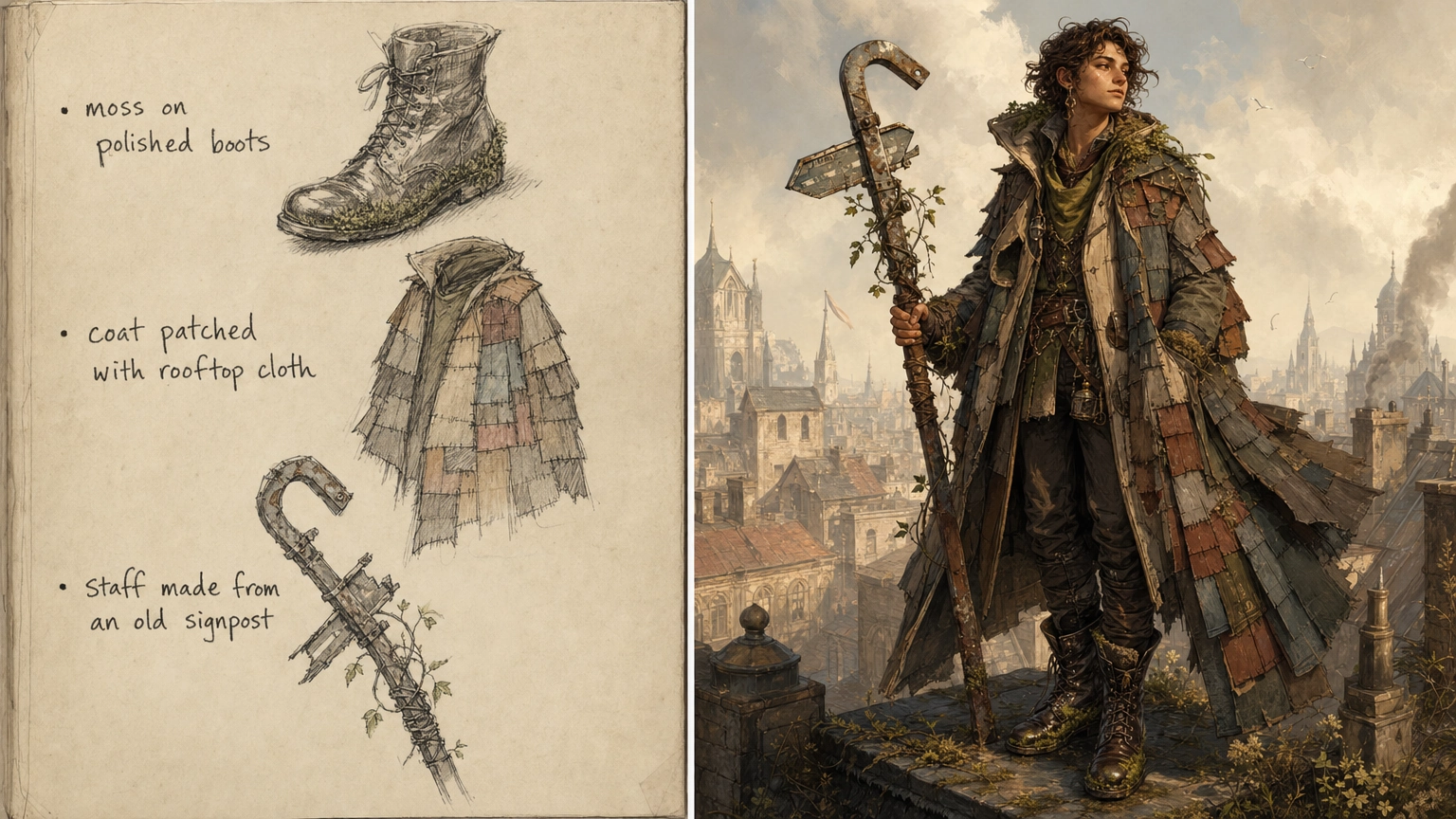
This is where character building and character art meet. Before you write personality traits, ask for visual hooks.
Prompt: Give me 20 visual details for a D&D druid raised in a city, not a forest. Avoid nature clichés.
Possible details: moss in polished boots, a coat patched with rooftop cloth, a staff made from an old signpost, a focus hidden in a city water key.
Take the strongest three or four details and turn them directly into an image prompt. A DnD AI art generator works best with specific, concrete description, not adjectives like "cool" or "mysterious." "Weathered druid in patched rooftop-cloth coat, moss on polished boots, holding a staff made from a bent signpost" will get you a far more useful result than "unique forest druid." For a deeper walkthrough of writing prompts that actually translate into strong output, see Fiddl.art's guide to AI image prompts.
5. Give the Character a Social Role
A character can look great on paper and still fall flat if they don't connect with the group. Try assigning a role:
- The mediator
- The instigator
- The reluctant caretaker
- The comic relief with hidden hurt
- The skeptic
Prompt: Suggest 10 non-combat party roles for a D&D character who is a noble-born ranger. Make each role create scenes with other players.
6. Create a Personal Code With One Exception
Rules make a character easy to play. One exception makes them feel real.
Prompt: Create five personal rules for a lawful neutral monk. Then create one exception that shows weakness.
Example code: never draw a weapon in anger, never refuse shelter, never leave a debt unnamed. Exception: they break any rule to protect someone who reminds them of a younger sibling. That exception is the doorway to depth, and often the most interesting moment to render as art later.
7. Design Flaws That Create Choices
A flaw isn't just a bad habit. A good flaw creates choices.
- Weak flaw: "My character is stubborn."
- Better flaw: "My character refuses to drop a plan once someone has praised it, because they fear looking foolish."
Prompt: Give me 15 D&D character flaws that are specific, emotionally clear, and fun to roleplay without sabotaging the party.
Avoid flaws that just make the game harder for everyone, like stealing from the party or attacking NPCs without reason. AI may suggest edgy traits if you ask for dark ideas. Filter for what actually works at your table.
8. Turn Random Details Into a Visual Motif
AI is good at generating scattered details. The trick is connecting them into something an artist, or an AI art tool, can render as a cohesive image.
Suppose AI gives you: carries a cracked silver bell, hates the smell of cinnamon, always sleeps facing the door, speaks kindly to horses.
Prompt: Connect these five random character details into a coherent backstory. Make the explanation subtle and emotionally grounded.
Now the clues can point to one event, like a fire at a festival stable, and that event becomes the visual anchor for a portrait: singed sleeves, a bell kept as a memento, eyes that check the exits.
9. Build Mentors and Rivals
Mentors and rivals give a character values, conflict, and old wounds. Ask for unusual figures instead of the wise old wizard default.
Prompt: Give me 12 unusual mentor figures for a D&D character. Each should teach a different life lesson, have a memorable flaw, and create a future problem.
Ideas: a retired assassin who teaches patience through gardening, a ghostly accountant who teaches discipline and still wants debts paid, a hag who teaches practical magic but expects payment in feelings.
For relationships more broadly, build a small web: ally, rival, family tie, someone they owe, someone who knows a secret about them. Ask what each person wants from the character, and why the link is hard. A rival doesn't need to be evil. Some of the best rivals are people your character respects, envies, or can't stop trying to impress.
10. Match Mechanics With Story
A character can feel split when the backstory and the character sheet don't match. Ask AI to connect your class features to your story so the visual language stays consistent.
Prompt: Help me connect the mechanics of a D&D storm sorcerer to a backstory about guilt, inheritance, and a lost sibling. Give me flavor ideas for spells without changing the rules.
Ask for spell flavor, weapon details, and what leveling up means in the story. This gives you consistent visual material to draw on: if your sorcerer's magic is tied to a lost sibling's storm-colored eyes, that detail should show up in every piece of art you generate for them, not just the first one.
11. Generate Consistent Art Across Scenes
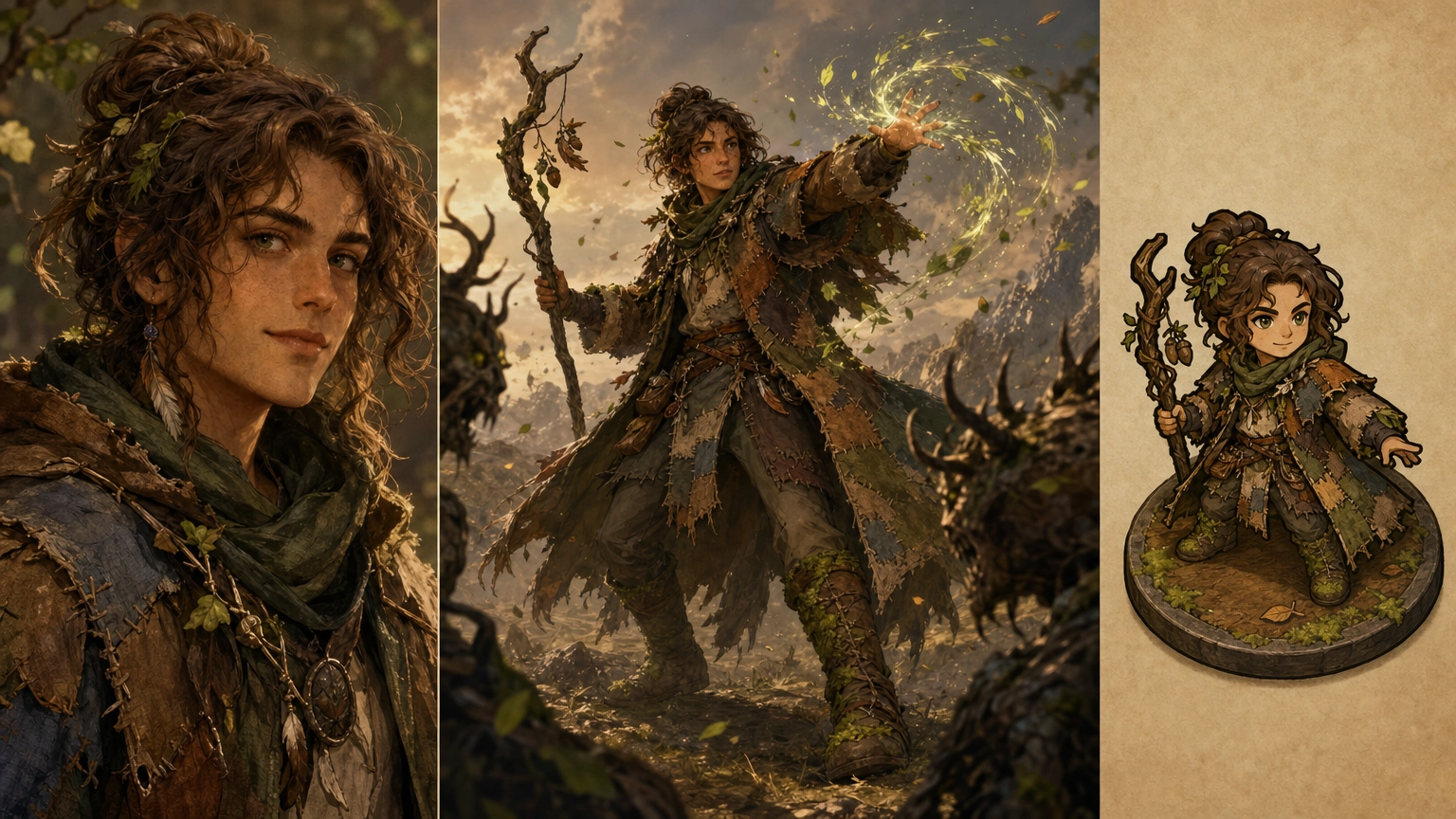
Once you have a locked visual description, the goal shifts from "make one cool image" to "make this character recognizable across every scene." That's the harder problem, and it's where a lot of AI art attempts fall apart: the same character looks like three different people across a portrait, a battle scene, and a token.
A DnD character image generator that nails a single portrait but drifts on the second or third image isn't actually solving the problem. A few things that help:
- Lock a short, specific description (hair, eyes, signature item, outfit) and reuse the exact same wording in every prompt
- Generate a reference portrait first, then use it as a base for follow-up scenes rather than writing each prompt from scratch
- Keep one or two unmistakable visual anchors (the emerald gloves, the burned coat cuffs, the cracked silver bell) that show up in every image
For a full breakdown of keeping the same character recognizable across a portrait, a battle scene, and a token, see Fiddl.art's guide to consistent AI fantasy characters.
12. Generate Multiple Versions of the Same Concept
Don't stop at one image any more than you'd stop at one backstory draft. Ask AI for tonal variations, and generate art to match.
Prompt: Give me five versions of the same D&D character concept: heroic, tragic, comedic, morally gray, and mysterious.
Once you've picked a tone, iterate on the art the same way: generate a first pass, then refine lighting, expression, or pose rather than starting over. If you need to clean up a background, swap out a piece of gear, or adjust a detail without regenerating the whole image, Fiddl.art's AI image editing tools cover that workflow. And if you're comparing tools for this kind of work generally, this roundup of AI tools for artists is a useful starting point for where a DnD AI art generator fits alongside other creative tools.
13. Avoid the Common Mistakes
Most disappointing AI character art comes from a small set of avoidable mistakes: prompts that lean on vague adjectives instead of concrete details, descriptions that contradict each other, or expecting one prompt to nail a fully consistent character on the first try. Fantasy art specifically has its own failure points, like overly generic "epic fantasy" framing that produces stock-looking results instead of something that matches your character.
Before you generate, it's worth a quick read through common AI art mistakes and this comparison of fantasy AI image generators if you're still deciding which tool fits your style. The right DnD character art generator for a gritty low-fantasy campaign isn't necessarily the right one for a bright, high-fantasy tone.
14. Build a One-Page Character Sheet, With Art
A long backstory helps during setup, but at the table you need fast notes and a face to put with the name.
Prompt: Summarize this D&D character for play. Include personality, goals, flaws, voice notes, party role, visual details, NPC ties, and three roleplay reminders. Keep it brief.
Pair that summary with the portrait you generated in step 4 or 11, and you have something far more useful mid-session than a page of prose: a recognizable face, a short list of reminders, and one line each for want, fear, and flaw.
15. Use AI as a Remix Engine, Not the Final Word
AI can generate names, secrets, flaws, motifs, mentors, and art. It doesn't know your table the way you do. A strong workflow looks like this:
- Generate several backstory and art concepts
- Pick the ones that actually excite you
- Ask AI to spot clichés and simplify
- Lock a visual description and generate a reference portrait
- Reuse that description across every future scene or token
The final character, in writing and in art, should feel like yours. If a detail doesn't excite you, cut it.
Bringing It Together
A character with a clear want, a strong visual hook, a playable flaw, and a face you can picture is already ahead of the average sheet. AI can speed up both halves of that process: the writing and the art. Start with the backstory prompts above, lock a visual description, and use a DnD AI art generator to make your character something the whole table remembers, not just something written down.
Start creating →
Frequently Asked Questions
What is a DnD AI art generator?
It's an AI image generation tool, sometimes called a DnD character art generator or DnD character image generator, used to turn a written D&D character description into visual art such as a portrait, a battle scene, or a token for use on a virtual tabletop.
How do I get AI to make character ideas that aren't generic archetypes?
Start with an inner clash instead of a class list. Ask for contrasts like duty vs envy, then ask the model to show the cliché version and improve it.
How do I keep my character's art consistent across multiple images?
Lock a short, specific visual description early and reuse the exact same wording in every prompt. Generate one reference portrait first, then build follow-up scenes from that same description instead of starting from scratch each time.
What's the fastest way to turn a character idea into usable art?
Pull the three or four strongest visual details from your backstory work and turn them directly into a concrete, specific image prompt. Avoid vague adjectives like "unique" or "epic" in favor of exact details like clothing, color, and signature items.
Can I use AI for both the backstory and the art?
Yes. Use AI as a brainstorm partner for the writing (tension, backstory layers, flaws, secrets), then carry the strongest visual details from that process directly into an AI art prompt.