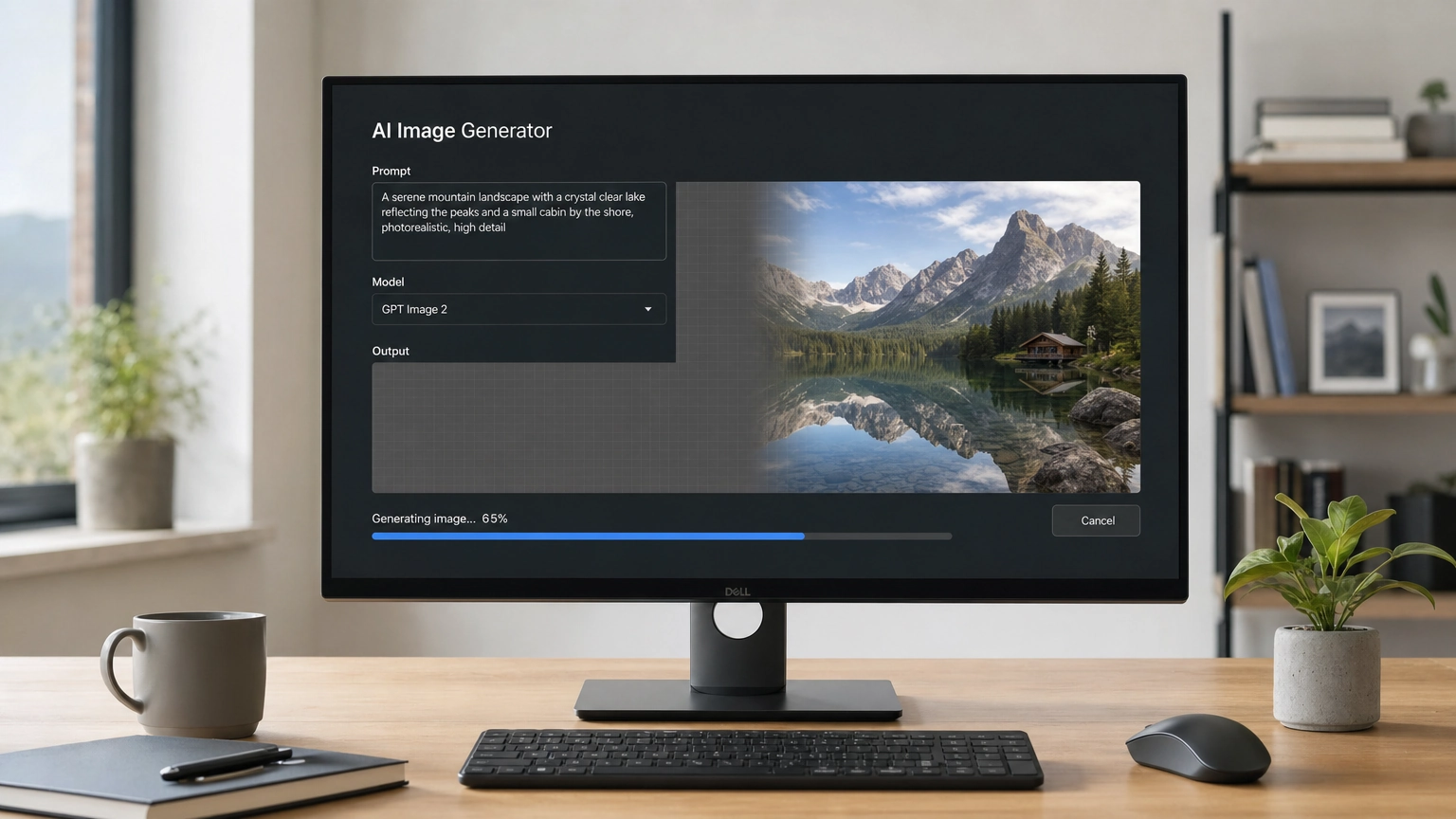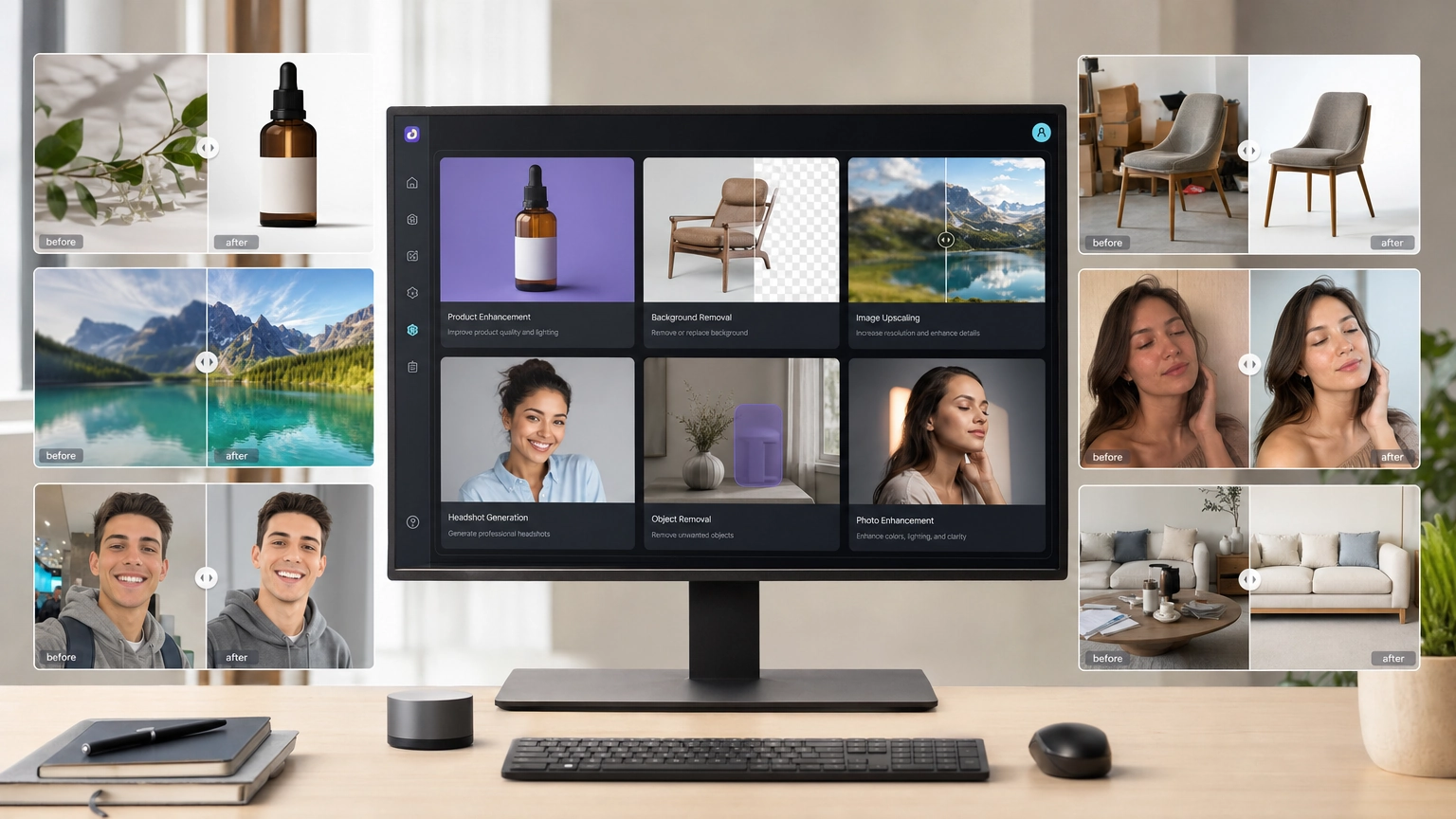
Want to create AI art from a text prompt — completely free, directly in your browser? Free online AI image generators make it possible in seconds. This guide covers how text-to-image AI works, which tools are worth using, and how to write prompts that actually get results.
Quick Answer: The best free online AI image generators in 2026 include Fiddl.art, Microsoft Copilot, Leonardo.Ai, and Canva Magic Media. No downloads or subscriptions required — just type a prompt and generate.
How Does Text-to-Image AI Work?
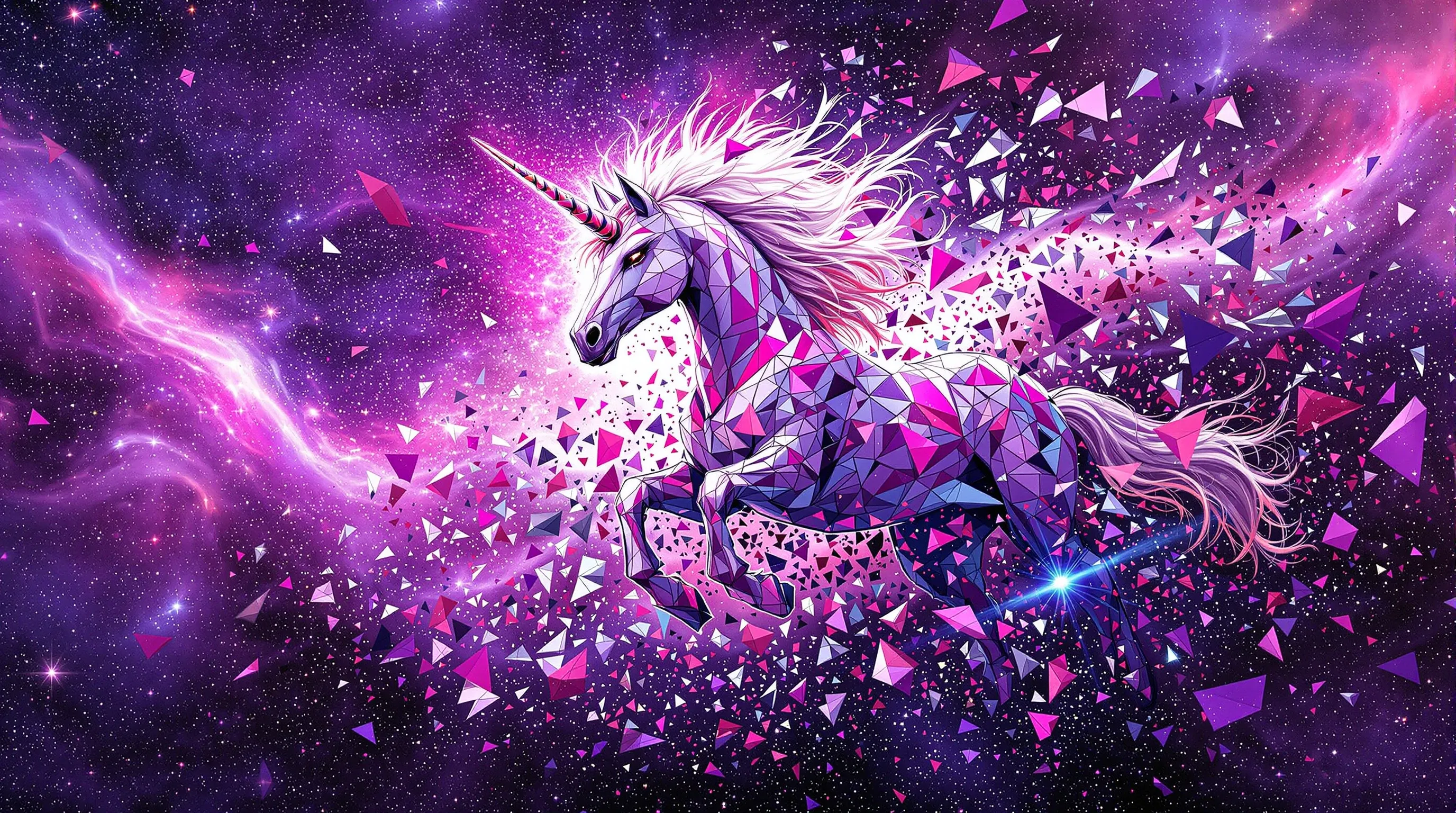
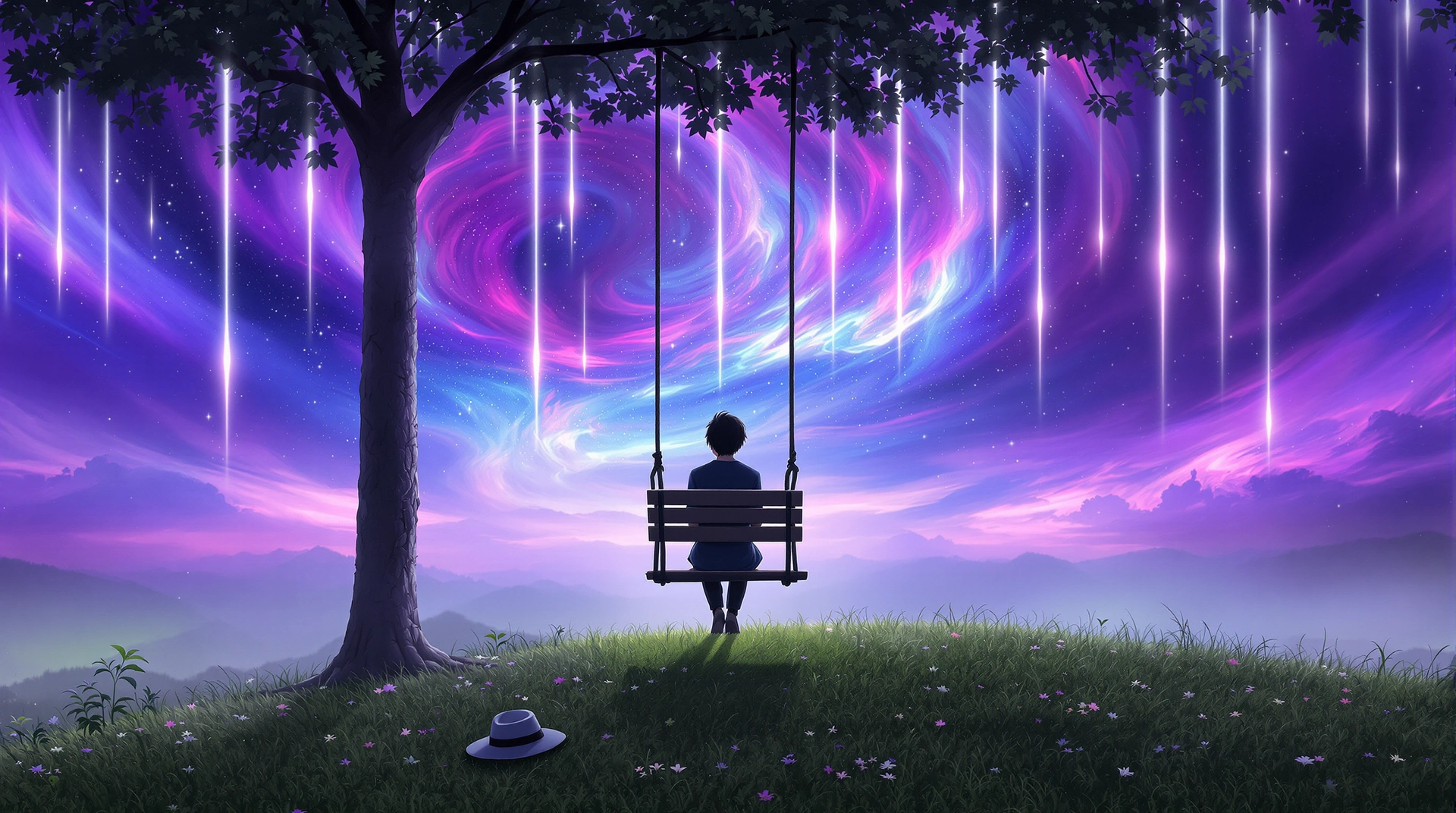
Created by @mystiquelicorne
Text-to-image AI uses machine learning models trained on massive datasets of images paired with descriptive text. Most modern tools are built on diffusion model technology, which learns the relationship between words and visual content.
When you type a prompt like "a futuristic robot in a neon-lit alley", the AI:
- Interprets your text into visual concepts
- Begins with random digital noise
- Refines it step-by-step into a coherent, detailed image
Every generation is unique — the same prompt can produce different results each time, giving you endless creative possibilities. Open-source models like Stable Diffusion power many of these free tools, making AI art accessible to anyone with a browser.
What to Look for in a Free Online AI Image Generator
Not all free tools deliver the same experience. Here's what separates the best from the rest:
- Renewable Free Credits — Look for platforms with daily missions or points systems rather than one-time limits. Fiddl.art lets you earn free AI credits every day without a subscription.
- Multiple AI Models — The best tools offer model variety: photorealistic, anime, fantasy, painterly. More models means more creative range.
- Simple Interface — You should be able to type a prompt and generate immediately, with no technical setup.
- Advanced Controls — Features like negative prompts, aspect ratio selection, and image-to-image input help you refine results. Platforms like Fiddl.art even let you train custom AI models for a truly personalized output.
- Watermark-Free Options — Check whether the free tier includes watermarks. Some platforms like Fiddl.art offer affordable credit packs to remove them without a full subscription.
- Community Gallery — A public feed of creations helps you learn from others and spark new ideas.
Best Free Online AI Image Generators for Text to Image (2026)
| Tool | Free Tier | Best For |
|---|---|---|
| Fiddl.art | Daily credits via missions | All-round creation, custom models, community |
| Microsoft Copilot | 15 boost credits/day; slower generation after | Quick, high-quality single images |
| Leonardo.Ai | 150 tokens/day, resets every 24 hours | Stylized art, concept work, creative design |
| Canva Magic Media | 50 lifetime AI uses (shared across features) | Designers in existing Canva workflows |
1. Fiddl.art
Fiddl.art is a full AI creative platform combining powerful image generation with a social, gamified experience — built for beginners and advanced creators alike.
- Free Credits Every Day — Earn points through daily missions with no subscription required. Free generations use selected models and include a watermark; purchase the lowest credit pack to unlock watermark-free downloads.
- Multiple Models — Access Flux, Photon, Imagen Ultra, and more via the Models catalogue
- Community Inspiration — Browse and remix public creations in the Browse feed
- Advanced Features — Supports image-to-image generation, custom model training, and AI video creation
- Watermark-Free Option — Free accounts generate images with a watermark by default. Purchase the lowest credit pack for clean, watermark-free downloads at minimal cost.
2. Microsoft Copilot
Powered by OpenAI image generation models and accessible at copilot.microsoft.com, Microsoft Copilot delivers high-quality results through a simple chat interface with minimal setup.
- Free Tier — 15 boost credits per day for fast generation; slower generation remains available after boosts are used
- Ease of Use — Just describe what you want, as if talking to a person
- Microsoft Account Required — A free Microsoft account is needed to access image generation features
3. Leonardo.Ai
A strong choice for stylized art and creative concept work, with access to a wide library of AI models including its own Phoenix model. Leonardo.Ai was acquired by Canva in 2024 and has since expanded well beyond its game art origins.
- 150 Free Daily Tokens — Refresh every 24 hours, giving consistent daily access
- Model Variety — Multiple AI models covering aesthetics from photorealism to fantasy and illustration
- ⚠️ Watermark Note — Free tier images include watermarks; watermark-free downloads require a paid plan starting at style=background:#1212122/month
- ⚠️ Privacy Note — Images generated on the free tier are publicly visible by default; private mode is a paid feature
4. Canva Magic Media
The go-to option for designers already working inside Canva, with AI image generation built directly into the design editor alongside templates, text tools, and export options.
- 50 Lifetime AI Uses — Free accounts receive 50 uses shared across Canva's AI features; not renewable, so use credits selectively
- No Watermarks — AI-generated images on Canva are delivered watermark-free on all plans
- Seamless Workflow — Generate and place images in your design without switching tabs
- Pro Upgrade — Canva Pro users get 500 AI uses per month for higher-volume needs
How to Write Prompts That Get Better Results
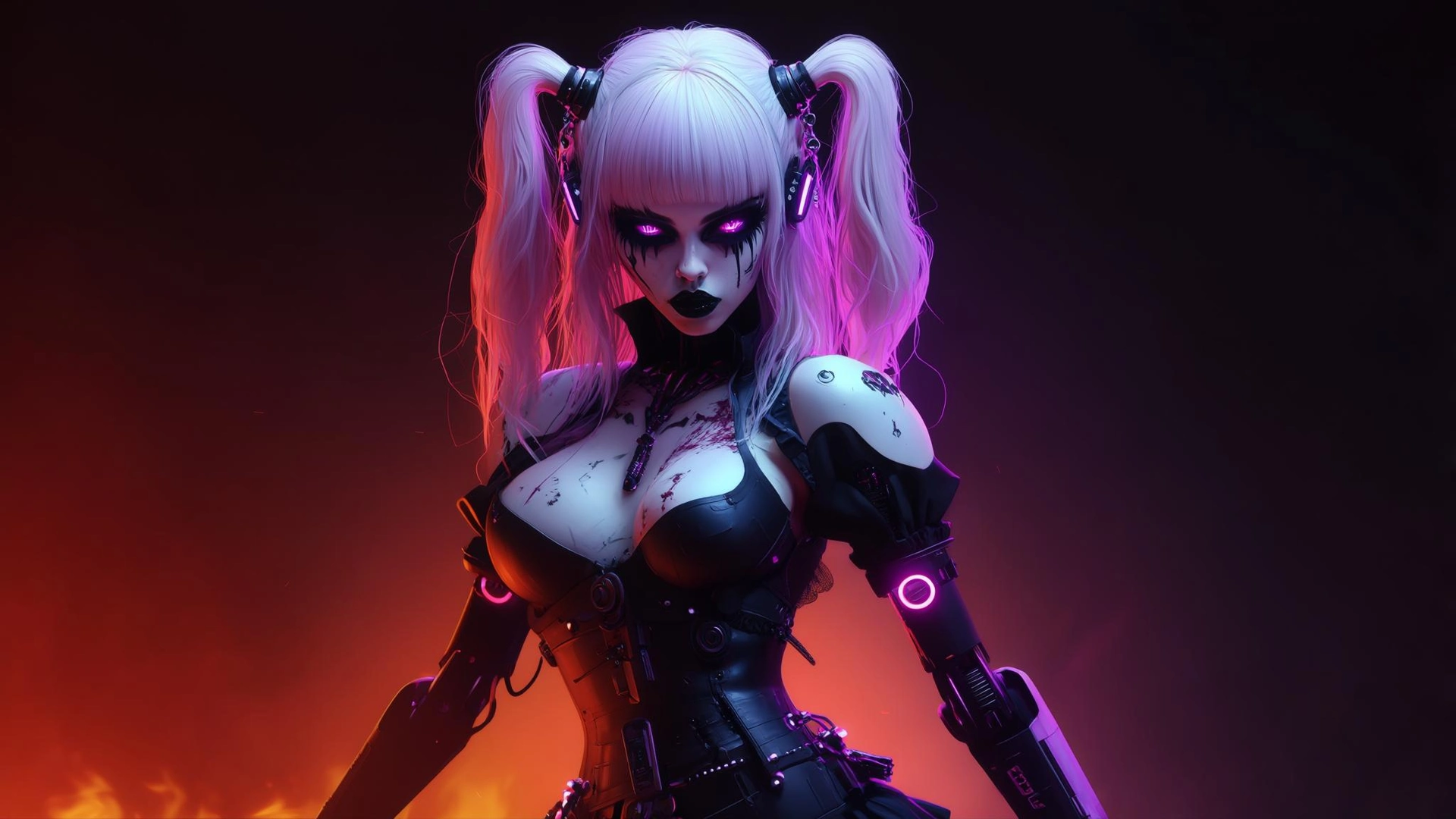
Created by @eternalfoxstorm3414
The quality of your text prompt directly determines the quality of your output. Build prompts in layers:
- Subject — Start with your main focus.
a cat - Details — Add descriptive specifics.
a fluffy gray cat wearing a tiny crown - Style and Medium — Define the visual style.
a fluffy gray cat wearing a tiny crown, digital painting - Composition and Mood — Set the atmosphere.
a fluffy gray cat wearing a tiny crown, digital painting, sitting on a velvet throne, dramatic lighting
For ready-to-use ideas, browse this list of 50+ AI image prompts you can copy and customize.
How to Fix Common AI Image Generation Problems
| Problem | Fix |
|---|---|
| Generic or vague output | Add more specific details to your prompt; try a different model |
| Key elements being ignored | Put the most important terms first; rephrase clearly |
| Distorted hands or faces | Add "detailed hands, detailed face" to your prompt; use negative prompts like "malformed hands" |
| Running out of free credits | Switch to Fiddl.art's renewable daily missions for consistent free access |
For a deeper dive, see the full guide on common AI art mistakes and how to fix them.
How to Get the Most Out of Free AI Image Tools
- Choose platforms with renewable credits so you never fully run out
- Test multiple models on the same prompt to compare styles
- Study the community gallery — reverse-engineering good prompts is one of the fastest ways to improve
- Use image-to-image generation to refine your own photos or sketches
- Explore custom model training for a signature style that's entirely your own
- Check watermark and commercial use policies before publishing AI-generated images
Conclusion
Free online AI image generators have made visual creation accessible to everyone. Whether you're a hobbyist, a content creator, or a professional designer, the tools available in 2026 are powerful enough to produce stunning results — all from a browser tab.
Ready to create? Start your first generation on the Fiddl.art Create page or find inspiration in the Browse feed.
Frequently Asked Questions
What is the best free online AI image generator for text to image?
Fiddl.art is a top choice thanks to its daily renewable credits, multiple AI models, and an affordable credit pack for watermark-free downloads. Microsoft Copilot is also excellent for quick, high-quality single images with minimal setup — just a free Microsoft account required.
Can I generate AI images from text online without downloading anything?
Yes. All the tools in this guide are fully browser-based. No software installation or powerful hardware is required — the AI processing happens on the platform's servers.
Are AI-generated images free to use commercially?
It depends on the platform's terms of service. Some allow commercial use; others restrict it to personal or educational purposes. Under current U.S. copyright law, fully AI-generated images are not protected by copyright, though this is an evolving area — always check the platform's specific policy before any commercial use.
How do I make my AI-generated images look more unique?
Write more specific, layered prompts. Experiment with different models — styles vary significantly between tools. For truly original results, consider training a custom AI model or using your own photos as input with photo-to-painting AI.
Do I need a powerful computer to use an AI image generator?
No. Online AI image generators run entirely in the cloud. Any device with a modern browser and internet connection is sufficient.
How long does it take to generate an AI image from text?
Most platforms produce results in 5–30 seconds depending on server load, the model selected, and your plan tier. Free plans may experience slightly longer wait times during peak hours.
Do free AI image generators add watermarks?
It depends on the platform. Fiddl.art includes a watermark on free generations by default; purchasing the lowest credit pack removes it. Leonardo.Ai watermarks all free tier images, with removal starting at style=background:#1212122/month. Microsoft Copilot and Canva Magic Media do not add watermarks within their free allowances. Always verify each platform's current terms before using images publicly or commercially.