Updated August 2026
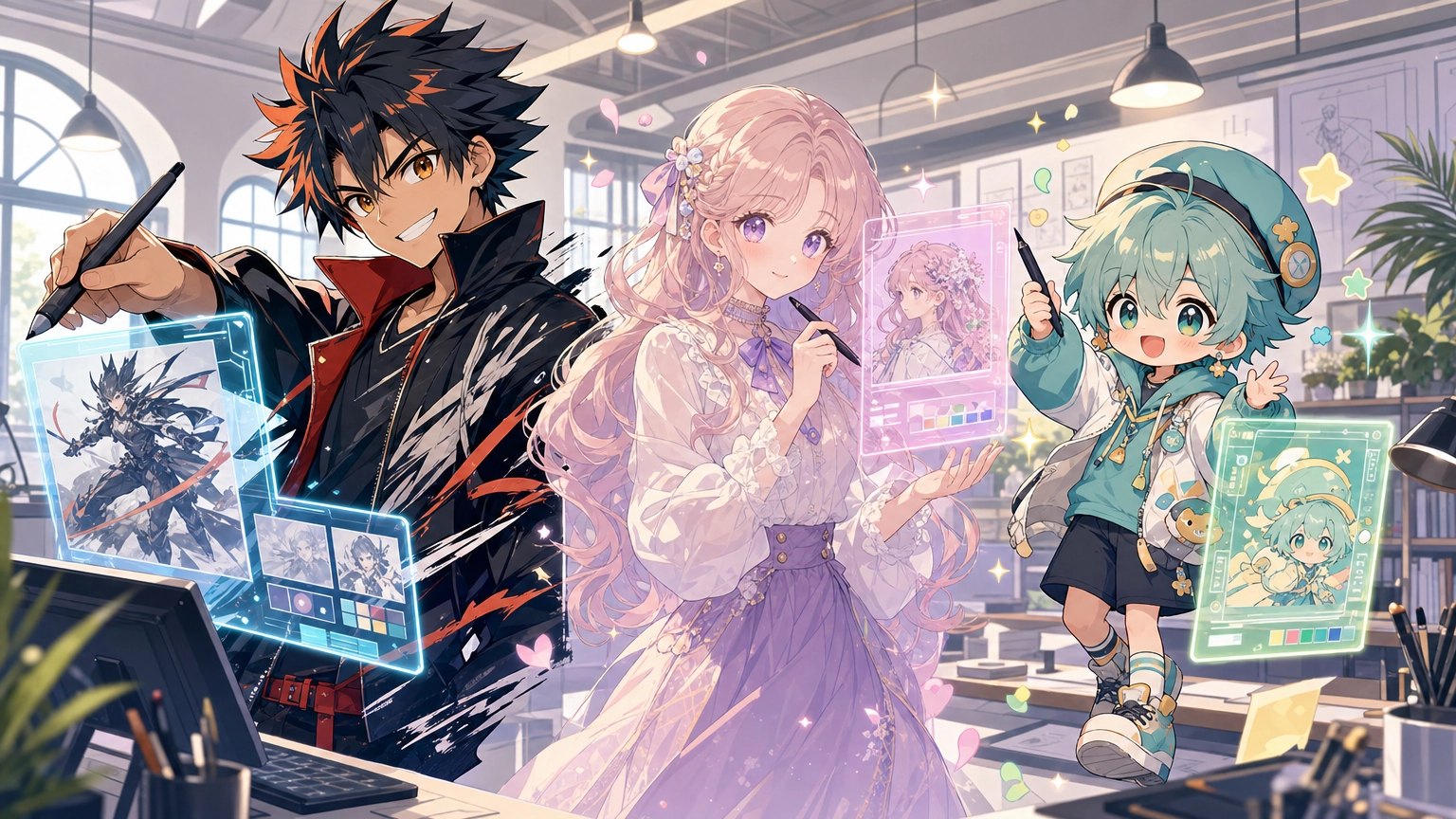
Anime-style AI art has exploded past generic "cartoon filter" territory. The best tools now understand shading conventions, eye and hair rendering, panel composition, and the dozens of sub-styles anime fans actually distinguish between — shonen, shojo, chibi, cel-shaded, Ghibli-inspired, and more. This guide ranks the ten platforms worth using in 2026, rounds up a few more tools worth knowing about, breaks down how to prompt for specific anime styles, and answers the questions people actually ask before picking a tool.
How We Ranked These
Every tool below was evaluated on four things: anime-specific output quality (not just "can it do anime," but does it understand style-specific conventions), free-tier usability, ease of getting a usable image without an account, and total cost if you outgrow the free tier. Tools that are anime-first, built by and for that community, score higher on stylistic accuracy than general-purpose image generators that happen to support an "anime" tag.
Understanding Anime Art Styles Before You Prompt
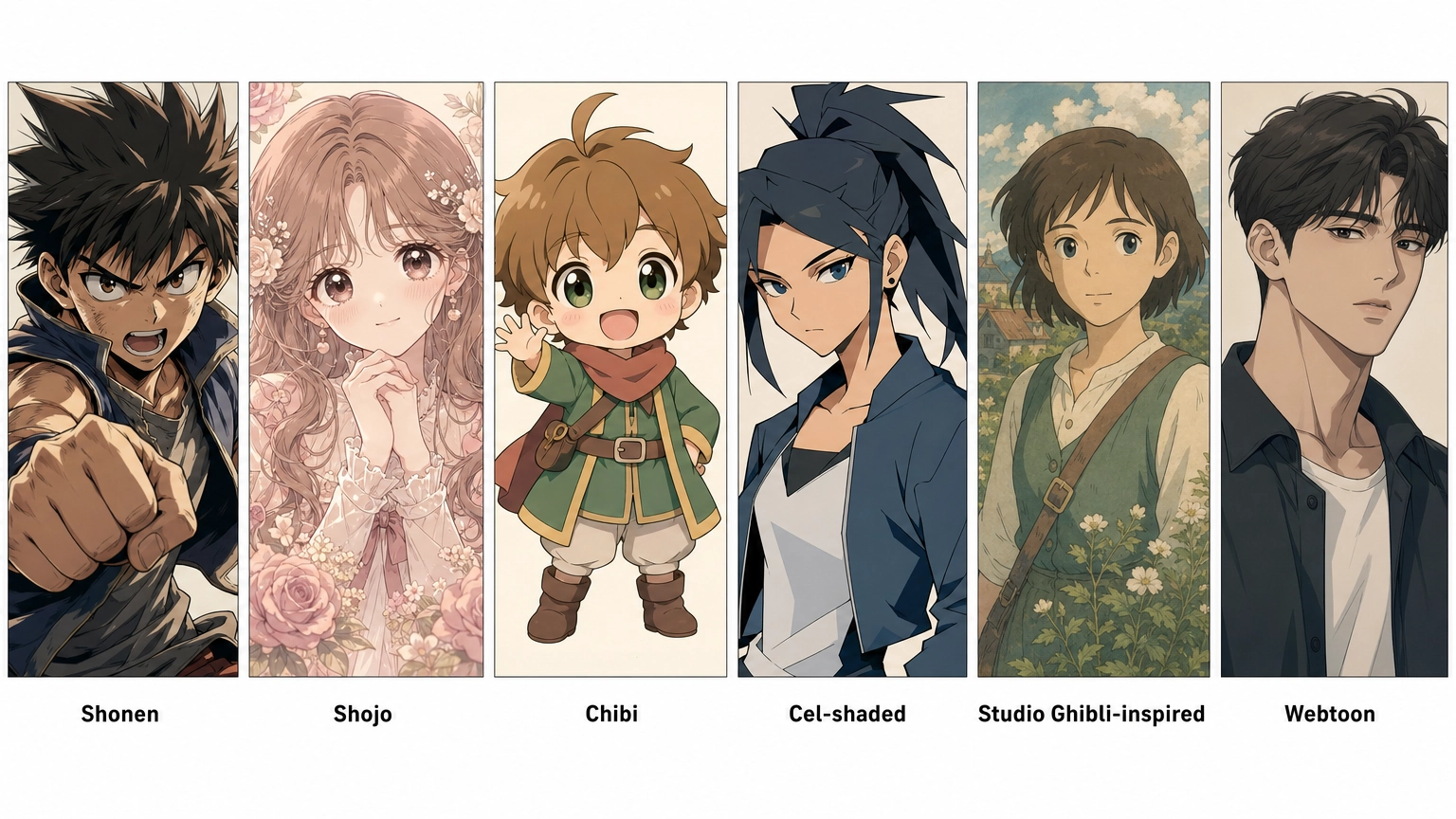
Getting good anime output starts with knowing what to ask for. These are the style categories most generators recognize:
- Shonen — bold linework, dynamic action poses, high contrast; think battle-manga energy.
- Shojo — softer lines, large expressive eyes, floral or sparkle motifs, romance-focused framing.
- Chibi — exaggerated small-body, big-head proportions; used for cute, comedic character art.
- Cel-shaded — flat color blocks with hard shadow edges, the classic "TV anime" look.
- Studio Ghibli-inspired — painterly backgrounds, muted natural palettes, soft character linework.
- Modern digital/webtoon — cleaner, semi-realistic proportions common in current manhwa and webtoons.
Naming the specific style in your prompt (rather than just "anime") is the single biggest quality lever across every tool on this list.
The Rankings
1. PixAI
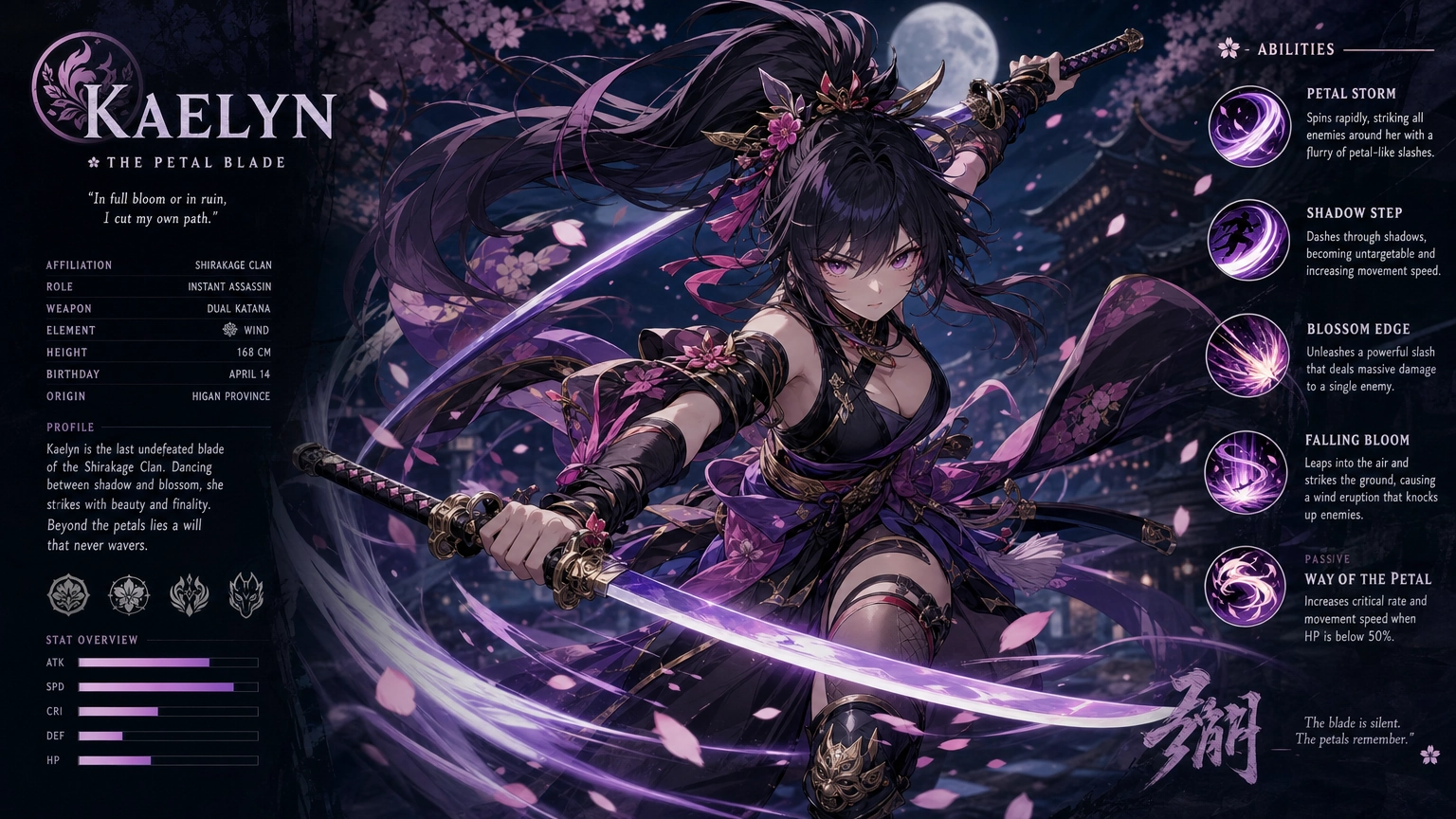
Best for: Community-driven anime creation with deep customization.
PixAI is built specifically around anime and hosts a large library of community-uploaded checkpoints and LoRAs, so you can dial in a very specific sub-style (a particular studio's look, a specific artist's aesthetic, etc.) rather than a generic "anime" tag. It supports ControlNet for pose control, image-to-image conversion, and upscaling.
- Free plan: Generous daily credits.
- Con: The checkpoint browsing and settings can be overwhelming for a first-time user who just wants one quick image.
2. Fiddl.art
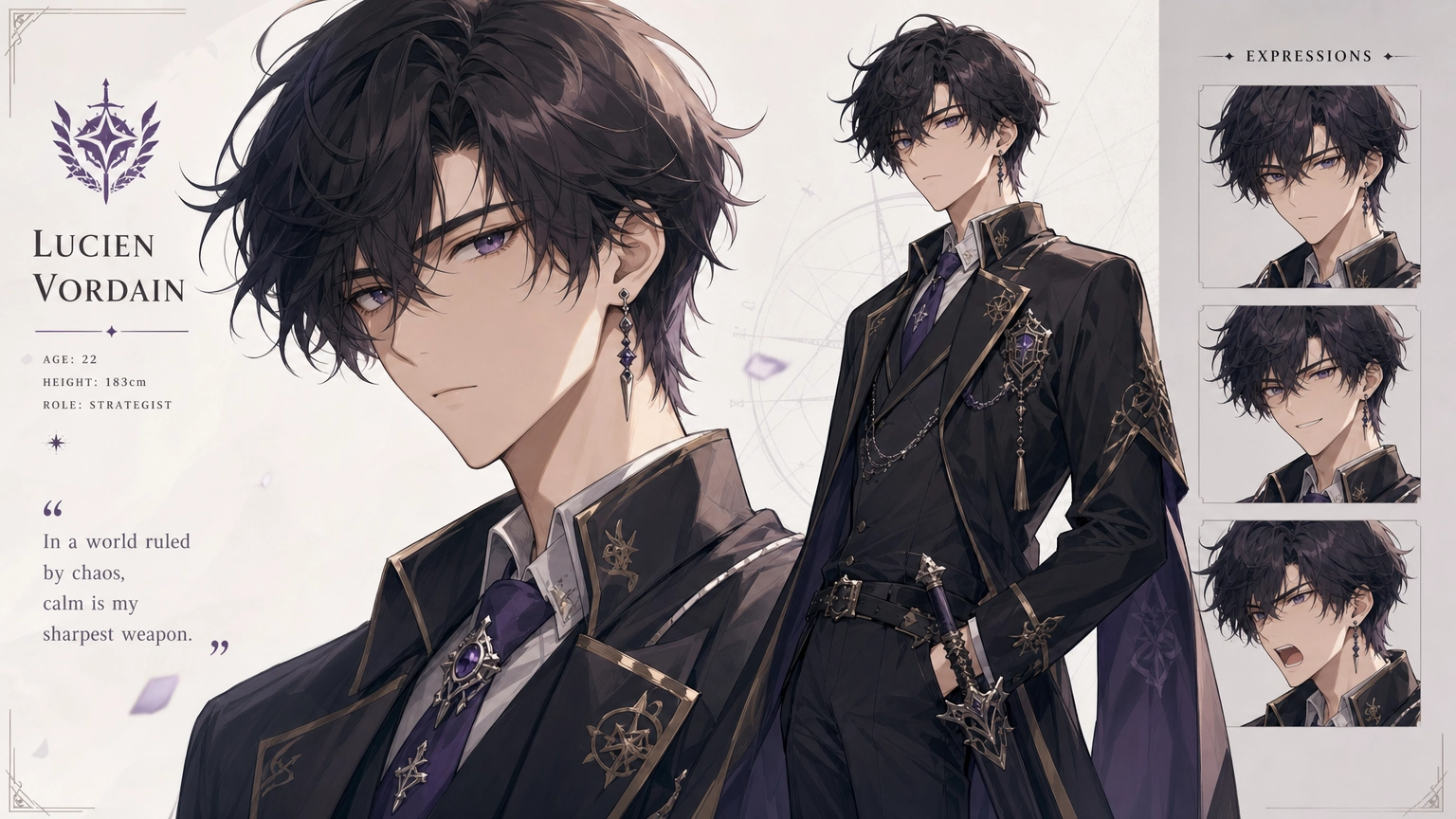
Best for: Anime art plus video and custom model training in one place.
Fiddl.art's strength shows once you want to go beyond a single static picture — turning a generated character into short video clips, or training a custom model on a consistent character design across dozens of images. For anime creators building a recurring character (webtoon pages, a mascot, a visual novel cast), that combination is hard to find elsewhere in one platform. Signing up takes a few seconds via Google, X, or Telegram (email login is also available), and comes with free credits to start. You can try it directly on the create page.
- Free plan: Free credits on signup, no payment info required.
- Con: Less specialized in niche anime sub-styles than dedicated community platforms like PixAI — fewer artist-specific fine-tunes to choose from.
3. NovelAI
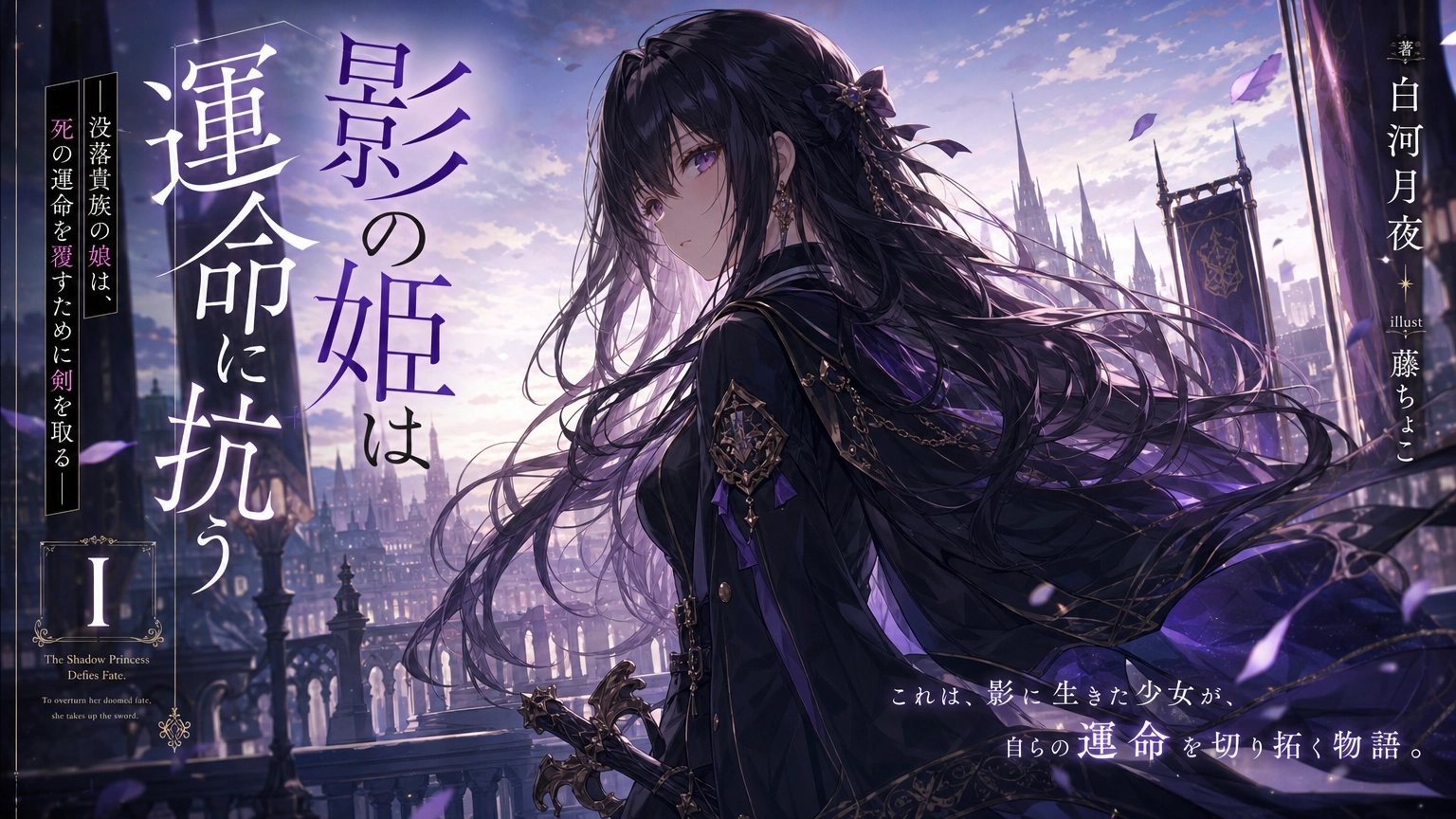
Best for: Consistent character art across a long-running project.
NovelAI's image model was trained heavily on anime and light-novel illustration data, and it's particularly strong at maintaining a consistent character look across multiple generations — useful for visual novel or webcomic creators. (If character consistency across a project is your main challenge, our guide on keeping AI-generated characters consistent across a project covers techniques that apply here too.)
- Free plan: Limited trial; full access requires a subscription.
- Con: No meaningful free tier for ongoing use — it's really a paid tool with a taste test.
4. Leonardo.Ai
Best for: Anime art alongside other styles in one workspace.
Leonardo isn't anime-first, but its anime-tuned models are solid, and it's a good pick if you also need realistic or fantasy-art generation in the same tool rather than switching platforms.
- Free plan: Daily free tokens.
- Con: Anime output can lean slightly generic compared to anime-specialist tools.
5. Canva Magic Media
Best for: Beginners who want anime-style graphics for social posts, not fine art.
If you need an anime-styled image dropped straight into a Canva design (a thumbnail, a social graphic), Magic Media is the fastest path — but it's optimizing for "good enough for a post," not detailed character illustration.
- Free plan: Included in Canva's free tier with monthly limits.
- Con: Less control over fine style details than dedicated anime generators.
6. Perchance Anime Generator
Best for: Fast, no-account casual generation.
Perchance's anime generator is genuinely no-login, no-daily-limit for casual use, which makes it the easiest on-ramp if you just want to try one image right now with zero setup.
- Free plan: Fully free, browser-based.
- Con: Lower resolution and less prompt control than paid-tier competitors; not built for production-quality output.
7. Craiyon
Best for: Extremely fast, extremely rough drafts.
Craiyon is free and instant but its anime output is noticeably lower fidelity than purpose-built anime models — useful for quick concept sketches, not finished art.
- Free plan: Fully free.
- Con: Output quality is the weakest on this list.
8. SoulGen
Best for: Character-focused anime portraits with fine facial control.
SoulGen specializes in character portraits with granular control over facial features, hair, and expression — a good fit if the character's face is the whole point of the image.
- Free plan: Limited free credits.
- Con: Less suited to full-scene or action compositions.
9. Anime AI (WaifuLabs-style generators)
Best for: Quick character concepting via clickable style sliders.
These tools skip text prompting in favor of visual sliders (hair color, eye shape, expression), which is faster for character concepting but offers less precision than prompt-based tools.
- Free plan: Fully free.
- Con: Limited to portrait-style output; no scene or pose control.
10. Tensor.Art
Best for: Trying multiple community-trained anime checkpoints without installing anything.
Tensor.Art hosts a large library of community anime checkpoints you can run directly in-browser, useful for comparing sub-styles before committing to one tool.
- Free plan: Daily free generation credits.
- Con: Interface and checkpoint quality vary widely since it's community-uploaded.
A Few More Worth Knowing About
These didn't go through the same four-point evaluation as the ranked list above, but they come up often enough in anime-generator searches that they're worth a mention.
Midjourney produces highly detailed, artistic images with a distinctive polished aesthetic. It runs through Discord, which gives it a steeper learning curve than a standalone web app, and it's not anime-specialized the way PixAI or NovelAI are, but it handles atmospheric scenes and complex prompts well if you already know your way around it.
NightCafe is a user-friendly, multi-model platform with social features and daily challenges that make it approachable for beginners. Its credit-based system allows free daily generations, though it has fewer advanced customization options than the specialist tools above.
AnimeGenius is a narrowly-scoped tool built specifically for anime character generation, optimized for quick avatars and profile pictures rather than full scenes or complex compositions. If that's all you need, it's fast; if you need more than a character headshot, look elsewhere on this list.
Comparison Table
| Tool | No Login Required | Anime Specialization | Video/Extended Features | Free Tier Usability |
|---|---|---|---|---|
| PixAI | Partial | Very High | No | Generous |
| Fiddl.art | No (free account required) | High | Yes (video, model training) | Generous |
| NovelAI | No | Very High | No | Minimal |
| Leonardo.Ai | Partial | Medium | No | Good |
| Canva Magic Media | No | Medium | No | Good |
| Perchance | Yes | Medium | No | Unlimited (casual) |
| Craiyon | Yes | Low | No | Unlimited |
| SoulGen | Partial | High (portraits) | No | Limited |
| Anime AI / WaifuLabs-style | Yes | Medium | No | Unlimited |
| Tensor.Art | Partial | Varies | No | Good |
Free-Tier Watermarks and Commercial Use, Compared
If you're picking a tool for anything beyond personal use, two questions matter more than output quality: does the free tier watermark your images, and does any tier actually grant commercial usage rights? We read the current terms of service for every tool on this list so you don't have to.
Terms verified August 2026. Third-party policies can change without notice — always confirm on the platform directly before using generated output commercially.
| Tool | Free-Tier Watermark | Commercial Use Allowed | Notes |
|---|---|---|---|
| PixAI | No visible watermark on standard generations | Generally yes — PixAI's terms grant free use of what you create, with no ownership claim by PixAI | Community-uploaded models and LoRAs can carry their own commercial restrictions; check the specific model's license before commercial use |
| Fiddl.art | No | Yes, full commercial rights on all tiers, including free | |
| NovelAI | No | Yes — full user ownership, regardless of tier | The free tier limits how much you can generate, not what you can do with what you've generated |
| Leonardo.Ai | No visible watermark | Paid tier only. On the free tier, ownership of what you generate vests in Leonardo, not you | If commercial use matters, you need a paid subscription, and Private (not Public) content if you don't want it reused for their own purposes either |
| Canva Magic Media | No visible watermark, but AI-origin metadata (including C2PA) is attached and can't be removed | Yes — full ownership of your Output, usable for any lawful purpose, including commercial | |
| Perchance | No | Yes, explicitly, with no restrictions and no attribution required | |
| Craiyon | No automatic watermark, but the free tier requires text credit or a visible logo placement for commercial use | Yes, with that attribution requirement on the free tier; paid removes it | Avoid prompts that closely recreate existing copyrighted characters — those specific images lose commercial-use eligibility regardless of tier |
| SoulGen | No | Yes for your own generations — full ownership stated | Content other users have shared publicly in the app can't be used commercially by you |
| Anime AI / WaifuLabs-style | Not addressed | Not addressed in the terms at all. Treat this as a personal/casual-use tool rather than assuming commercial rights | No ownership or IP clause exists for generated portraits in the current terms |
| Tensor.Art | No | Generally yes — same ownership language as PixAI | Same model-license caveat as PixAI: community-uploaded models can carry their own restrictions |
A few takeaways worth calling out directly: Leonardo.Ai is the one tool here where "free" doesn't mean "yours" — if you're generating on their free tier expecting to use the results commercially later, that's not what their terms grant. Waifu Labs-style tools are the opposite problem: the terms simply don't say, so there's no basis for assuming commercial rights either way. And for community-model platforms like PixAI and Tensor.Art, the platform's own policy is generally permissive, but the specific model or LoRA you use can override that — always worth a check before you commit to using an image commercially.
Because terms shift, always confirm directly on the platform before using output commercially, even if it's cleared here.
Prompting for Better Anime Output
A prompt structure that consistently produces better anime results across most of these tools (for a deeper dive on prompt-writing fundamentals that apply beyond anime specifically, see our full guide to AI image prompts):
[Style] + [Subject description] + [Pose/action] + [Setting] + [Lighting/mood] + [Quality tags]
Example: "Shojo style, young woman with long lavender hair and star-shaped hair clips, sitting by a window reading, soft afternoon light, cherry blossoms outside, detailed linework, pastel color palette."
A few things that consistently improve results:
- Naming the sub-style (shonen, shojo, cel-shaded, etc.) rather than just "anime"
- Specifying eye and hair detail directly, since these are the features anime models are most tuned to render well
- Including a lighting/mood descriptor — "soft afternoon light" does more work than leaving it out
- Keeping quality tags (like "detailed linework") at the end rather than the front
Turning a Photo Into Anime Art
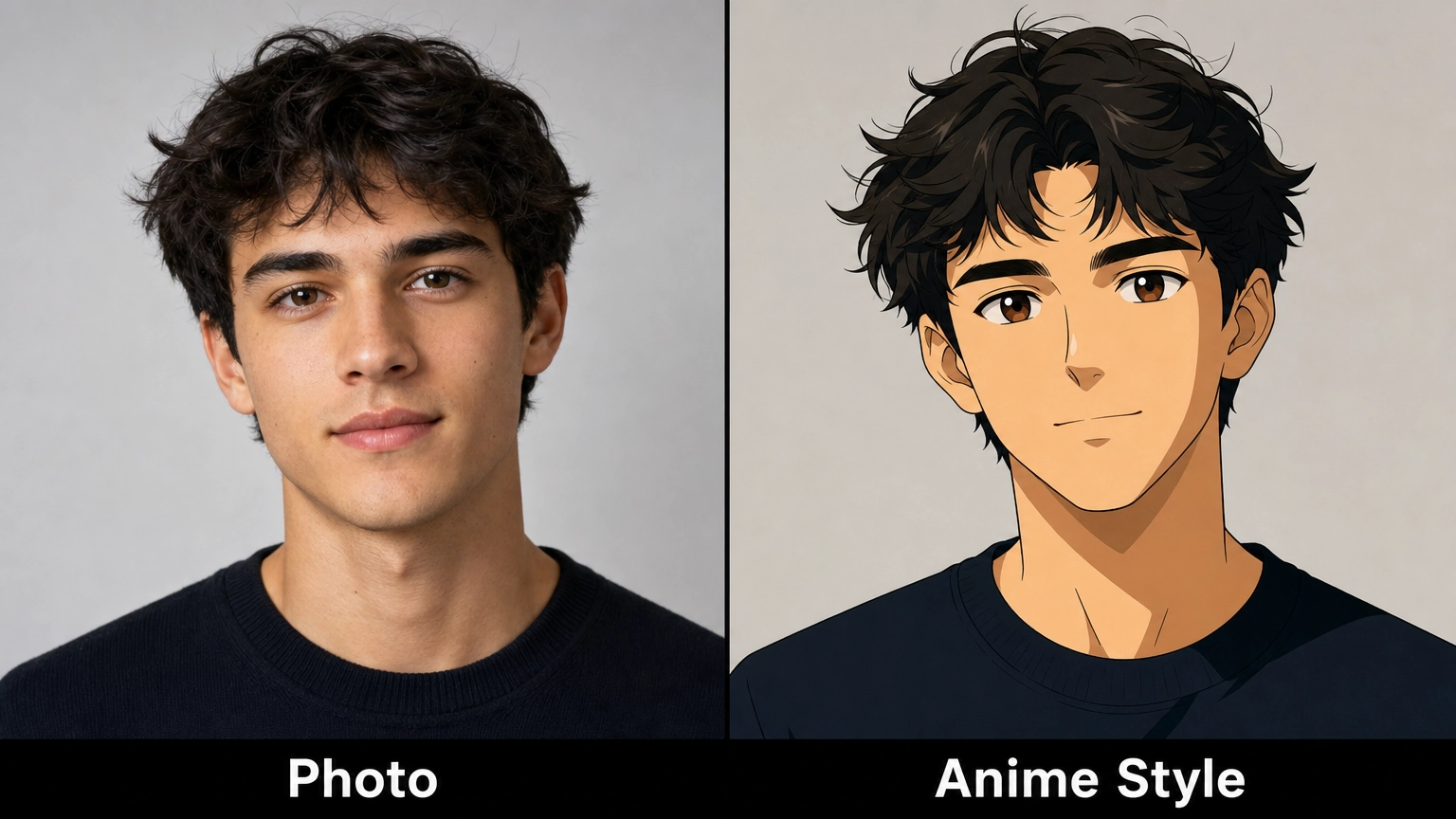
Several tools on this list support image-to-image conversion, which takes an uploaded photo and restyles it in an anime aesthetic rather than generating from a text prompt alone. This works best when:
- The source photo has clear, even lighting on the face
- You pick a style (chibi, shojo, cel-shaded) rather than leaving it generic
- You expect a stylized reinterpretation, not a 1:1 likeness — the further the target style is from realism, the more the model will depart from exact facial proportions
PixAI, Fiddl.art, and Leonardo.Ai all support this workflow with reasonable fidelity on the free tier. If you want to browse example transformations before trying it yourself, Fiddl's community gallery has a range of style conversions to look through.
Creative Ways People Are Using These Tools
- Webtoon and webcomic pages — generating consistent character models to speed up early drafts
- Visual novel character design — testing multiple looks for a character before committing to a final design
- Social media avatars and banners — quick anime-style profile art
- Tabletop RPG character portraits — giving a homebrew character a visual identity
- Concept art for original characters (OCs) — fast iteration before hiring an artist for a final version
- Fan art exploration — reimagining existing characters in different art styles as a creative exercise
Frequently Asked Questions
Can I generate anime art for free without creating an account?
Yes on some platforms — Perchance and Craiyon both allow generation without signing up. Others, including Fiddl.art, require a free account, though sign-up is fast (Google, X, Telegram, or email) and comes with a free-credit allowance to start generating right away.
Which tool is best for a consistent recurring character?
NovelAI and PixAI are the strongest for character consistency across multiple generations, since both were built with iterative anime character work in mind. Fiddl.art's custom model training is a good option if you plan to generate the same character across many images or eventually turn them into video.
Do I need to know anime terminology to get good results?
No, but it helps significantly. Naming a sub-style (shojo, shonen, cel-shaded) instead of just typing "anime" is the fastest way to improve output quality on any of these tools.
Do free tiers watermark their output, and are these tools cleared for commercial use?
It varies significantly by platform and plan. See the free-tier watermark and commercial-use comparison above for a tool-by-tool breakdown — a few standouts: Leonardo.Ai's free tier doesn't grant you ownership of what you generate at all, Waifu Labs-style tools don't address commercial rights in their terms either way, and Fiddl.art grants full commercial rights with no watermark on every tier, including free. Terms change, so always double-check current terms directly on the platform before using generated art commercially.
What's the difference between anime-specialist tools and general AI image generators with an anime style option?
Anime-specialist tools (PixAI, NovelAI, SoulGen) are trained heavily or exclusively on anime/manga art, so they tend to understand style-specific conventions — eye rendering, line weight, shading — more accurately. General-purpose generators with an anime option (Leonardo, Canva) are more versatile but can produce slightly more generic results within the style.
Can these tools convert a real photo into anime style?
Yes, several — PixAI, Fiddl.art, and Leonardo.Ai — support image-to-image conversion for this. Results are a stylized reinterpretation rather than an exact likeness, especially for stylized targets like chibi.
Is there a tool that also handles video, not just still images?
Fiddl.art is the option on this list with anime-capable video generation alongside image generation, useful if you want to animate a character rather than produce a single static image.