ai background changer
AI Background Changer
Upload one image, describe the new scene, and generate a background replacement that keeps the main subject recognizable.
Tool summary
- Input
- Image upload required, up to 1 input image
- Model
- gpt-image-2
- Default aspect ratio
- 1:1
- Output
- Change background
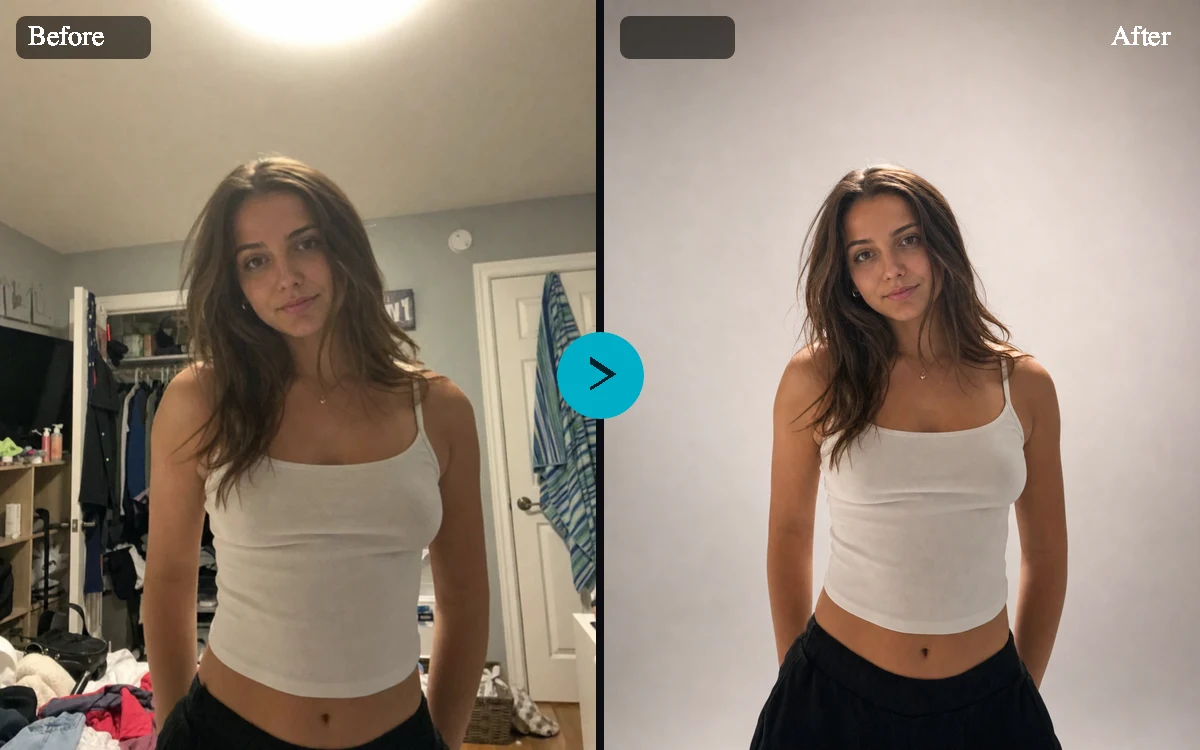
Change the background of a photo without rebuilding the subject
The AI Background Changer is designed for a high-intent editing job: keep the main subject and replace everything around it. The default prompt tells the model to preserve identity, proportions, clothing, labels, product details, edges, and pose so the result stays useful for real product, portrait, pet, object, and vehicle photos.
Background presets for ecommerce, social, and campaign images
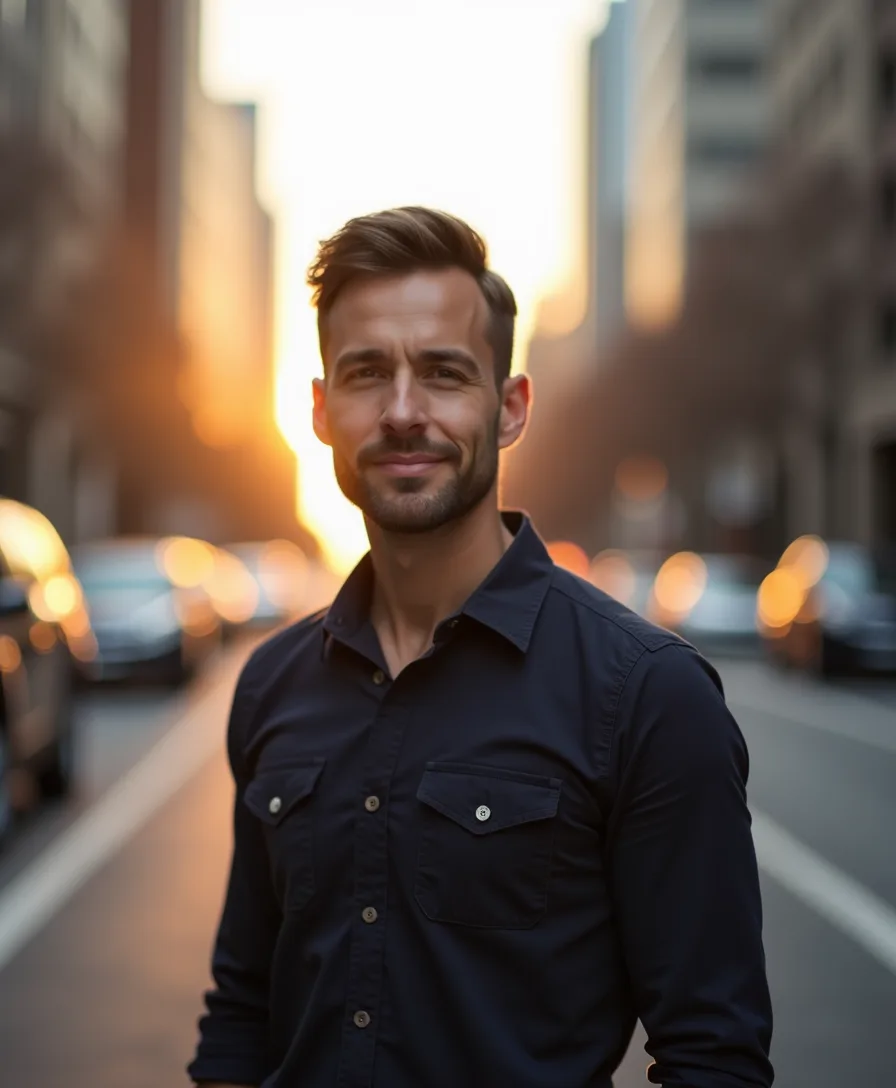
Use white studio for marketplace listings, soft gradient for polished profile images, office for professional portraits, nature for lifestyle edits, luxury interior for premium campaign visuals, or city street for urban launch images. Each preset carries its own prompt snippet so the output can match the scene instead of just swapping colors.
Custom AI background replacement when presets are not enough
Custom prompt mode lets you describe a specific location, surface, mood, season, or brand environment. Just describe the new surroundings you want and keep the focus on the scene rather than the subject.
Stage your edit, then sign in to generate
Upload your photo, pick a preset or write a custom background prompt, and set your options right on the page. When you click generate, we save your draft and ask you to sign in or create an account, then bring you right back to confirm and create your new background.
Product listings
Replace messy tabletops, showroom floors, or inconsistent vendor images with clean studio and marketplace backgrounds.
Profile and creator images
Move portraits from casual snapshots into office, gradient, or campaign-style scenes while keeping the person recognizable.
Social media variations
Generate multiple aspect ratios and scene styles from one source photo for feed posts, stories, ads, and announcements.
Pet and object cleanup
Keep a pet, collectible, craft item, room object, or vehicle as the focus while replacing distracting surroundings.
AI Background Changer examples
Example presets
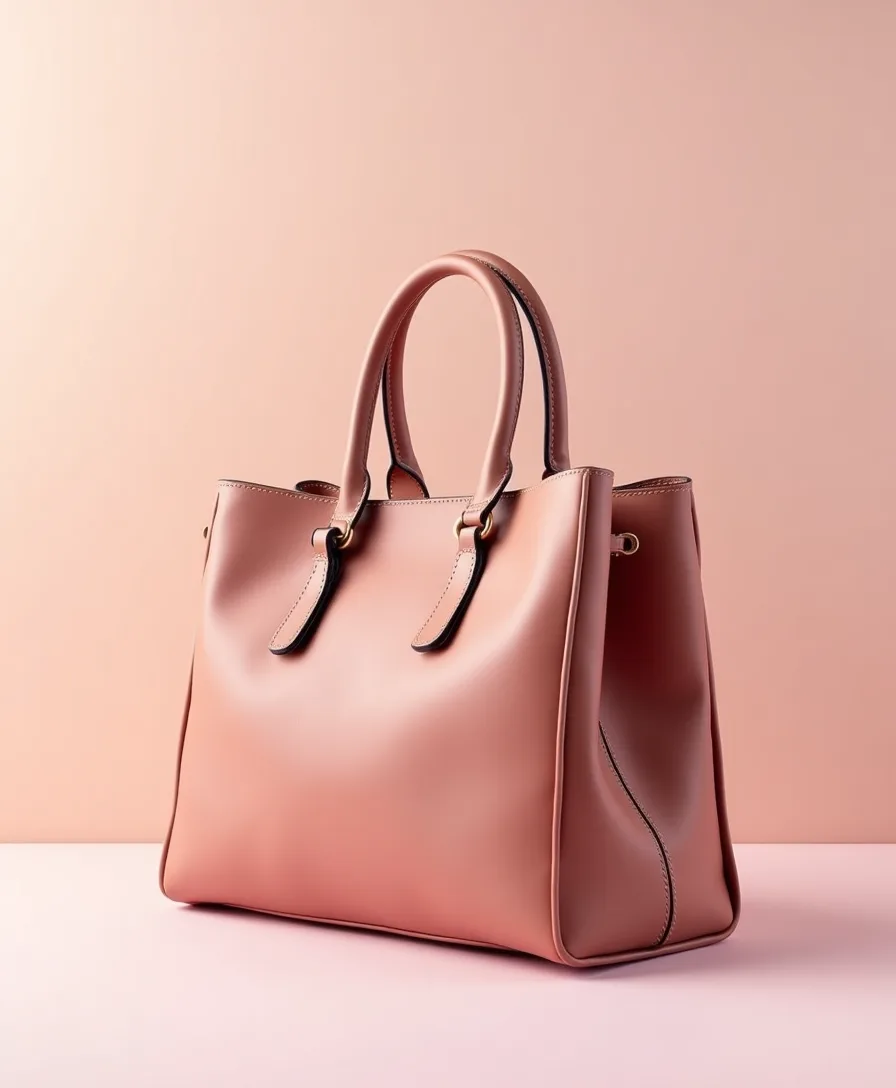
- Marketplace productReplace the background with a clean white marketplace backdrop, soft natural shadow under the product, and enough margin for a listing crop.
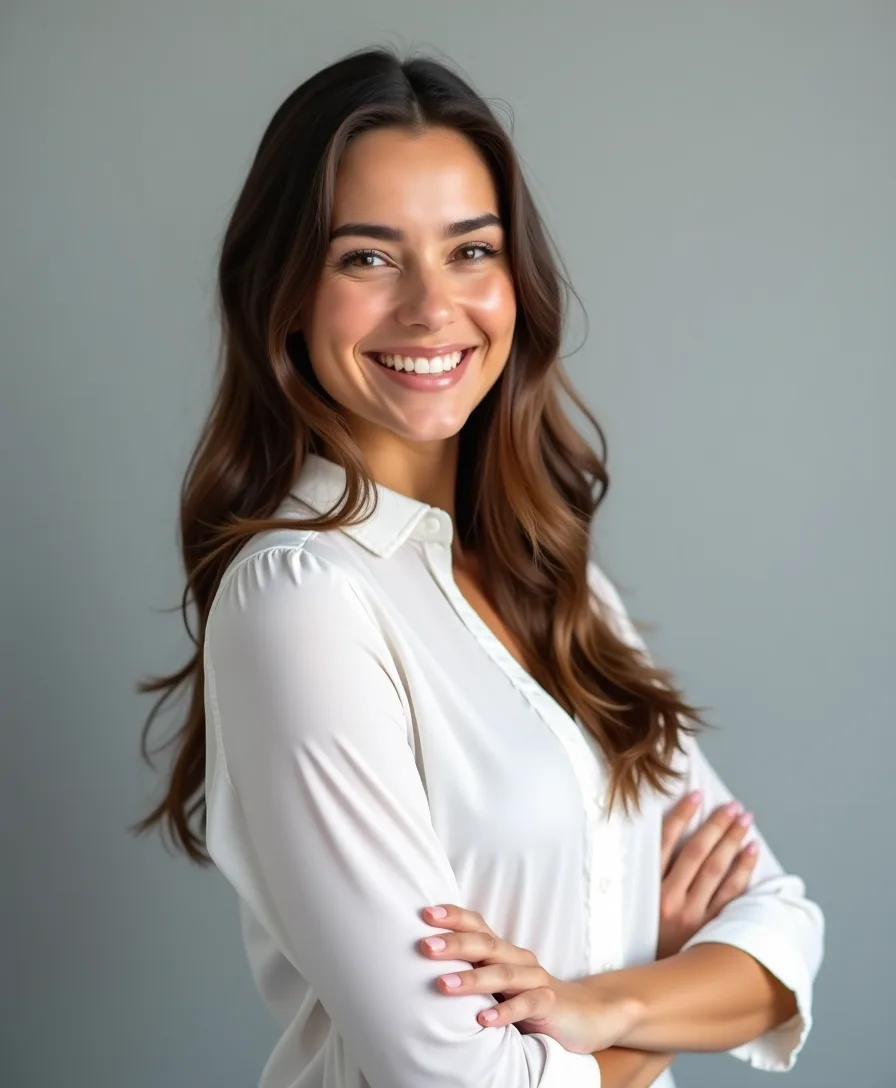
- Creator portraitPlace the person in a modern studio with a subtle warm gradient, realistic depth, and flattering light while preserving their face and clothing.
- Pet outdoorsReplace the background with a sunny park scene, soft grass, and natural depth of field while keeping the pet exactly recognizable.
- Vehicle listingMove the vehicle into a clean urban dealership-style setting with realistic reflections, contact shadows, and matching perspective.
Controls and settings
- Background styleChoose from White studio, Soft gradient, City street, Office, Nature, Luxury interior, Marketplace clean, Custom prompt.
- Custom backgroundA warm cafe table beside a window, soft daylight, shallow depth of field.
- Subject typeChoose from Product, Person, Pet, Object, Vehicle.
- Aspect ratioChoose from Match input, Square 1:1, Portrait 4:5, Story 9:16, Landscape 16:9.
- Keep subject positionKeep the subject in the same position, size, angle, and crop as the uploaded image unless the selected aspect ratio requires minor canvas adjustment.
- VariationsGenerate 1 to 4 variants. Default: 2.
Subject preservation matters
Review outputs before publishing, especially for faces, brand packaging, text, logos, products with regulated claims, and identity-sensitive photos.
Frequently asked questions
What is an AI background changer?
An AI background changer replaces the surroundings in an uploaded photo while attempting to keep the main subject intact. You upload one image, and the tool focuses on preserving your subject while it builds a new background.
Can I use a custom background prompt?
Yes. Choose Custom prompt and describe the new scene, surface, location, lighting, or mood. When you pick custom mode, you'll need to enter a background description before you generate.
Will it change the subject?
The tool works to keep your subject unchanged, including identity, proportions, clothing, labels, logos, and edges. AI edits can still vary, so review the output before using it in commercial or identity-sensitive contexts.
What kind of photos work best?
Use a clear photo where the main subject is visible and not heavily covered by foreground objects. Product images, portraits, pets, vehicles, and single objects are the strongest fit.
Can I keep the same crop and subject position?
Yes. The Keep subject position option preserves your subject's size, position, angle, and crop unless a different aspect ratio requires minor canvas adjustment.
Is this the same as a background remover?
No. A background remover usually cuts the subject out or creates transparency. This AI background changer replaces the background with a new generated scene.
Do I need to login to generate?
You can browse the page and set up your edit freely, but you'll need to sign in before your photo is uploaded and your background is generated.